The instructor console: roster, assignment, pods and scoring
A netplex. Classroom turns one lab template into a room full of identical, isolated pods - one per student, nobody can see or touch another's work. The instructor console is one page with four tabs that cover the whole session: Roster (who's in the room), Assignment (what they're working on), Live pods (watch everyone at once), and Scoring (grade the result).
Open Classrooms from the navigation. The Roster tab is where a class starts: add students one at a time or import a CSV of names, and netplex. auto-generates a username and a temporary password for each - built for a room of laptops with no accounts to pre-provision.
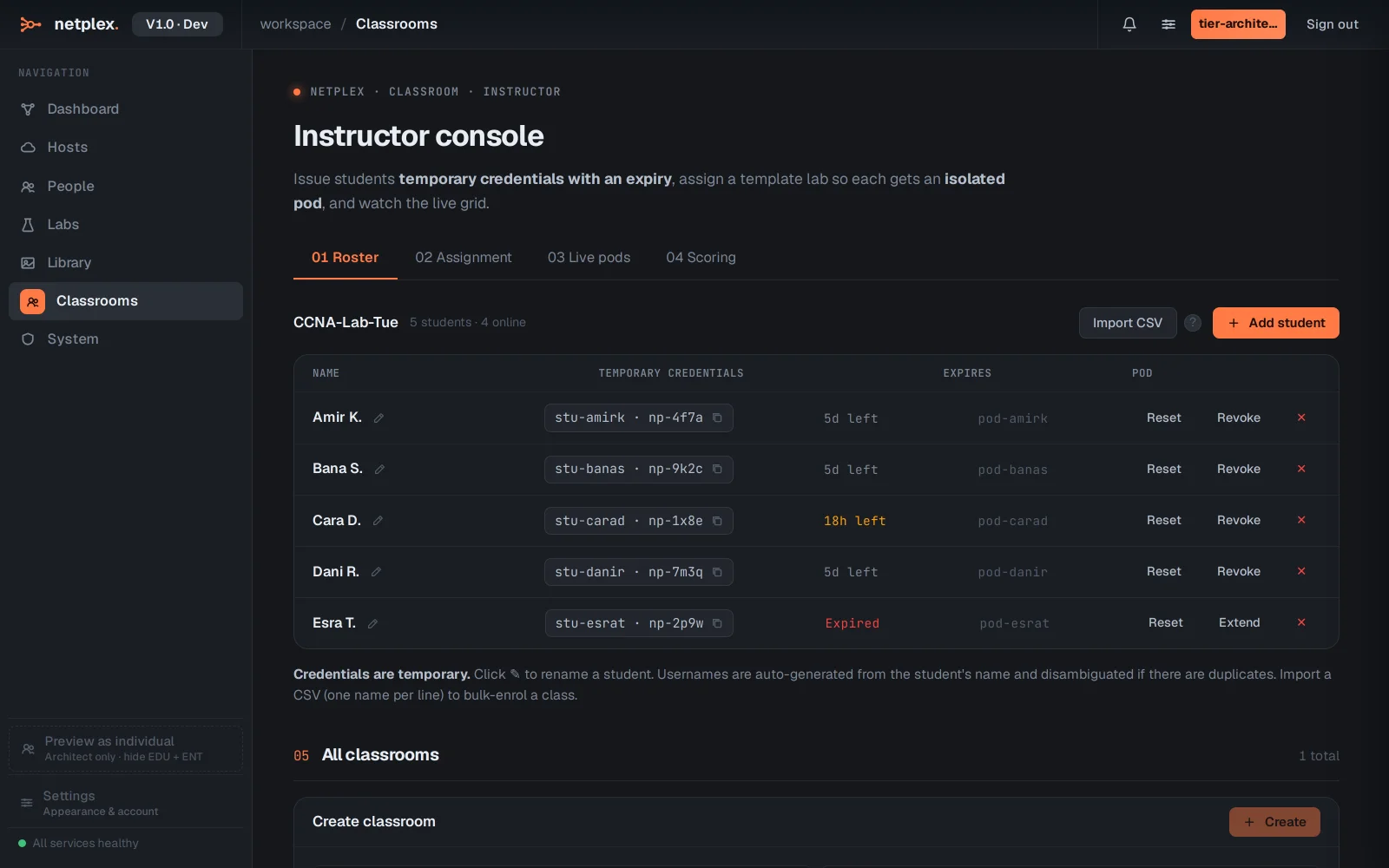
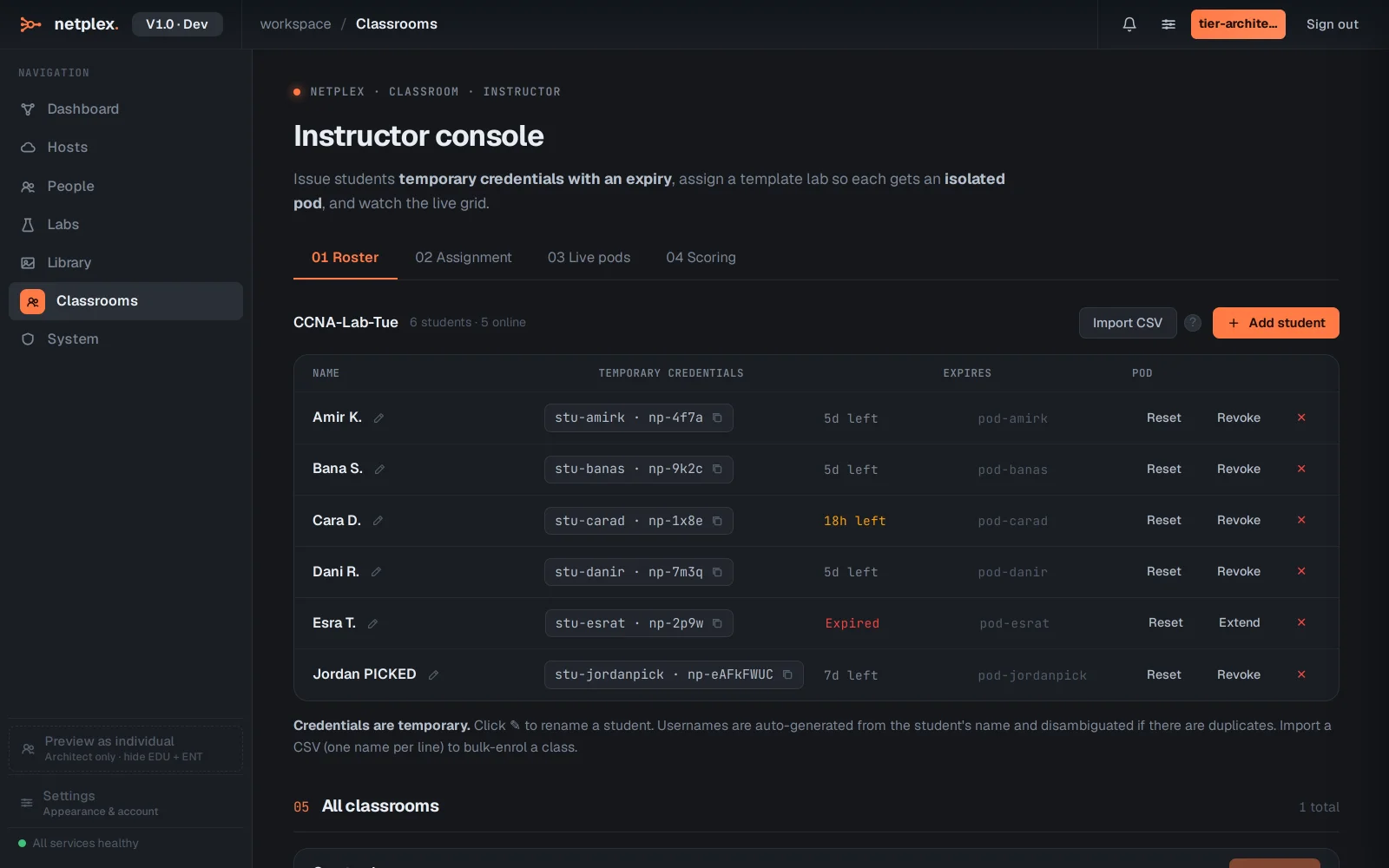
Click + Add student. Type a name and netplex. issues credentials on the spot - no student needs an email or a pre-made account, and the credentials expire automatically so a class list from last term cannot log in today.
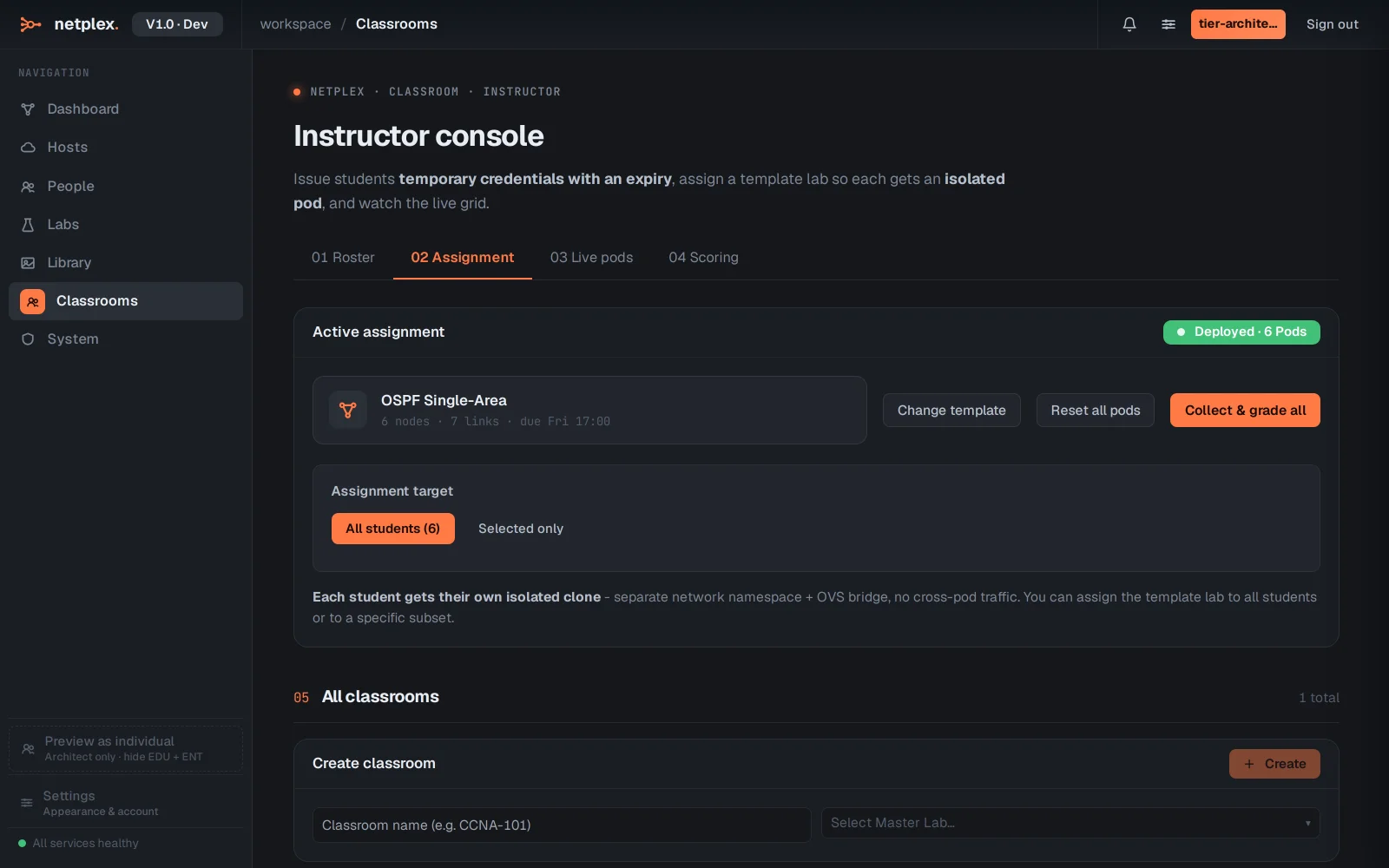
The Assignment tab hands out the actual lab: pick a template, choose all students or a selection, and each gets their own private pod cloned from it - same topology, zero cross-talk. Live pods then shows every student's pod status at a glance, and Scoring is where submissions get graded once the session ends.
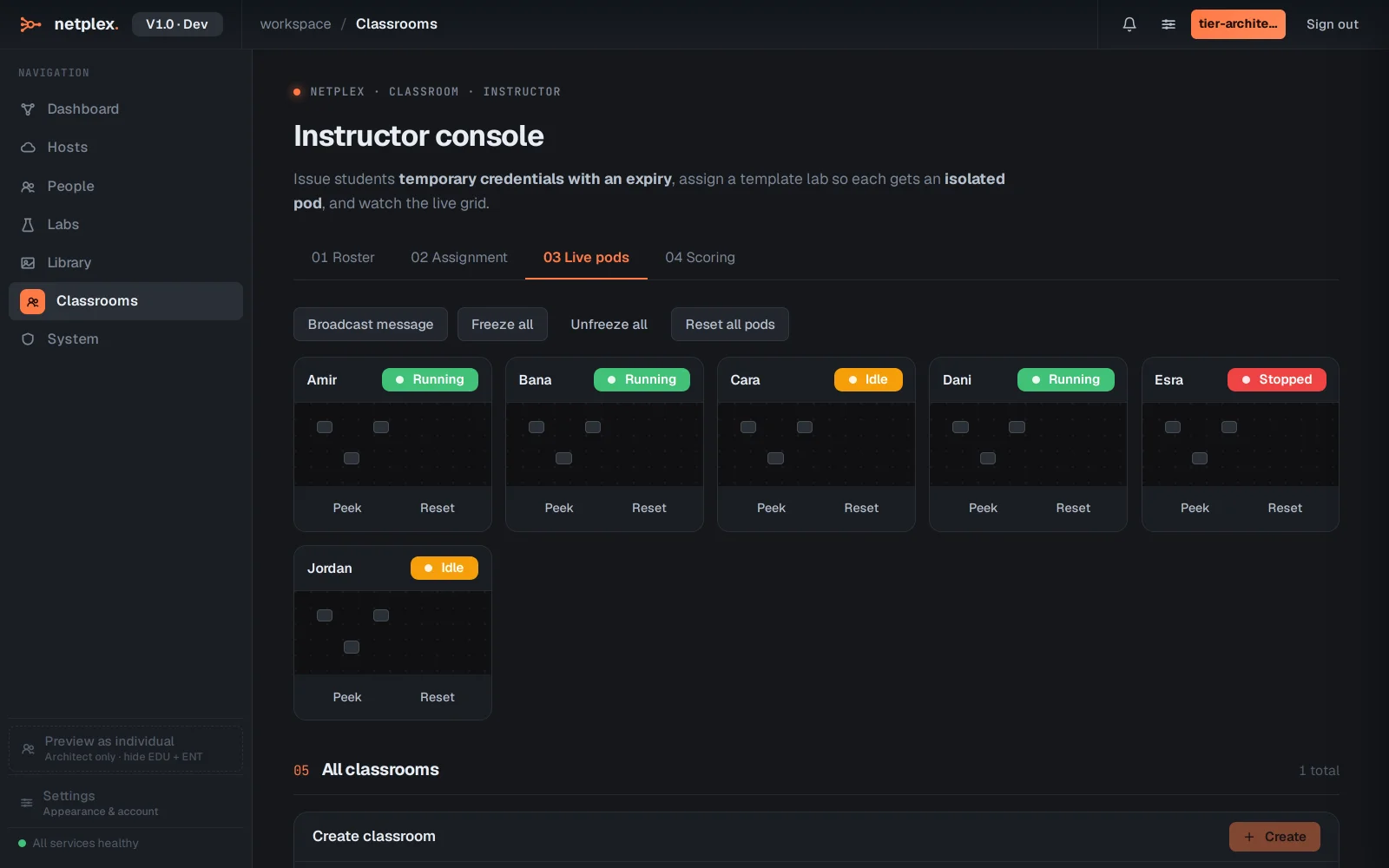
Switch to Live pods to see the whole room at once - who is on track, who is stuck, who has not started. For a full-screen version built for projecting, see the Command Centre.
Everything here runs on the same lab engine as the rest of netplex. - a student's pod is a real lab with real nodes, not a simulation, so what they practise is exactly what they will do on the job. For a bigger-screen live view built for the front of a classroom, see the Command Centre; for the pricing tier this unlocks at, see Plans, node limits & what unlocks where.