People: teams, roles, image policy and the audit log
Beyond a single account, netplex. Enterprise manages the whole organisation from one page: People. Four tabs cover it - Teams (group users and scope what they can reach), Users & roles (who has admin vs. member access), Image Policy (control which vendor images the org is allowed to run), and the Audit Log (a record of every privileged action, for compliance).
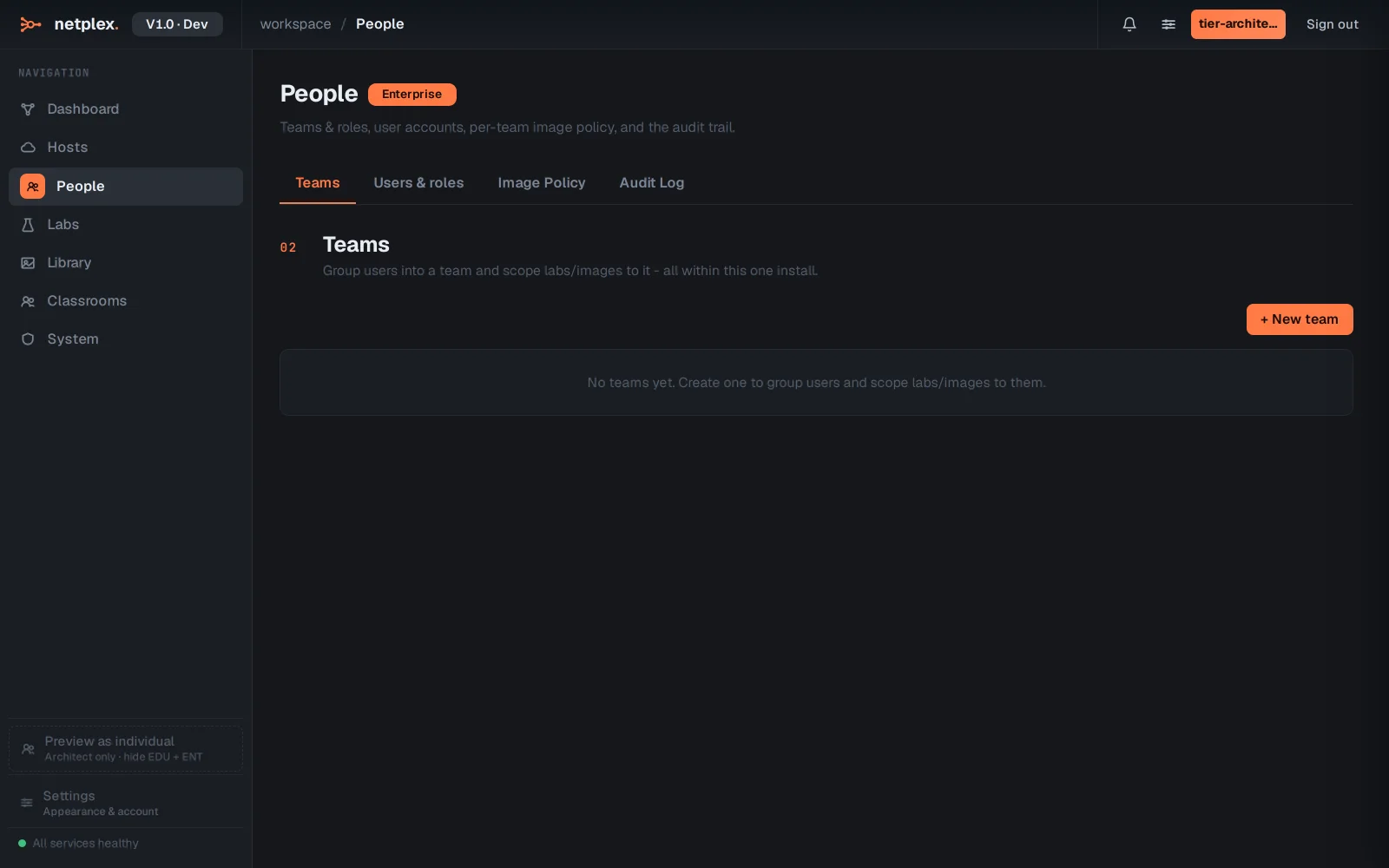
Open People from the navigation and land on Teams. Teams group users so permissions and lab visibility scope to a group, not the whole tenant - a training team and a production team can share one netplex. instance without seeing each other's labs.
The Users & roles tab is where access itself lives: assign each person a role (admin, member, viewer) so day-to-day work happens without everyone holding admin rights.
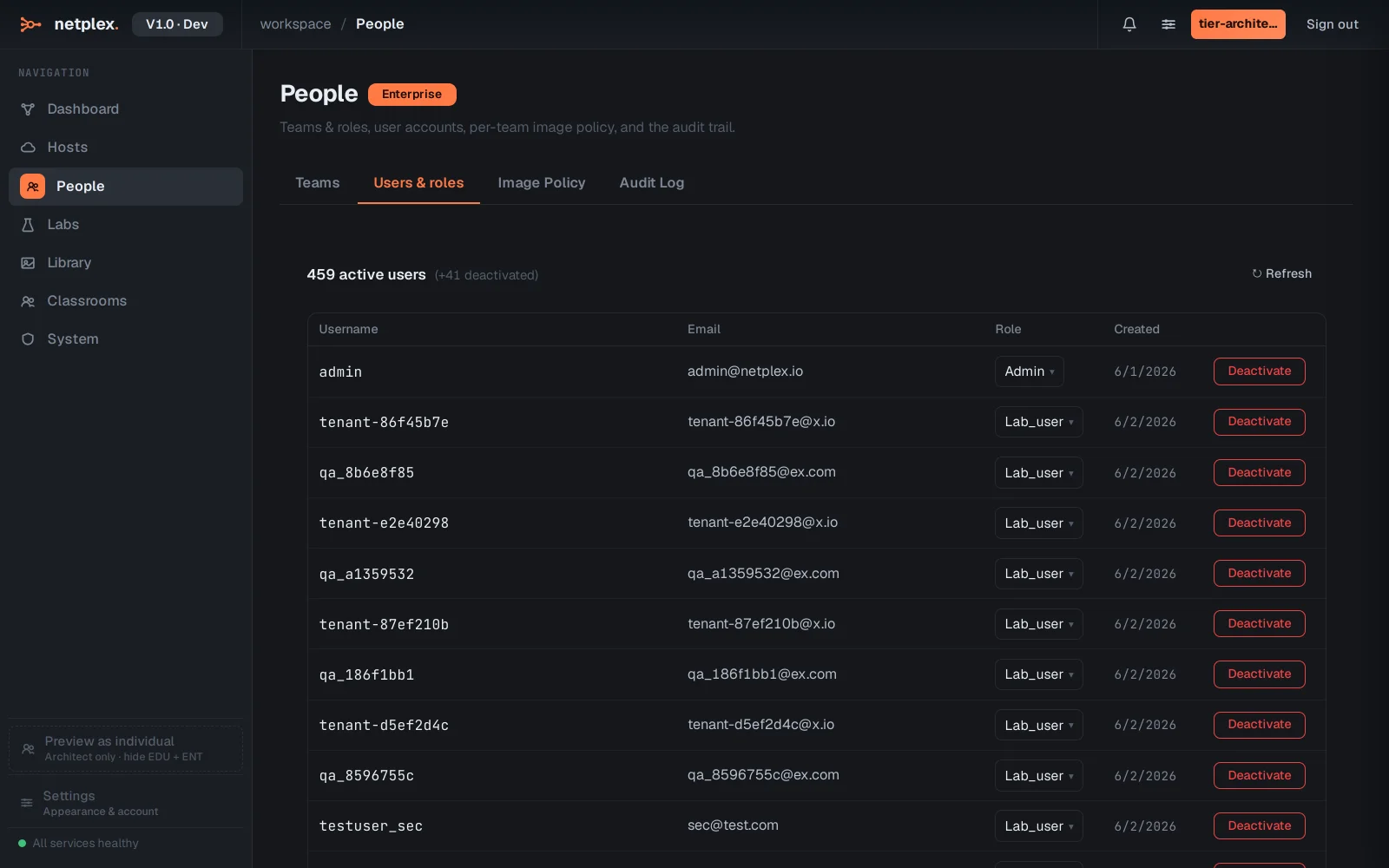
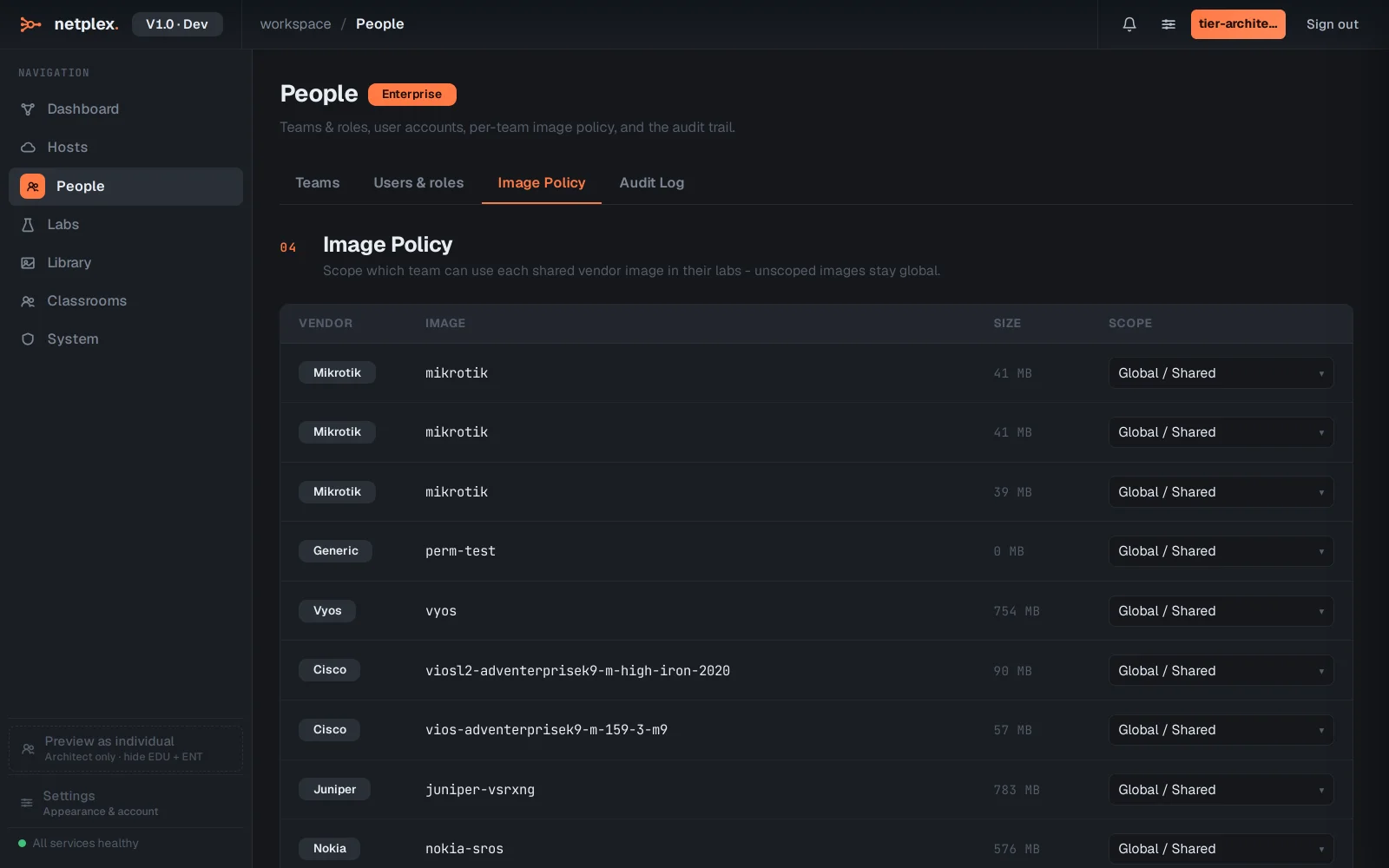
Image Policy lets an organisation restrict which images can run at all - block unapproved Docker registries or unlicensed vendor images before they ever reach a lab, rather than policing it after the fact.
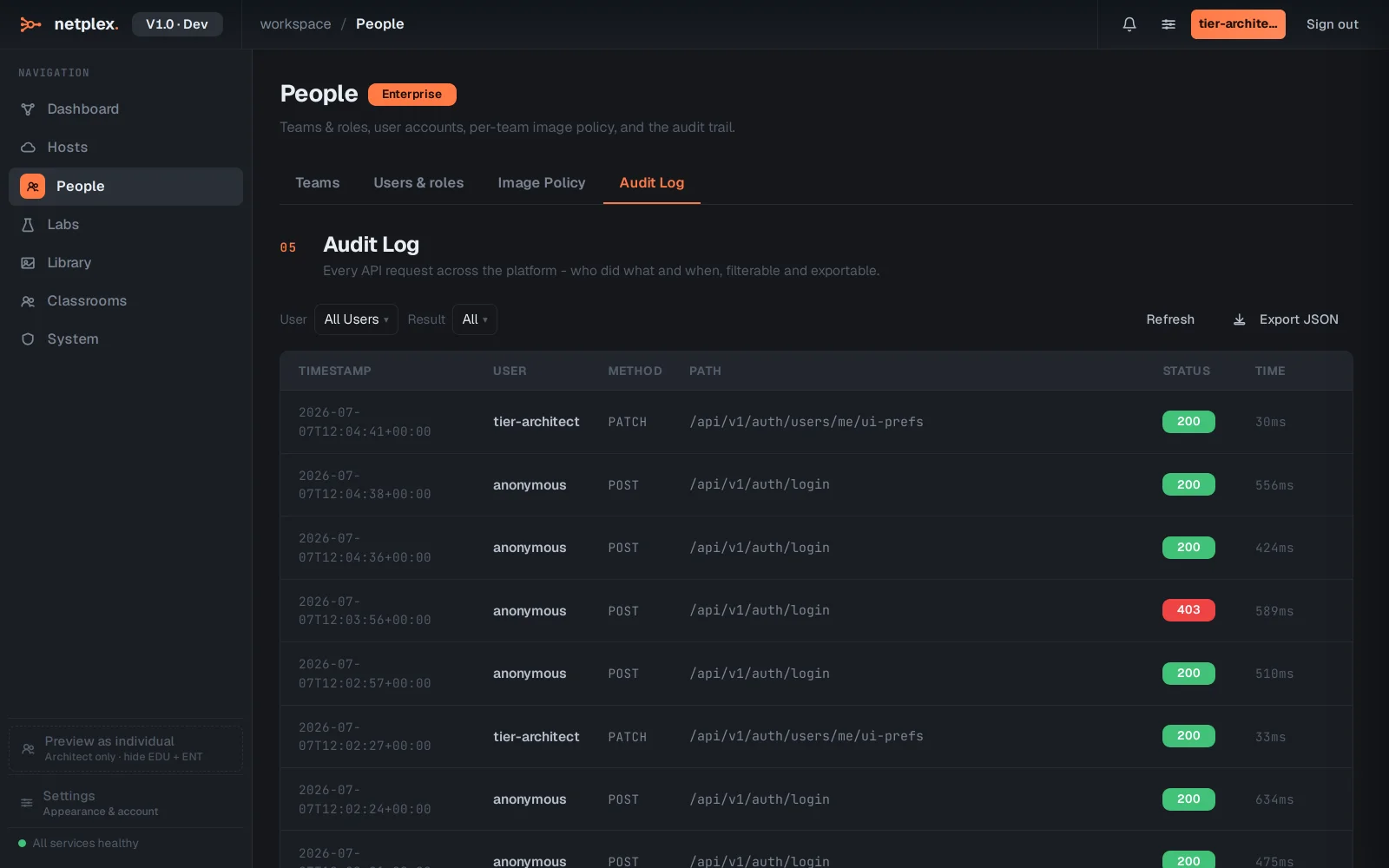
The Audit Log is the compliance record: every privileged action - role changes, policy edits, licence activity - timestamped and hash-chained so the trail cannot be quietly edited after the fact.
Teams, roles, image policy and the audit log are what turn netplex. from a single-user lab tool into something an IT department or a training organisation can run for dozens of people with real access control. See "Plans, node limits & what unlocks where" for which tier includes People, and "The VXLAN fabric" for the matching multi-host fleet management under Hosts.