Test reachability between nodes
Did the wire come up? Is the route right? Instead of opening a console and typing ping, the Inspector has a built-in Connectivity Test: pick a node, give it a target, and it pings from inside that device and tells you Reachable or not - with the real output.
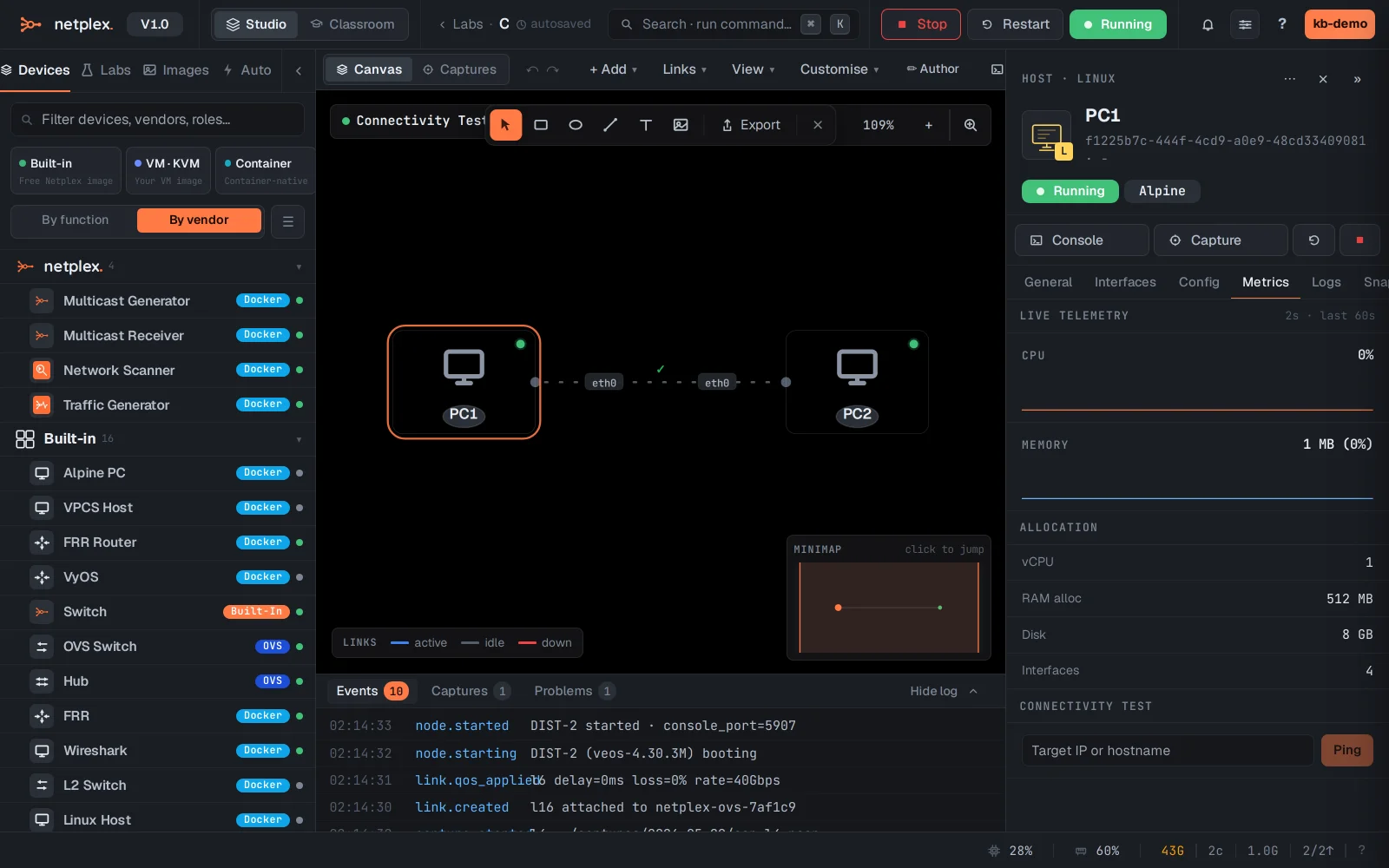
Select the source node and open the Metrics tab. At the bottom is the Connectivity Test - a target box and a Ping button.
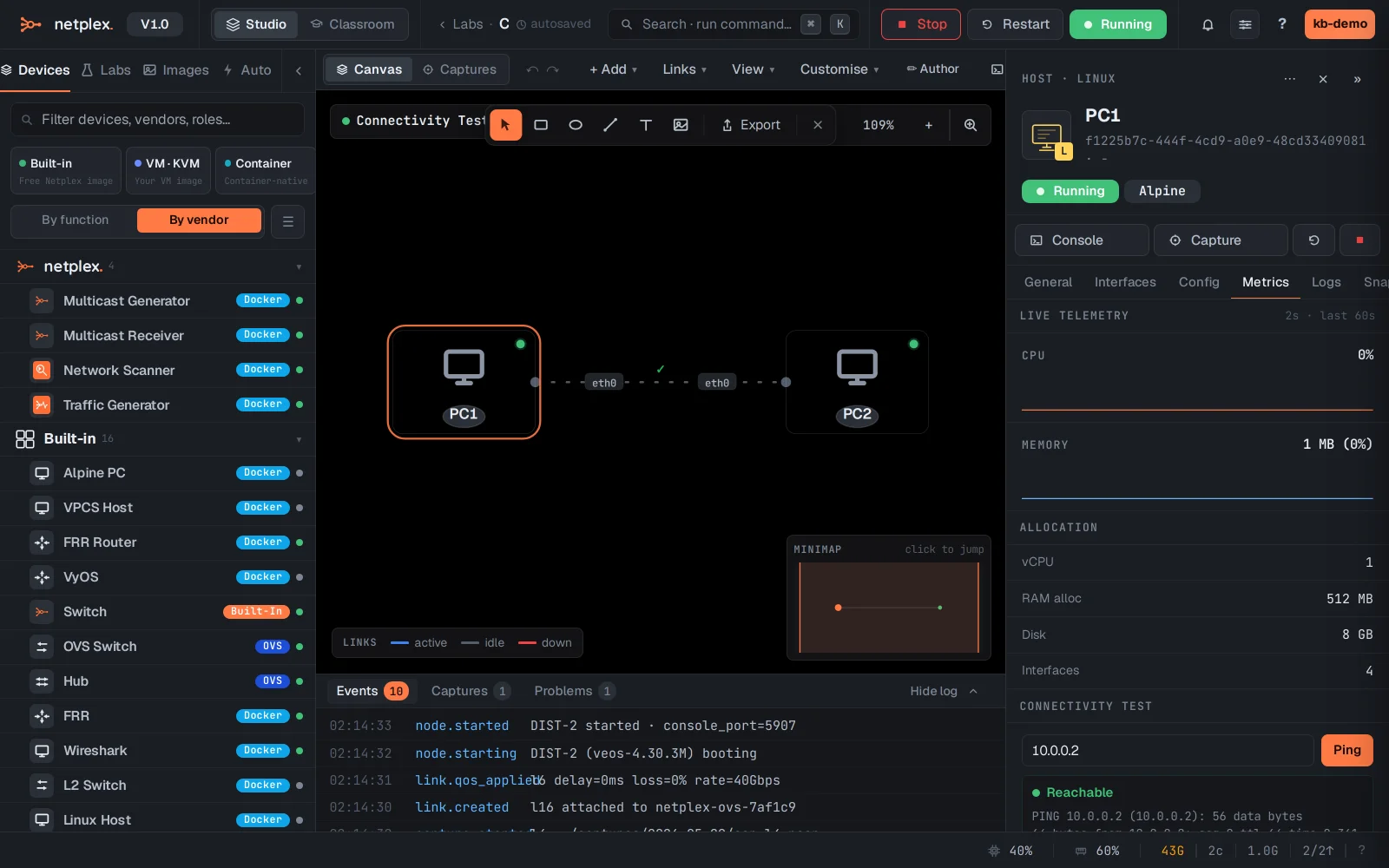
Type the target - here PC2 at 10.0.0.2 - and click Ping. netplex. pings from inside PC1 and reports Reachable with the round-trip output.
An Unreachable result is just as useful - it points straight at the break: a down interface, a missing address, a QoS rule dropping everything, or a firewall doing its job. Run it from either end to narrow down where traffic stops.