Add a link while the lab is running (hot-attach)
You do not have to stop a lab to rewire it. Draw a link between two running nodes and netplex. builds the wire live - the new interface appears inside both devices seconds later, ready to configure. No reboot, no lost state.
Both PCs are running - and deliberately not connected. Each node has only its loopback so far; there is no wire between them.
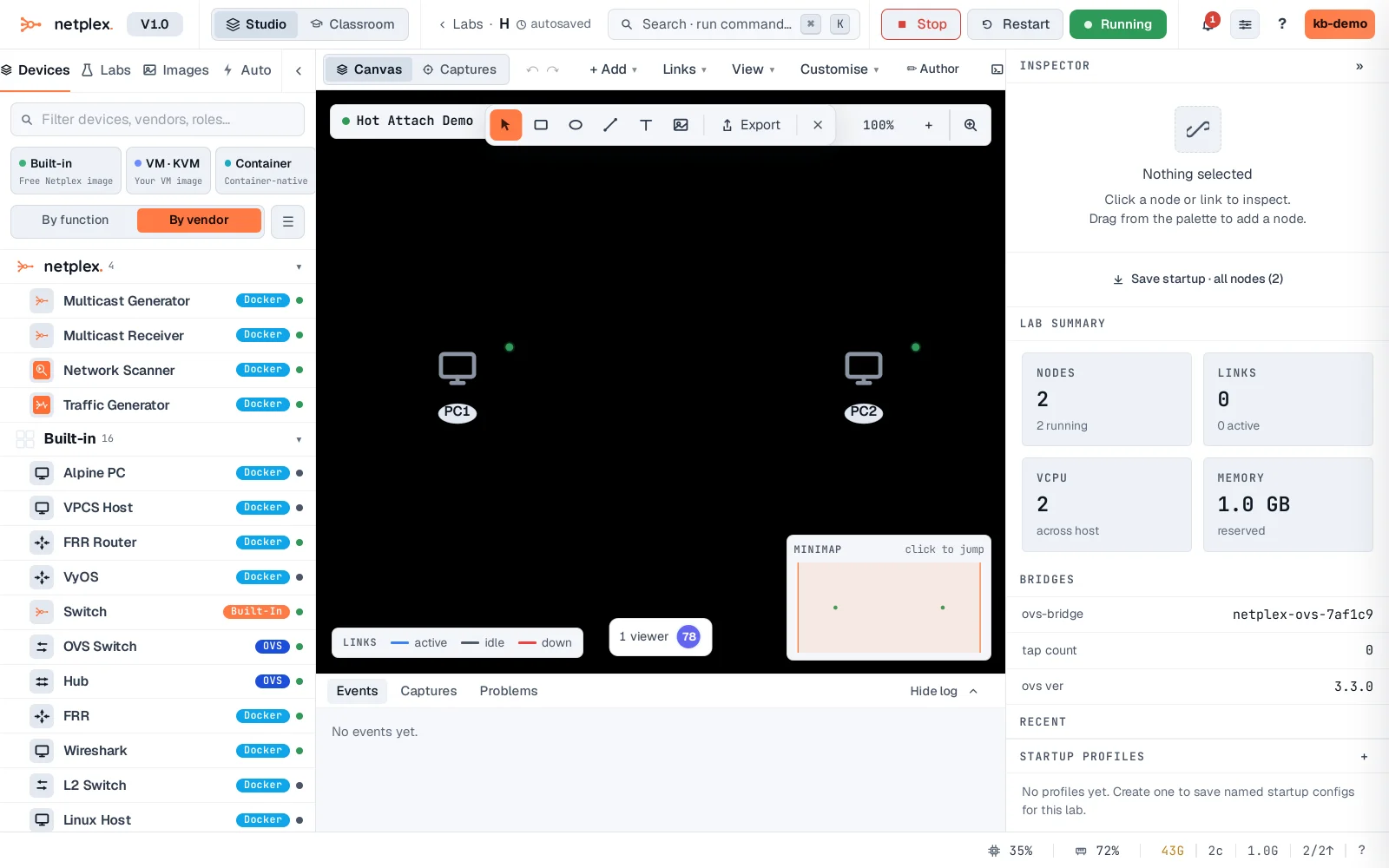
Draw the link between the two running nodes exactly as you would on a stopped lab - Links → Draw link, click PC1, click PC2. netplex. does not reboot anything: it builds the wire on the live topology and injects a fresh veth into each running container.
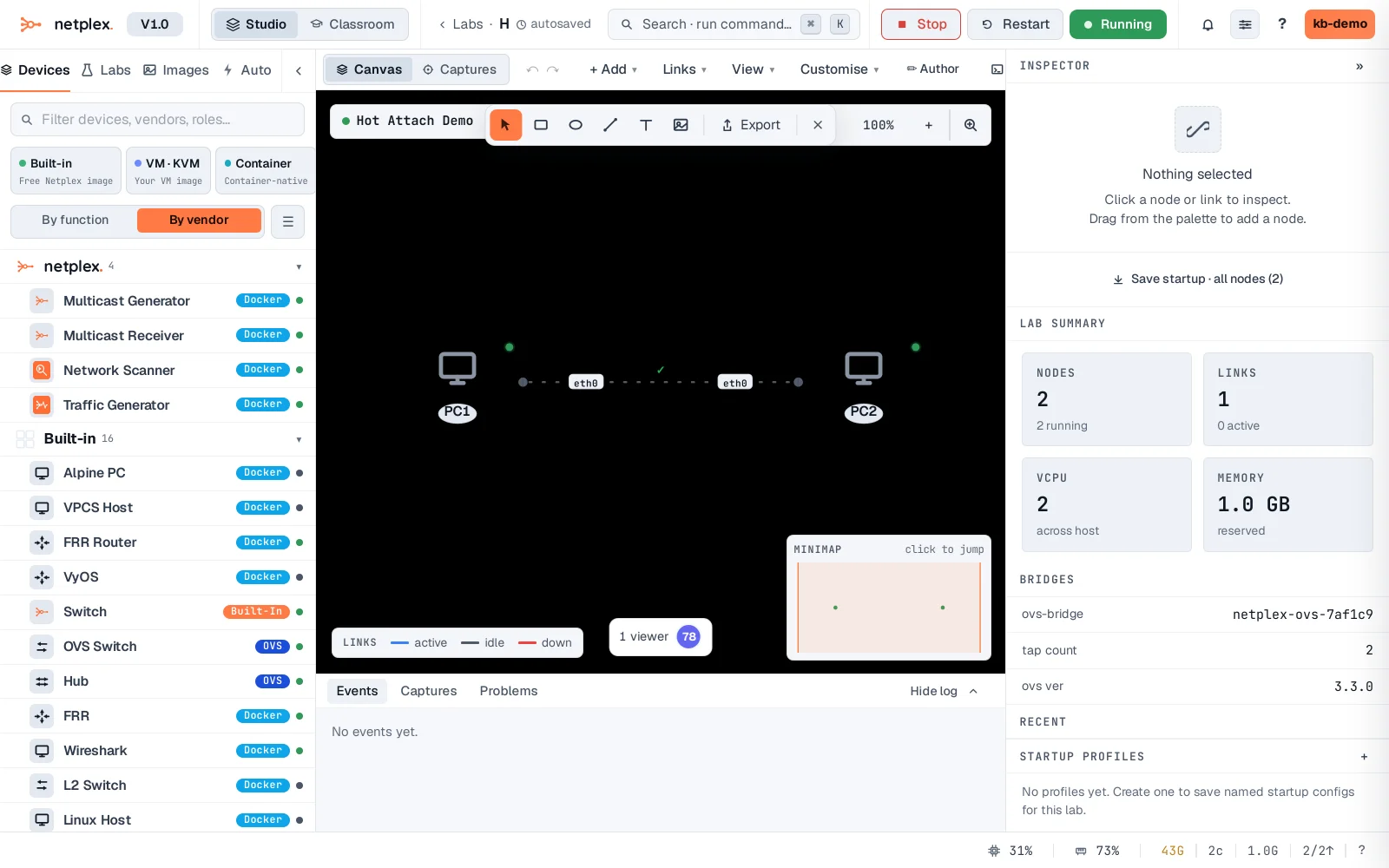
Seconds later eth1 exists inside both running nodes - configure it and traffic flows immediately, no restart. Here: addresses assigned and a ping crossing the freshly hot-attached wire.
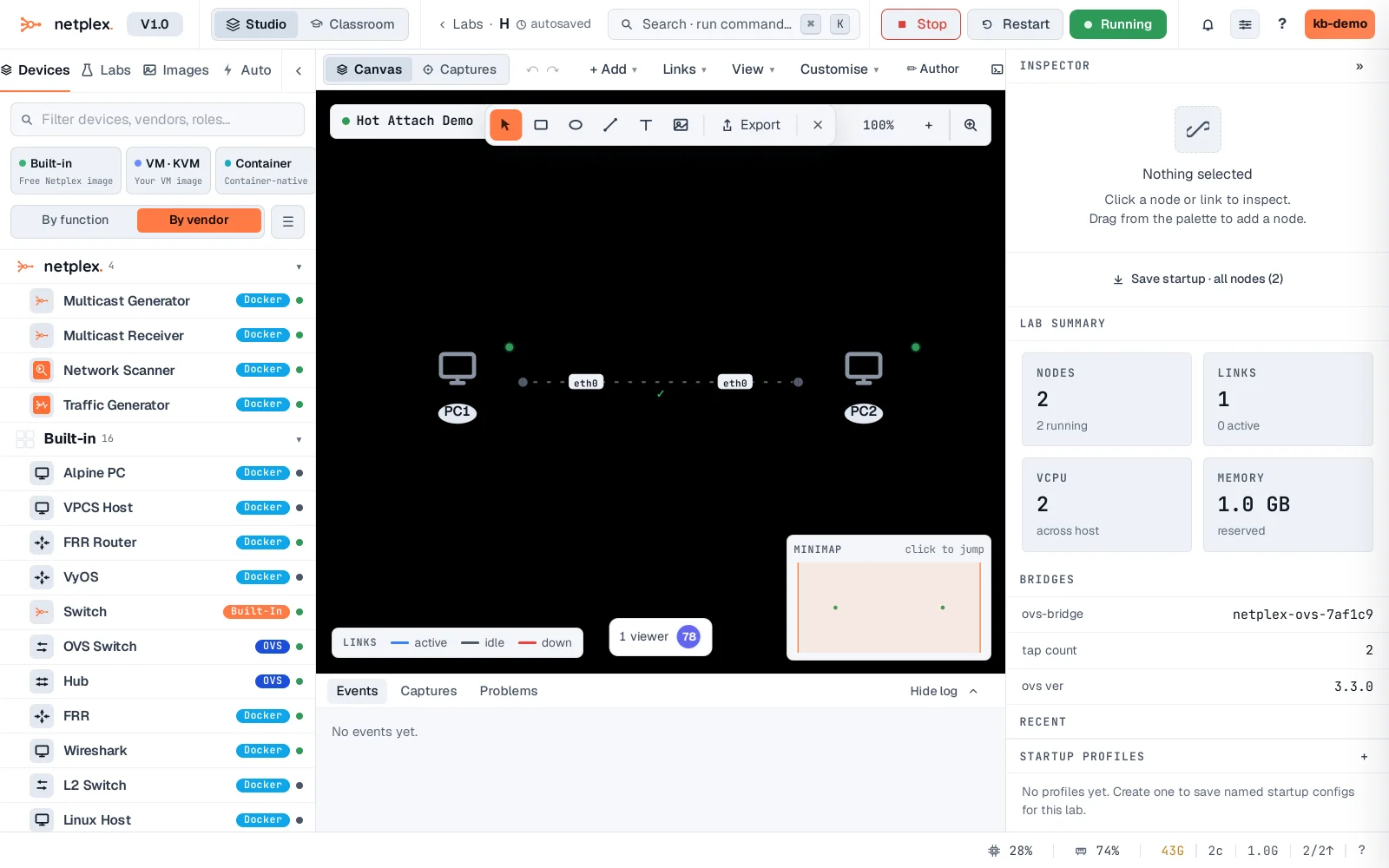
Deleting a link from a running lab works the same way in reverse - the interface disappears cleanly from the node. Hot-attach is how you grow a lab organically instead of planning every wire up front.