The System page: health, logs and updates
Administrators get a System entry in the navigation. It is the operational view of the platform itself - the services that make labs run, their logs, and the update channel.
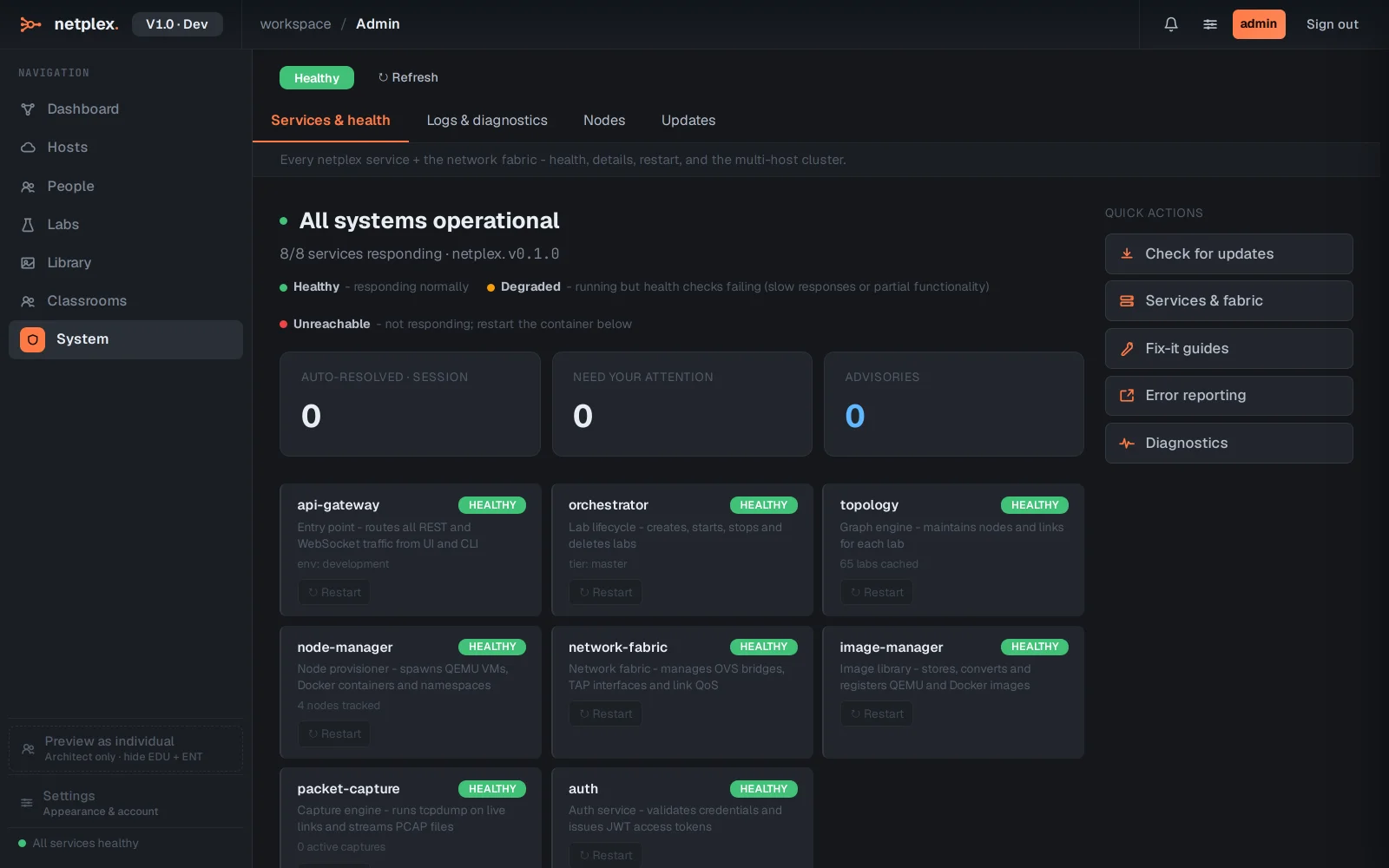
Services & health lists every platform service with its status, version and staleness check - after an update, anything still running old code is flagged until it restarts.
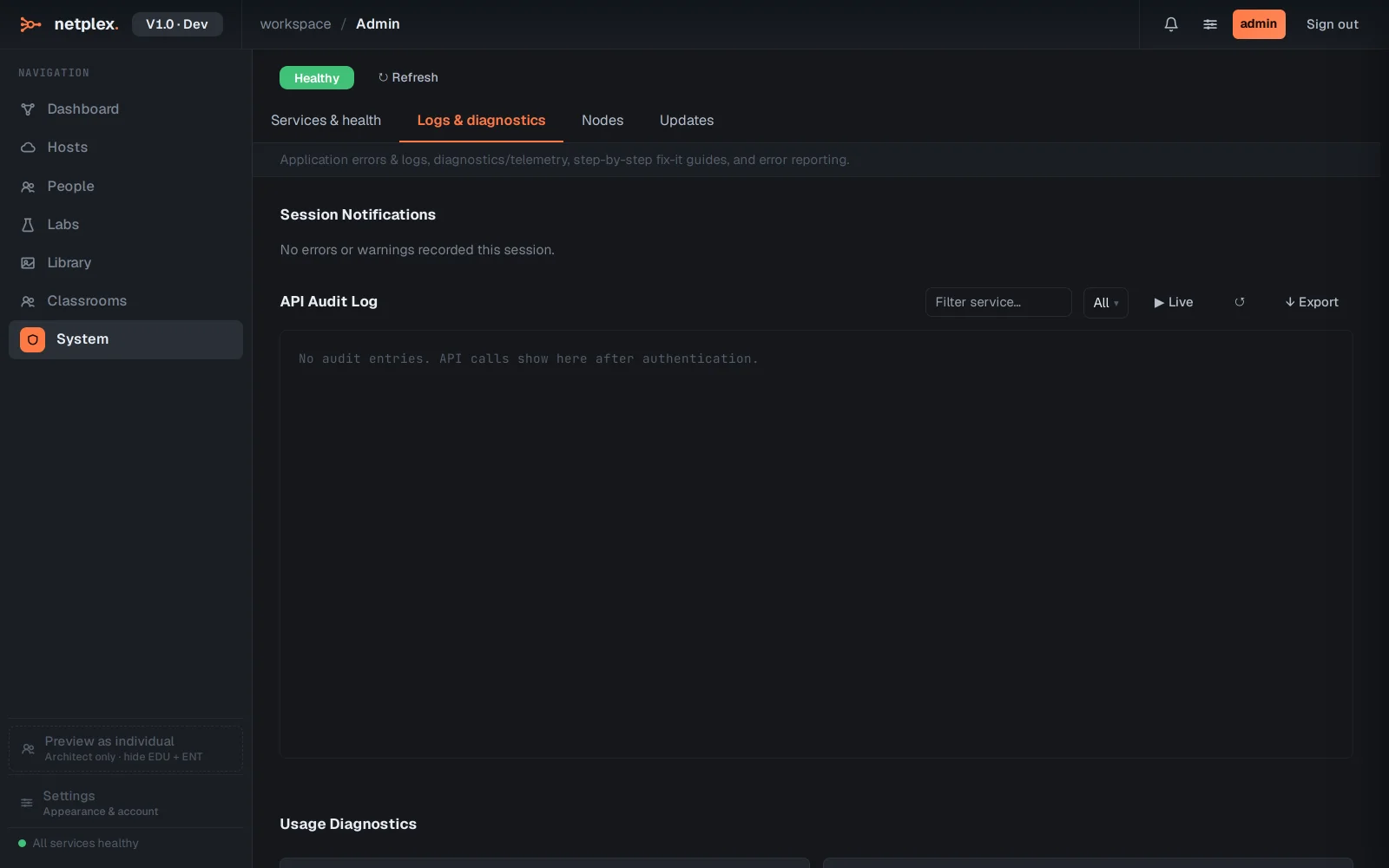
Logs & diagnostics streams service logs with filtering - the place to look when a lab action fails and the event log names a backend step.
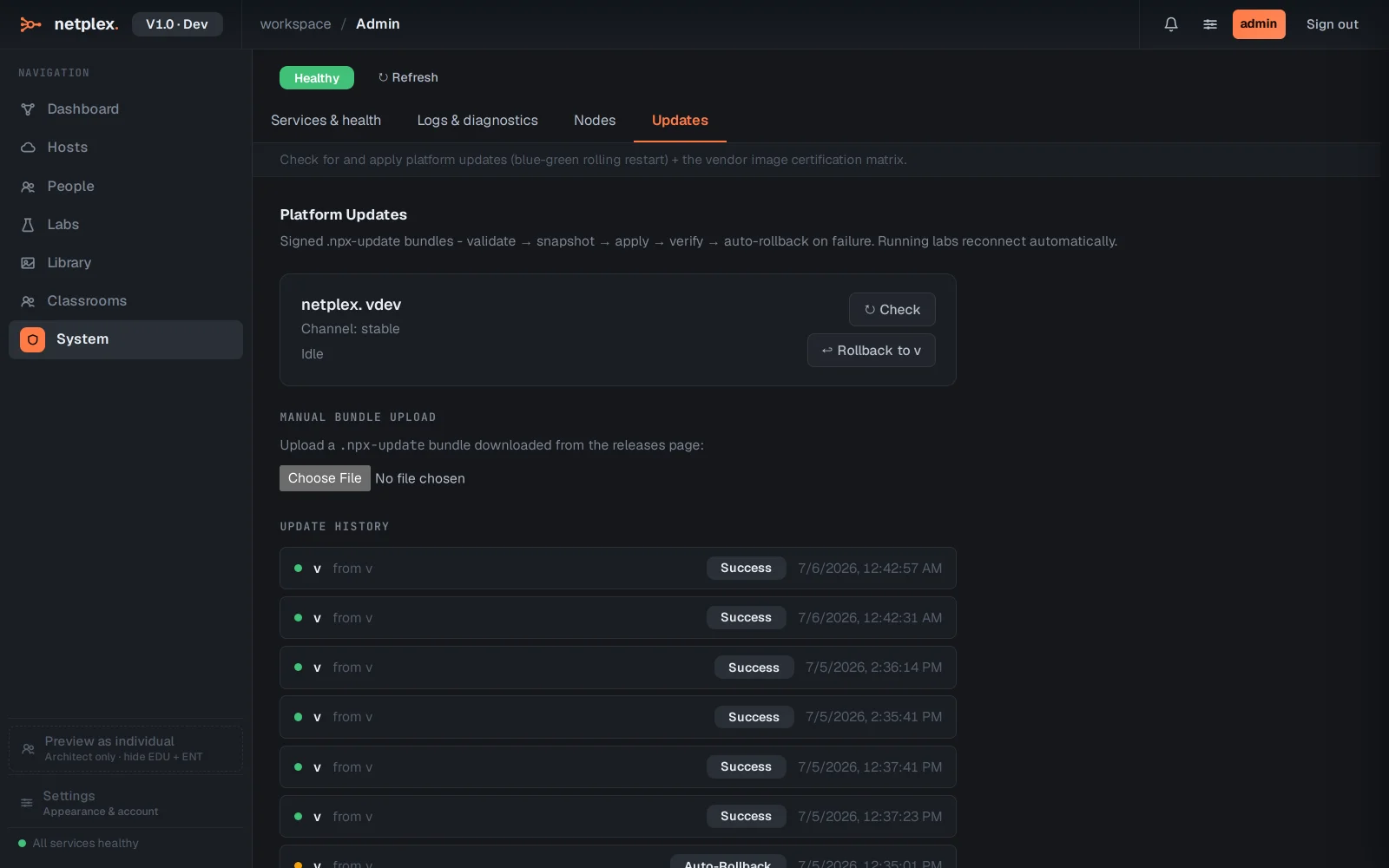
Updates shows the installed version and the update channel. Updates are signed bundles applied incrementally; a failed update rolls back automatically.
Everything here is also scriptable - the health endpoint and update controls have API equivalents for monitoring integrations.