Get support and send diagnostics
When something misbehaves, the support panel is one click away from anywhere in a lab - and it can attach diagnostics automatically, so you never have to describe your environment by hand.
Click the ? at the right end of the status bar. The support panel slides out: describe the problem, pick a severity, and submit.
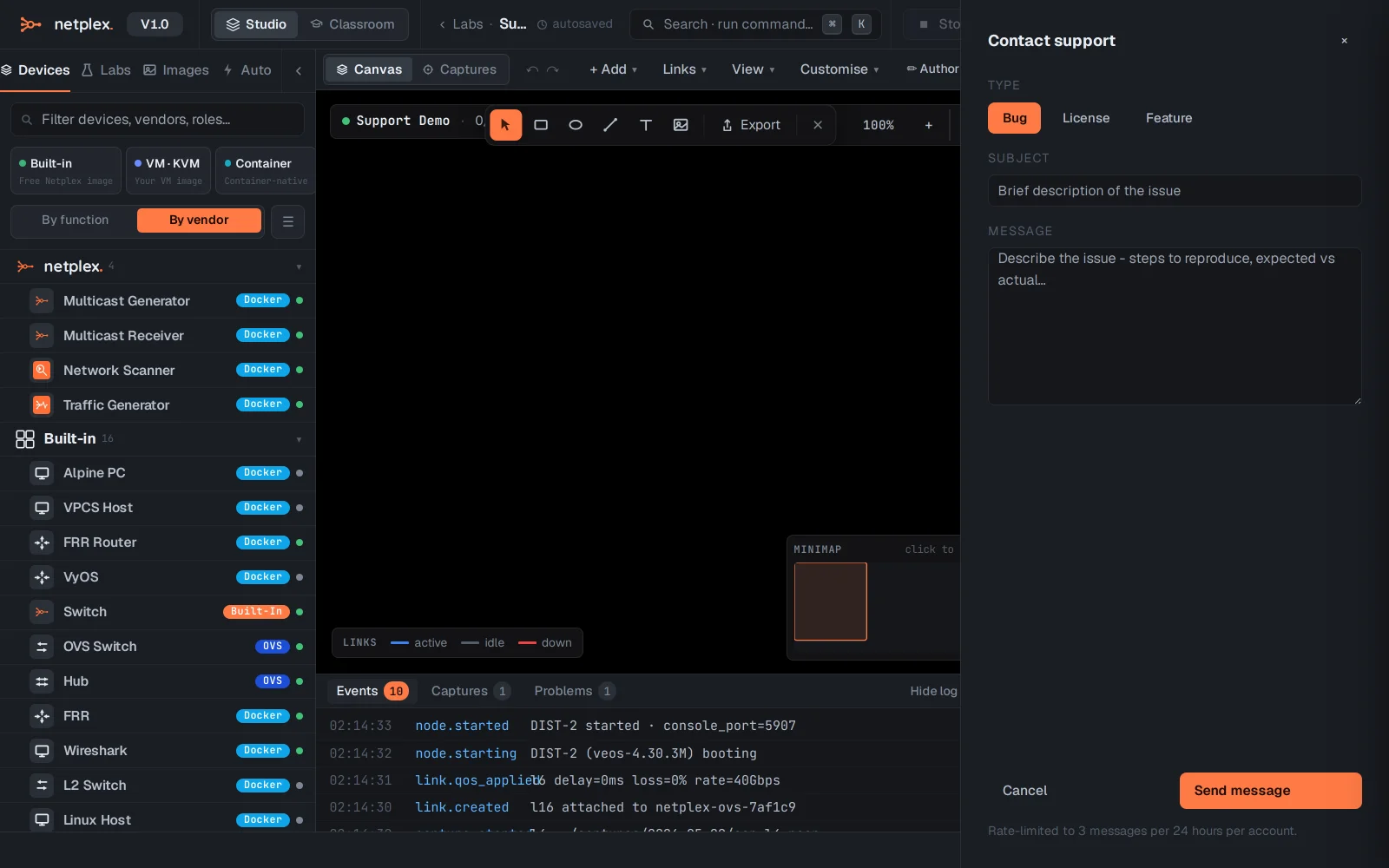
Reports can include a diagnostic bundle - service health, recent logs and the lab topology (never your configs or captures unless you attach them). Track your submissions under Settings → My Reports.
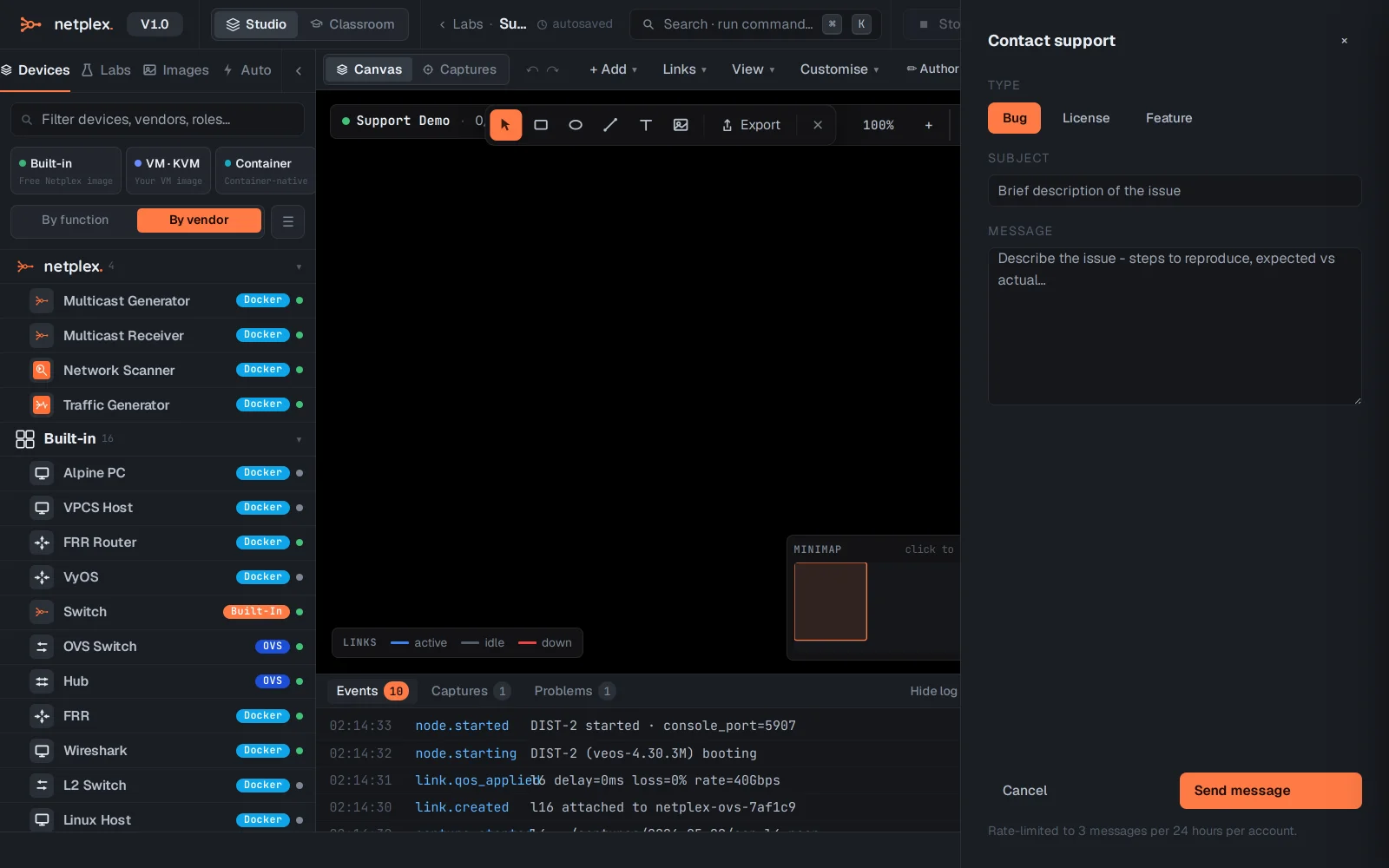
Before filing: a hard refresh (Ctrl+Shift+R) clears a stale cached UI after updates, and the event log at the bottom of the Studio often names the failing step outright.