Add devices from the palette
There are two ways to put a device on the canvas: drag it from the device palette on the left, or use the + Add → Add node dialog. Both draw from the same Library - one platform, one entry.
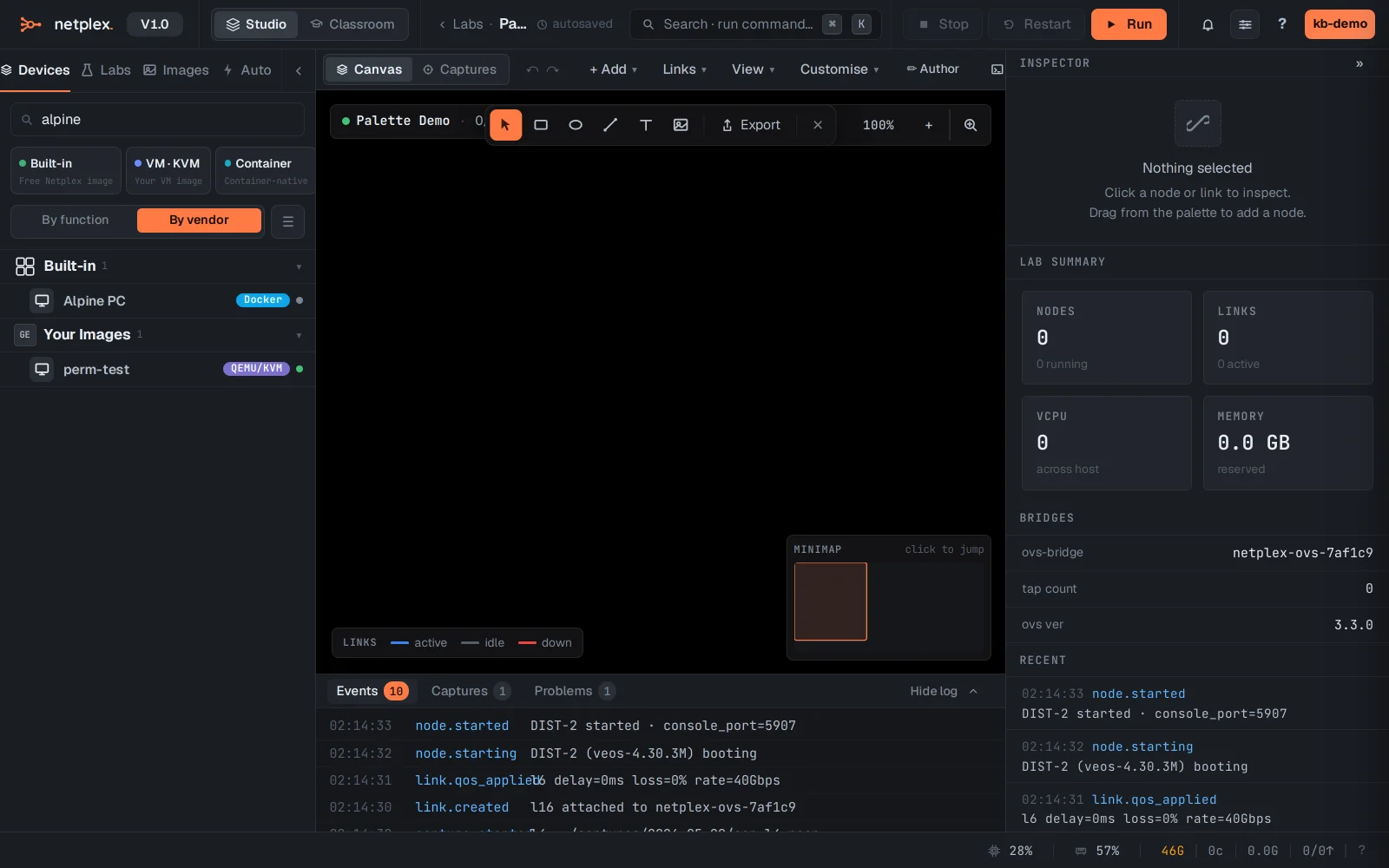
The palette on the left lists every ready-to-run device, grouped by function or vendor. Type in the filter box to find one - here alpine. Drag an entry onto the canvas to place it.
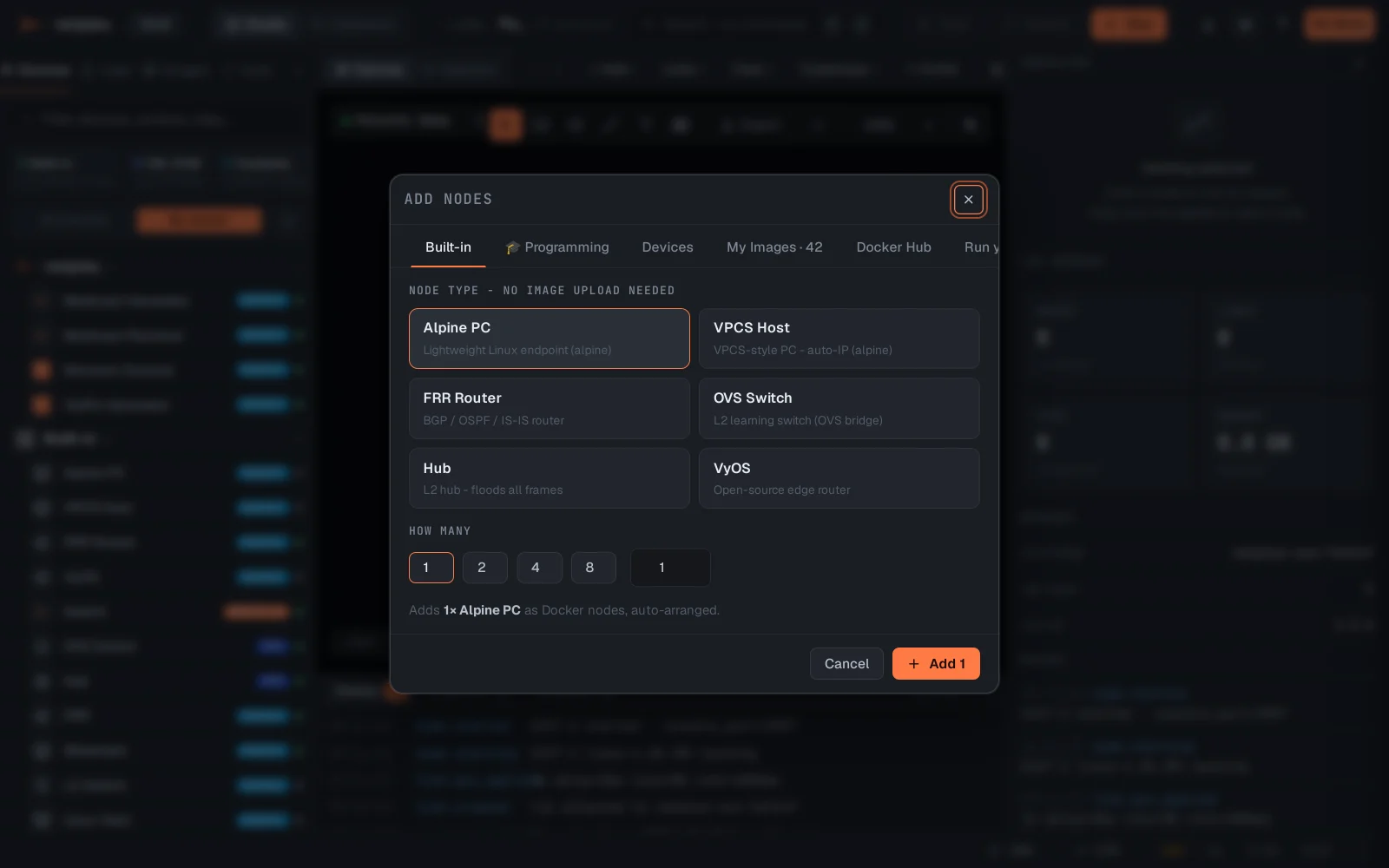
Prefer a dialog? + Add → Add node opens the catalog with search, per-device details and a count - useful for adding several at once.
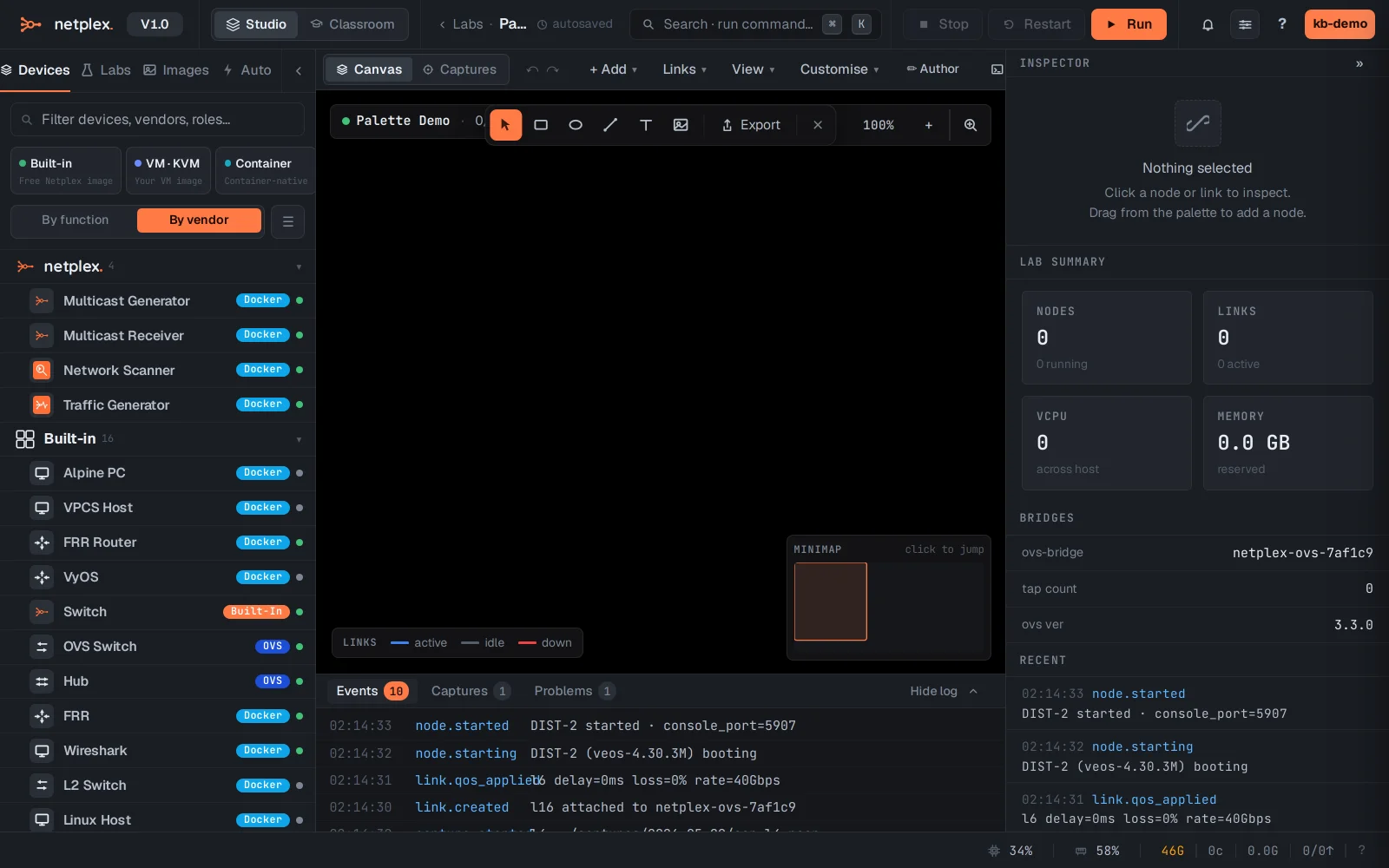
Only devices whose image is actually present show as ready - a Docker device appears once its image is pulled, a VM once its disk is imported. Pin favourites with the star so your daily devices stay on top.
New devices land with vendor-recommended hardware defaults (CPU, RAM, NICs) - tune them per node in the Inspector afterwards.