Back up your labs to git
Every lab already has a local version history - each save is a commit in a per-lab git repository on the server. Pointing that history at a remote (GitHub or self-hosted git) makes it a real backup: auto-pushed, off-box, restorable.
Open Settings → General and find the git backup section. The wizard generates an SSH deploy key, walks you through adding it to your repo host, tests the connection, and turns on auto-push.
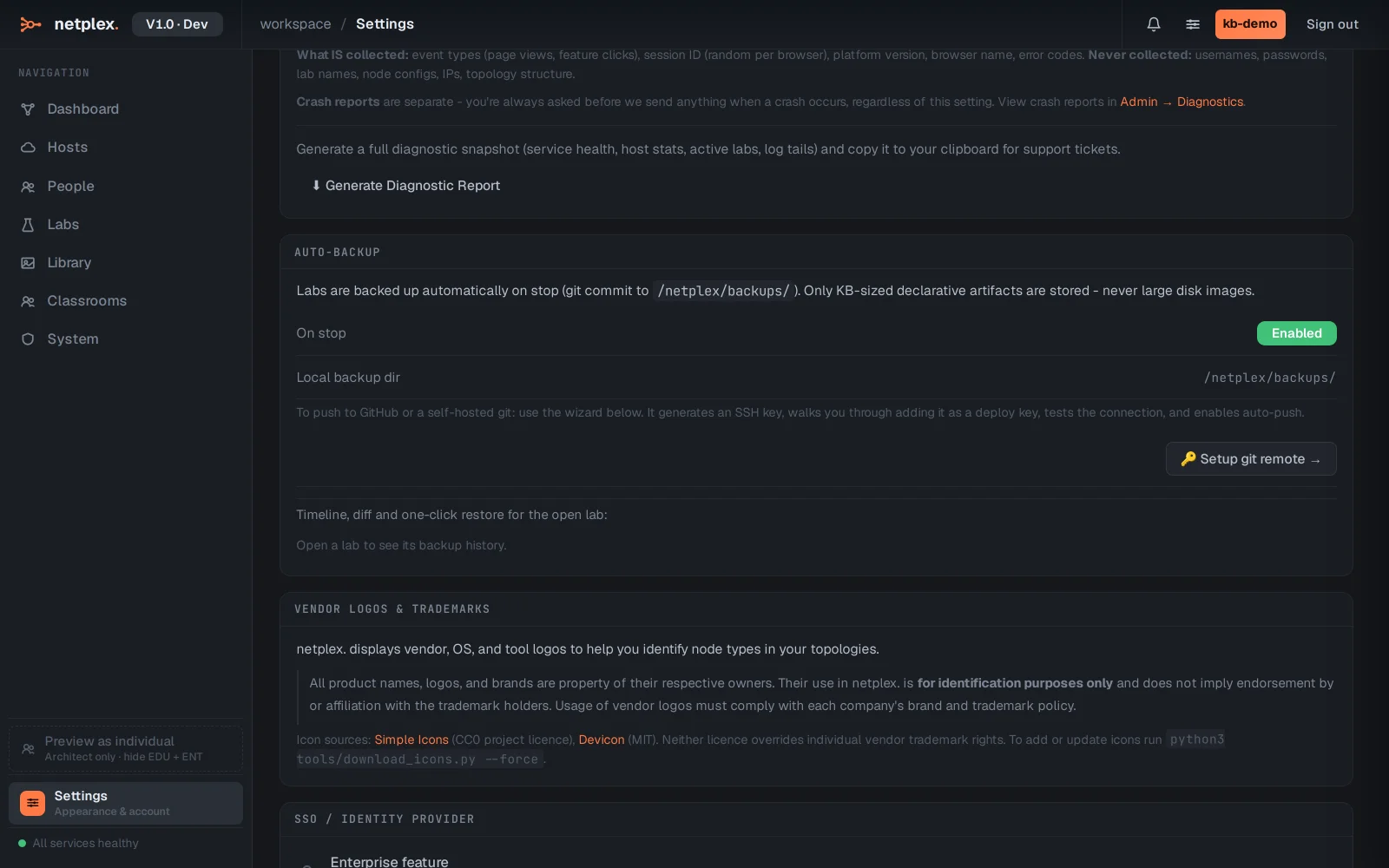
Click Setup git remote to launch the wizard. Nothing sensitive leaves the box: the private key stays on the server; you paste only the public half into GitHub as a deploy key.
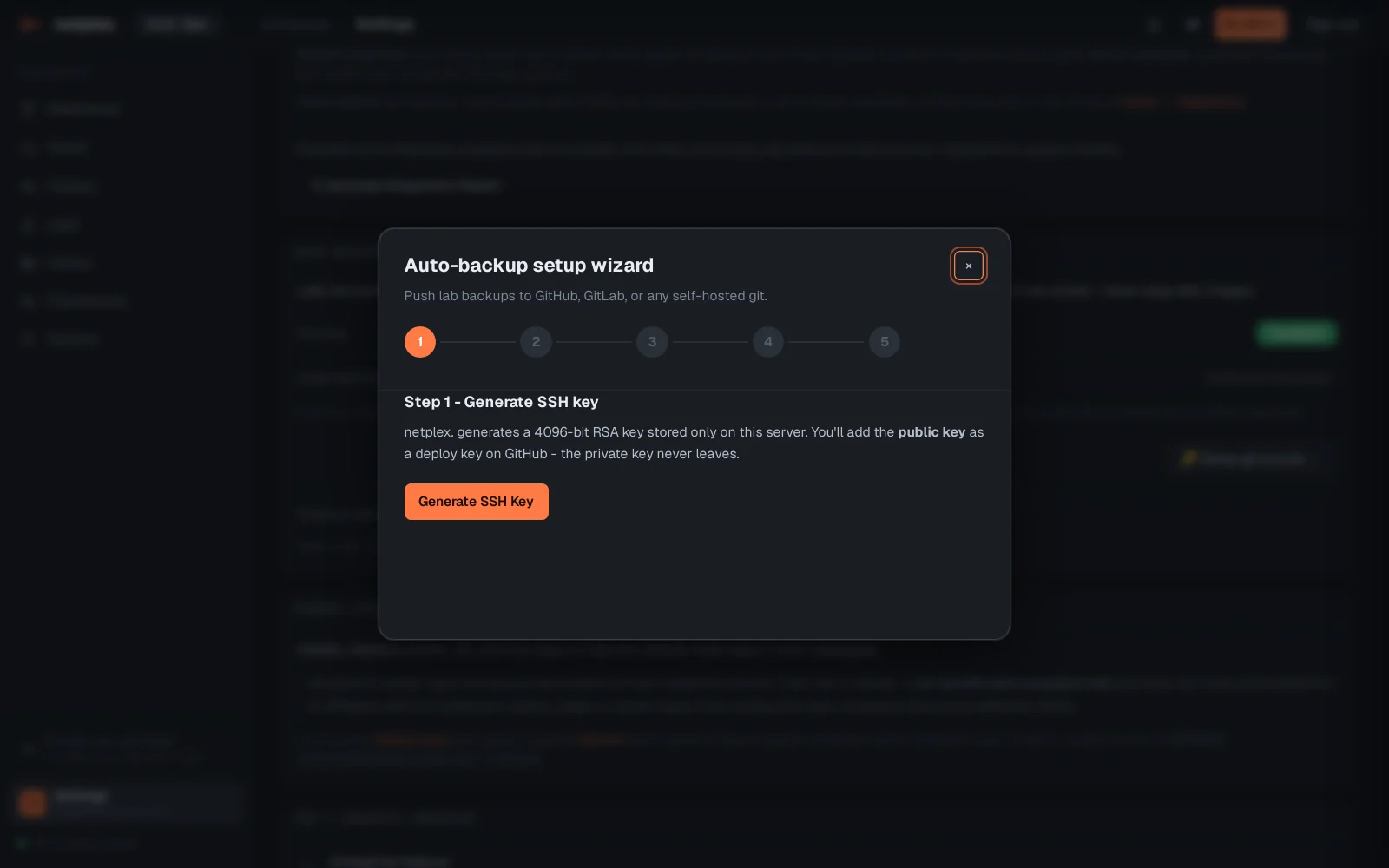
Once connected, every lab save pushes automatically. Restoring is just as direct: the backup timeline lists each version with its diff, and any point can be restored - to the same lab or as a copy.
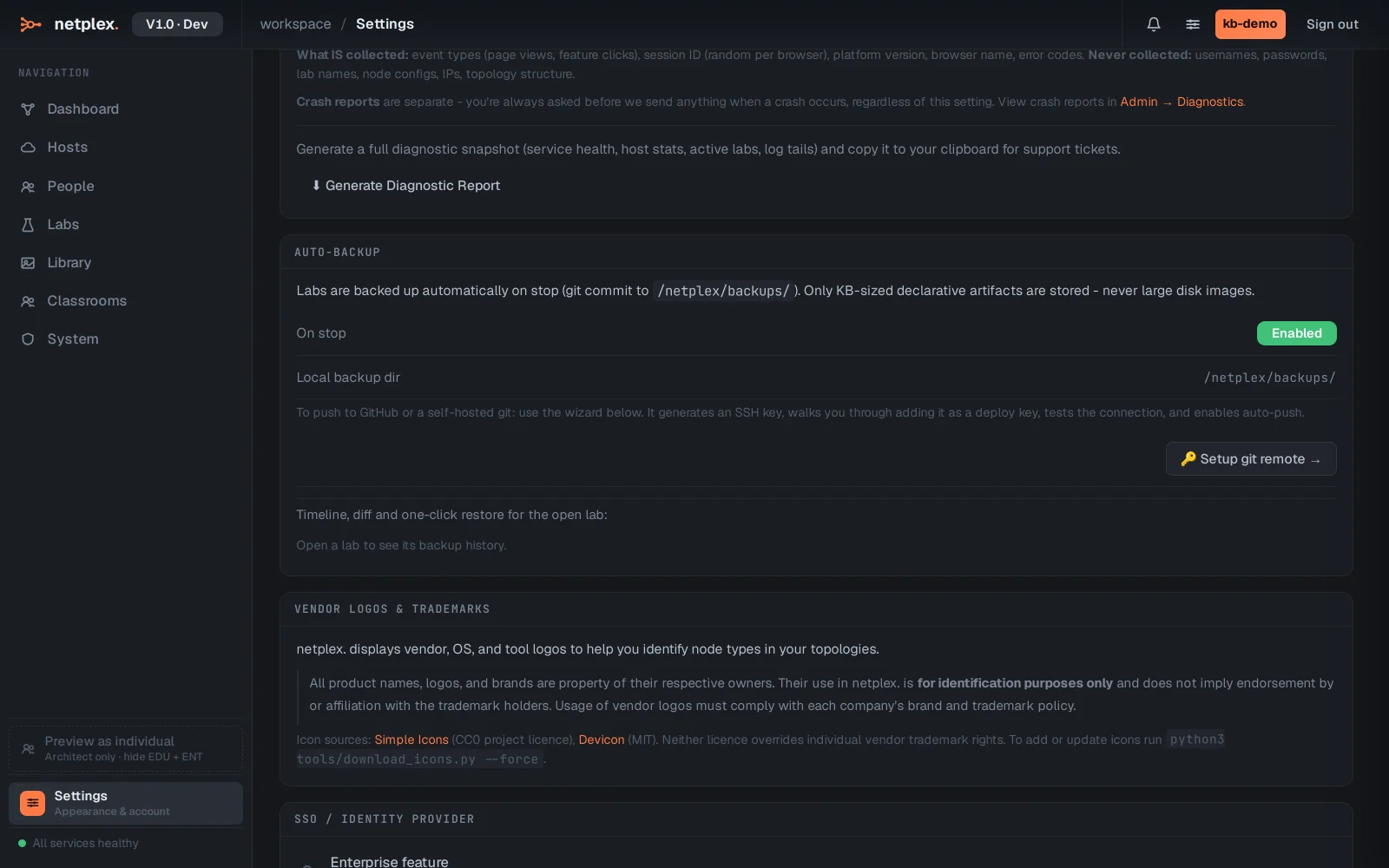
The on-server history works with no setup at all - the remote adds the off-box copy. Device configurations saved inside nodes ride along, since they are part of the lab document.