Lab-as-code: your topology as text
Everything you draw has a text form. The Lab-as-code panel shows the live lab document - nodes, links, settings - as editable code beside the canvas. Change the text, the canvas follows; change the canvas, the text follows.
Open Customise → Lab-as-code. The code panel docks beside the canvas with the current lab document.
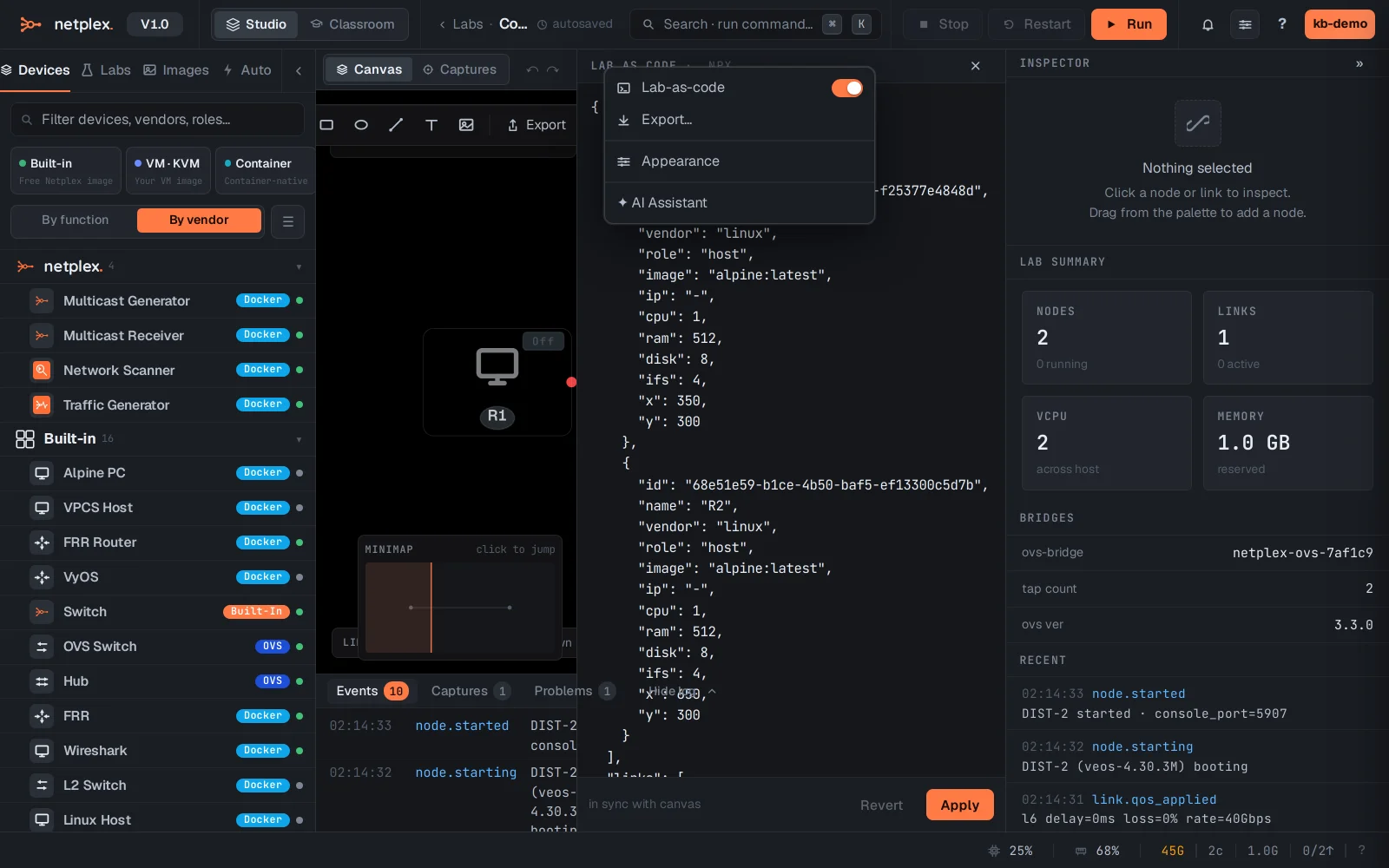
The document is the same .npx structure that exports and imports - which means the panel doubles as a fast way to bulk-edit: rename ten nodes, retag interfaces, or paste a topology fragment from another lab.
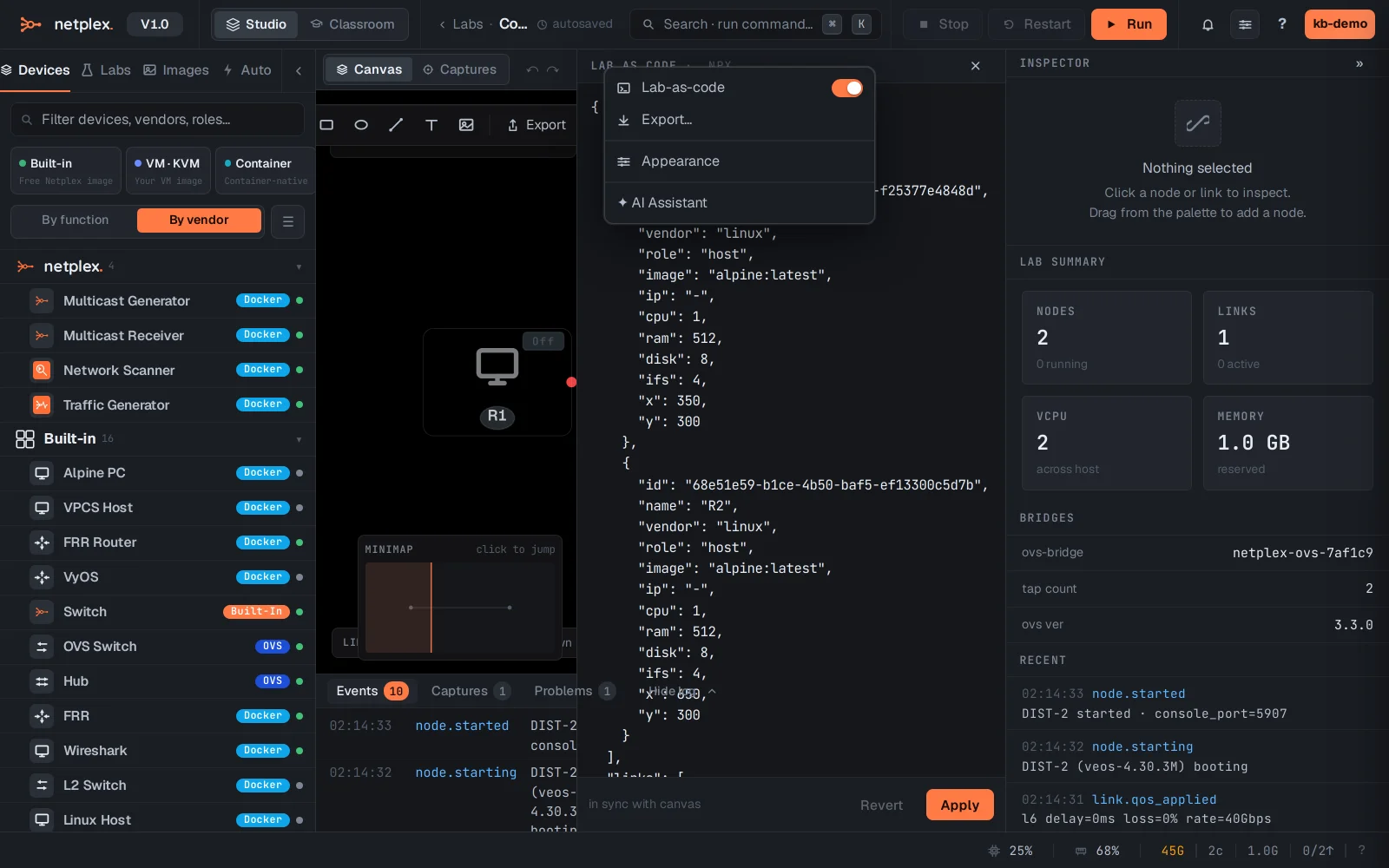
Because the format is plain text, labs diff and version cleanly - the per-lab git history tracks every change, and the backup timeline can restore any earlier state.