Save a device configuration
Configuration you type into a running device lives in its running state. To keep it - so the node boots with it next time, and so it travels with the lab - save the running config as the startup config. The Config tab in the Inspector does exactly that, per node.
Select the running node and open the Config tab. It shows the device's configuration and the actions for managing it.
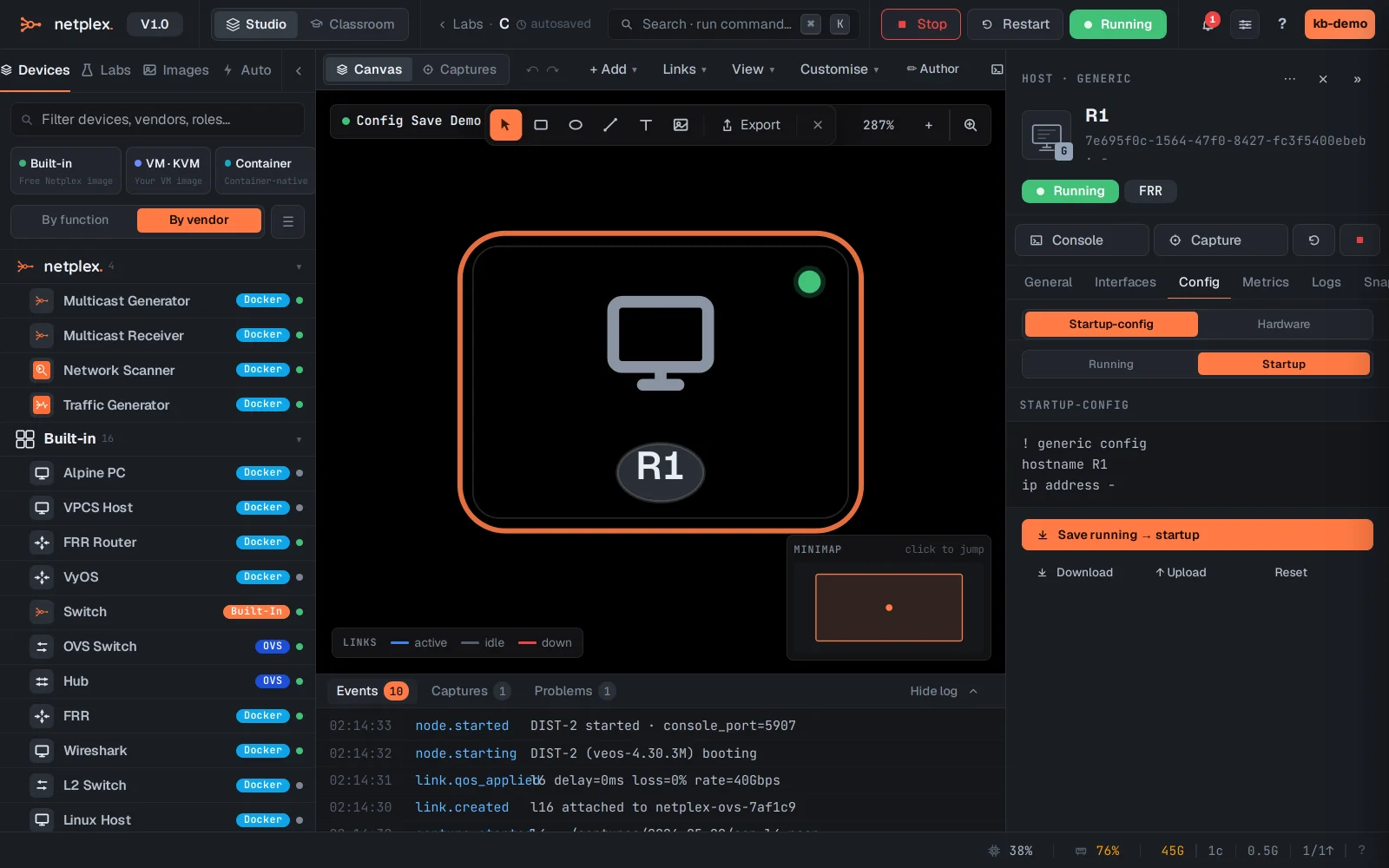
Click Save running → startup. netplex. writes the live running config as the node's startup config - it now survives a stop/start and rides along in exports and the per-lab git history.
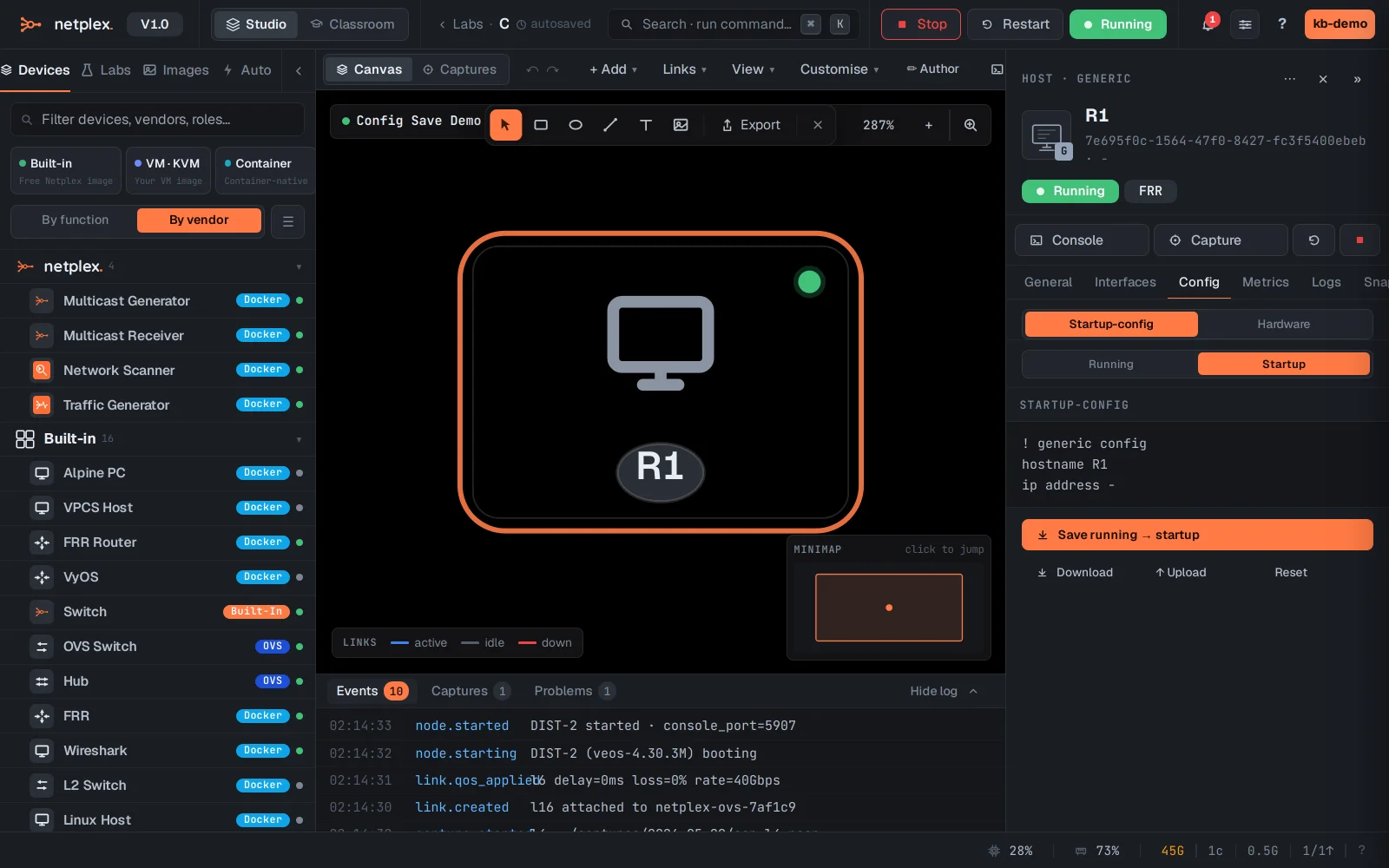
The saved config is part of the lab document, so exporting the lab (.npx) or committing it to git captures device configs too. Reset to golden on the same tab reverts a node to its image's baseline config when you want a clean slate.