Startup profiles: swap every node's config in one click
A single node's startup config is one thing; a whole lab's config is another. Startup Profiles name and save a complete snapshot of every node's startup configuration - so you can build a "baseline" profile and an "incident" or "phase-2" profile for the same topology, and switch the entire lab between them in one click instead of editing each device by hand.
With nothing selected, the Inspector shows the Lab Summary - and at the bottom, Startup Profiles. Click + to name a new one - here baseline. This captures every node's current startup config under that name, in one shot.
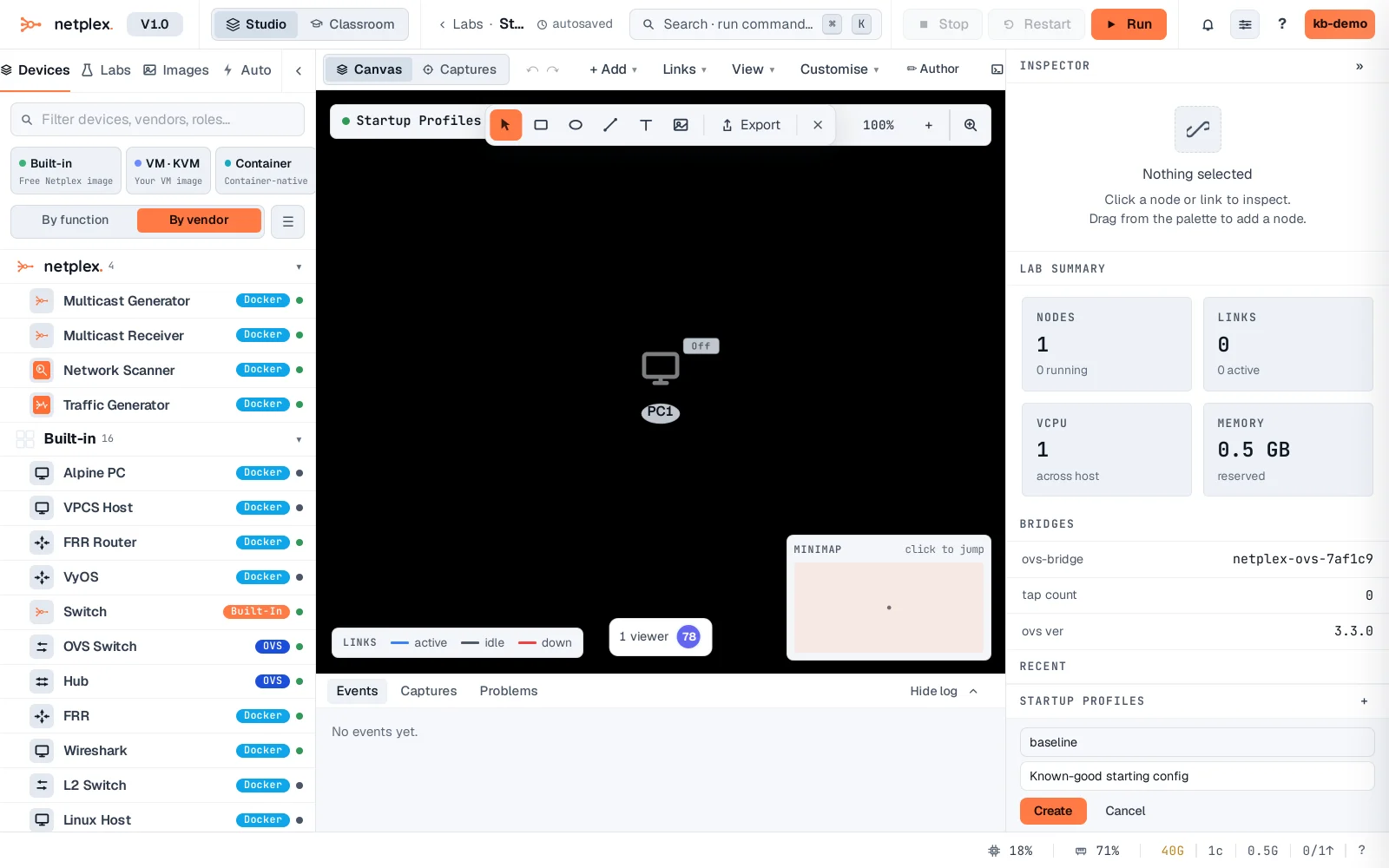
Click Create. The profile is saved and listed - the lab can now have several named profiles, each a full copy of every node's startup config.
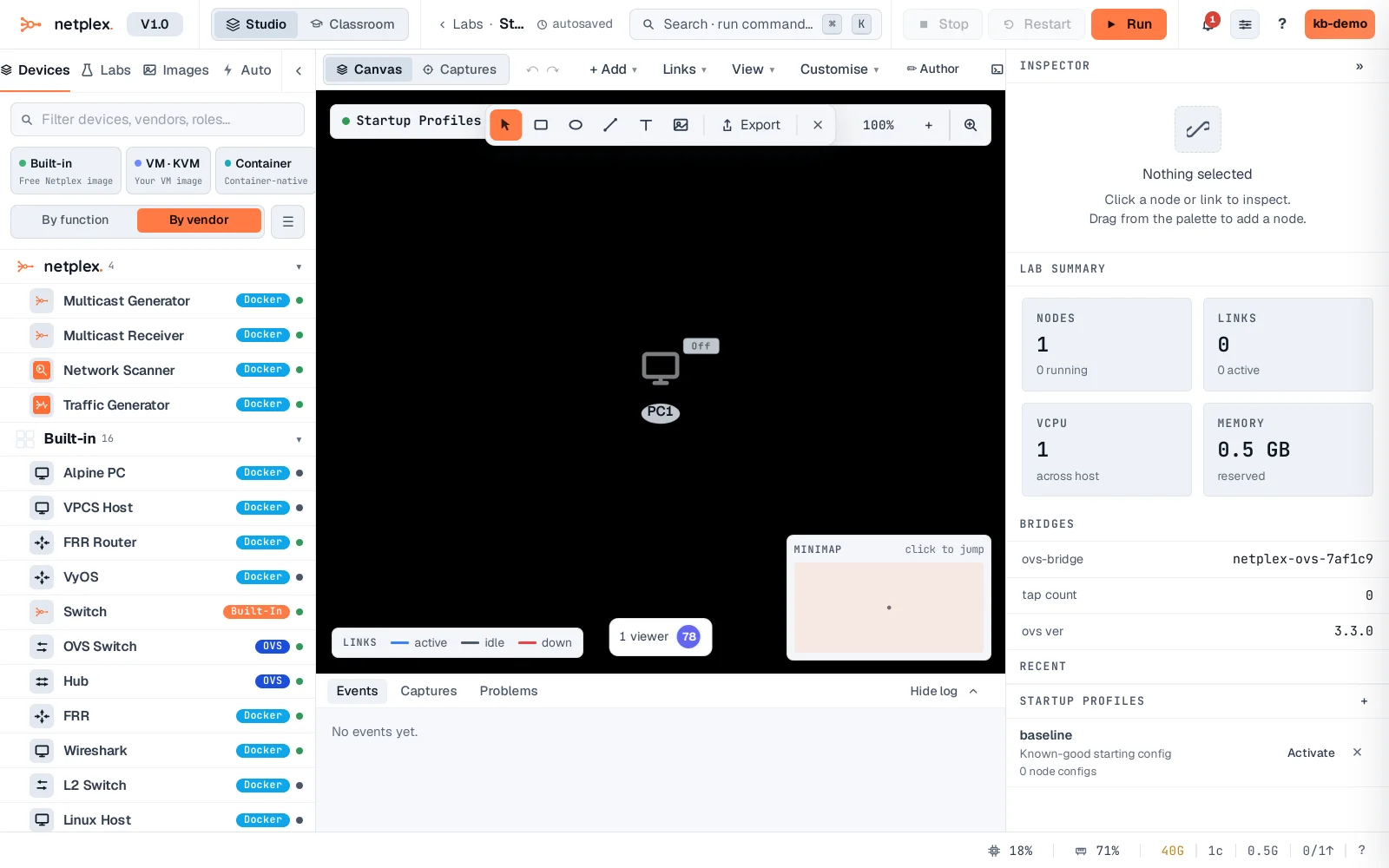
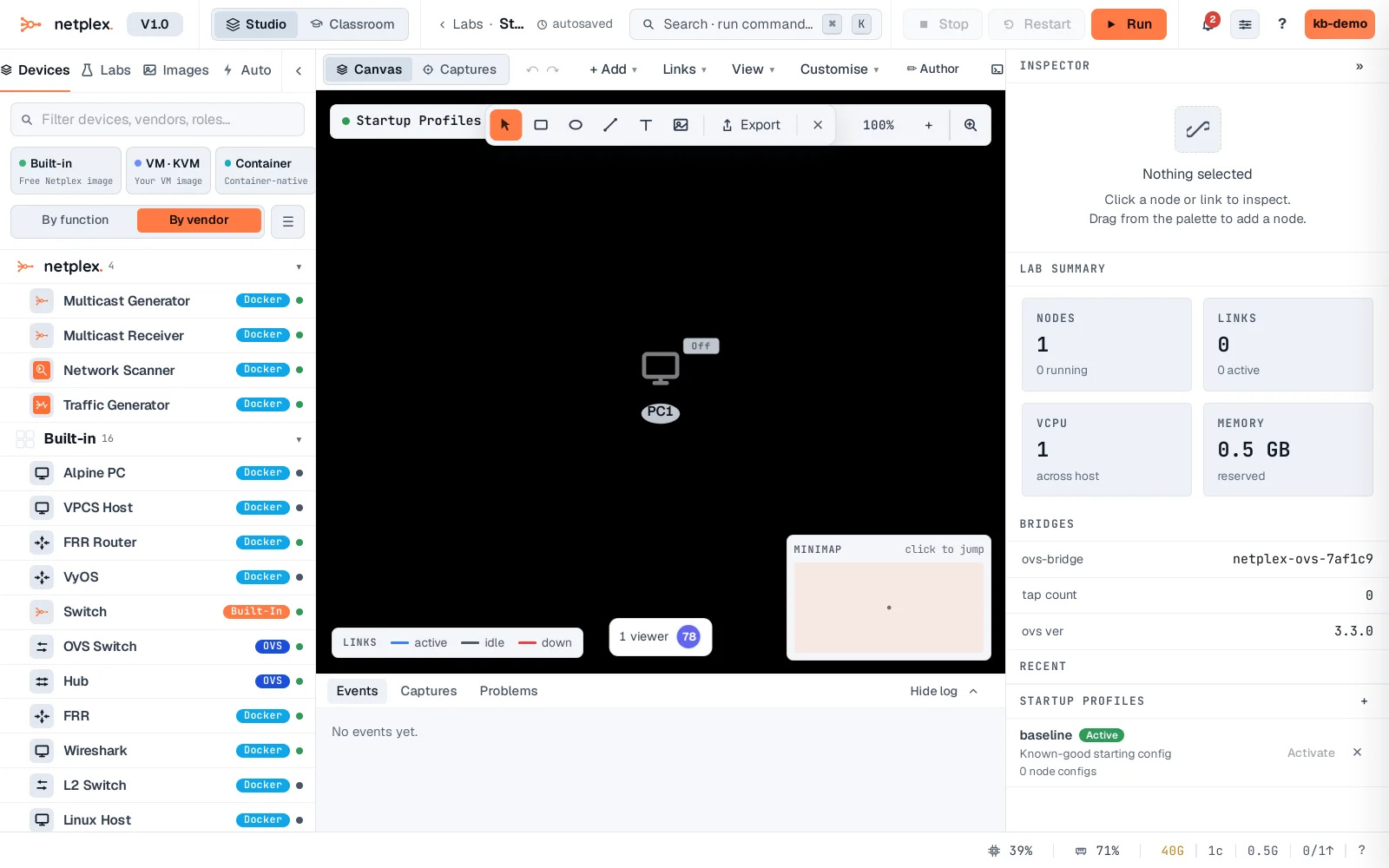
Click Activate on a profile to push its saved configs onto every node in the lab at once - swap the whole topology from baseline to incident (or any other profile) without touching a single device by hand. Only one profile is active at a time, shown with a highlighted badge.
Profiles are lab-scoped and travel with the lab like everything else - export the .npx and its profiles come too. Use them for anything with distinct "modes": a training lab's before/after states, a fault-injection scenario's healthy vs. broken configs, or a demo that resets to a clean baseline between sessions. For a single node's config, see "Save a device configuration"; for whole-lab version history, see "Back up your labs to git".