Open a console on a node
Every running node has a console in the browser - a real terminal for Linux and routers, VNC/RDP for graphical systems. Nothing to install: double-click and type.
With the node running (green), double-click it. The console dock opens at the bottom with a live shell - this is the node itself, not a simulation.
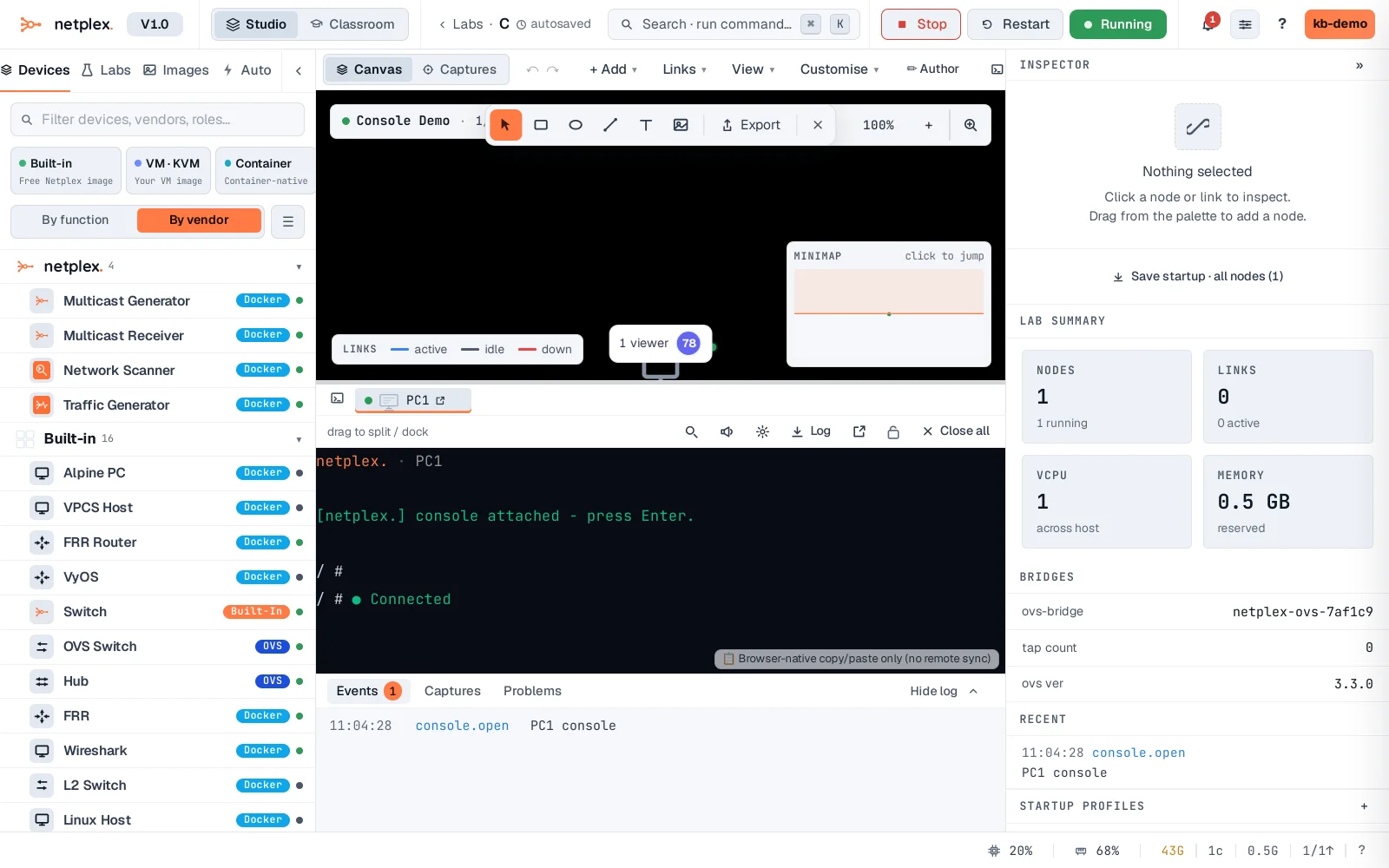
Type commands as on any terminal. The dock tabs one console per node; drag the divider to resize, or pop the workspace out to a full page for serious multi-node sessions.
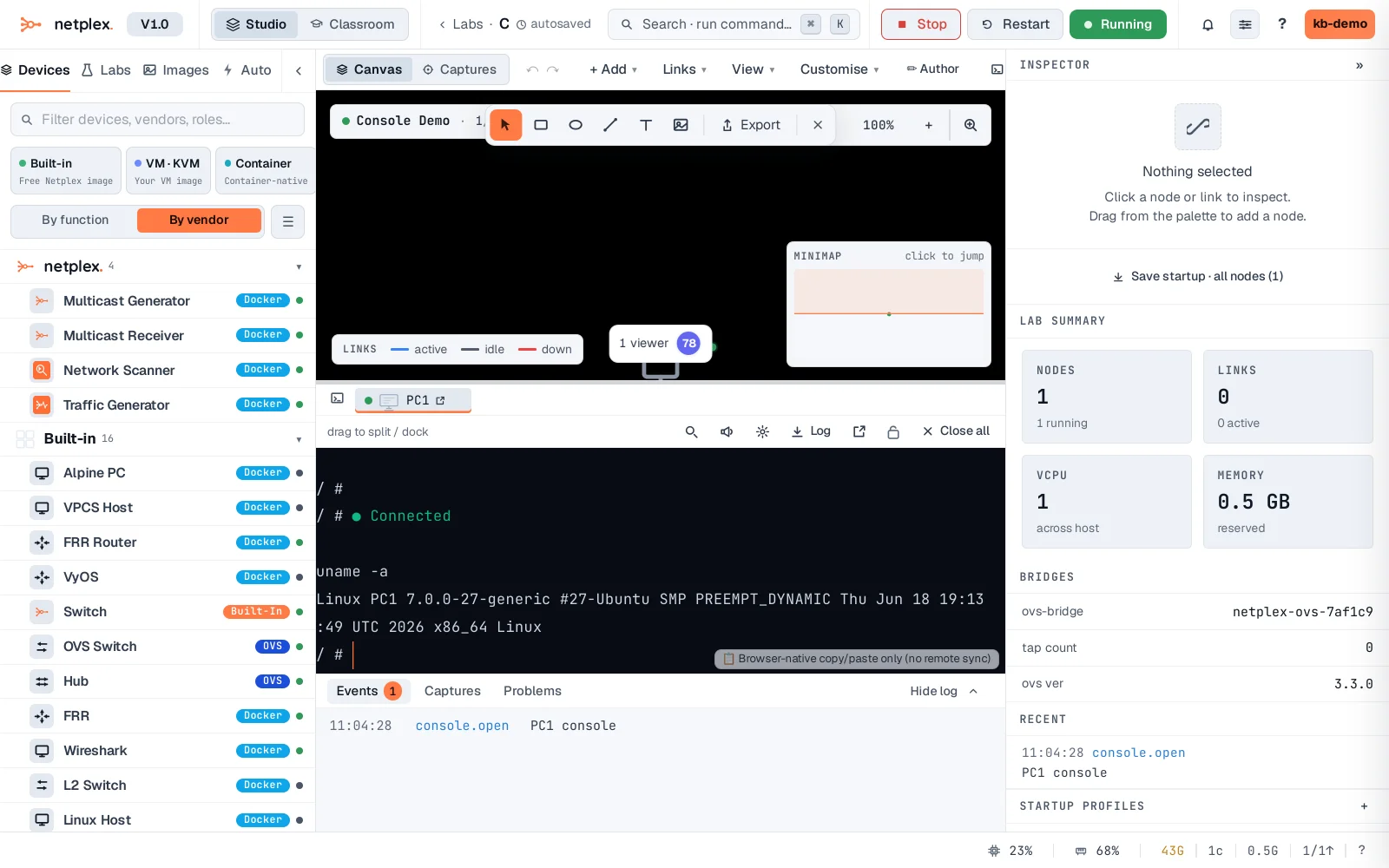
Consoles reconnect automatically if the connection drops. Console all in the toolbar opens every running node at once, and the workspace supports side-by-side splits and broadcast-typing to many nodes together.