Console splits and broadcast typing
Configuring several devices one console at a time gets old fast. The console workspace opens every node at once, splits them side by side, and can broadcast what you type to all of them together.
With the lab running, click Console all in the canvas toolbar - one console tab per running node opens in the dock.
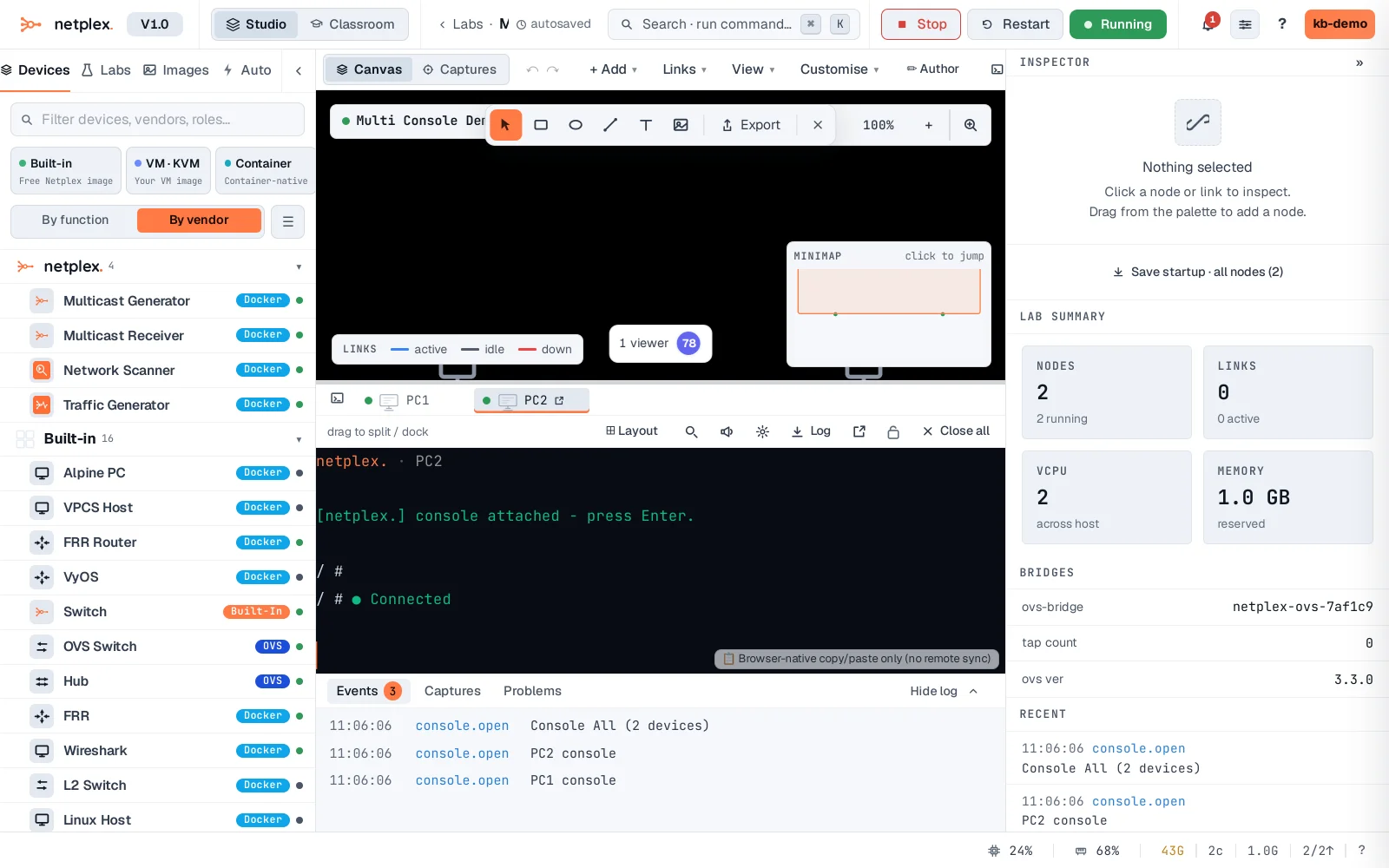
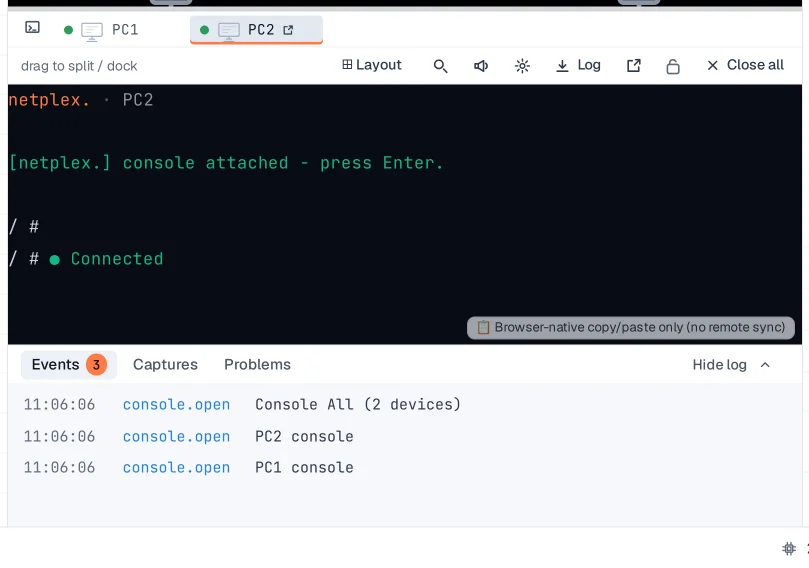
Drag a tab into the panel to split the view - two consoles side by side, each its own node. Drag the dividers to resize panes.
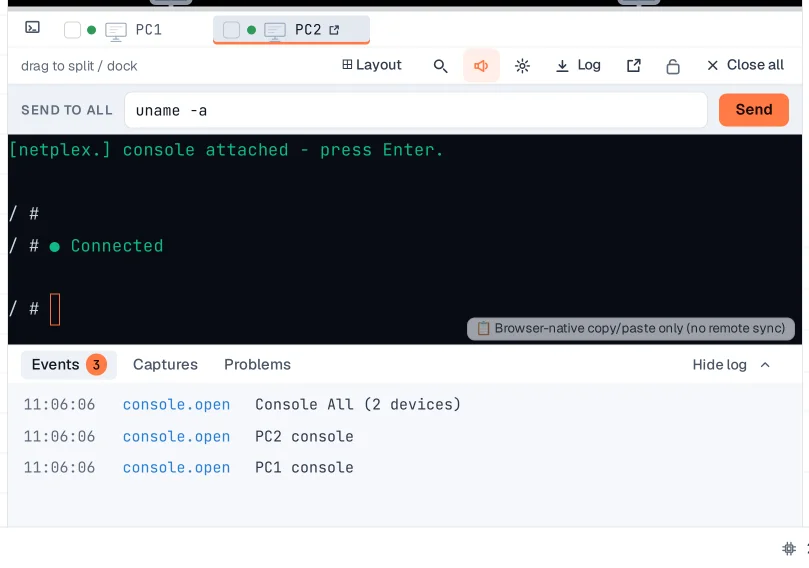
The broadcast box sends one line to every open console - type once, configure the whole room. Great for bulk commands like setting the same route or starting the same daemon everywhere.
The workspace also pops out to its own page (the external-window icon) for serious sessions - n-way splits, per-pane appearance, and the same broadcast box. Console layouts are remembered per lab.