Badges and curriculum templates
Two more pieces of the Education toolkit, both under the Education dashboard: Badges give students a visible attainment/engagement record beyond a raw grade, and Curriculum templates turn a lab you built once into a reusable unit for every future class instead of rebuilding it each term.
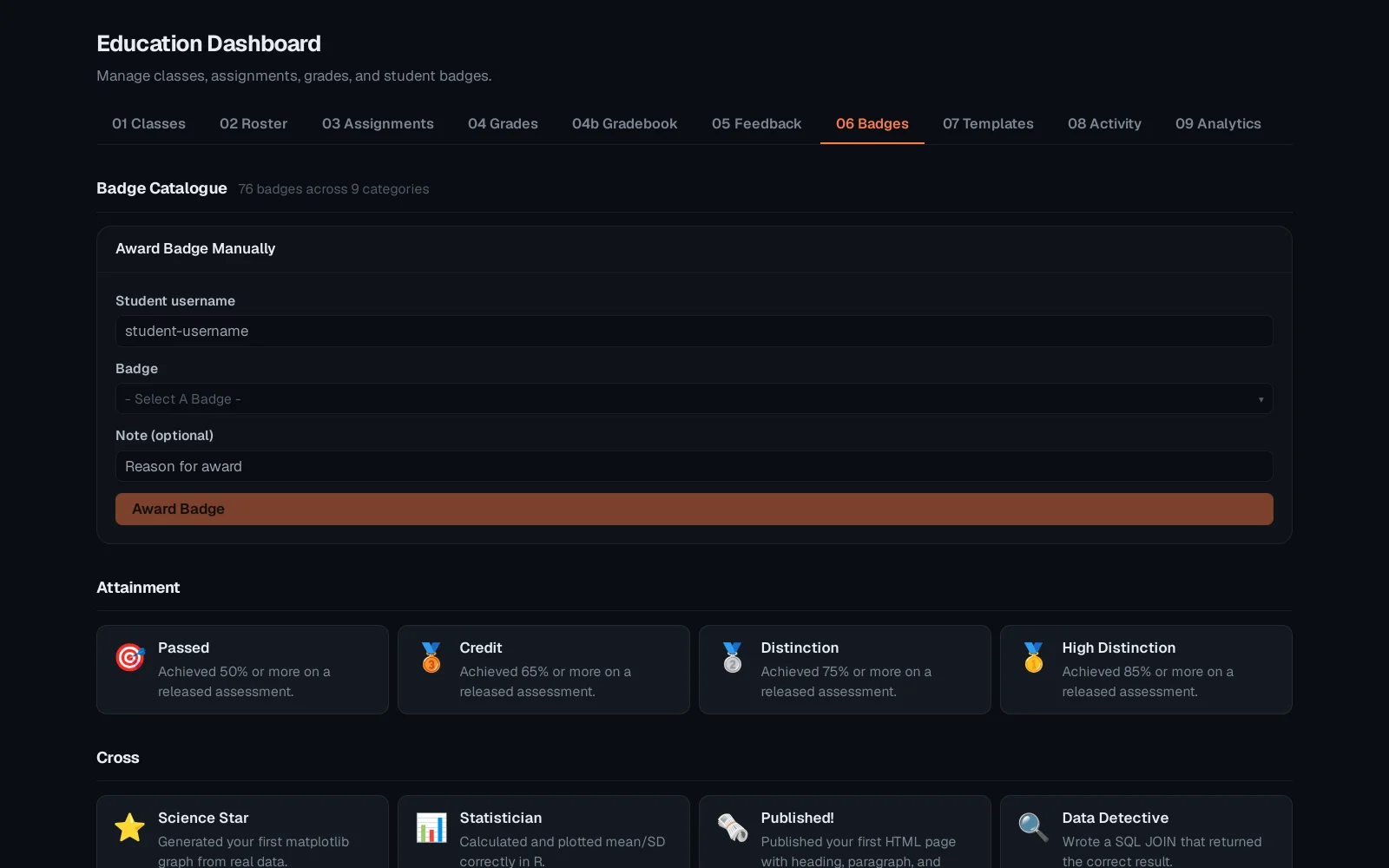
Open Education → Badges. The catalogue lists every badge available on the platform - attainment badges for skills mastered, engagement badges for participation. Award one manually, or let auto-award rules handle the routine ones.
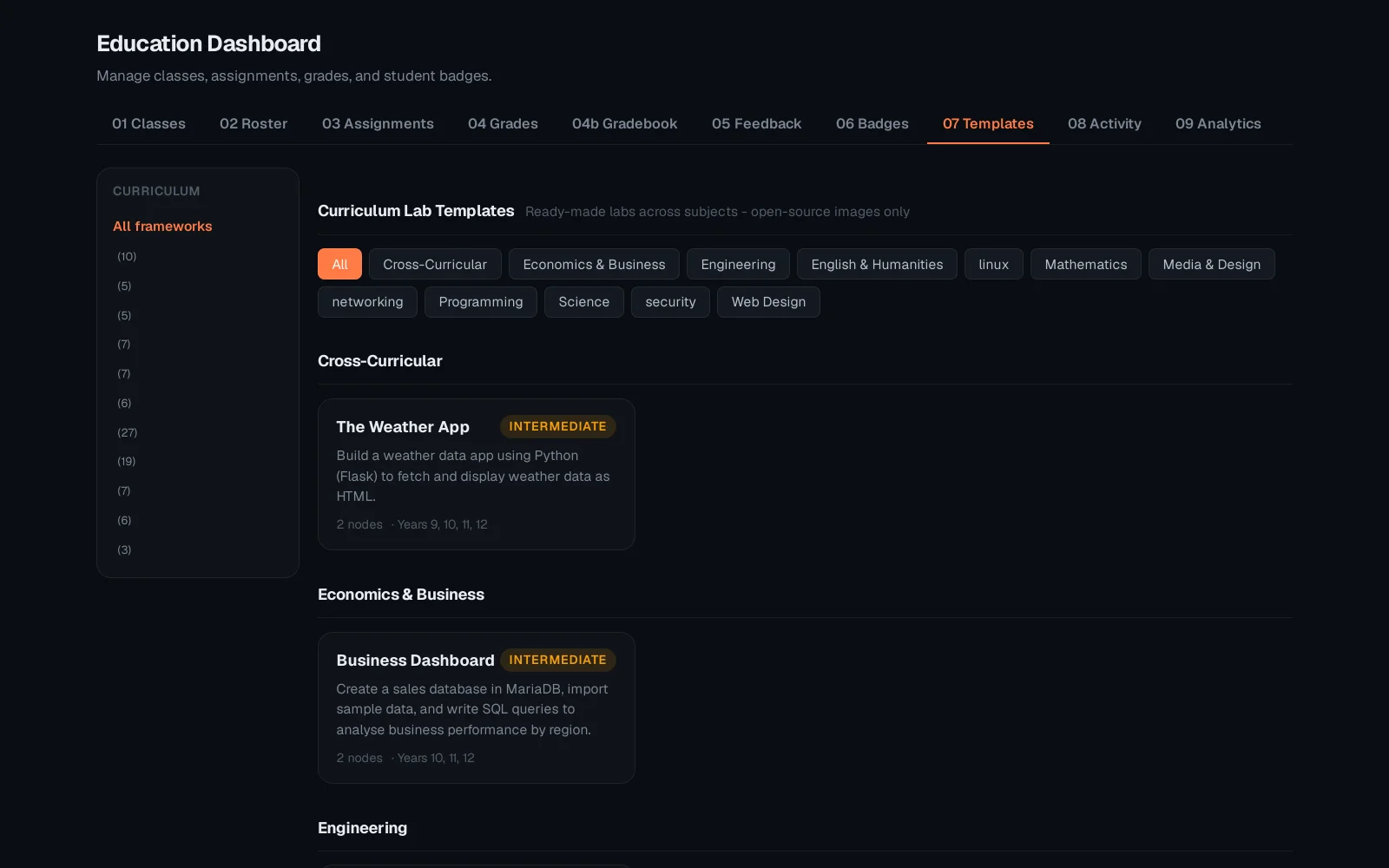
Switch to Templates. A curriculum template packages a lab, its assignment settings and its grading rubric together - assign the same well-tested unit to this term's class in one click, instead of rebuilding the topology from scratch every semester.
Badges and templates both compound over time: a badge catalogue becomes a visible skill ladder across a whole course, and a library of templates turns each new term into "pick and assign" rather than "build again." See "The instructor console" for the day-to-day roster and assignment workflow these feed into.