Classes, roster and assignments in the Education dashboard
The Education dashboard is the full teaching toolkit, one tab per stage of running a class: Classes (create and pick a class), Roster (who's enrolled), Assignments (what they're working on), through to Grades, Badges and Analytics. This tour creates a real class and walks through the first three tabs.
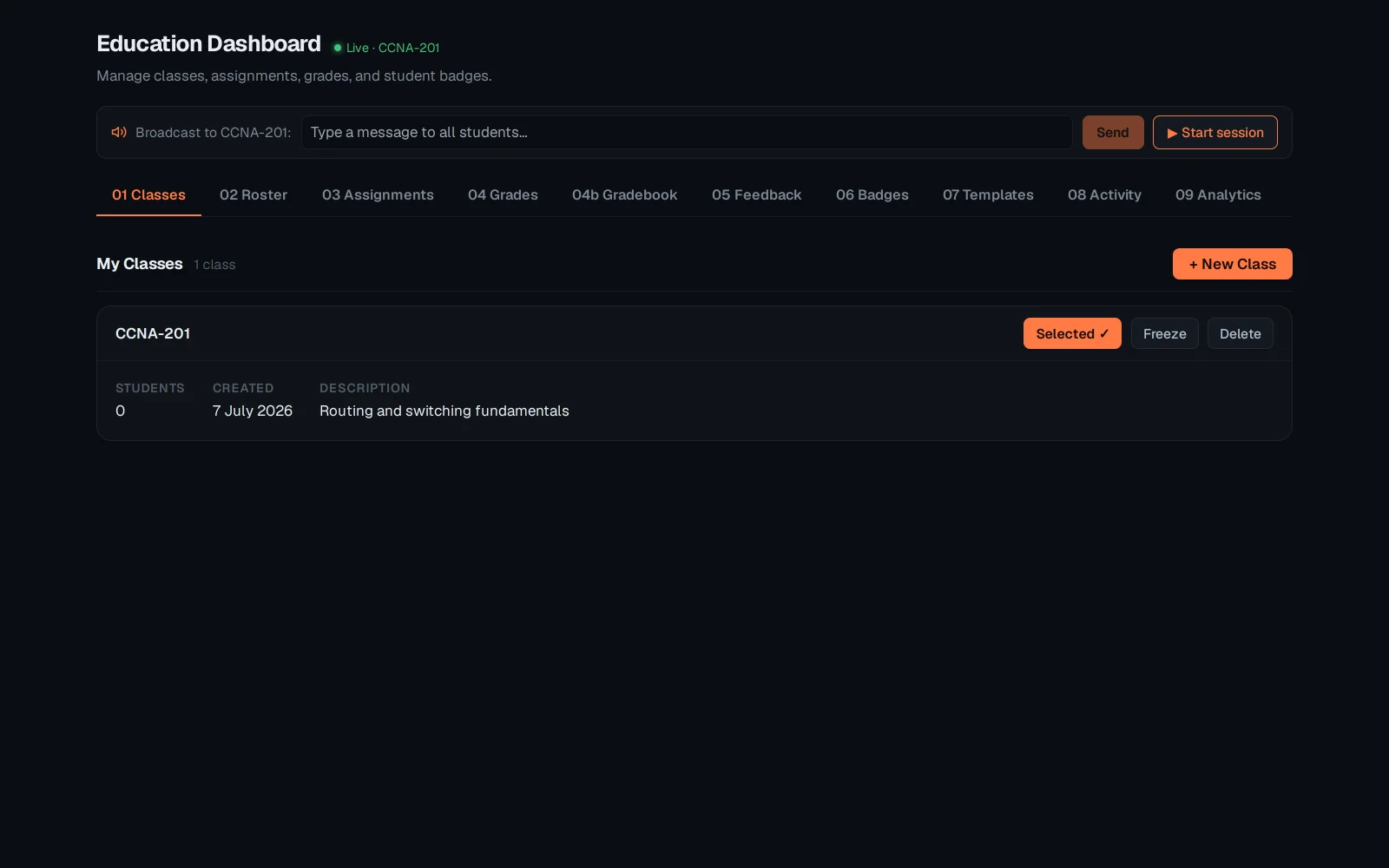
Open Education → Classes. A class is created here with + New Class - every other tab (Roster, Assignments, Grades…) scopes to whichever class is selected.
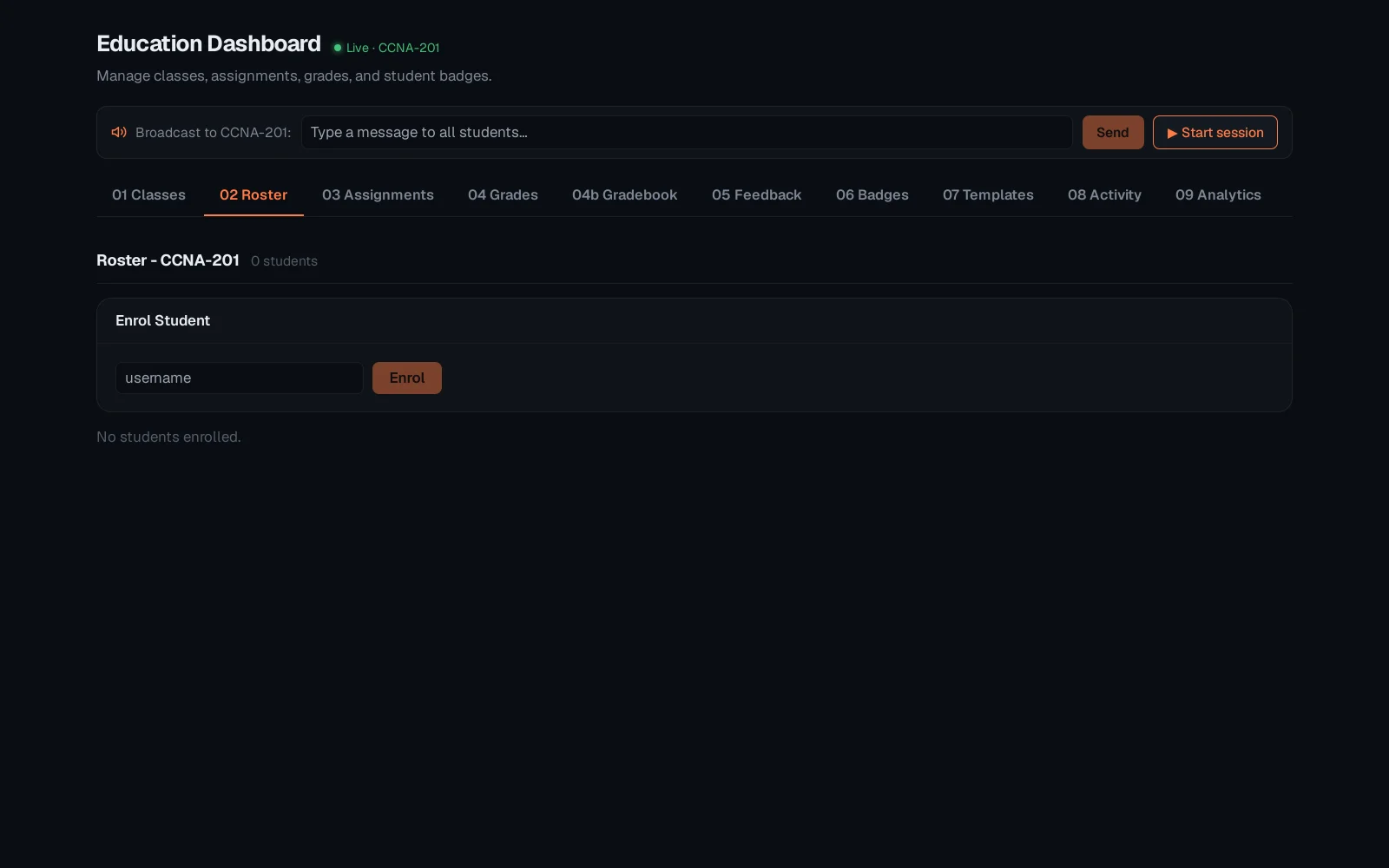
The Roster tab lists every student enrolled in the selected class - a fresh class starts empty, and students are added the same way as the instructor console's roster (a name in, credentials out).
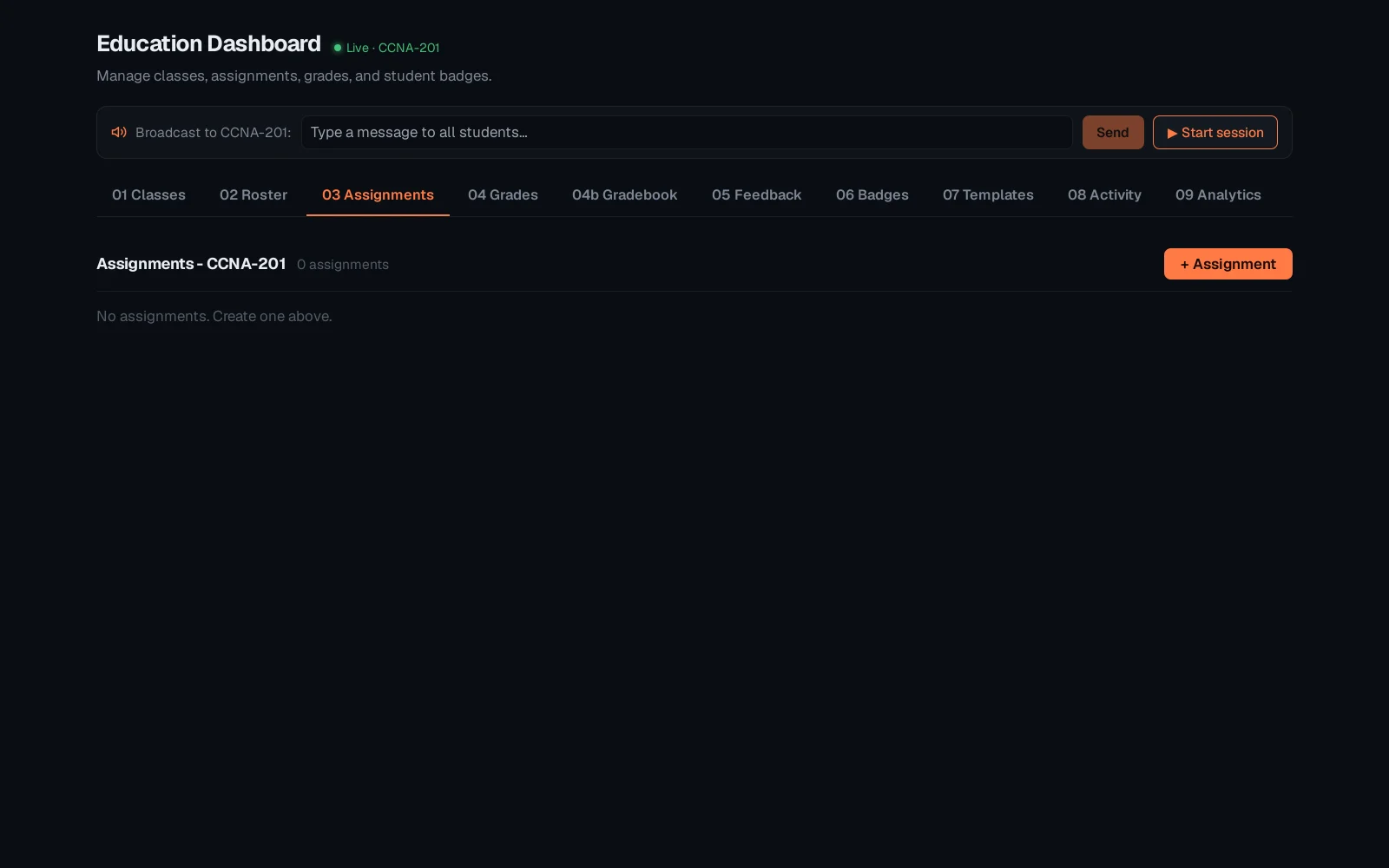
The Assignments tab lists everything set for this class - labs, exams, due dates, each with its submission state at a glance. A fresh class starts with none; + Assignment sets the first one.
From here the same class flows into Grades and Gradebook (marking and the aggregate view), Feedback (per-student notes), Badges (attainment), Templates (reusable units) and Analytics. See "The instructor console" for the lighter-weight, session-scoped version of this same workflow under Classrooms.