Grading, gradebook and feedback
Once students have submitted work, three tabs in the Education dashboard cover marking it: Grades (mark one submission at a time), Gradebook (the whole class's marks in one grid), and Feedback (per-student notes that are not just a number).
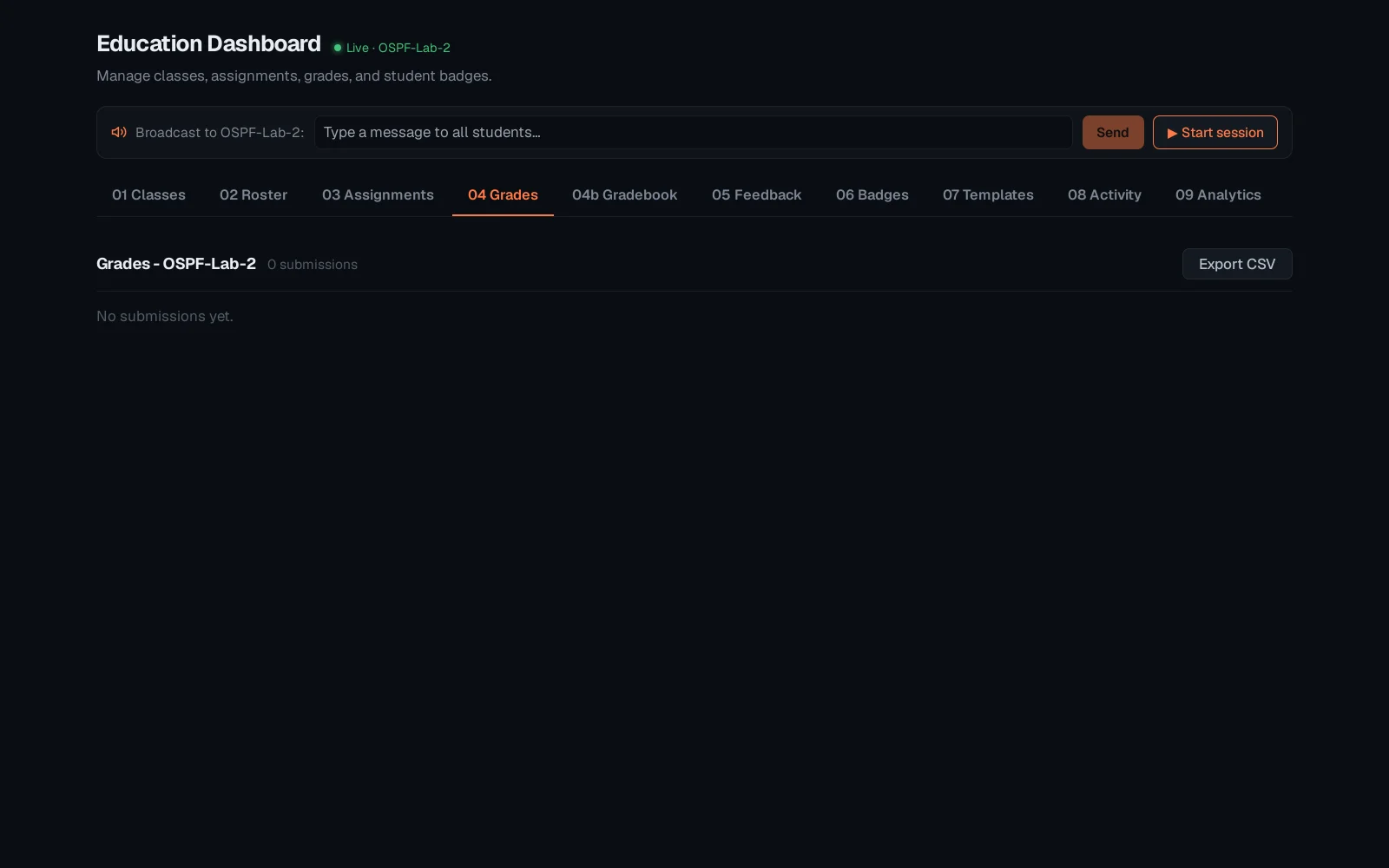
Select the class, then open Grades. This is the per-submission marking view - pick a student, read what they did, assign a mark.
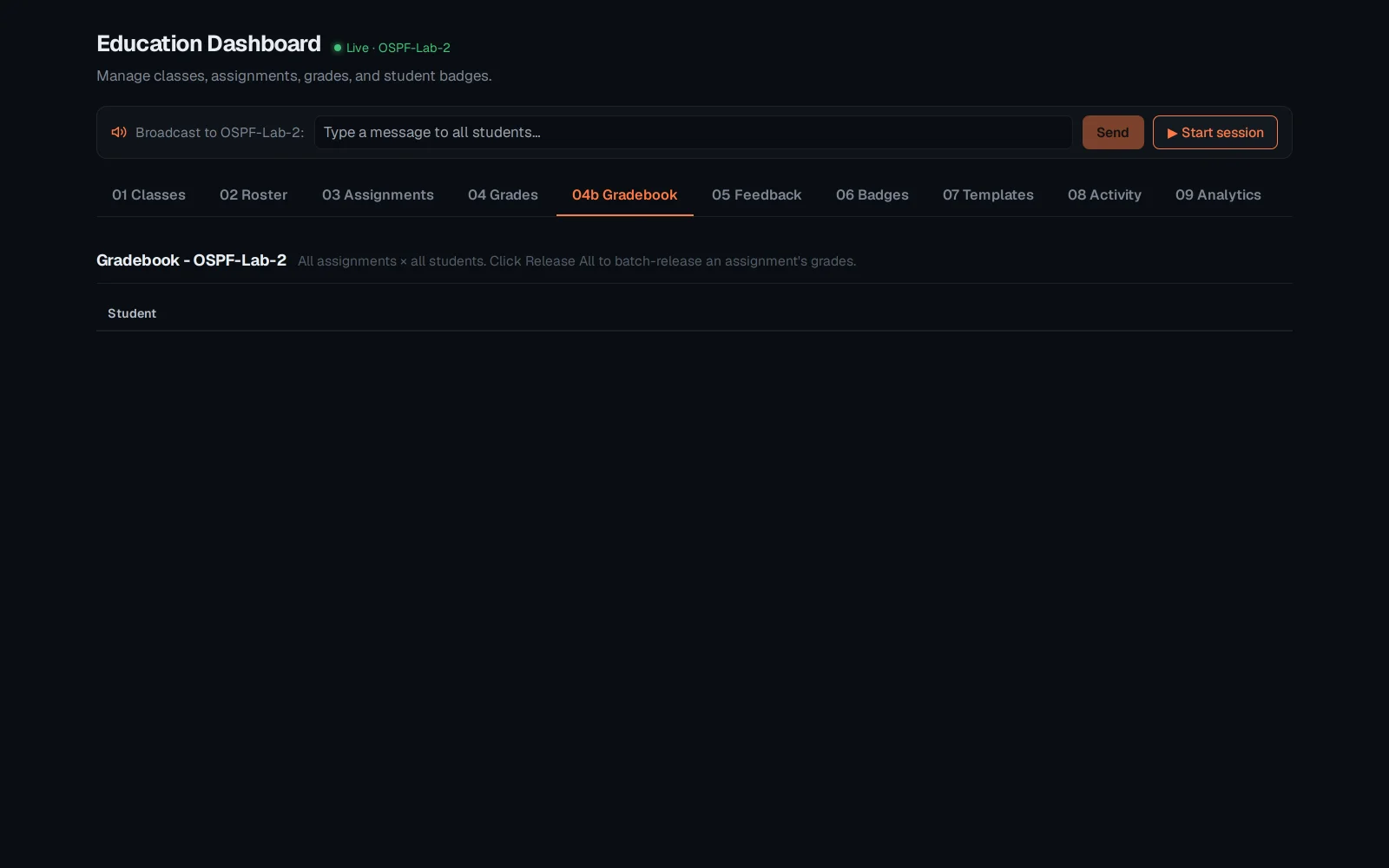
The Gradebook rolls every student and every assignment into one grid - the class-wide view, instead of one submission at a time.
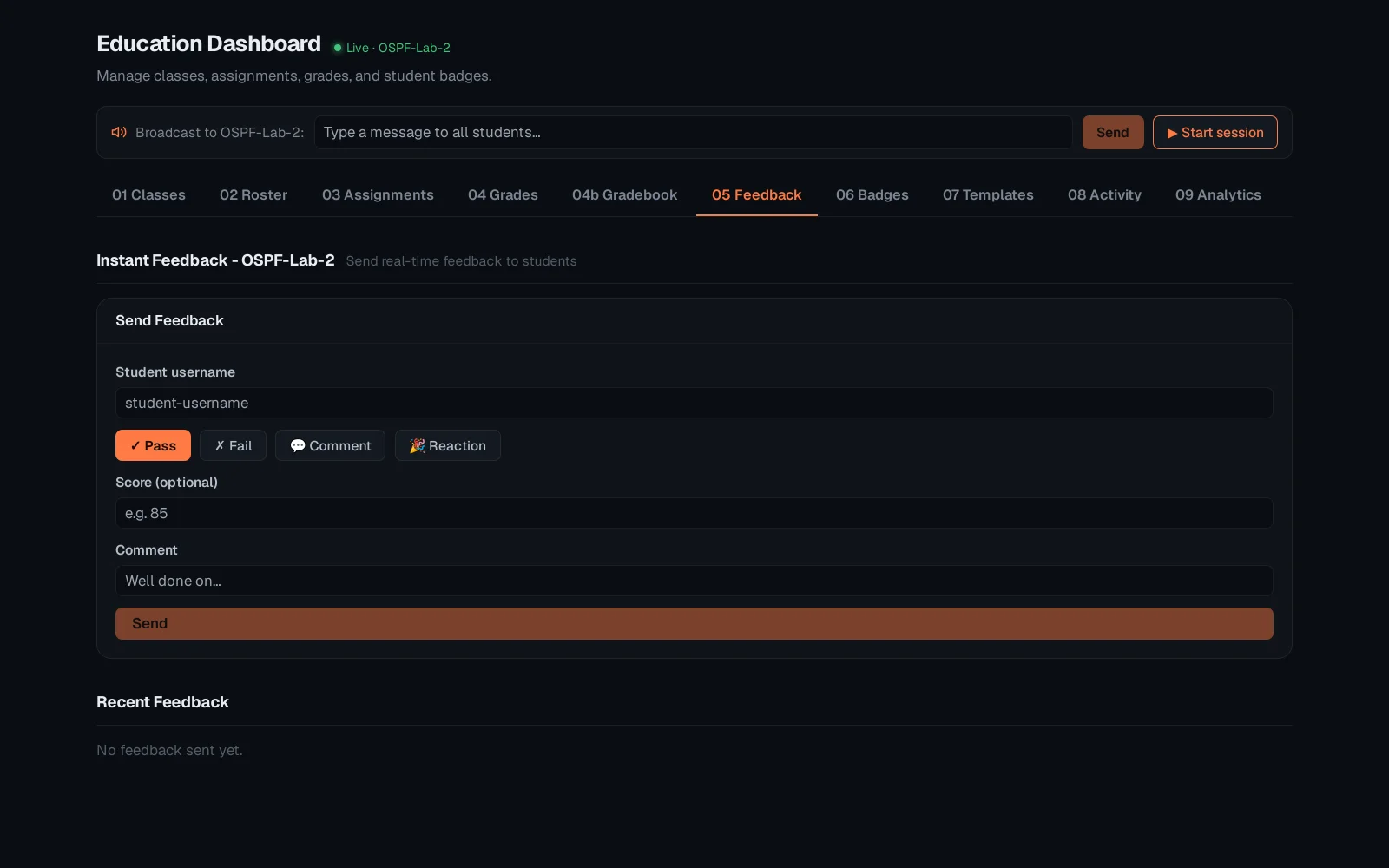
Feedback is where a note that is not a number lives - what went well, what to revisit before the next assignment.
Grades, Gradebook and Feedback all read from the same underlying submissions - mark once in Grades and it appears in the Gradebook automatically. See "Classes, roster and assignments" for how a class and its assignments get set up in the first place, and "Badges and curriculum templates" for the attainment side of the same toolkit.