The Command Centre: a full-screen console for running a class
The instructor console covers a class from a normal browser tab; the Command Centre is the same workflow built for the front of a physical room - a full-screen, projector-friendly console that walks a teacher through a class session end to end: Build the lab, Assign it, go Live to monitor and help, Mark the results, then read the Results gradebook.
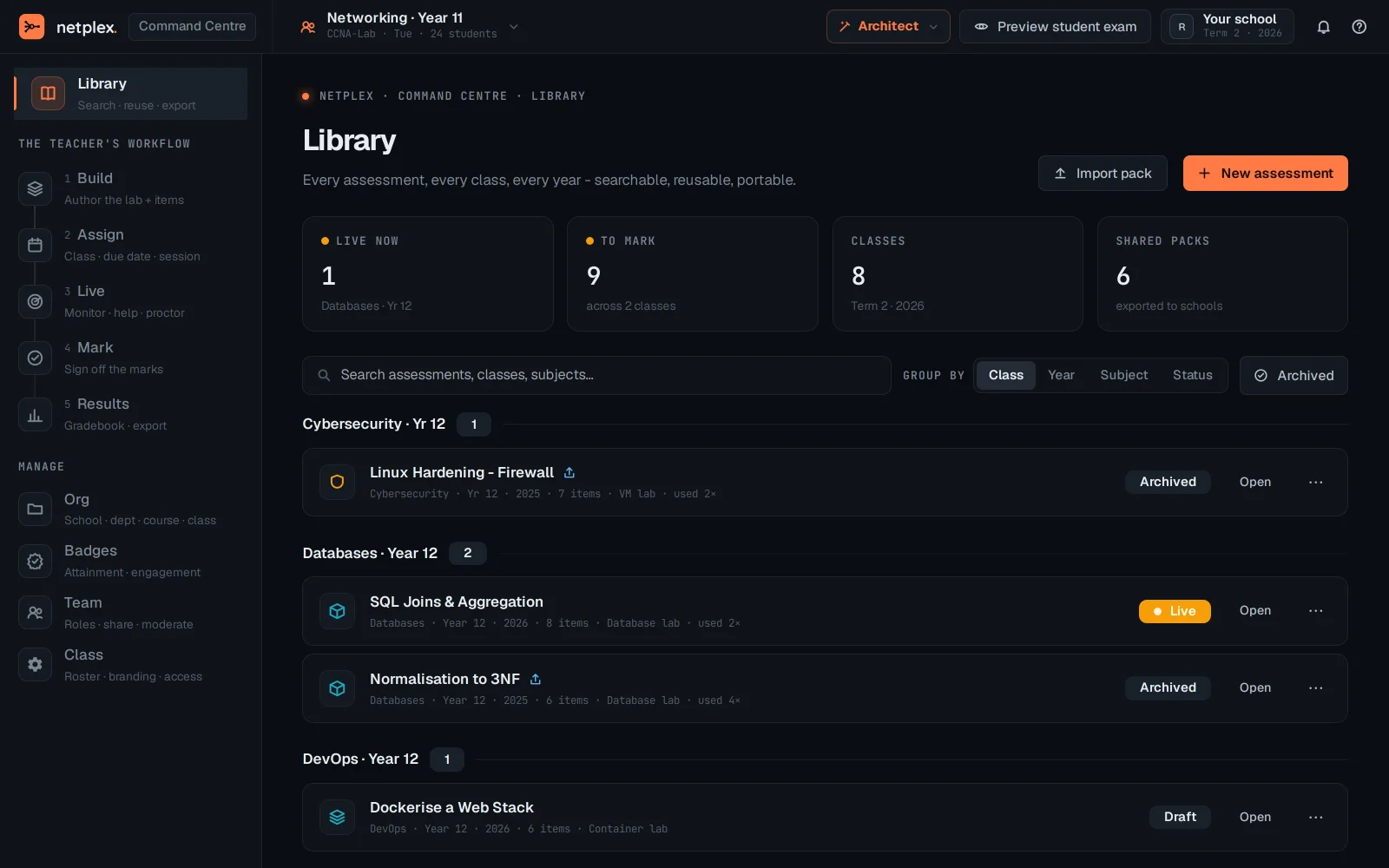
Open Command Centre. It opens on the Library zone - reusable lab templates and past sessions, ready to pick up or start fresh. The rail down the left is the whole session workflow: Build → Assign → Live → Mark → Results.
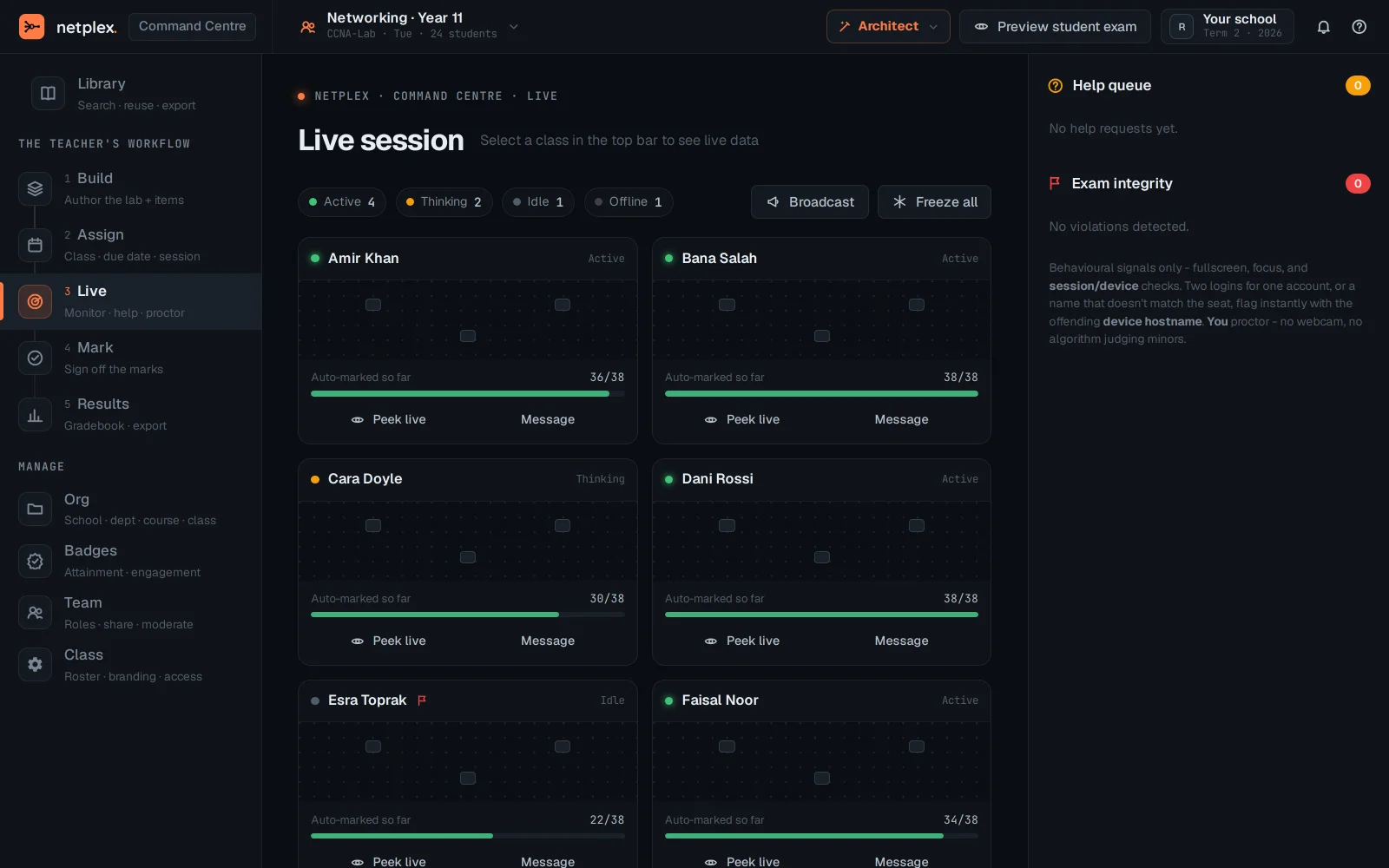
Switch to the Live zone - this is what stays on screen during the session: every student pod's status at a glance, built to be read from across a room, not squinted at on a laptop.
The Command Centre and the instructor console (under Classrooms) drive the same underlying classroom data - use whichever fits the moment: the console for day-to-day roster and grading work, the Command Centre when you are standing in front of a room and need the big screen. See "The instructor console" for the roster and assignment side of the same workflow.