Connect two nodes
Links are the wires of your lab. A link connects one interface on one device to one interface on another, and netplex. builds the real underlying plumbing when the lab starts - nothing is simulated.
This guide connects two Linux PCs. The same gesture works for any pair of devices.
Open your lab. The canvas shows the two PCs; they are not connected yet.
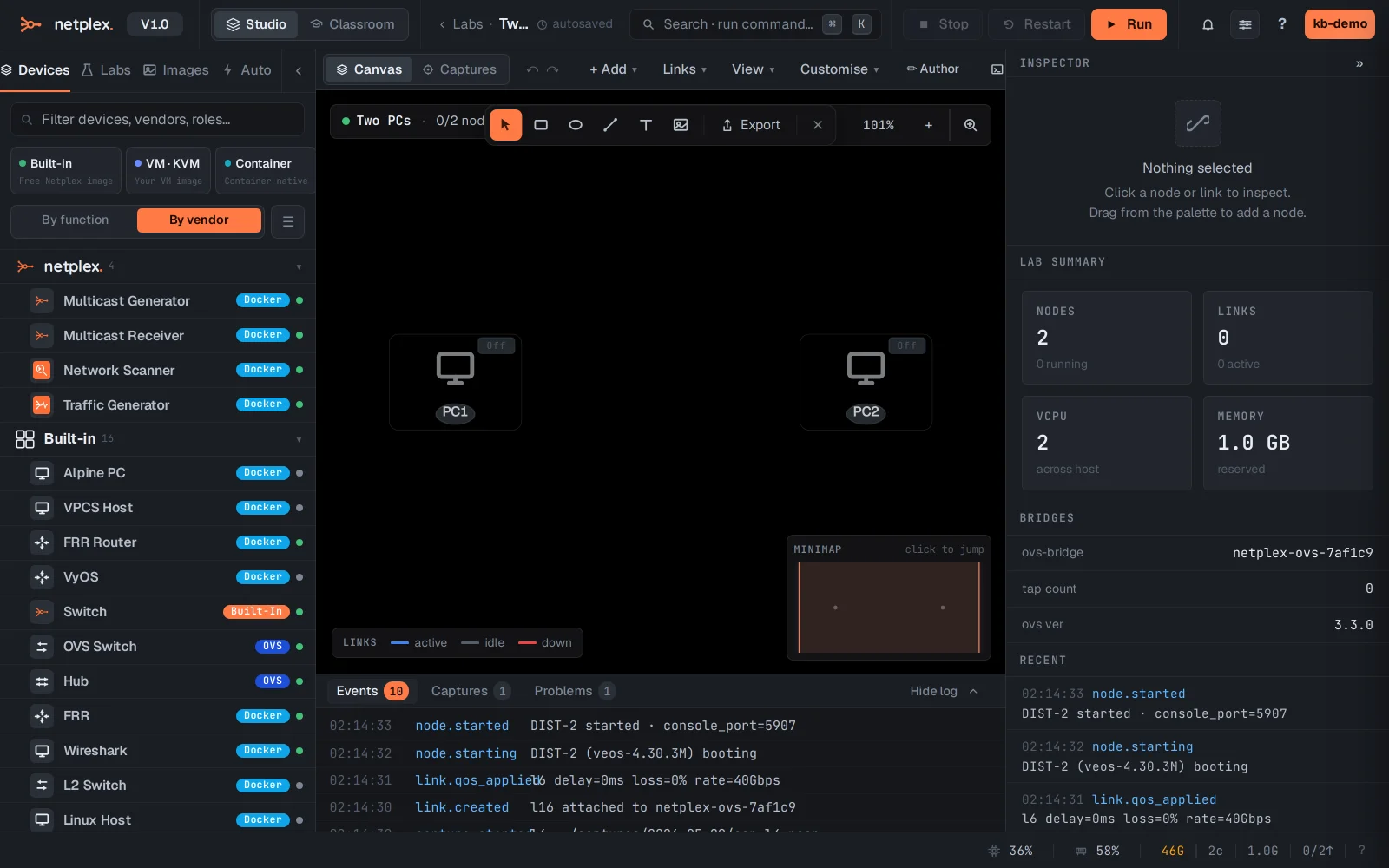
Open the Links menu in the canvas toolbar. It holds everything about links: drawing, style, traffic animation.
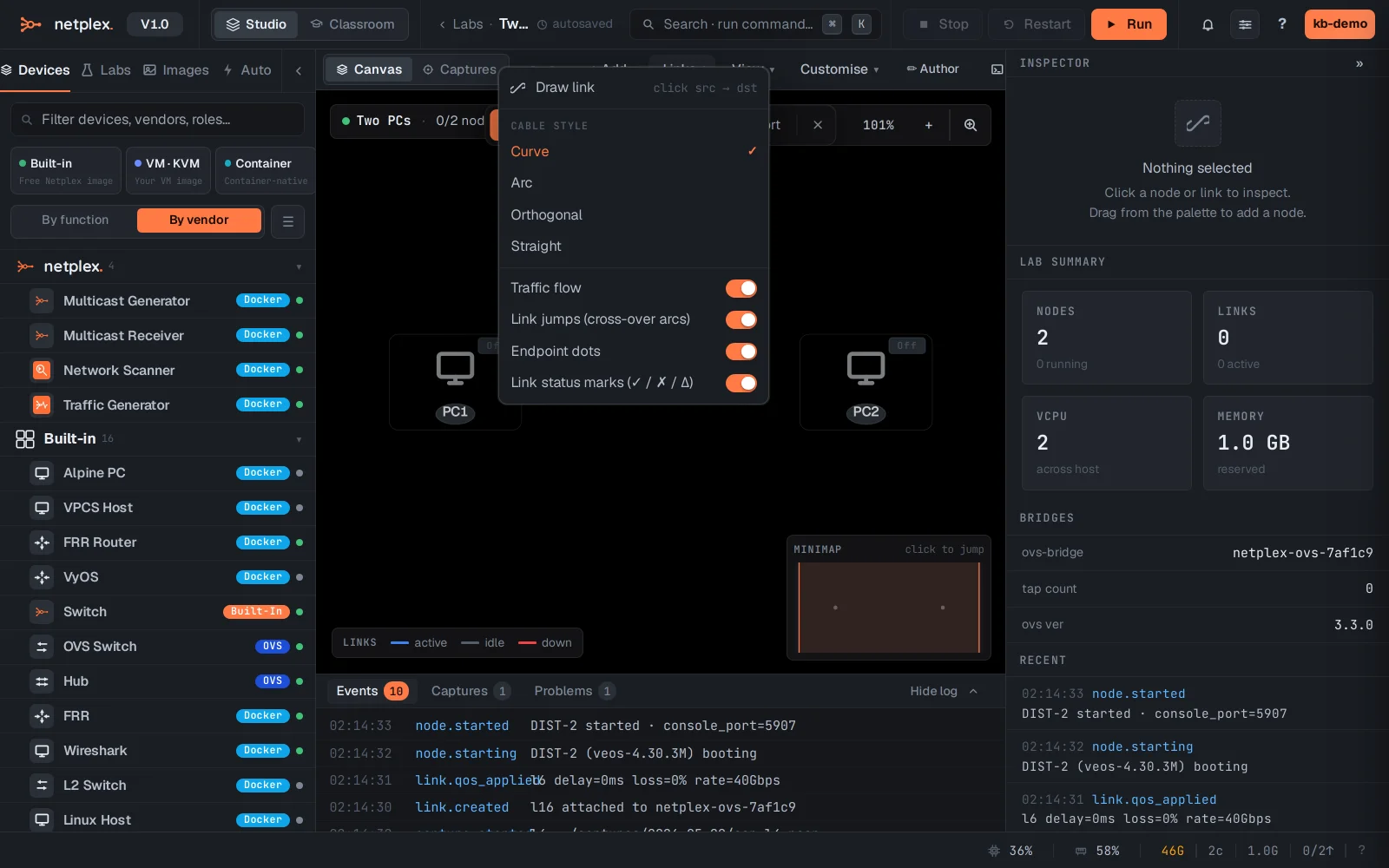
Choose Draw link. Link mode switches on - the hint reads click src → dst.
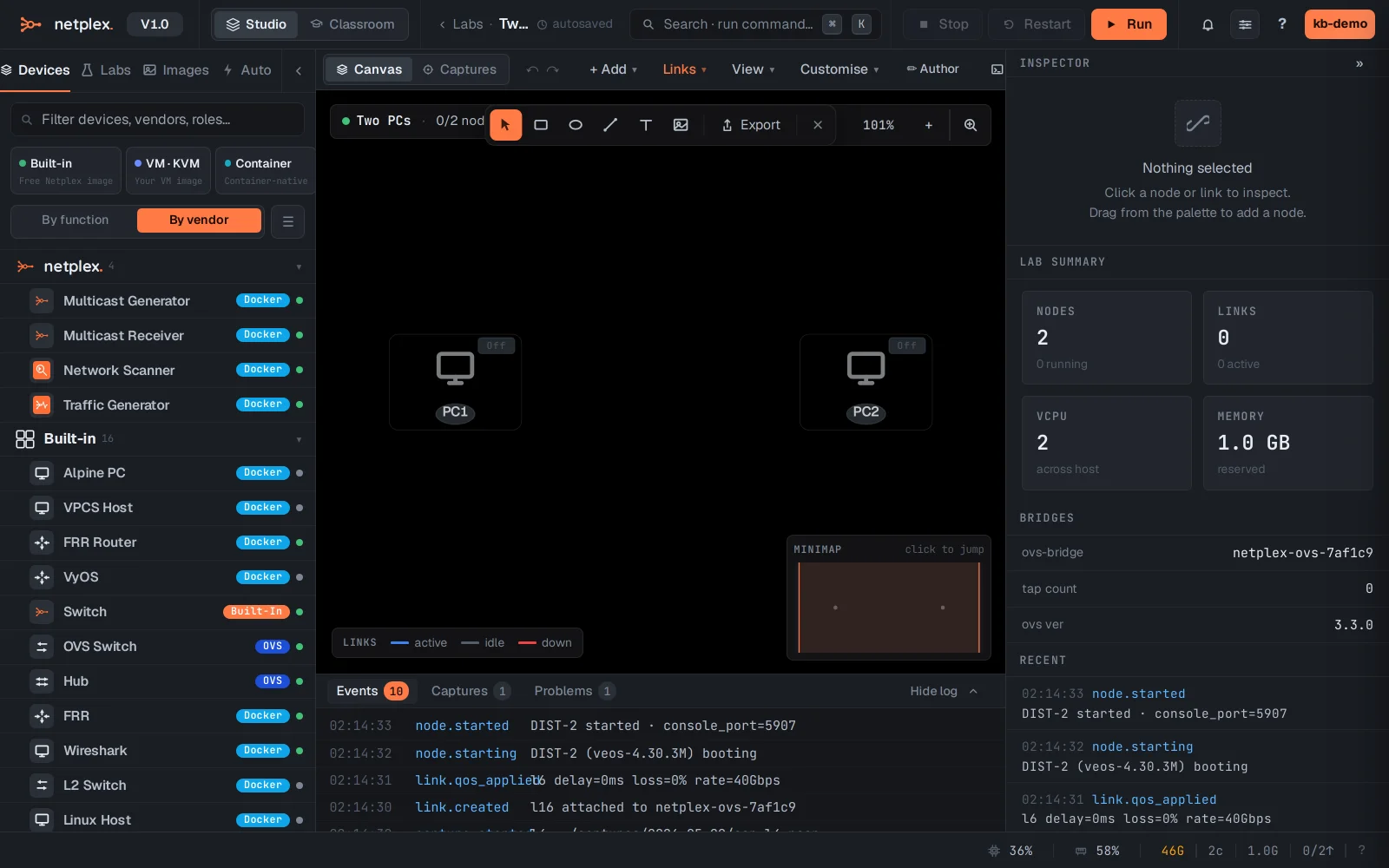
Click PC1, then PC2. The interface picker opens so you choose which port to use on each side - the first free interface is pre-selected.
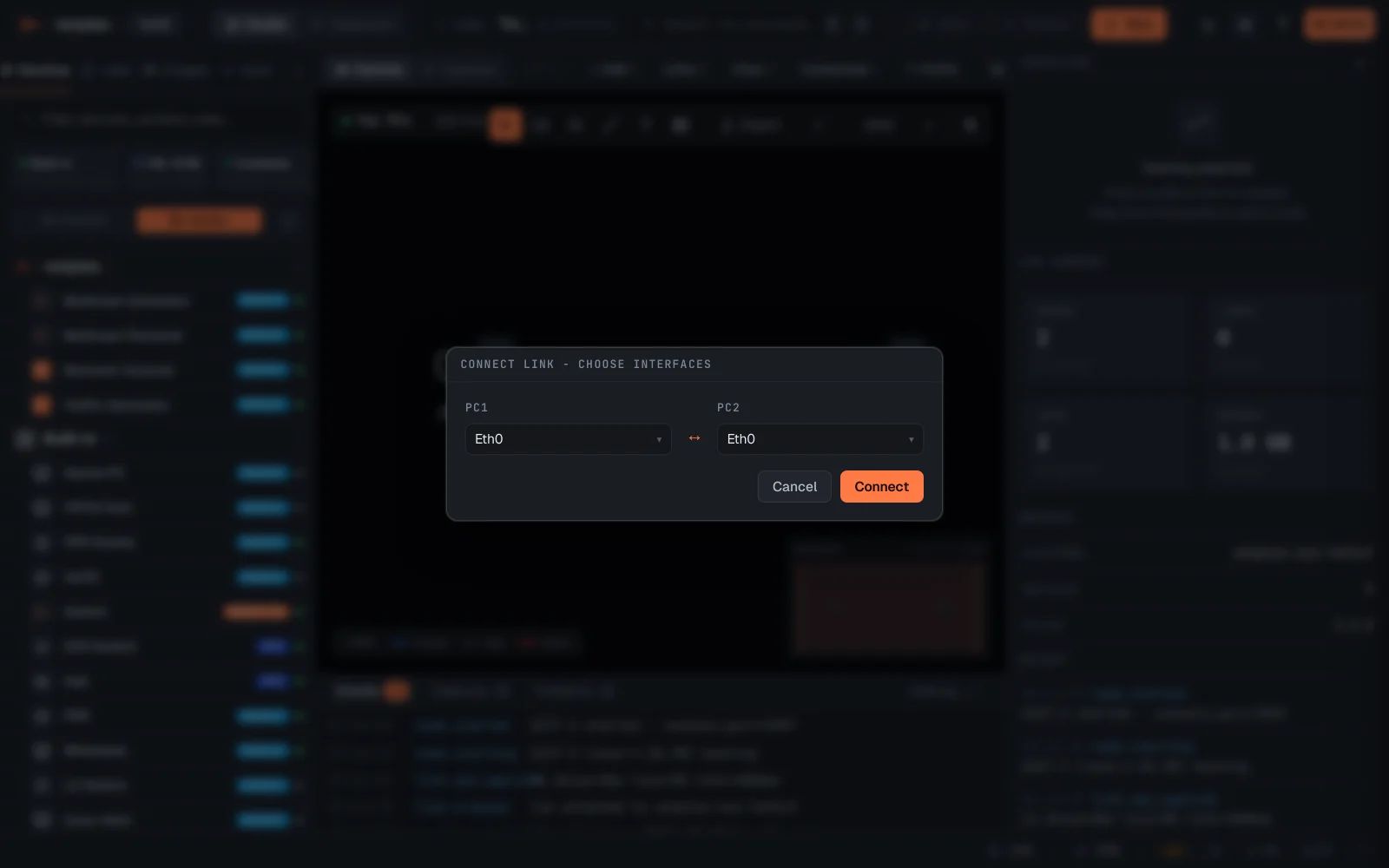
Click Connect. The link is drawn between the two PCs and saved to the topology immediately.
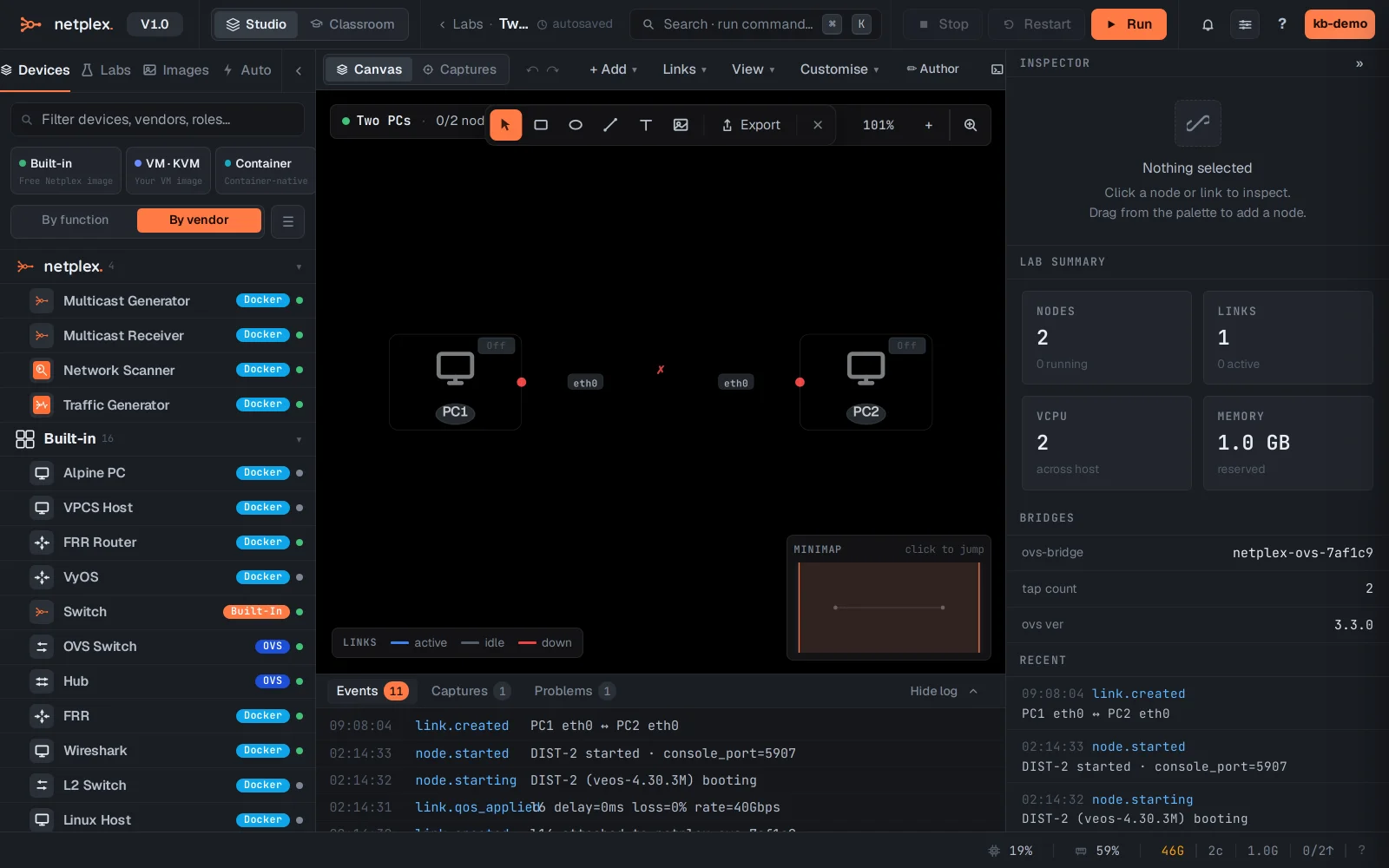
The link is stored in the topology immediately. When you start the lab, the wire becomes real - you can ping across it, capture packets on it, and shape it with QoS. To remove a link, right-click it and choose delete.