Create your first lab
A lab is a self-contained network topology: its devices, links and configuration live together and can be started, stopped and shared as one unit.
Creating one takes a few seconds. You will name it, and netplex. drops you straight onto an empty canvas ready for devices.
Sign in and open the Labs page from the left navigation. This lists every lab you own, with its state and node count.
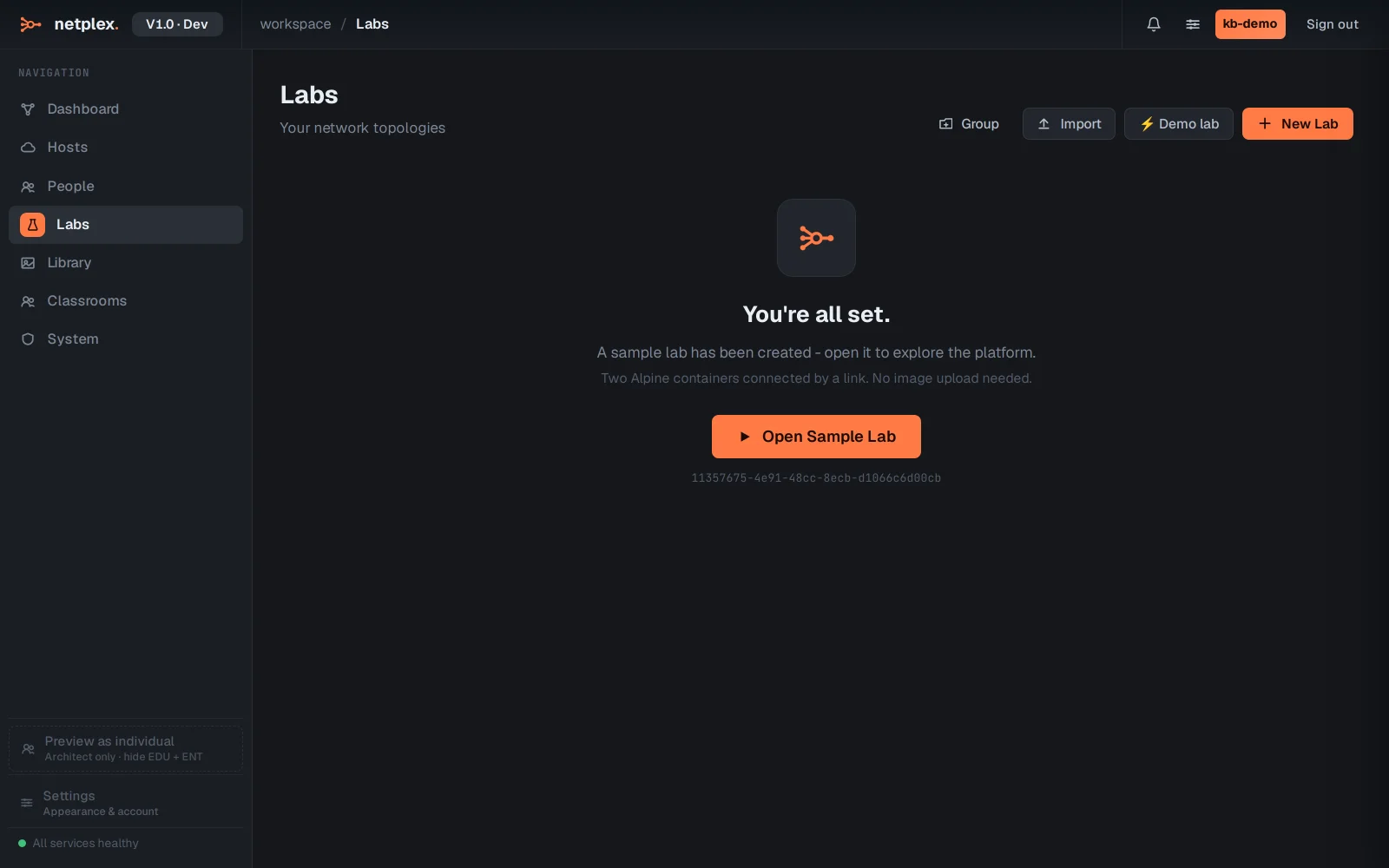
Click New Lab in the top-right corner. The create dialog opens.
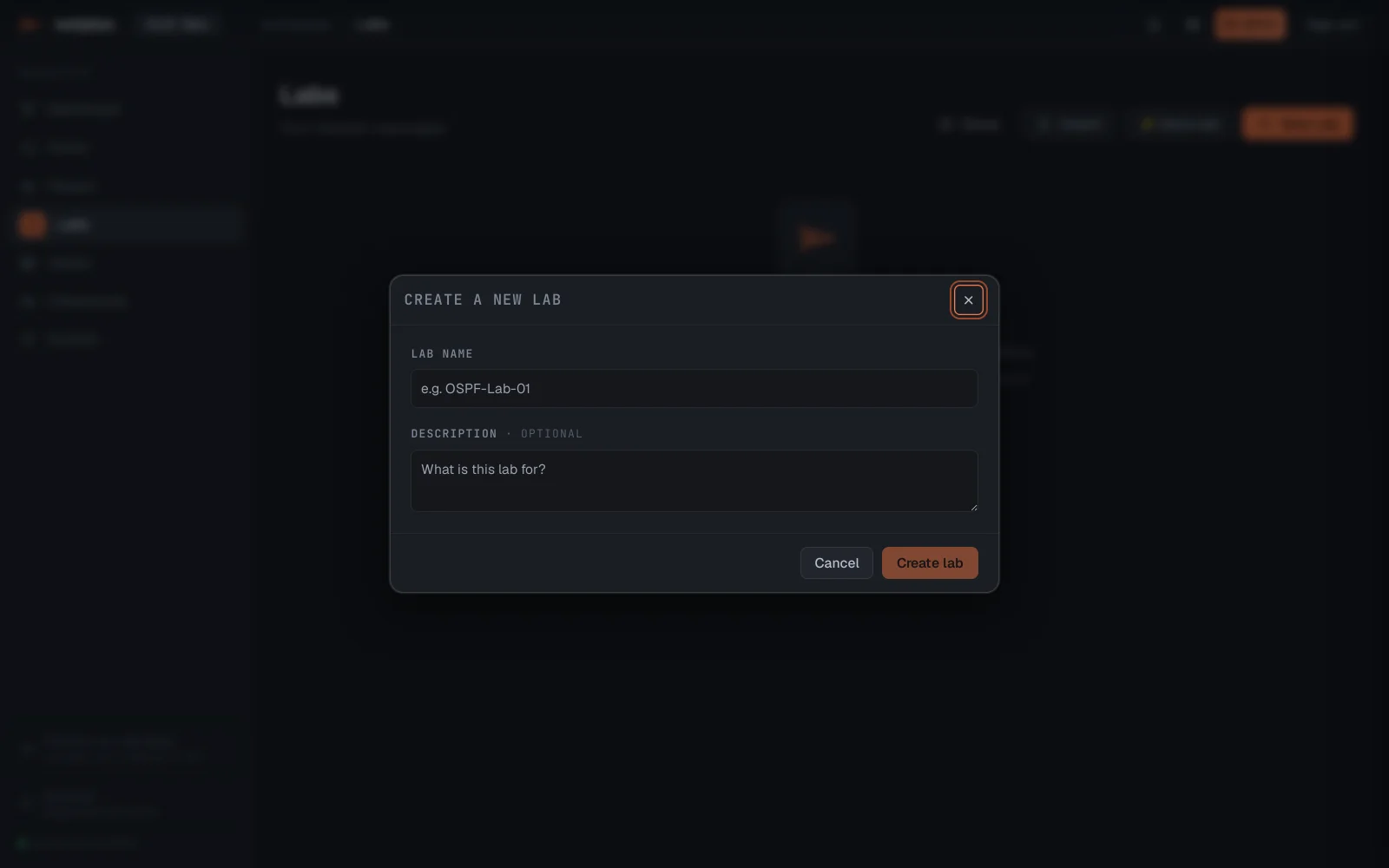
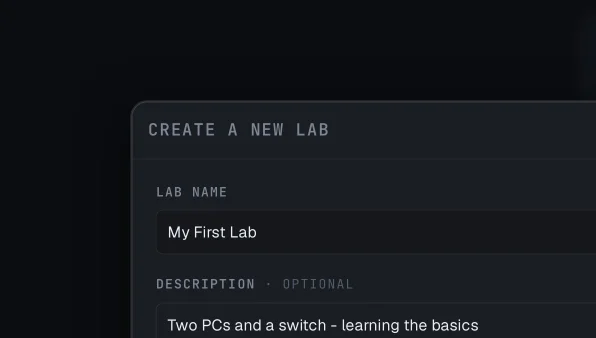
Give the lab a name, for example My First Lab. The description is optional but useful once you have more than a handful of labs.
Click Create lab. netplex. creates the lab and opens it in the Studio: an empty canvas with the toolbar along the top. From here you can add devices with the + Add menu.
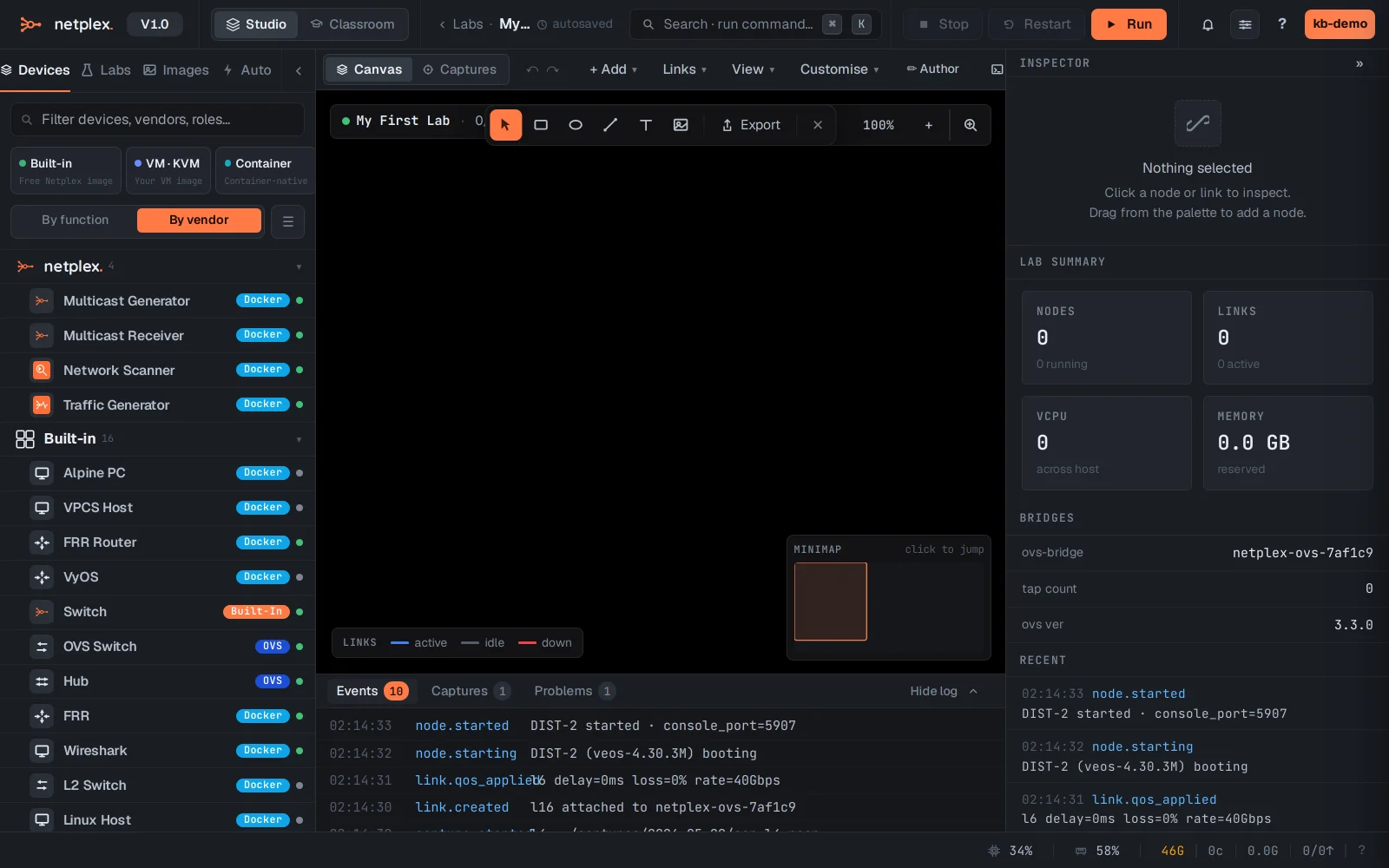
That is all there is to it. The lab autosaves as you work - there is no save button. Next: add two devices and connect them in Connect two nodes.