Find your way around netplex.
Five places cover almost everything you do: Dashboard (platform health), Labs (your topologies), Library (device images), Classrooms (teaching, when enabled) and Settings. Administrators also get System; multi-host setups add Hosts and People.
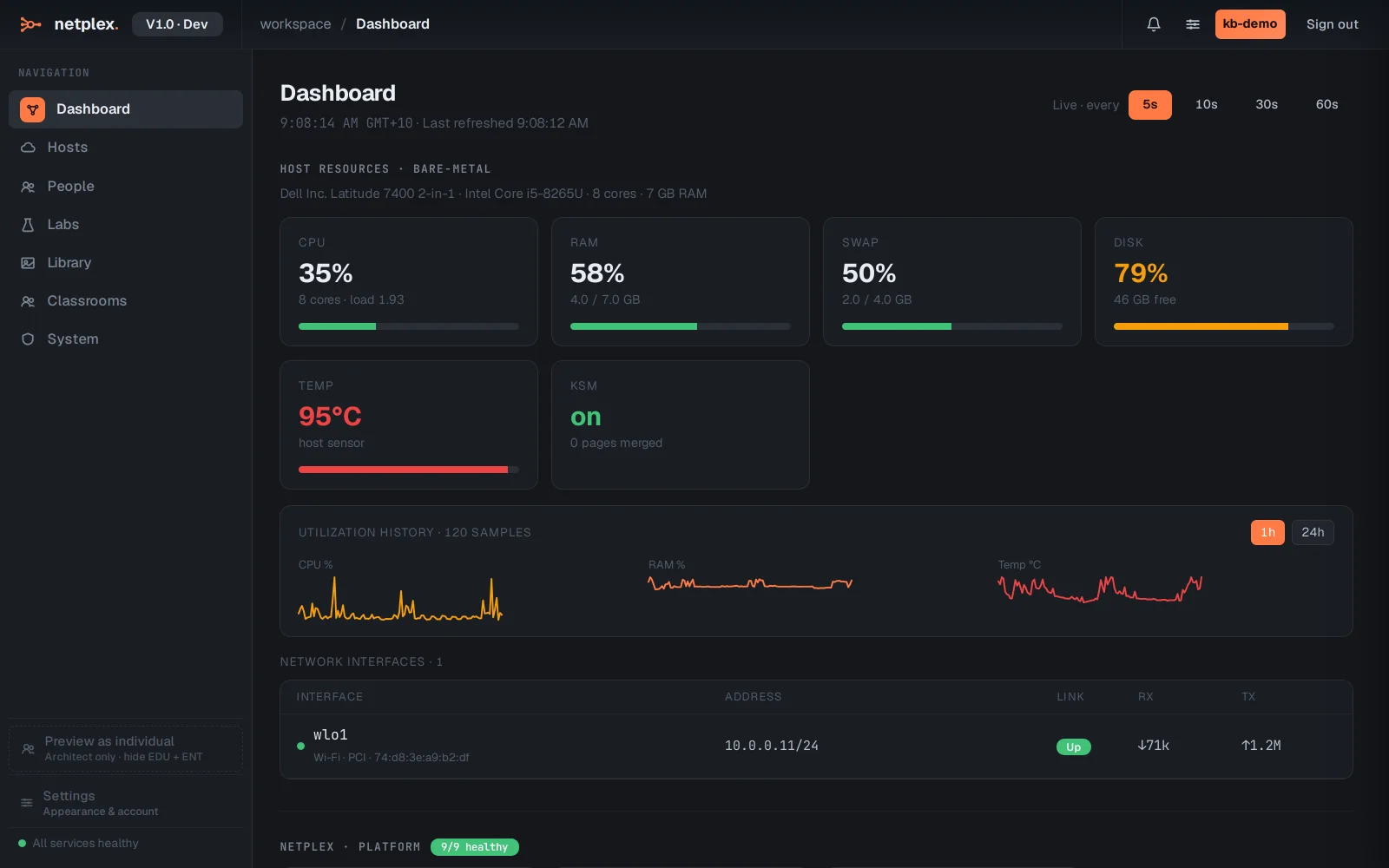
The Dashboard is the landing page: host resources, running labs and recent activity at a glance.
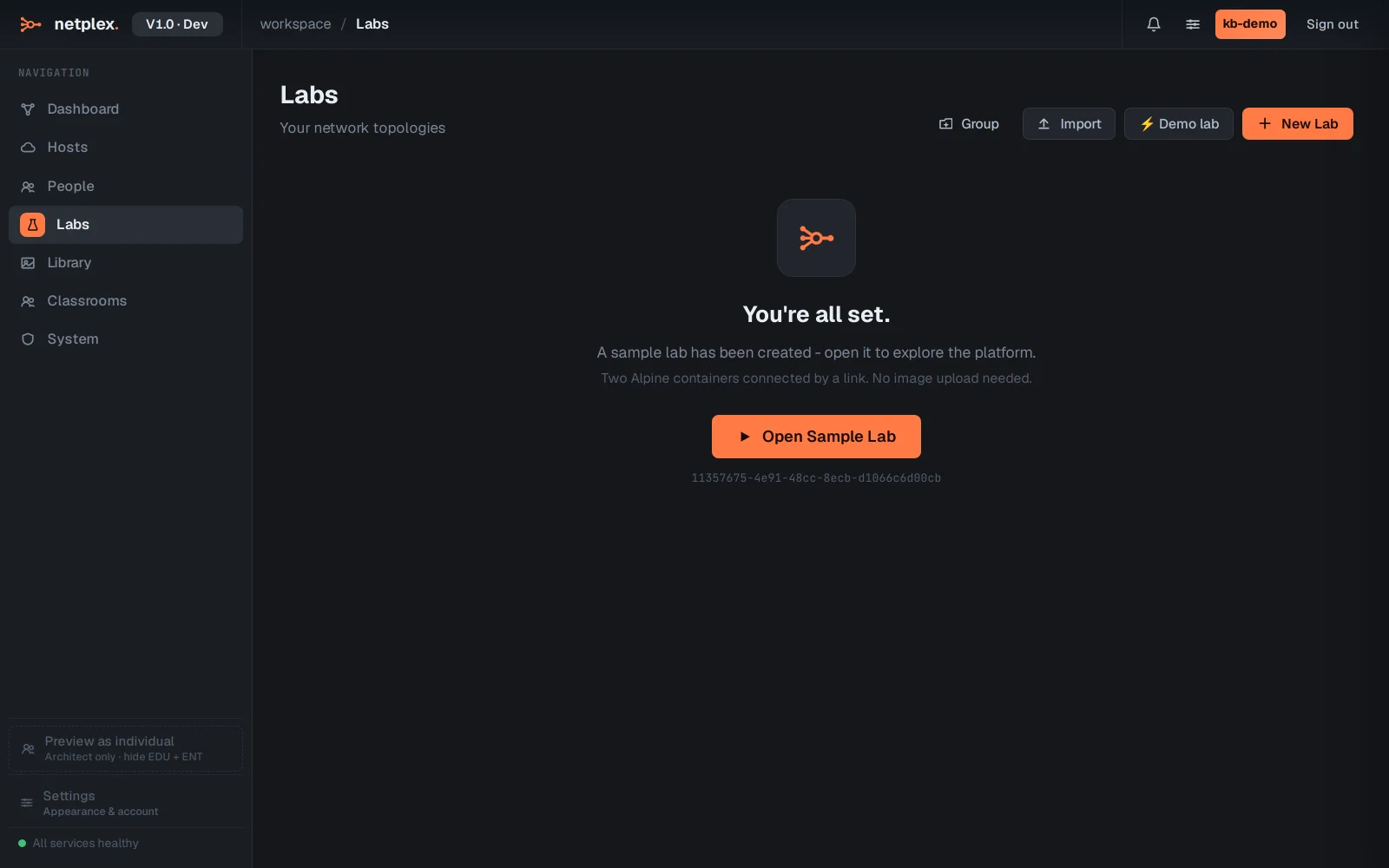
Labs lists every topology you own with its state and quick actions - open, duplicate, export, delete. New Lab and Import live top-right.
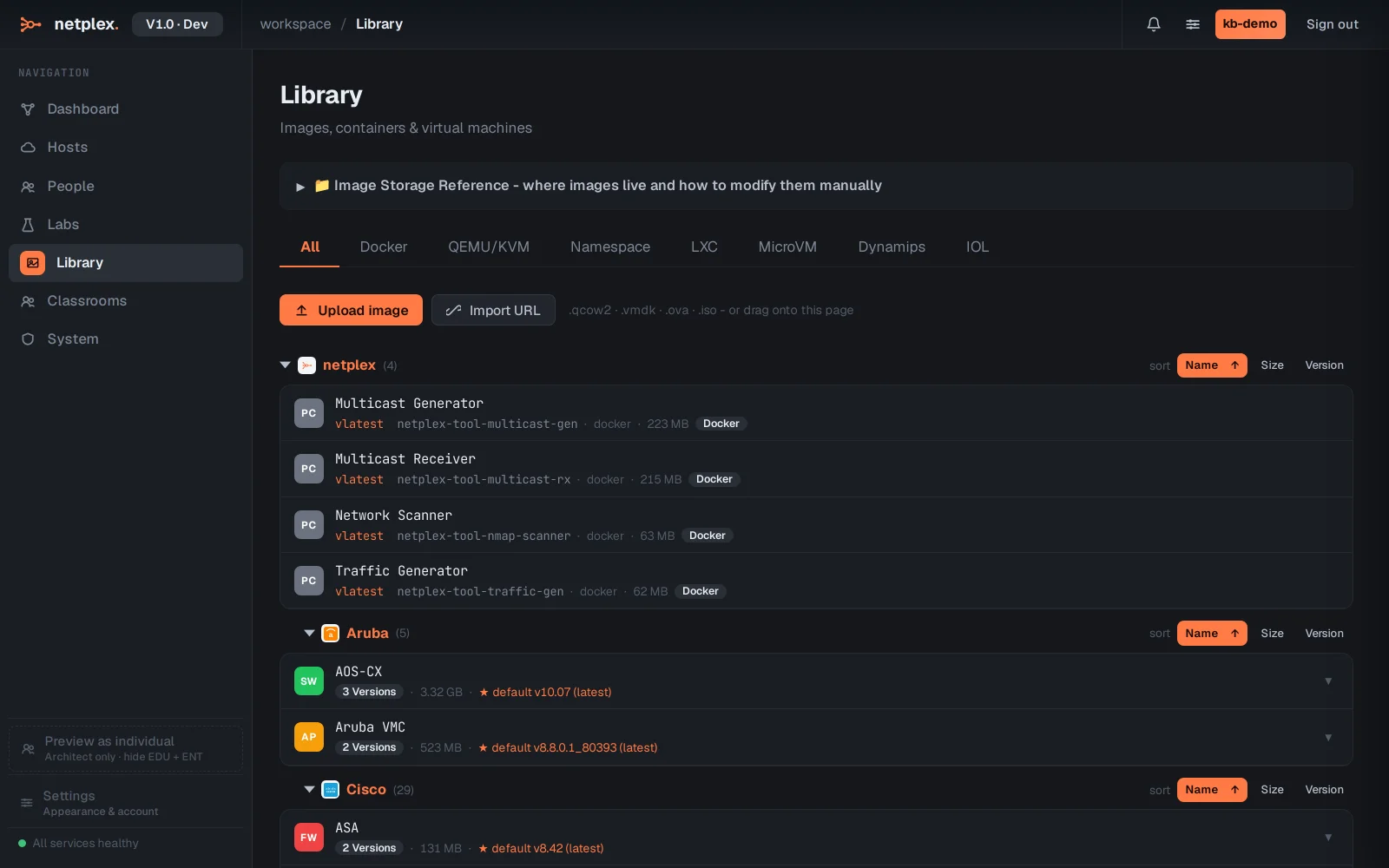
Library holds the images your nodes run from, split by runtime (Docker, QEMU VMs, LXC, routers). Import images here once; every lab can use them.
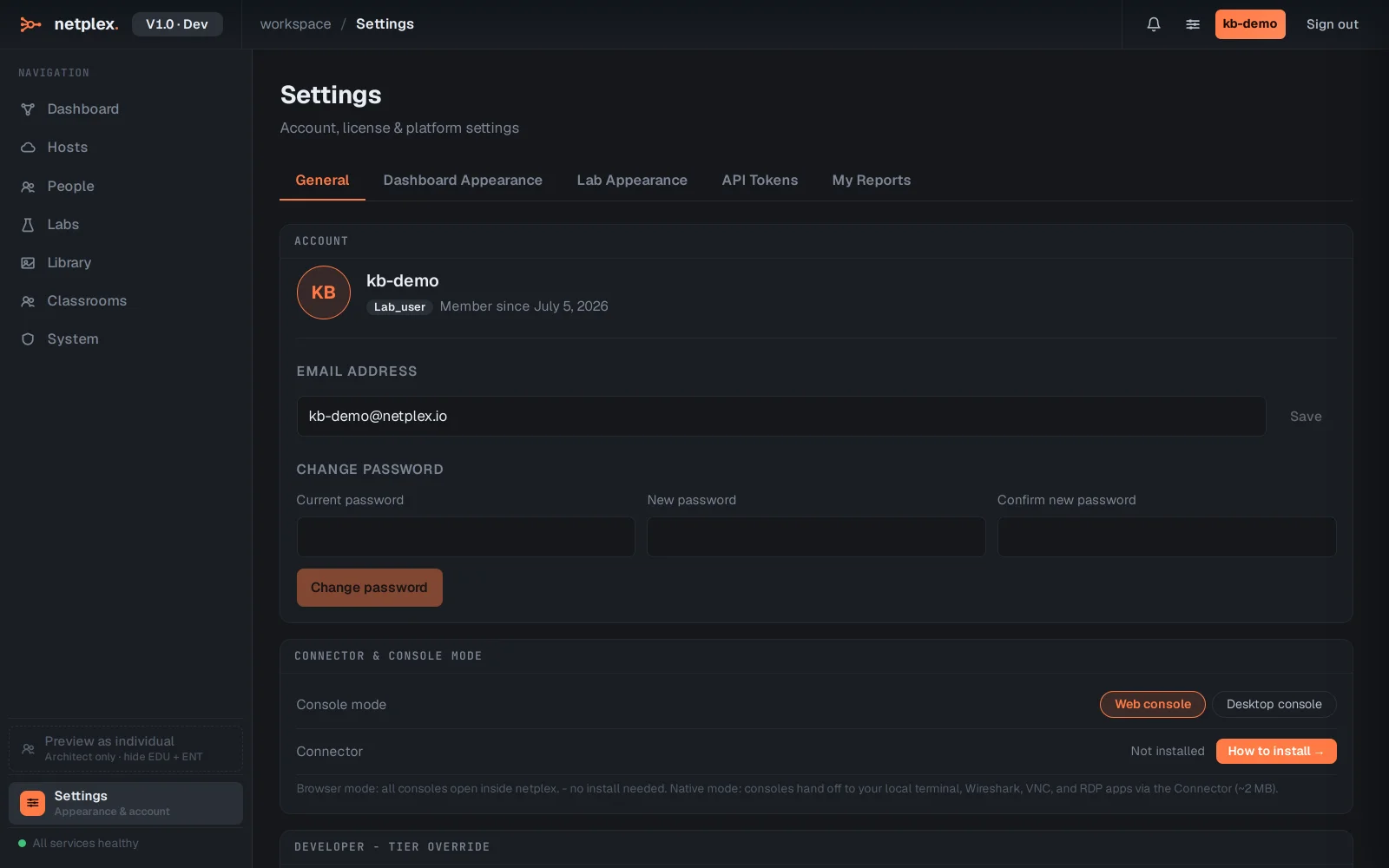
Settings is personal: appearance, dashboard styling, API tokens, reports. Opening any lab takes you to the Studio - the canvas where topologies are built.
Keyboard tip: the search box in the top bar (or ⌘K) is a command palette - jump to any lab or run an action by typing its name.