What netplex. can run: the runtimes
netplex. runs many kinds of device, and the Library groups them by runtime so you know what you are working with. Each runtime suits a different job - lightweight containers for hosts and services, full VMs for vendor network OSes, microVMs for fast isolated Linux.
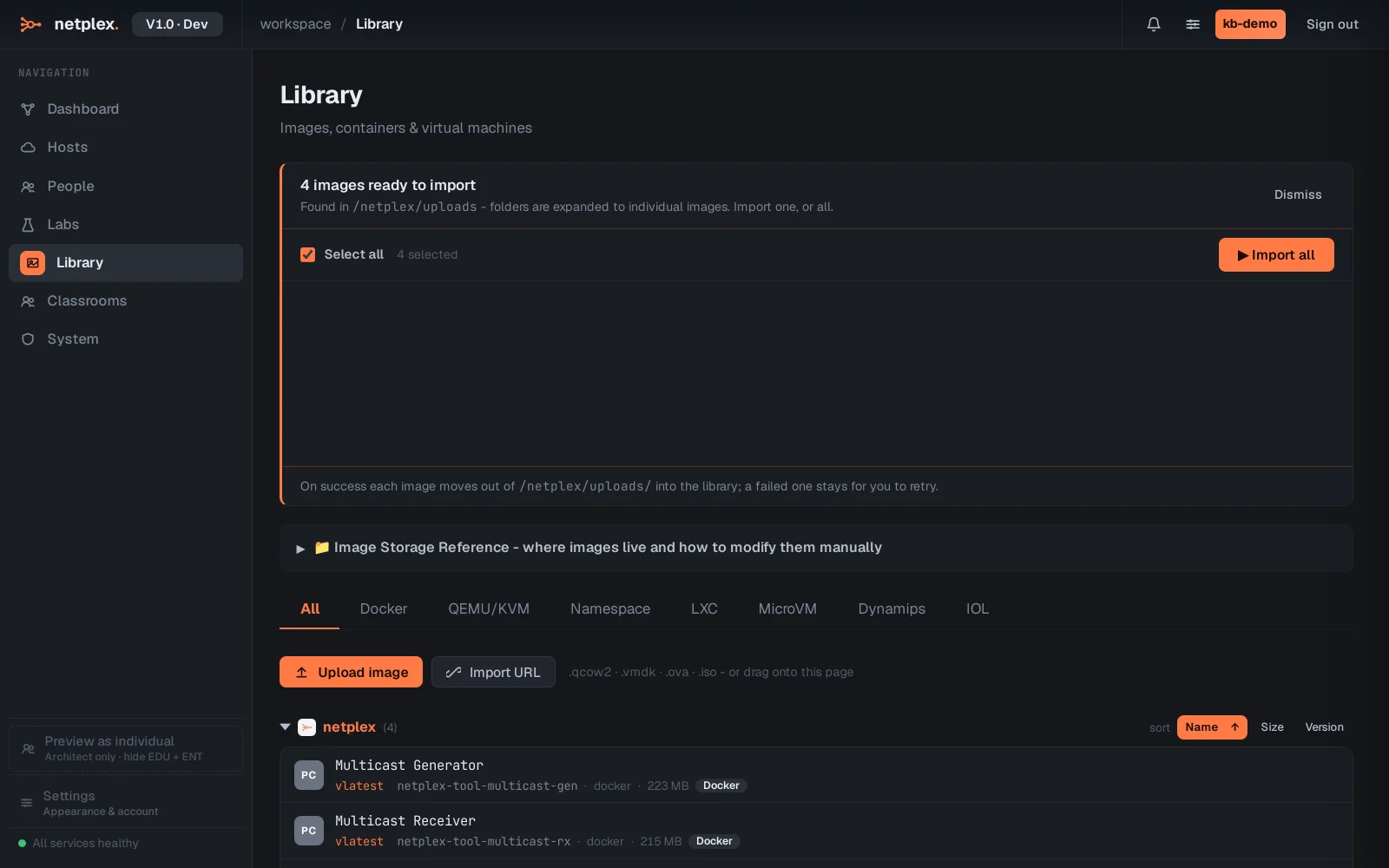
Open Library. The All tab shows every image you have across every runtime, with its virtualisation badge.
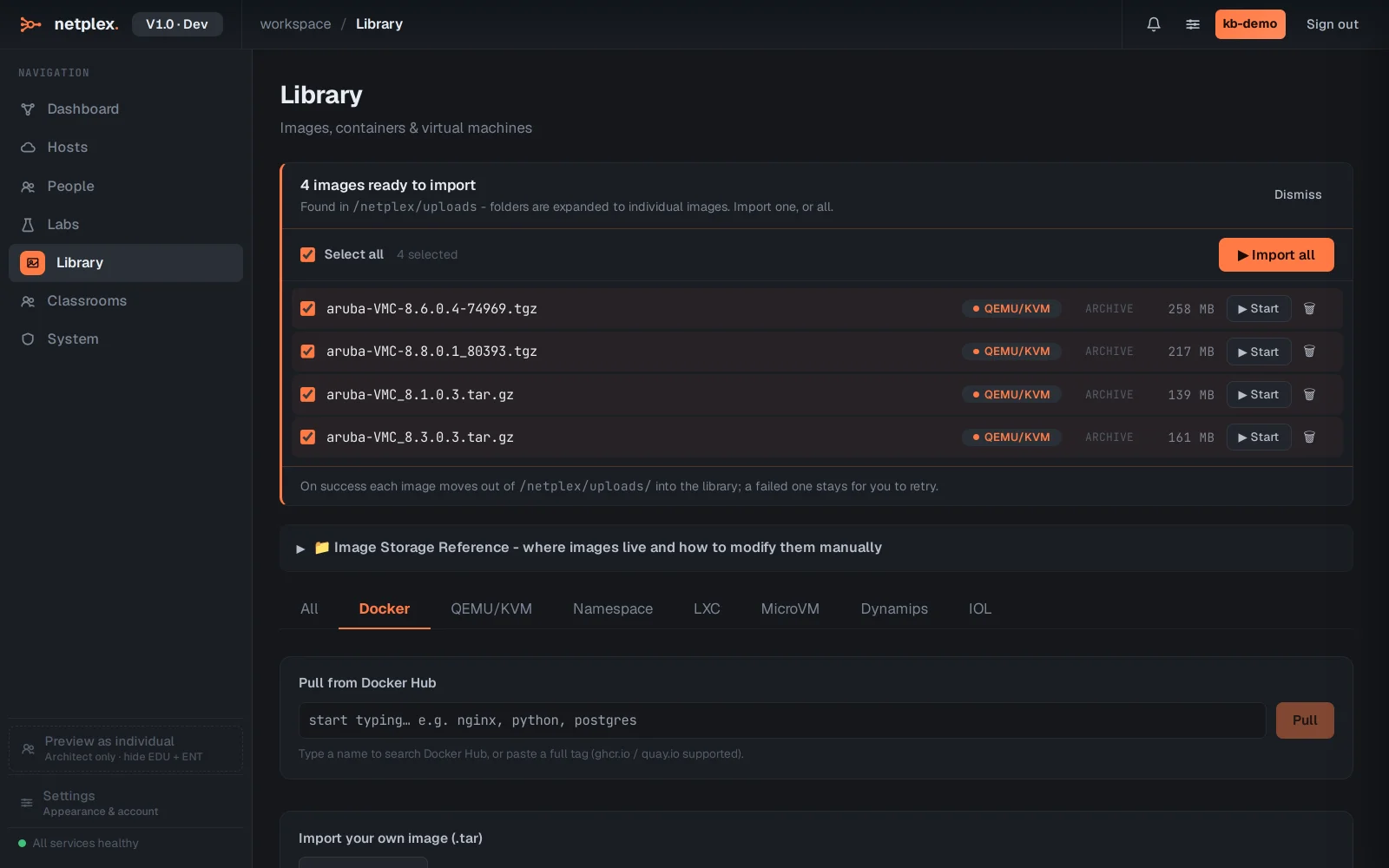
Docker containers are the fastest and lightest - Linux hosts, FRR/VyOS routers, and netplex.'s own tool nodes. They boot in seconds and use little RAM, so you can run a lot of them.
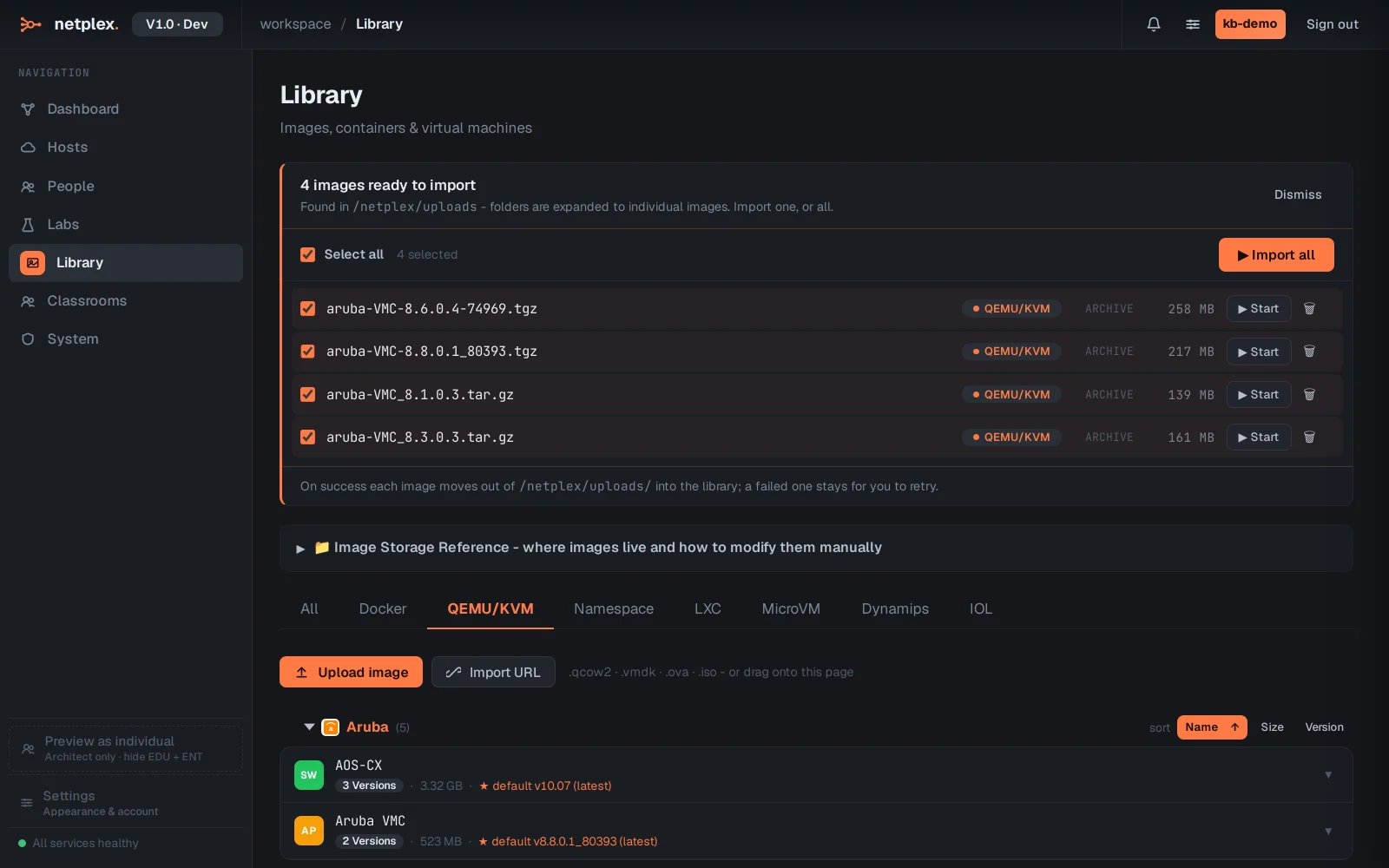
QEMU/KVM runs full virtual machines from disk images - the real vendor network OSes (Cisco, Juniper, Arista, Palo Alto and more). Heavier, but it is the actual firmware. LXC and MicroVM sit between the two for system containers and fast isolated Linux.
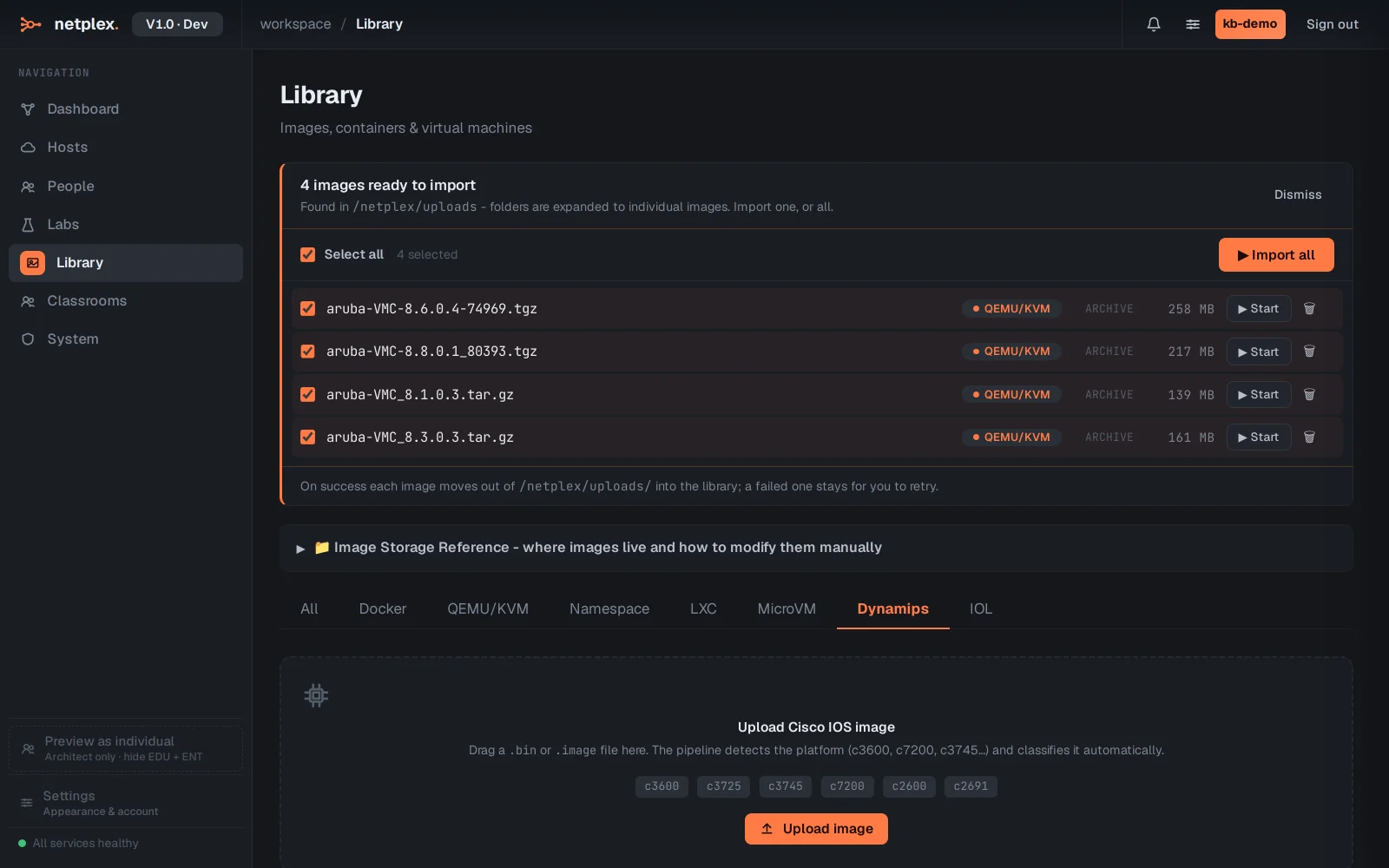
The classic emulators have their own tabs too: Dynamips for real Cisco IOS images and IOL (IOS-on-Linux) for lightweight Cisco labs. Import an image on the right tab and it joins the palette with the correct badge.
Whatever the runtime, the flow is the same: get the image into the Library, and it appears in the lab palette with vendor-recommended hardware defaults, ready to drag onto the canvas. See the import guides for how to add each kind.