Delete a lab
Deleting a lab removes its topology, its node configuration and its history. It cannot be undone from the UI, so netplex. always asks first - and if the lab is running, it is stopped cleanly before anything is removed.
Open the Labs page. Every lab row has quick actions on the right; the bin icon is Delete lab.
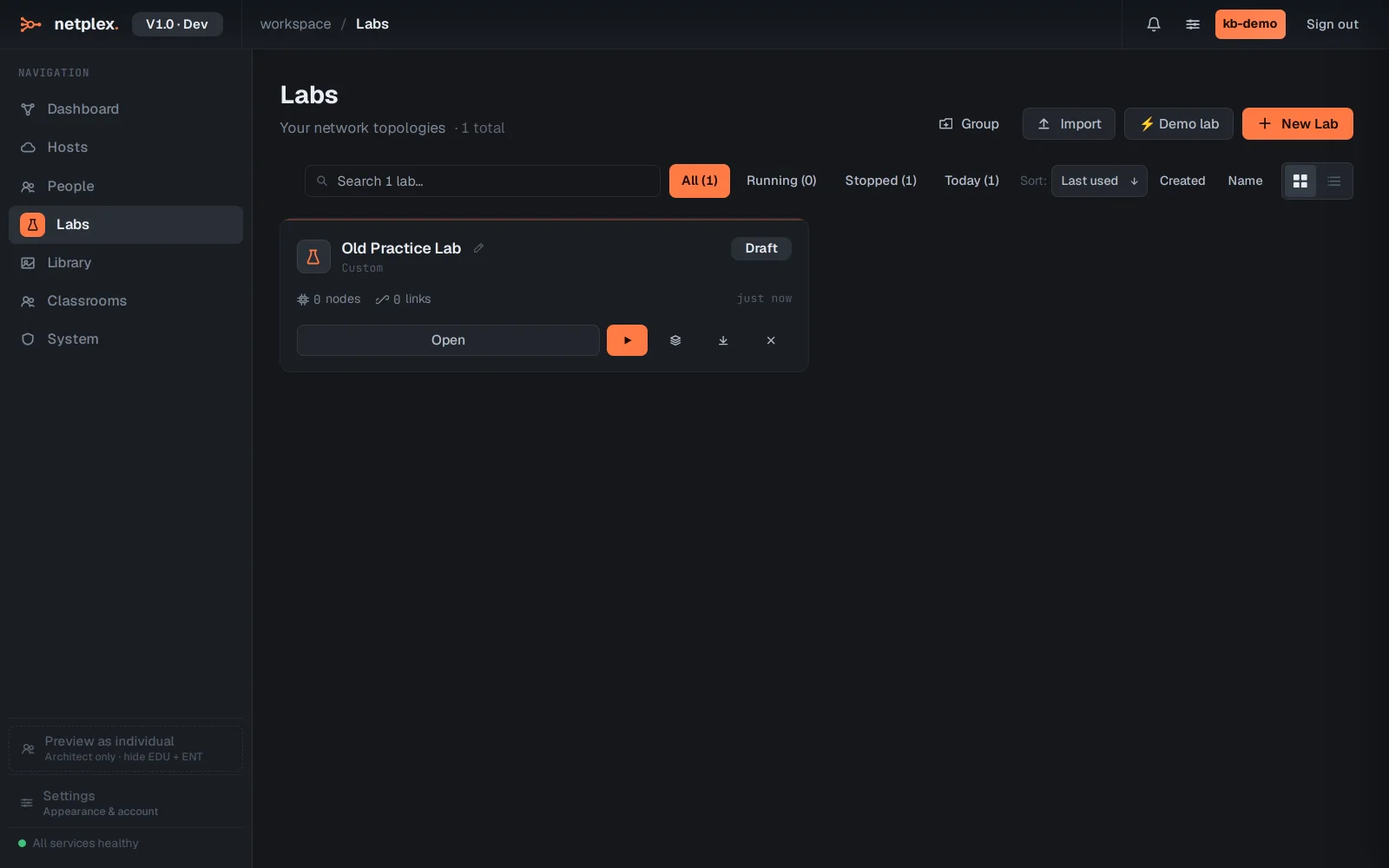
Click Delete lab on the lab you want gone. A confirmation dialog spells out what is about to happen - nothing is removed yet.
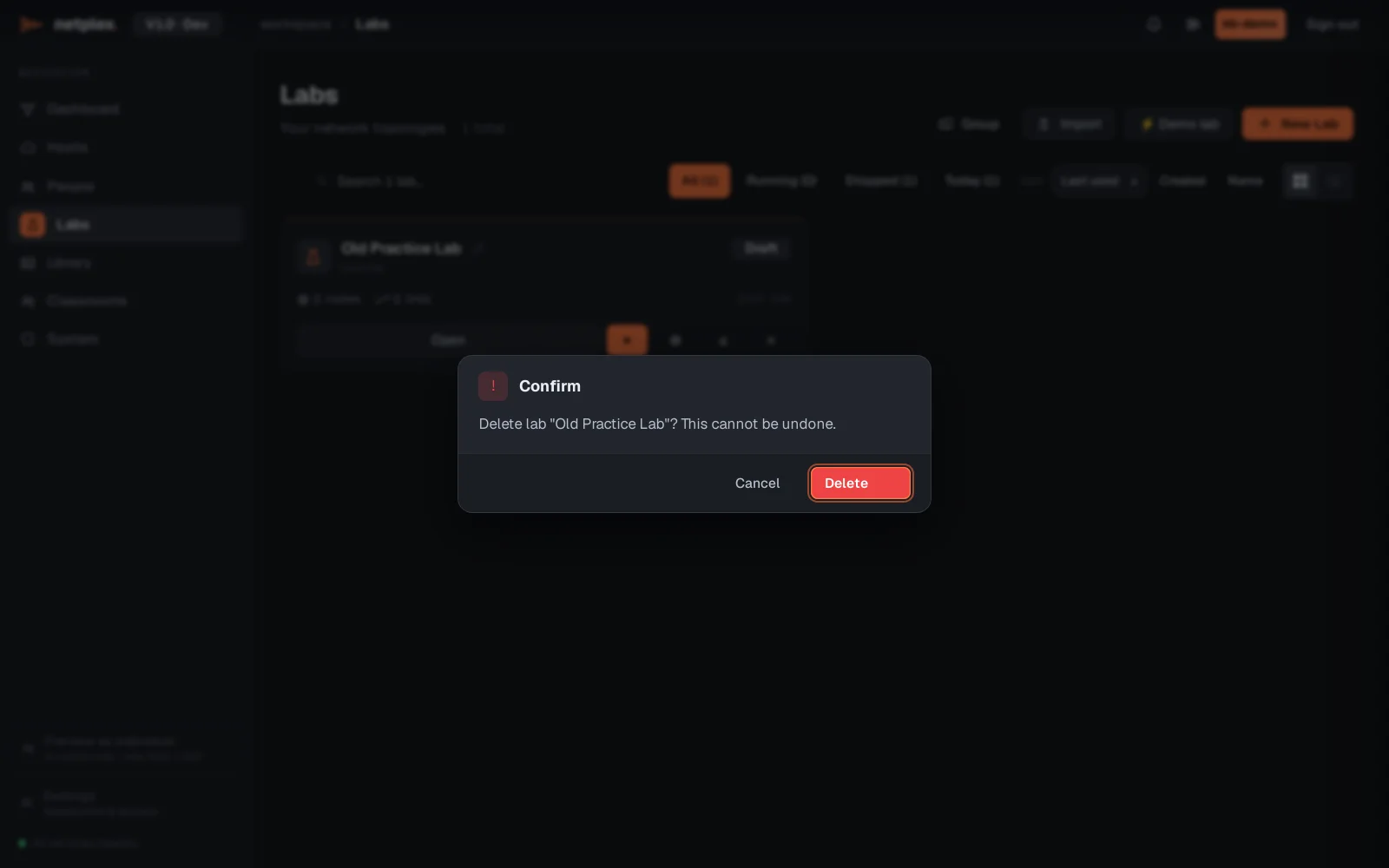
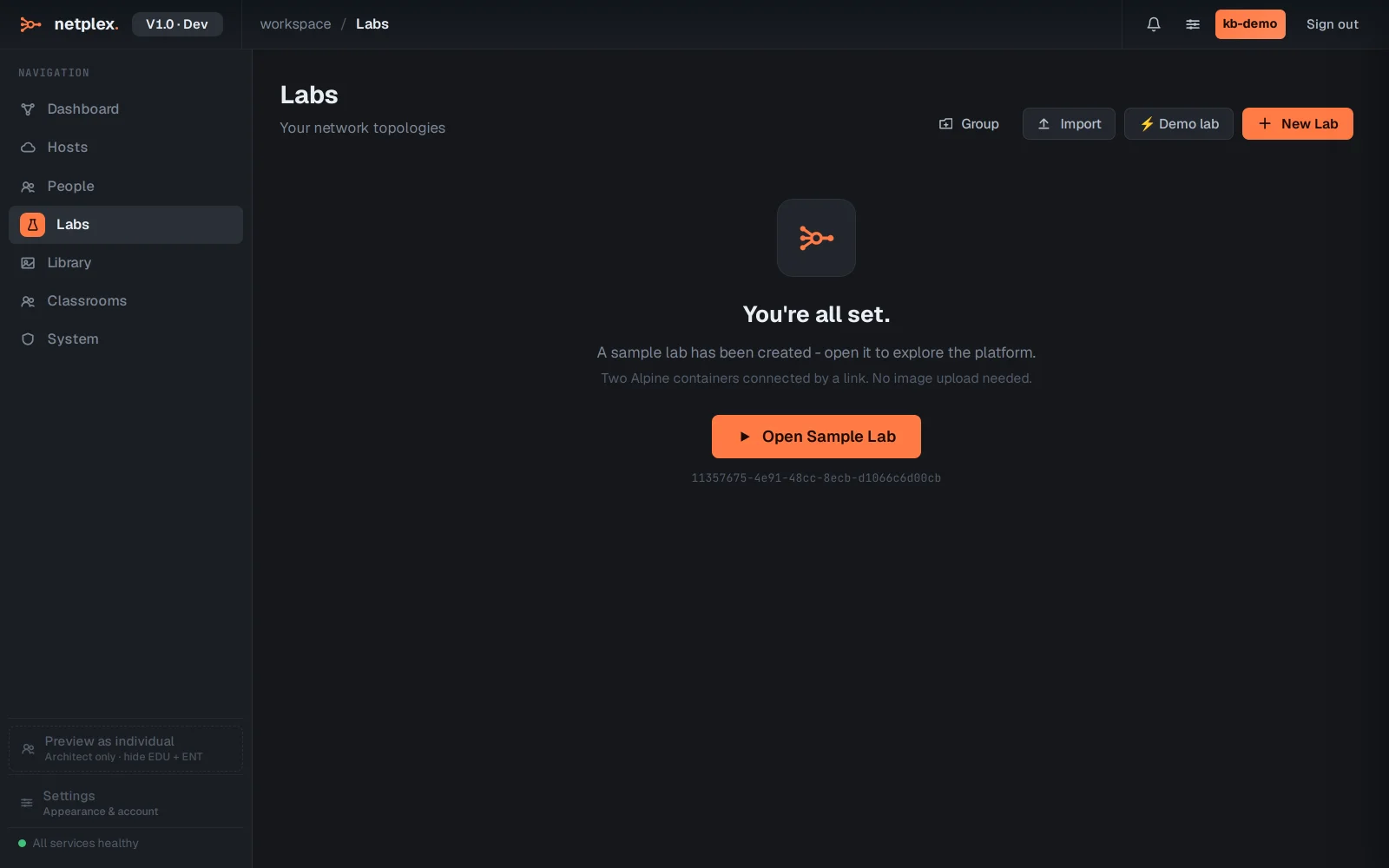
Click Delete to confirm. The lab disappears from the list; running labs are stopped first (the button then reads Stop & Delete).
If you might want the lab back later, export it first (⋯ → Export) - the .npx file recreates the whole topology on import. Administrators can also restore recently deleted labs from the server's backups.