Export and import labs (.npx)
A lab exports to a single .npx file - topology, node settings, annotations and appearance in one portable document. Import it on any netplex. install (or send it to a colleague) and the lab is recreated exactly.
On the Labs page, click Export lab (the download icon) on the row. The browser downloads <lab-name>.npx - that file IS the lab.
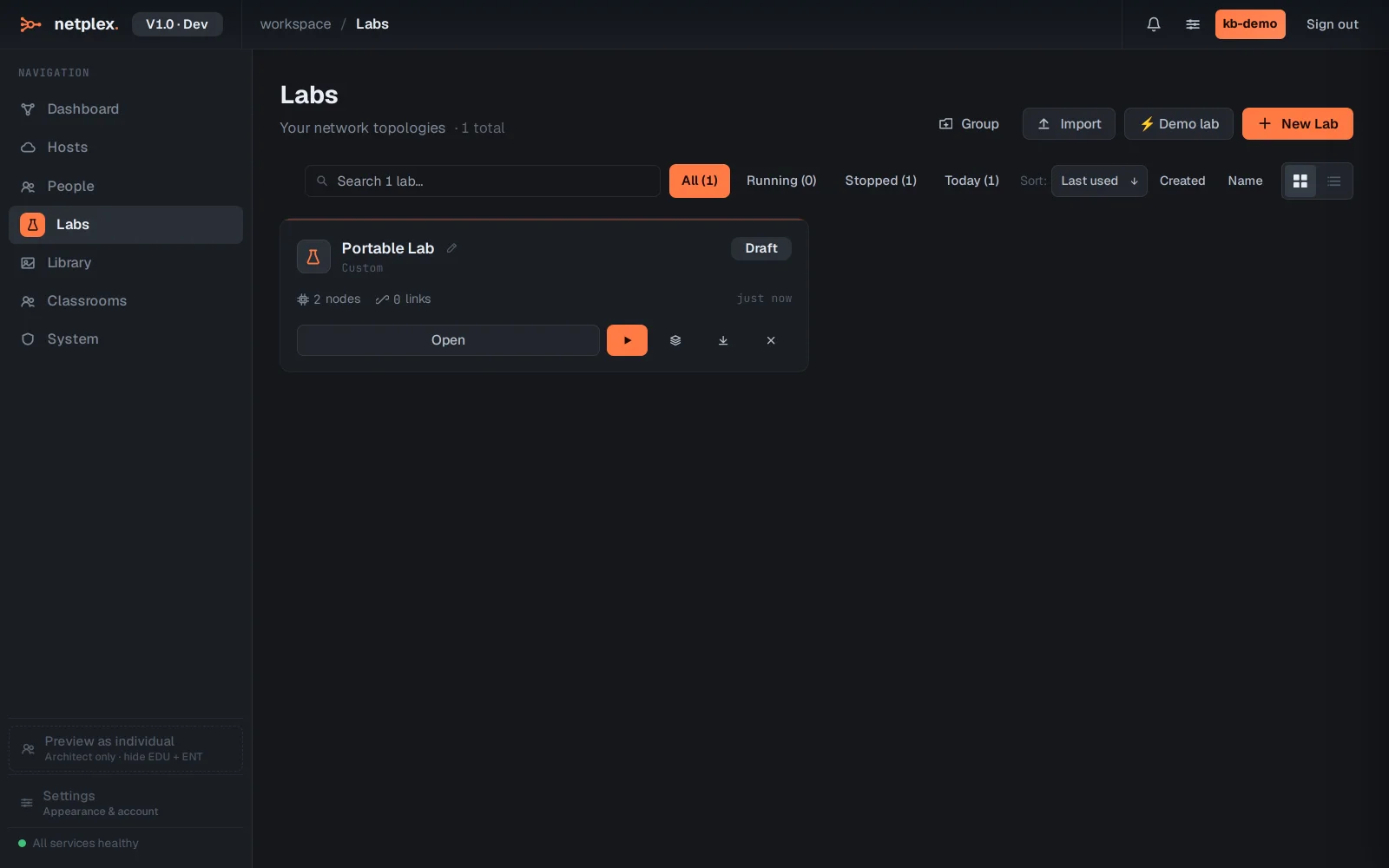
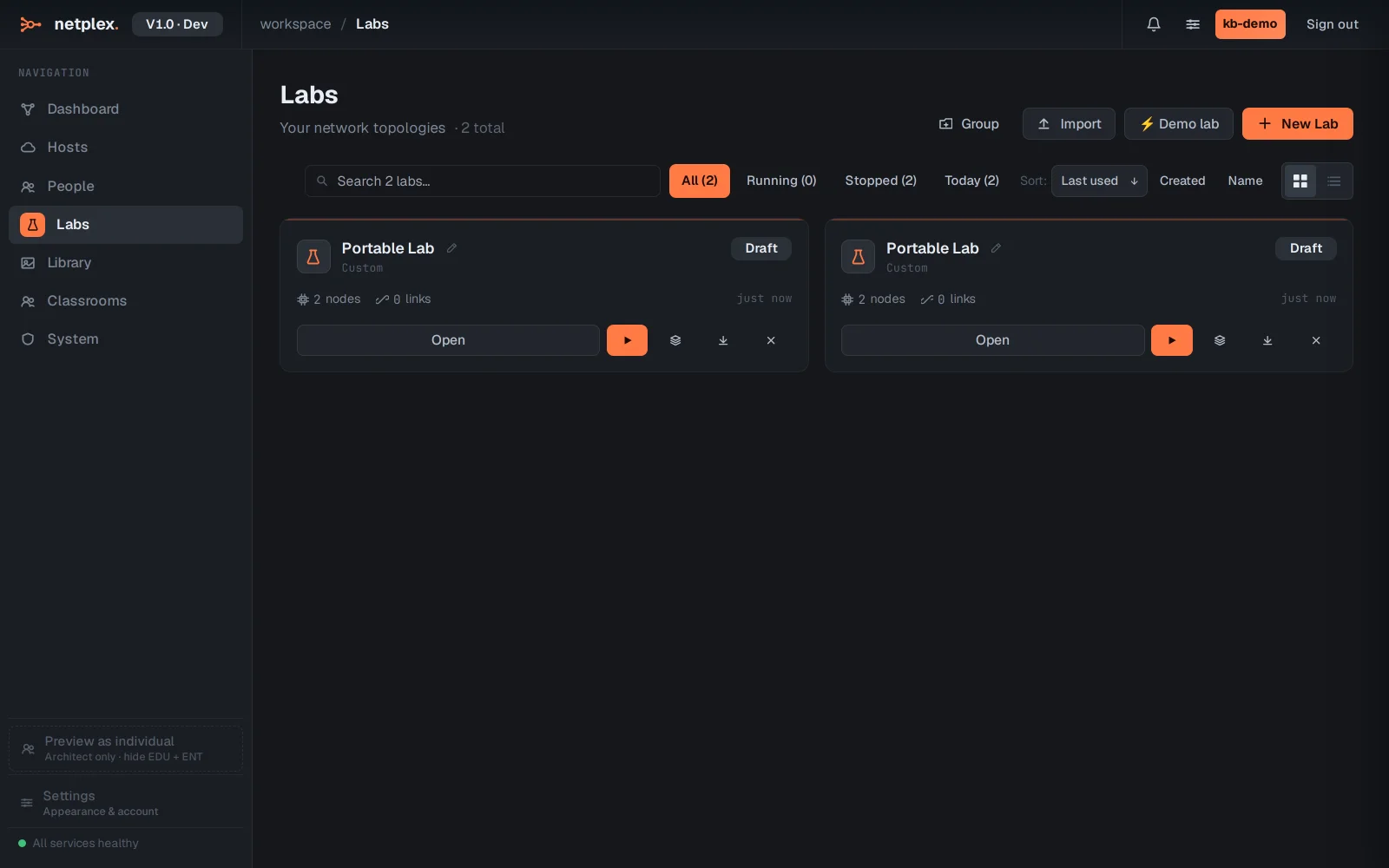
To bring a lab in, click Import at the top of the Labs page and pick the .npx file (EVE-NG .unl and GNS3 projects are converted on the way in).
The .npx format is netplex.'s canonical lab document - plain JSON under the hood, so it diffs cleanly in git. Images are referenced by name, not embedded: the receiving side needs the same images in its Library.