Rename and duplicate a lab
Both actions live directly on the lab row. Renaming is inline; duplicating creates a full copy - topology, configuration and appearance - so you can experiment without touching the original.
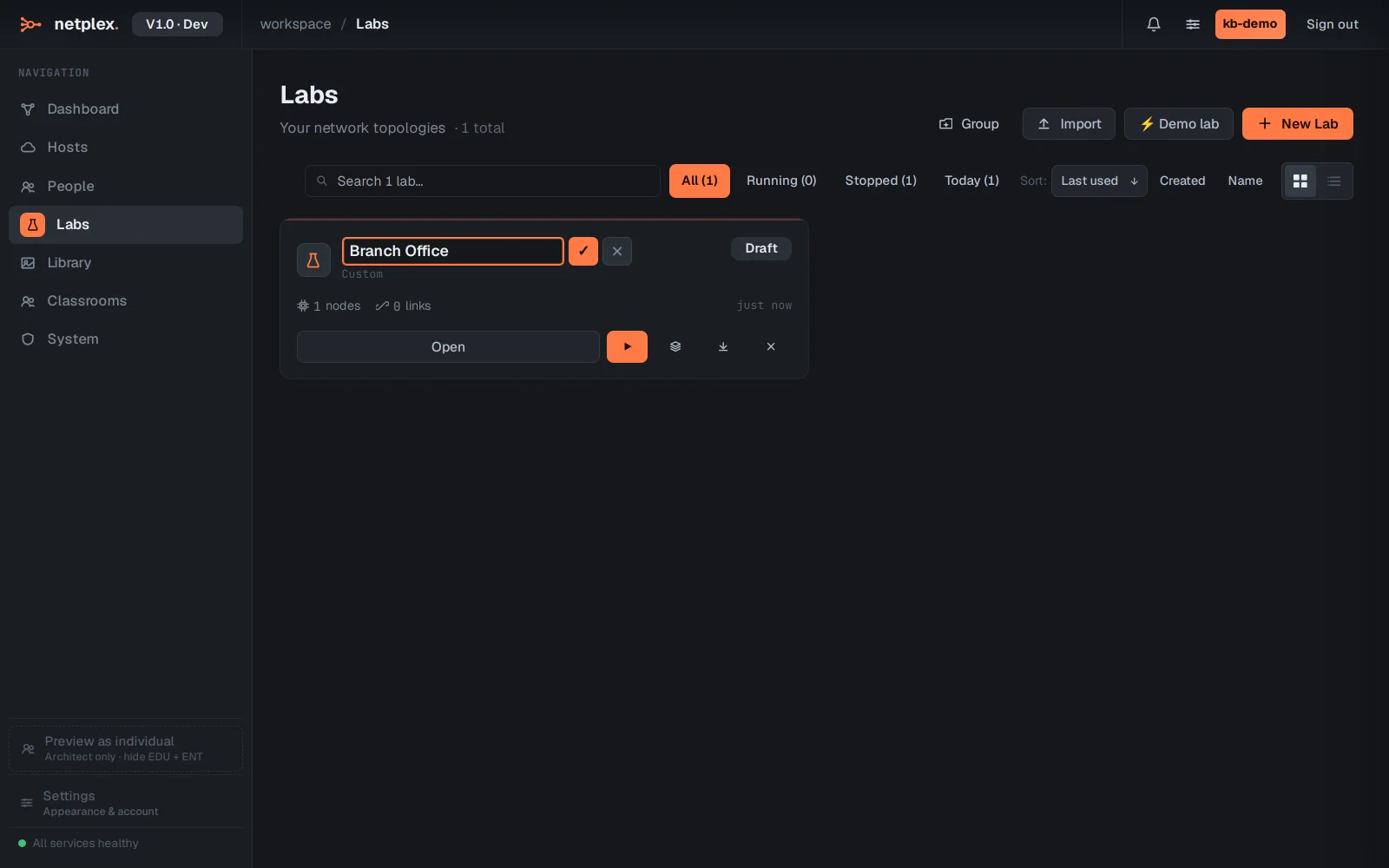
On the Labs page, click the pencil (Rename lab) on a row. The name becomes editable in place - type the new name and press Enter (or the tick).
Commit the rename - the list updates immediately (the lab keeps its id, so links and API calls keep working).
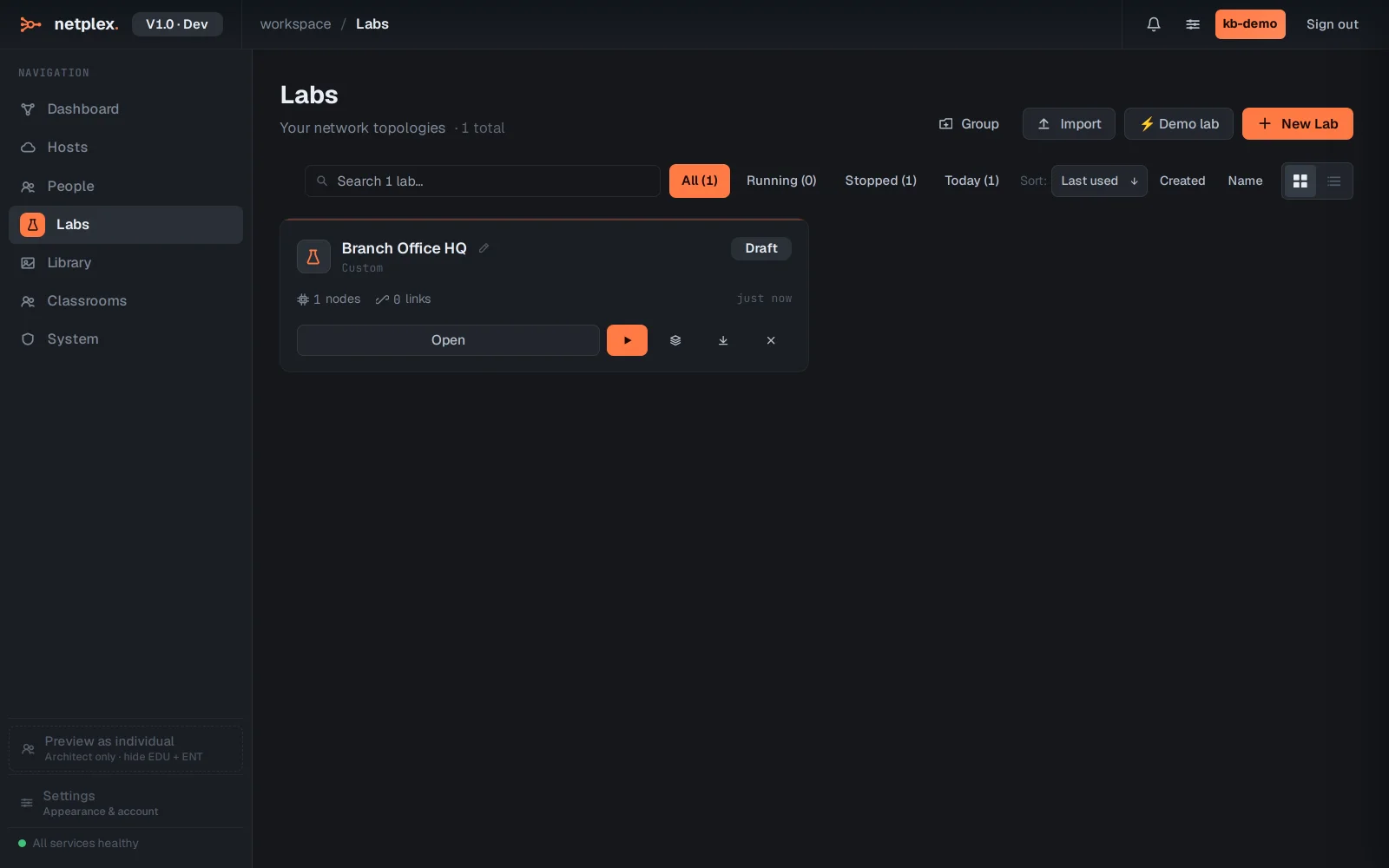
Click Duplicate lab (the layered icon) to clone it. The copy appears next to the original with everything included - open it and experiment freely.
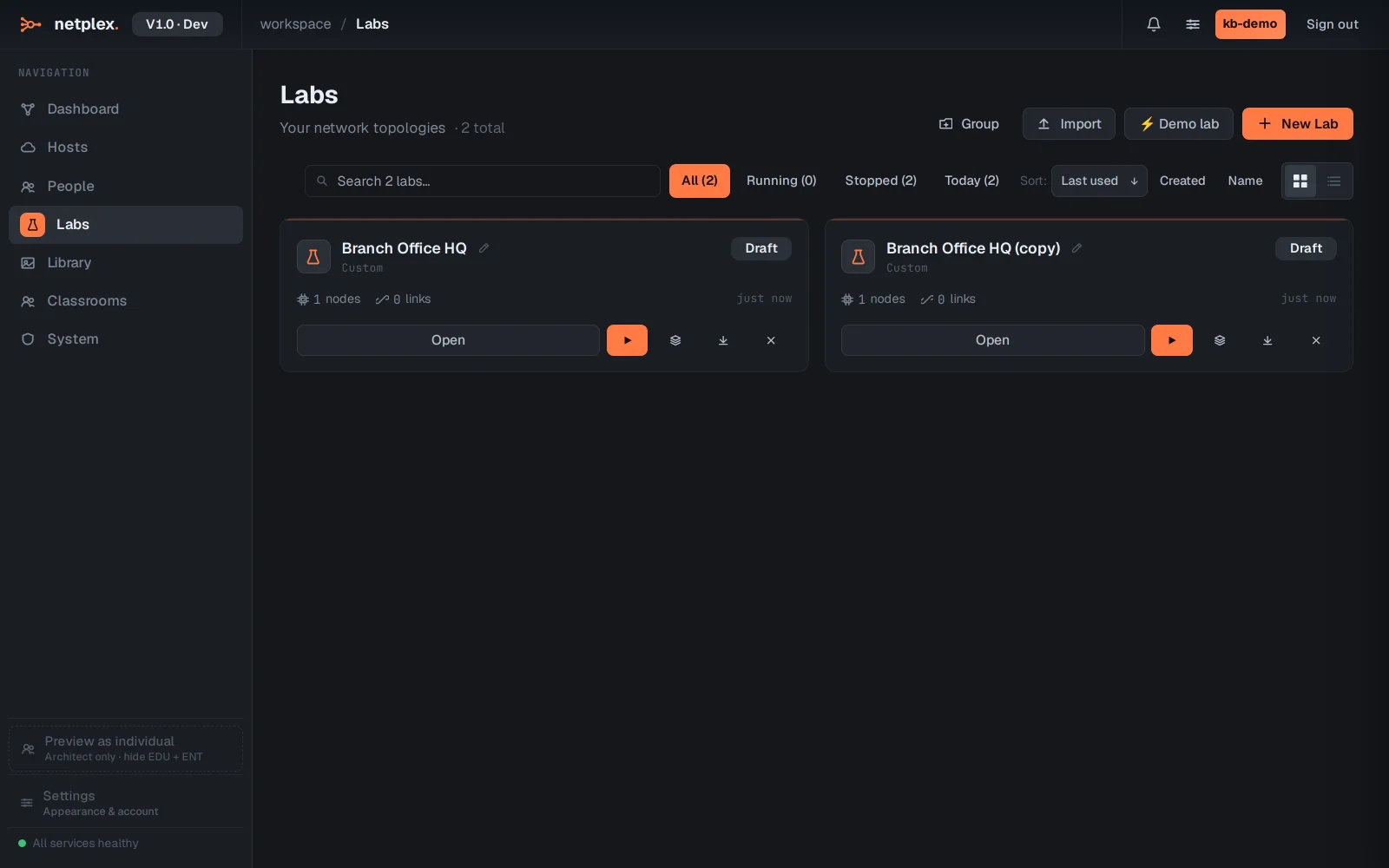
Duplicates are independent labs - deleting the copy never affects the original. For a portable copy that survives outside this server, use Export instead.