Search, filter and group your labs
Once you have more than a handful of labs, the Labs page has three organisers: the search box (matches names, descriptions and tags), groups, and bulk selection.
Type in the search box to filter instantly - it matches lab names, descriptions and tags.
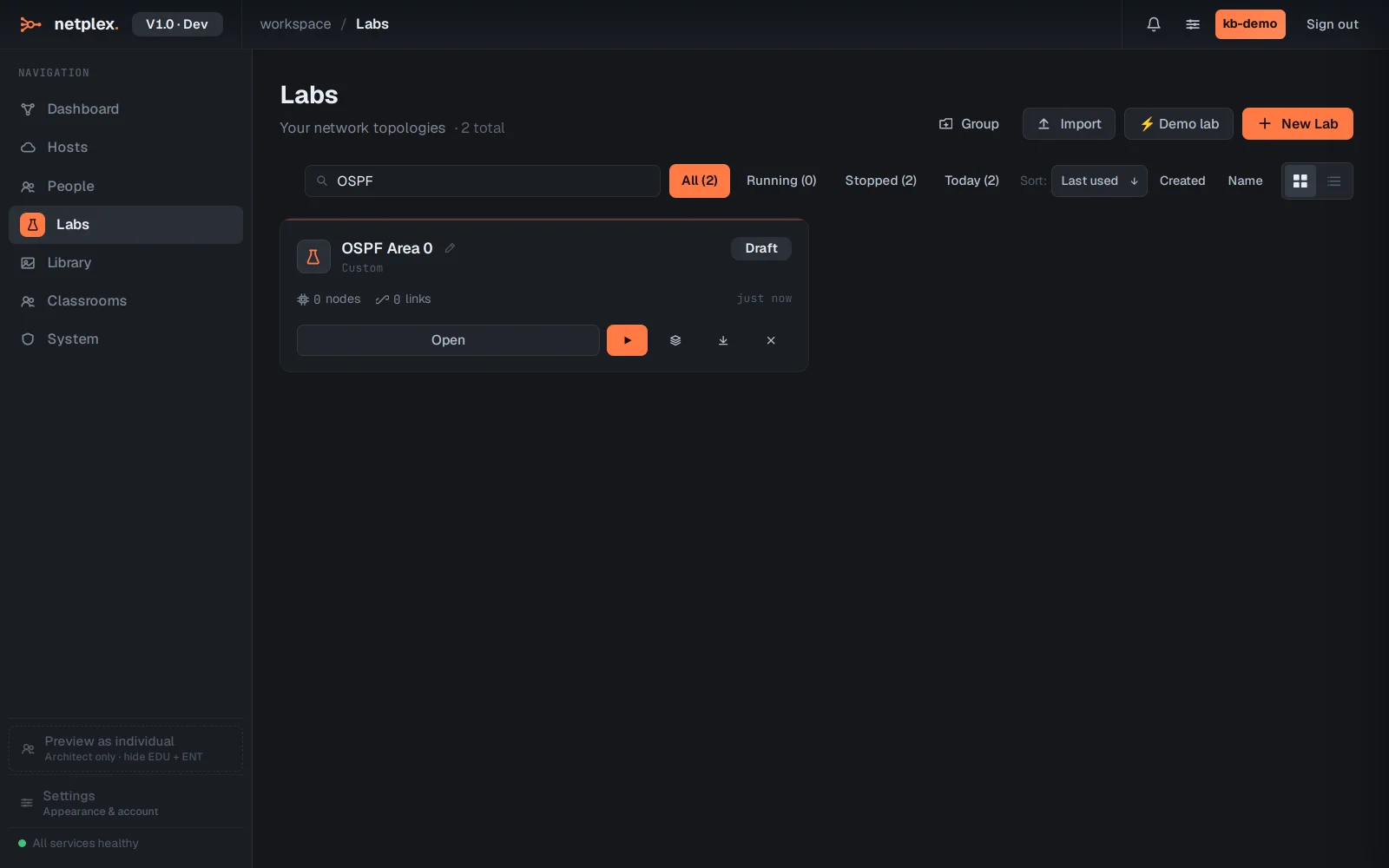
Clear the search to see everything again. Group collects related labs under a named heading - handy for separating coursework from experiments.
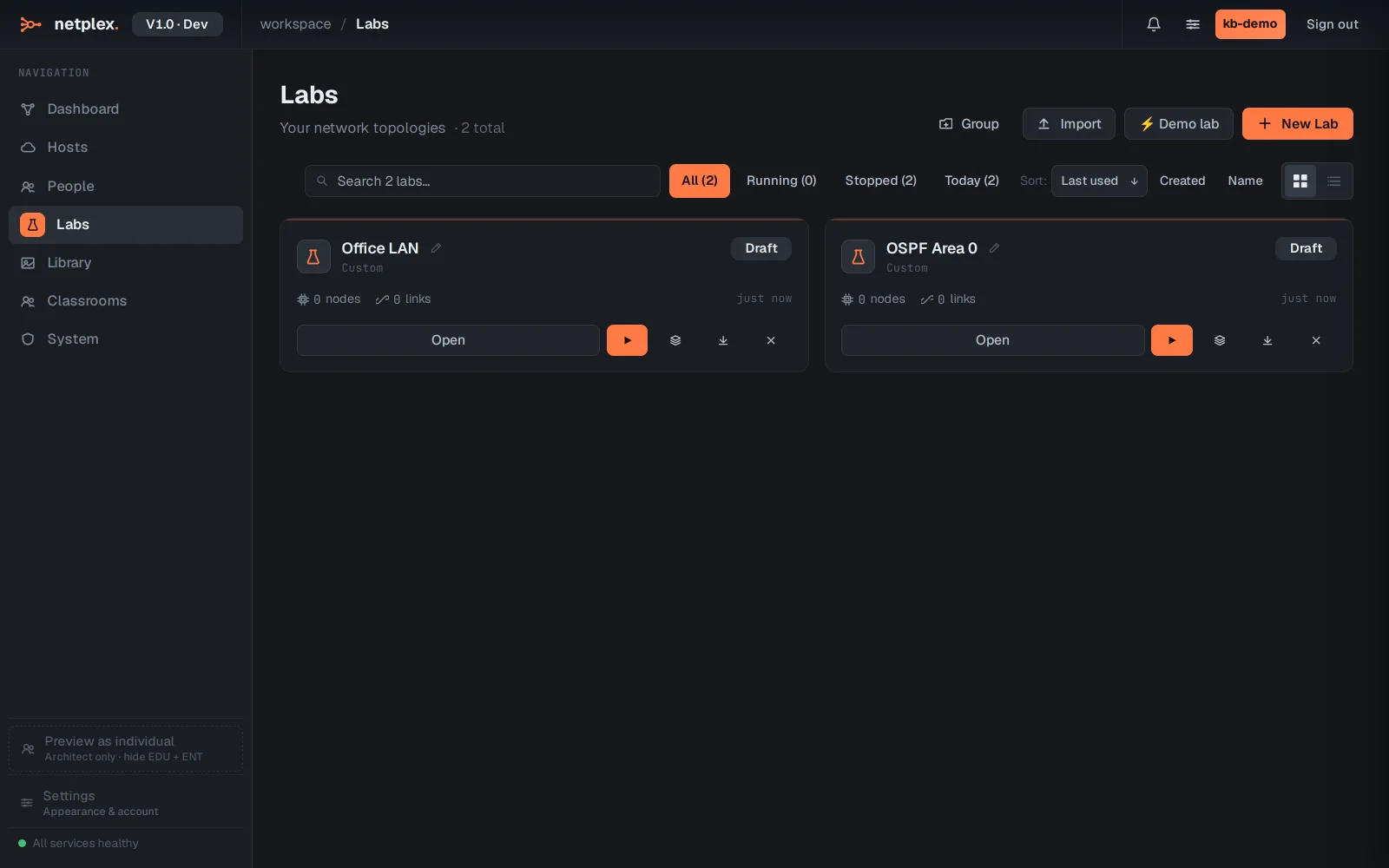
Tick multiple labs to act on them at once - bulk delete stops running labs first. Tags set at creation (or via the API) are searchable too, so a naming convention pays off quickly.