Import from EVE-NG, GNS3 or ContainerLab
You do not have to rebuild your existing labs to move to netplex. The Import button on the Labs page auto-detects the format, so all your sources come in through one place:
- EVE-NG - export a lab as .unl - GNS3 - a .gns3 topology or .gns3project bundle - ContainerLab - a .clab.yml topology file - netplex. - a native .npx file - or a .zip of any of these, imported in one shot
Each converts to netplex.'s .npx model - nodes, interfaces and the links between them - and lands as a new lab, ready to open and start.
On the Labs page, click Import (top-right). The file picker accepts every supported format - pick whichever your lab came from.
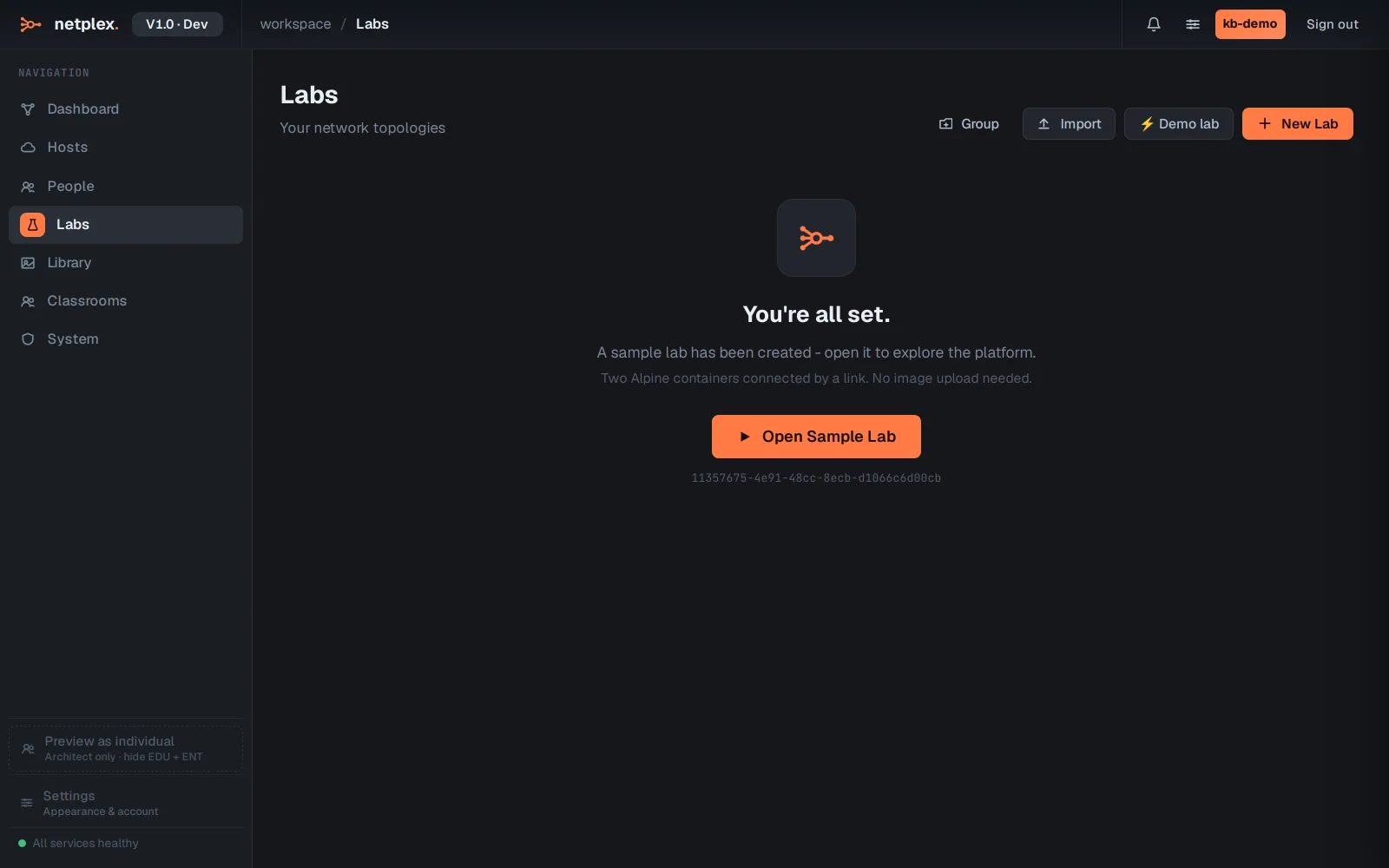
An EVE-NG .unl comes across with its topology intact - here a two-router branch, links and all.
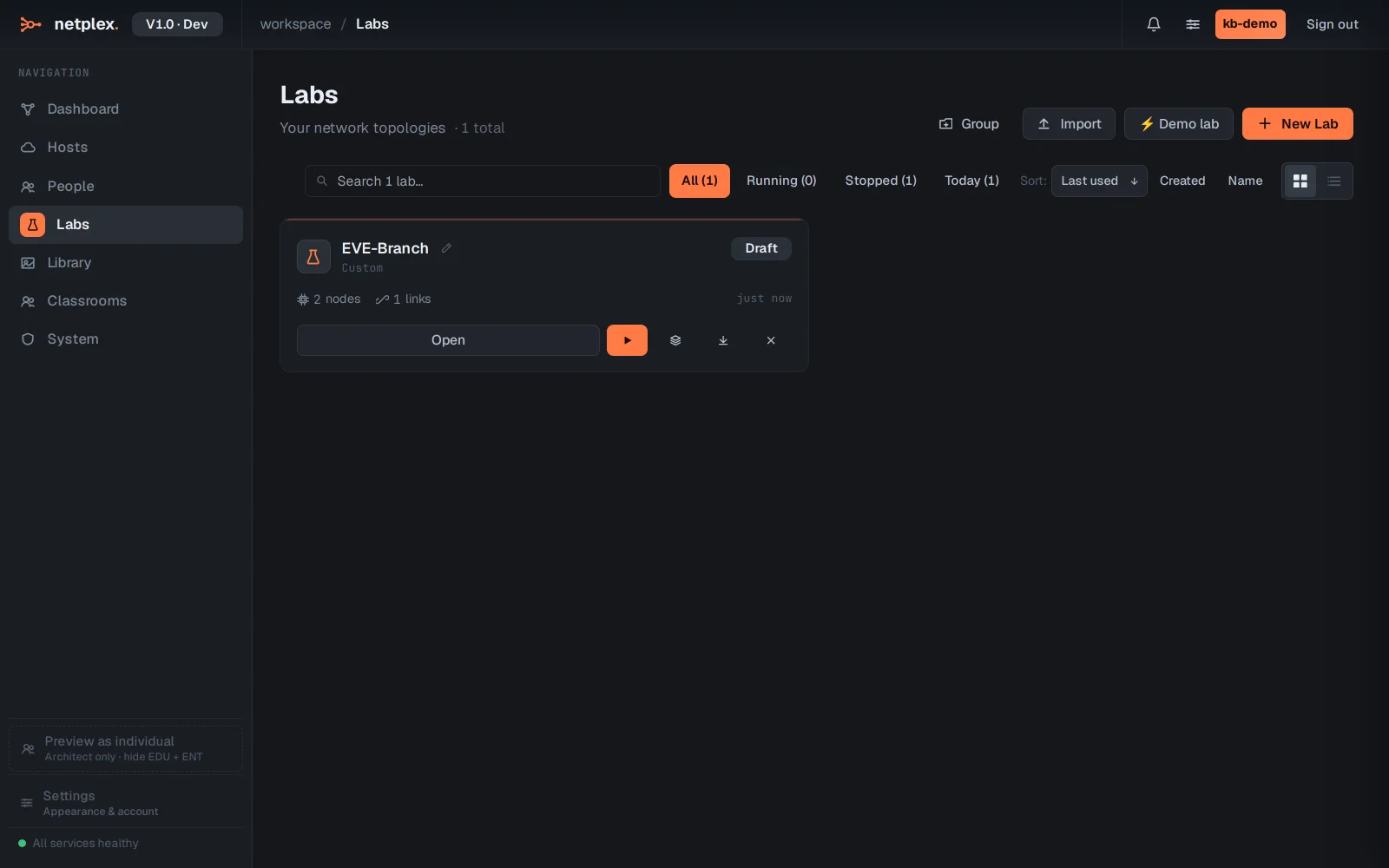
A GNS3 project imports the same way - node types map to the closest netplex. runtime.
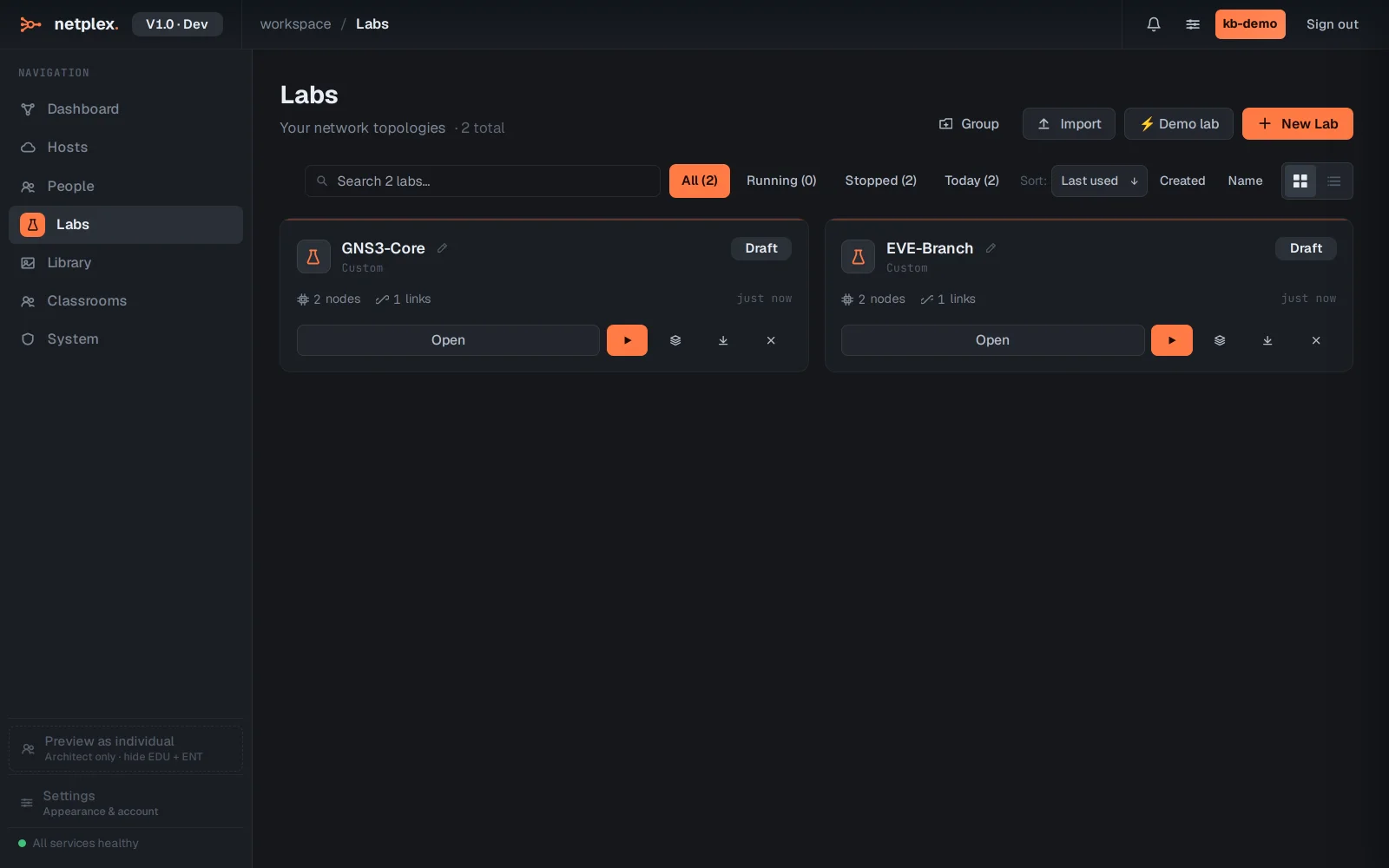
A ContainerLab .clab.yml converts its Docker-native topology into a netplex. lab - the same nodes and links, now on the canvas.
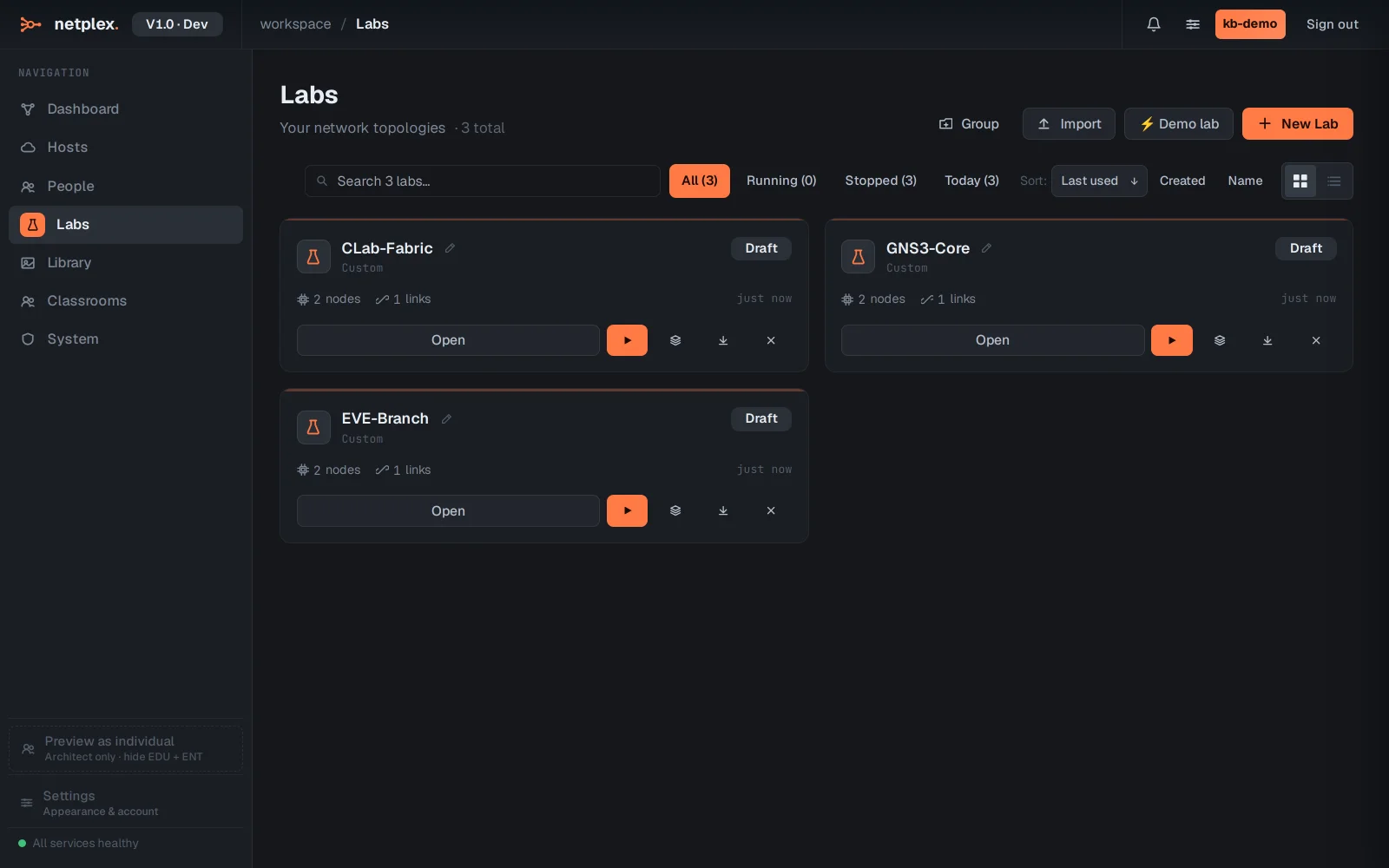
All three now sit in your Labs list beside each other - migrated, not rebuilt. Open any one to check the mapping, assign images from your Library where a template did not match, and start it.
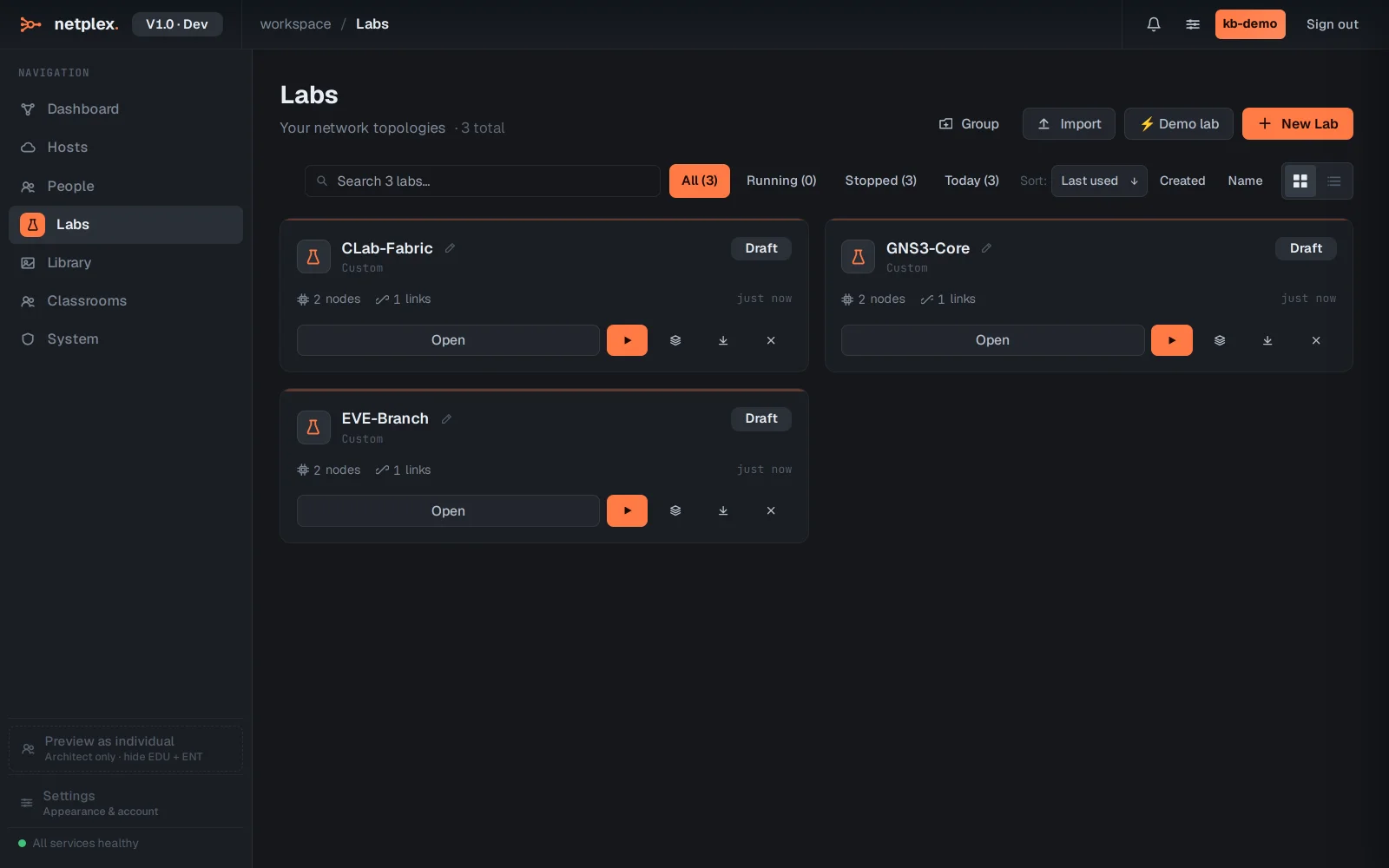
The converter maps each source's node types to the closest netplex. runtime and turns every wire into a link. Where a vendor image was not matched automatically, open the node and pick the right image from your Library - the topology is already correct. A .zip containing several exports imports them all at once.