Import an EVE-NG .unl lab
Moving from EVE-NG does not mean rebuilding your labs. Export a lab as .unl from EVE-NG, import it here, and netplex. converts the topology - nodes, interfaces and the networks that wire them - into its own .npx format. GNS3 projects import the same way.
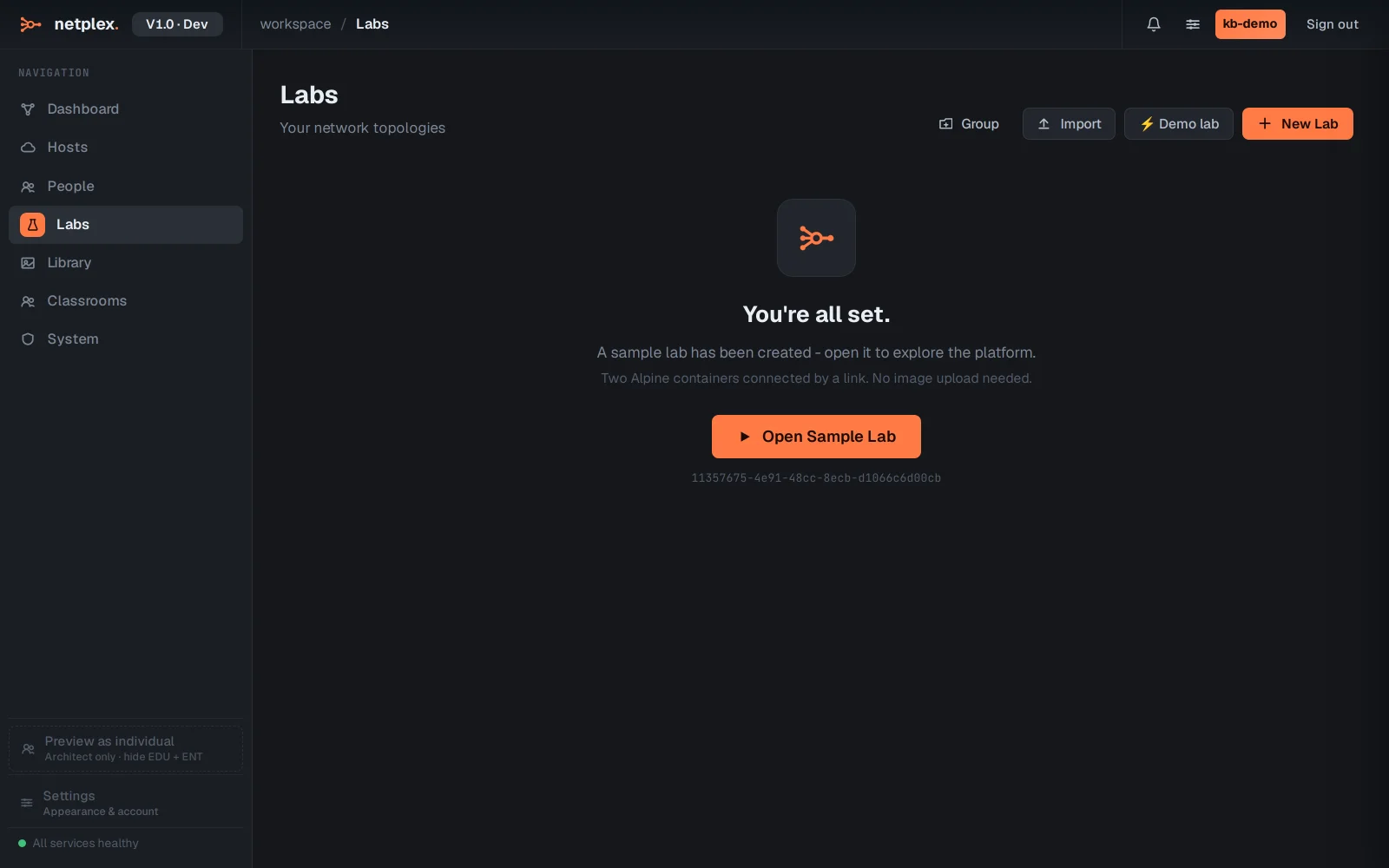
On the Labs page, click Import (top-right). The file picker accepts netplex. .npx files and, for migration, EVE-NG .unl and GNS3 project files.
Choose your .unl file. netplex. converts it and the lab appears in the list - here a two-router WAN comes across with its link intact, ready to open and start.
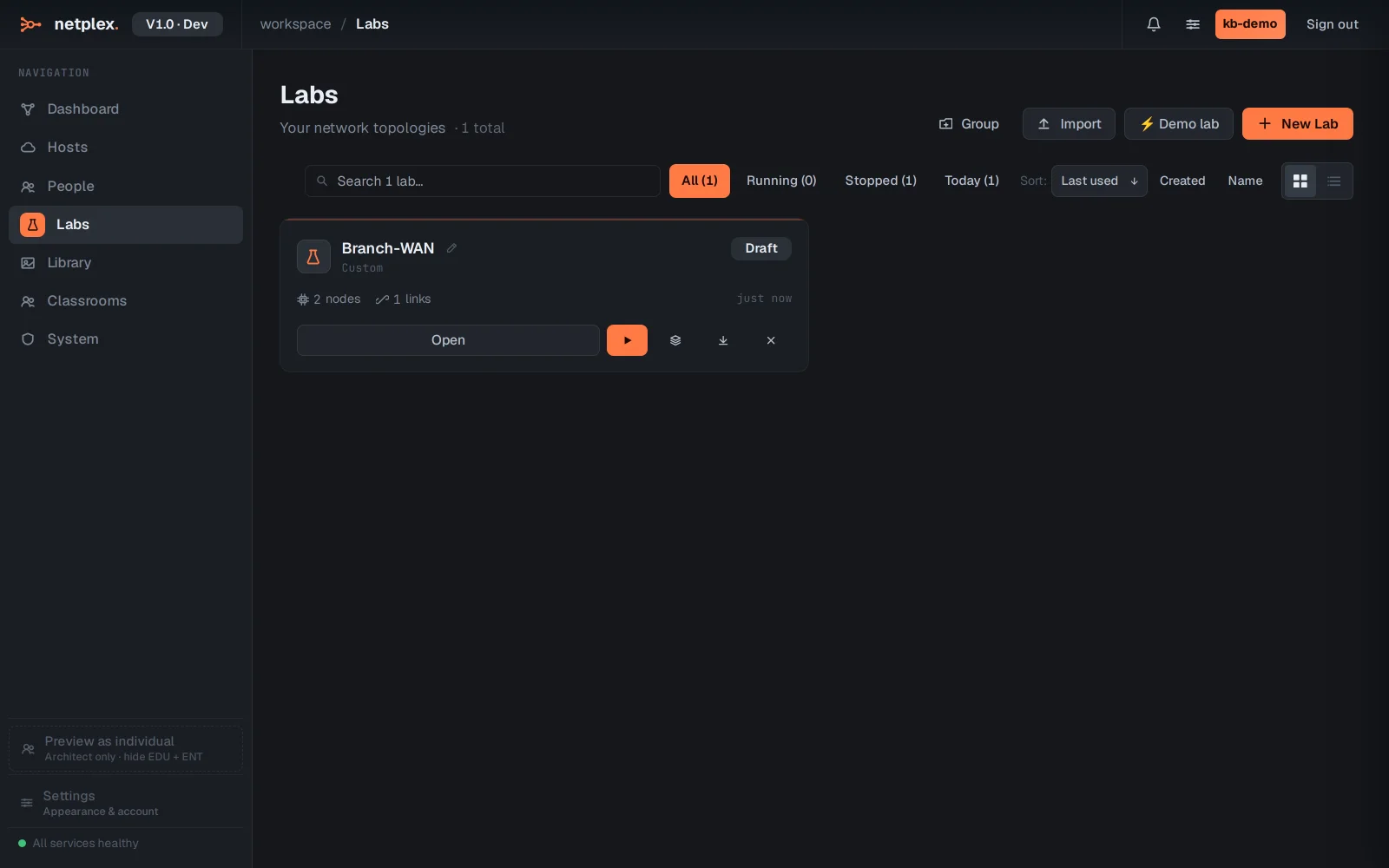
The converter maps EVE-NG node types to the closest netplex. runtime and turns each EVE-NG network into a link. Open the imported lab to check the mapping, assign images from your Library where a template did not match, and start it. GNS3 .gns3 projects follow the identical Import flow.