How to migrate a GNS3 project to netplex
Moving from GNS3? You do not rebuild your labs - you import them. netplex. reads a GNS3 topology (.gns3) or a full project bundle (.gns3project / a .zip of the project) and converts it to its own .npx model: every node, every interface, every link. This guide shows the whole migration, start to finish.
The big wins over a local GNS3 install: labs run on a shared server and open in any browser - nothing to install per machine - and the topology is isolated by design, with no hidden management network.
In GNS3, your project lives as a .gns3 file (plus a project folder). Export or locate that file - or zip the whole project directory if your nodes use custom images. That is everything netplex. needs.
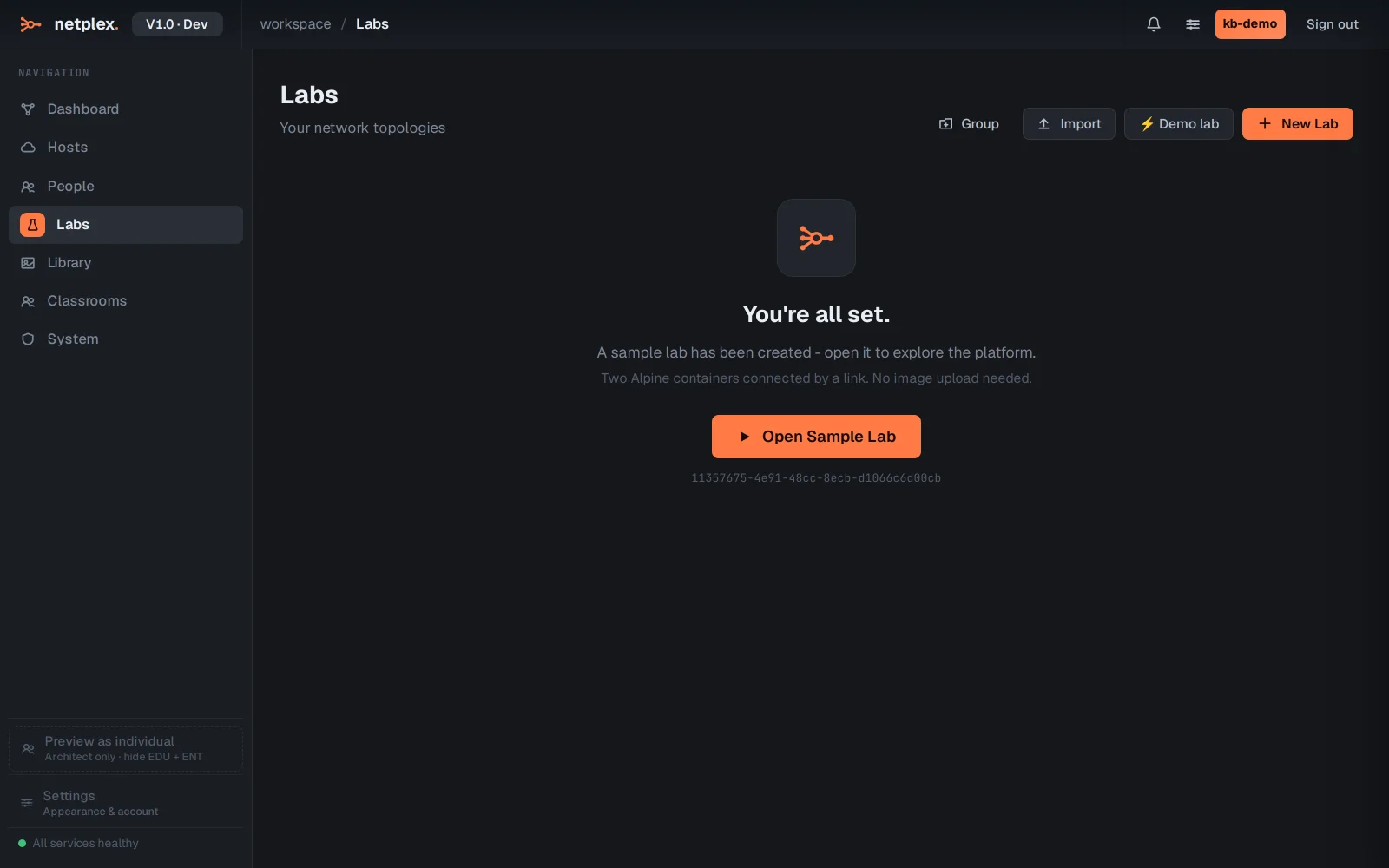
On the Labs page in netplex., click Import (top-right). The picker auto-detects the format, so you do not choose "GNS3" from a menu - just hand it your .gns3 file (or the project .zip).
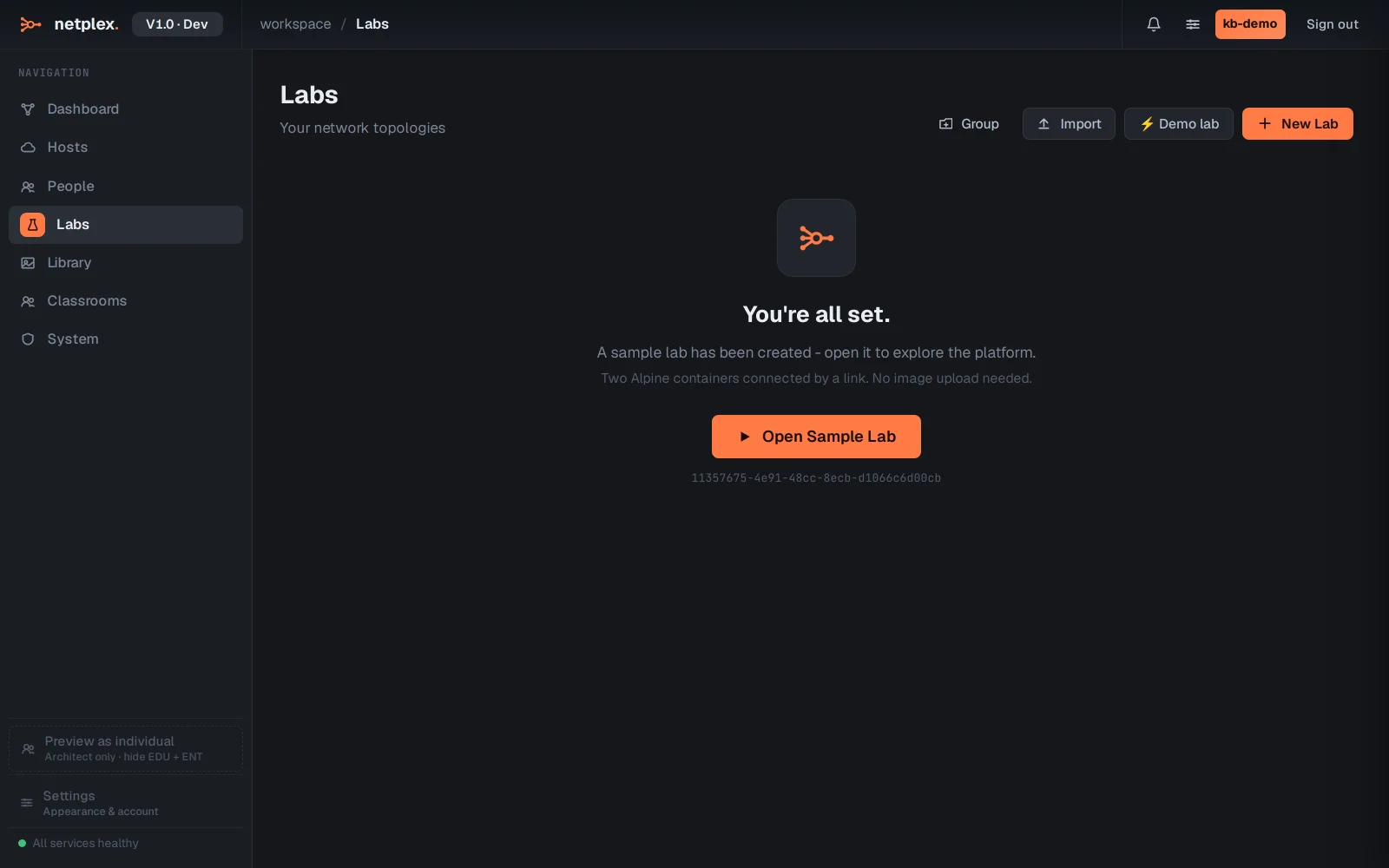
netplex. parses the GNS3 topology and maps each node_type to the closest runtime - a Docker node stays Docker, a QEMU node becomes a QEMU VM, an IOU node becomes IOL. Here a four-node campus (two FRR routers, two PCs) comes across with all three links intact.
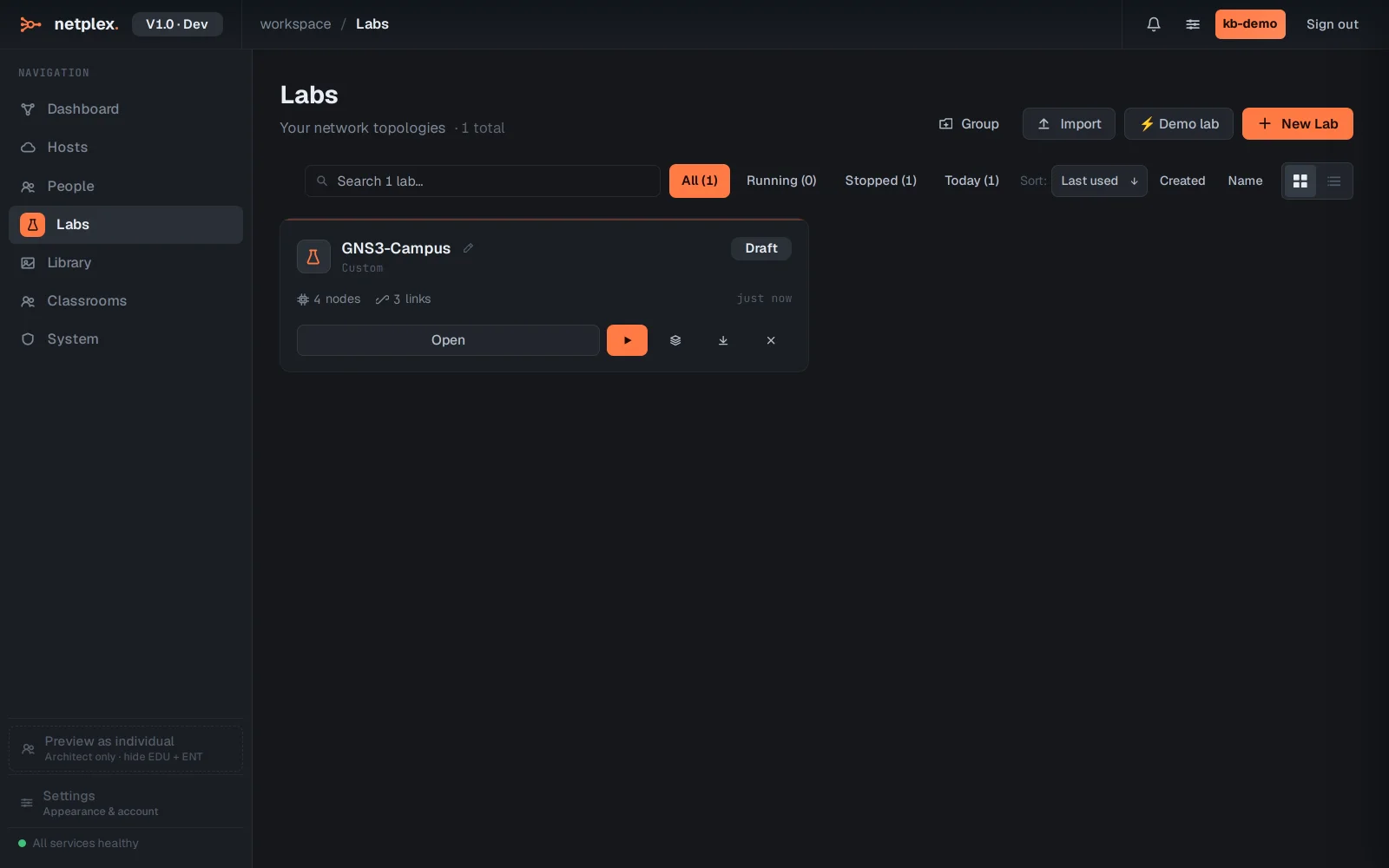
Open the imported lab and the canvas is your GNS3 topology, converted - same nodes, same wiring. Where a GNS3 template did not map to an image you have, the node shows unassigned; pick the right image from your Library and it is ready. Then power on.
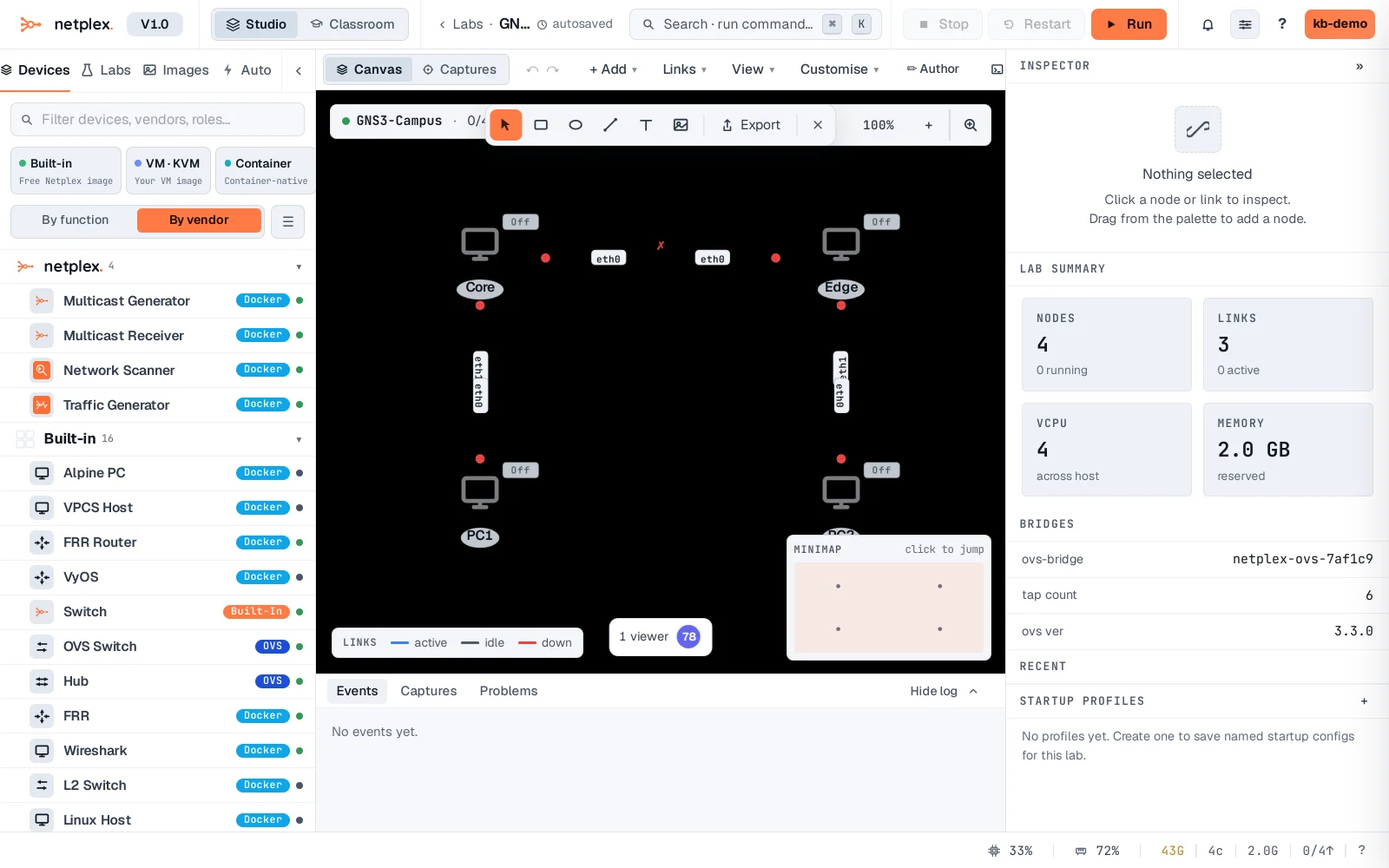
The converter is lossless on structure - topology, interfaces and links always come across. The only manual step is image assignment where a GNS3 template has no netplex. equivalent, because netplex. never ships licensed vendor images. A .zip of several GNS3 projects imports them all at once. See the related guides for importing from EVE-NG and ContainerLab, and for importing the vendor images (Cisco IOL, Juniper vSRX) your topology needs.