Give a lab internet access (Cloud gateway)
Labs are isolated by design - nodes have only the wires you draw, and no hidden management network. When a lab needs the outside world (package installs, reaching real services), you add that as topology: a Cloud gateway node. Everything wired to it gets DHCP and NAT out through the host.
Drop a Cloud node from the palette (Cloud group, NAT flavour) and wire your device to it like any other link. The gateway is part of the diagram - anyone reading the topology sees exactly where the internet enters.
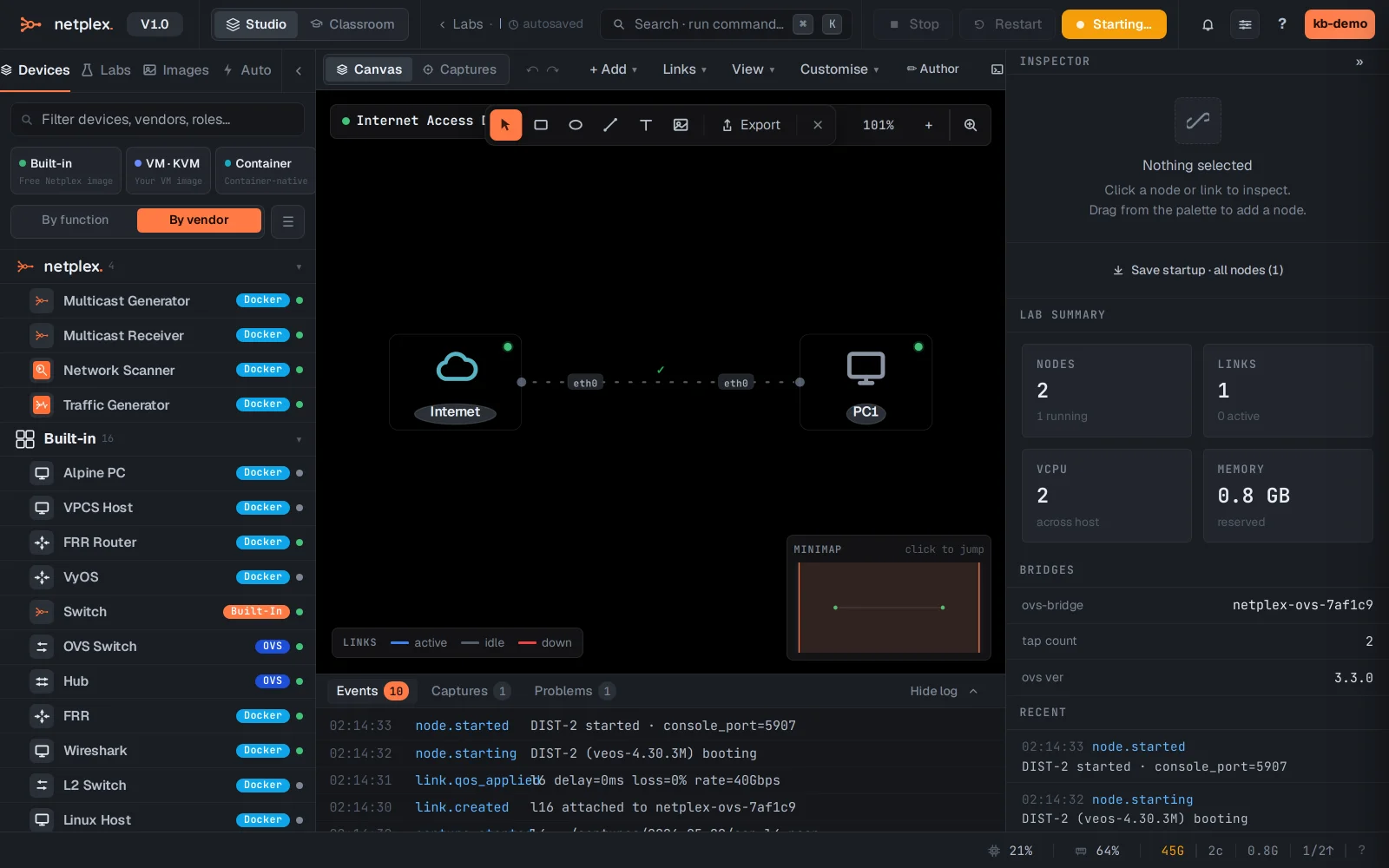
Start the lab and ask for a lease - the Cloud node runs DHCP for its segment. The PC gets an address, a default route through the gateway, and DNS.
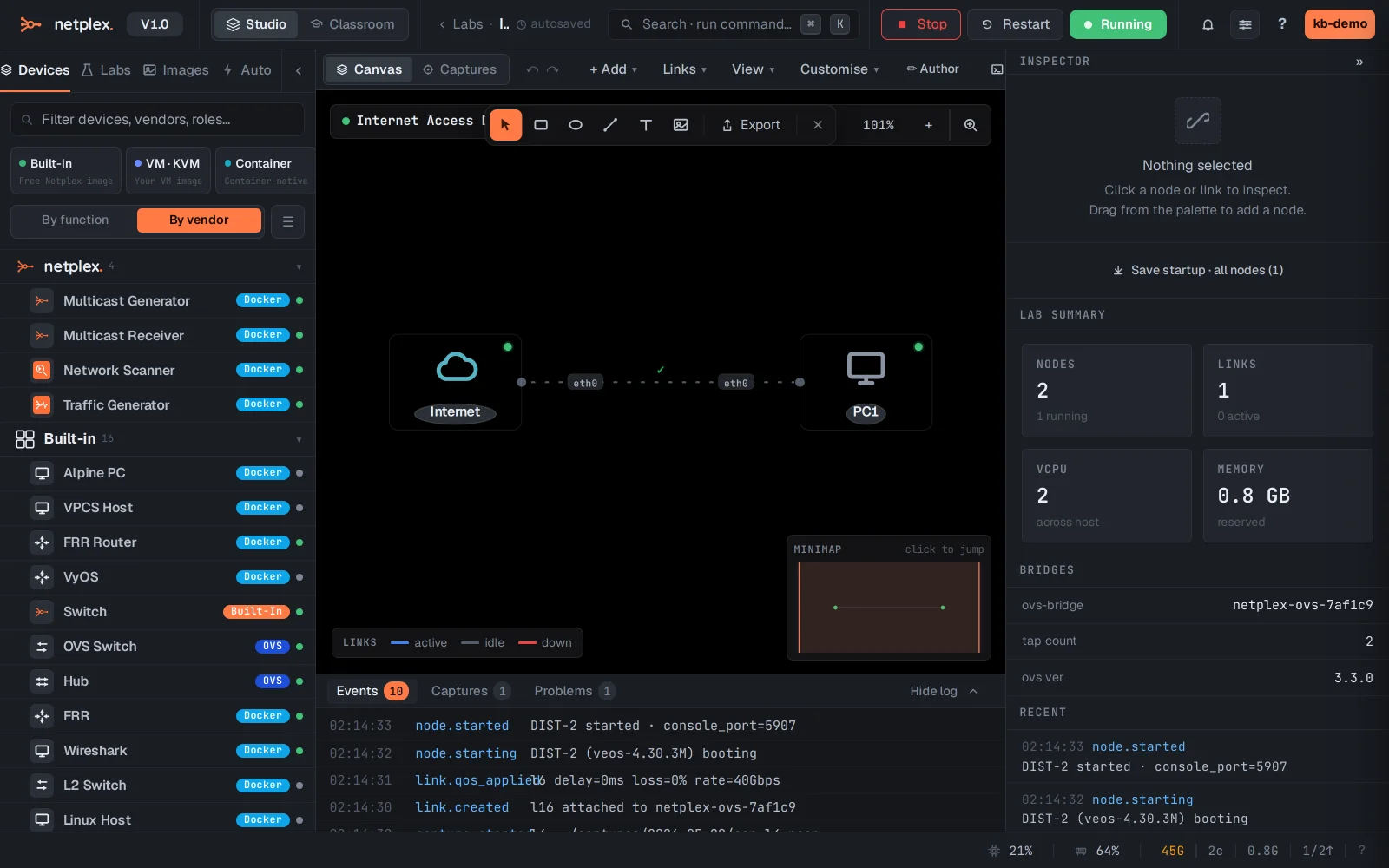
The NAT is scoped to this lab's gateway - other labs stay isolated, and nothing about the host's own networking is touched. Prefer nodes to appear ON your physical LAN instead? Use the Cloud bridge flavour: same drag-and-wire flow, no NAT, real LAN addresses.