Shape a link: delay, loss and bandwidth (QoS)
Every link can impair traffic like a real WAN: add latency and jitter, drop a percentage of packets, cap the bandwidth. It happens on the real wire (Linux tc/netem), so protocols genuinely feel it - OSPF timers, TCP throughput, VoIP jitter, all of it.
Before shaping: a ping between the two PCs completes in well under a millisecond - this is a local wire.
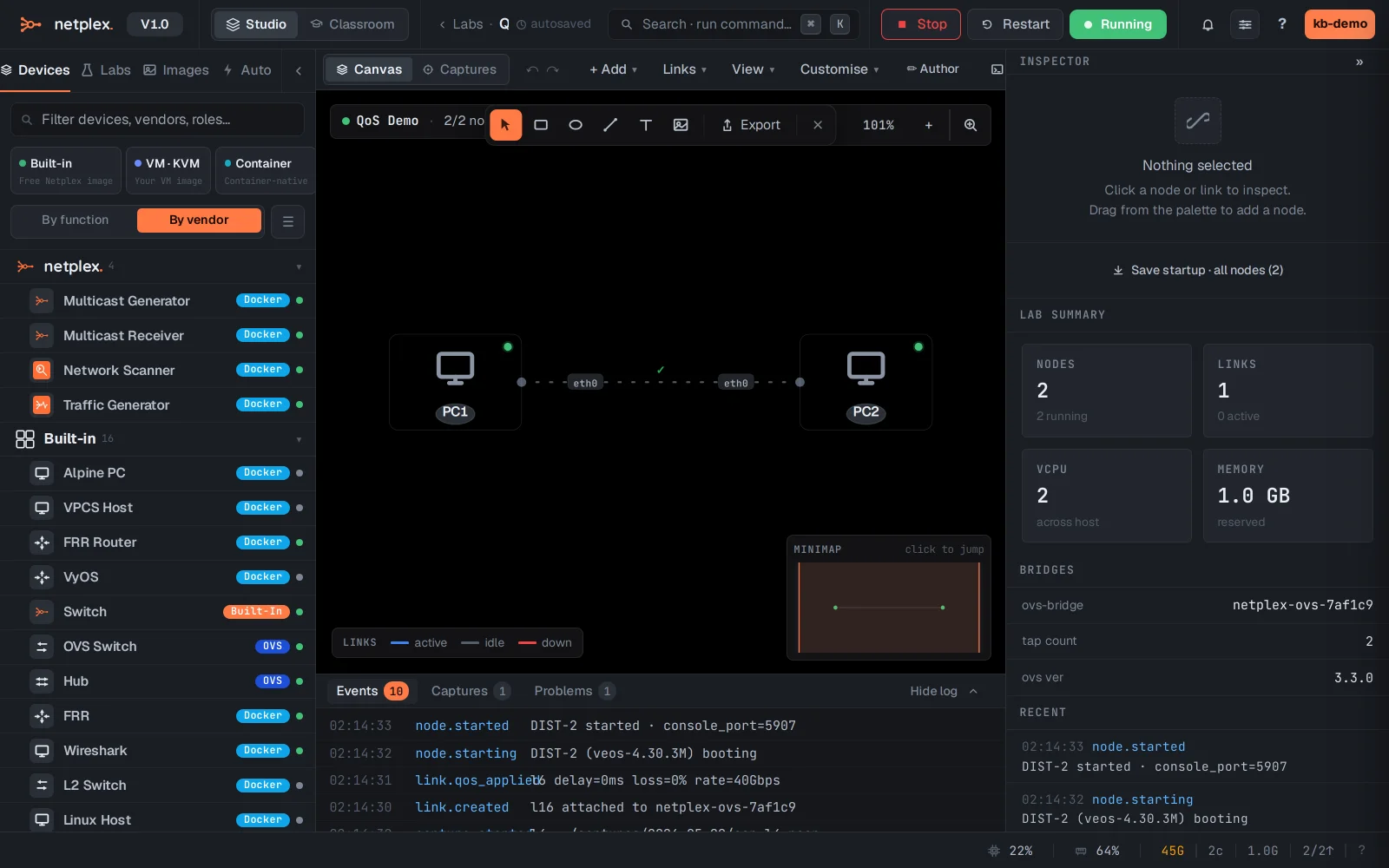
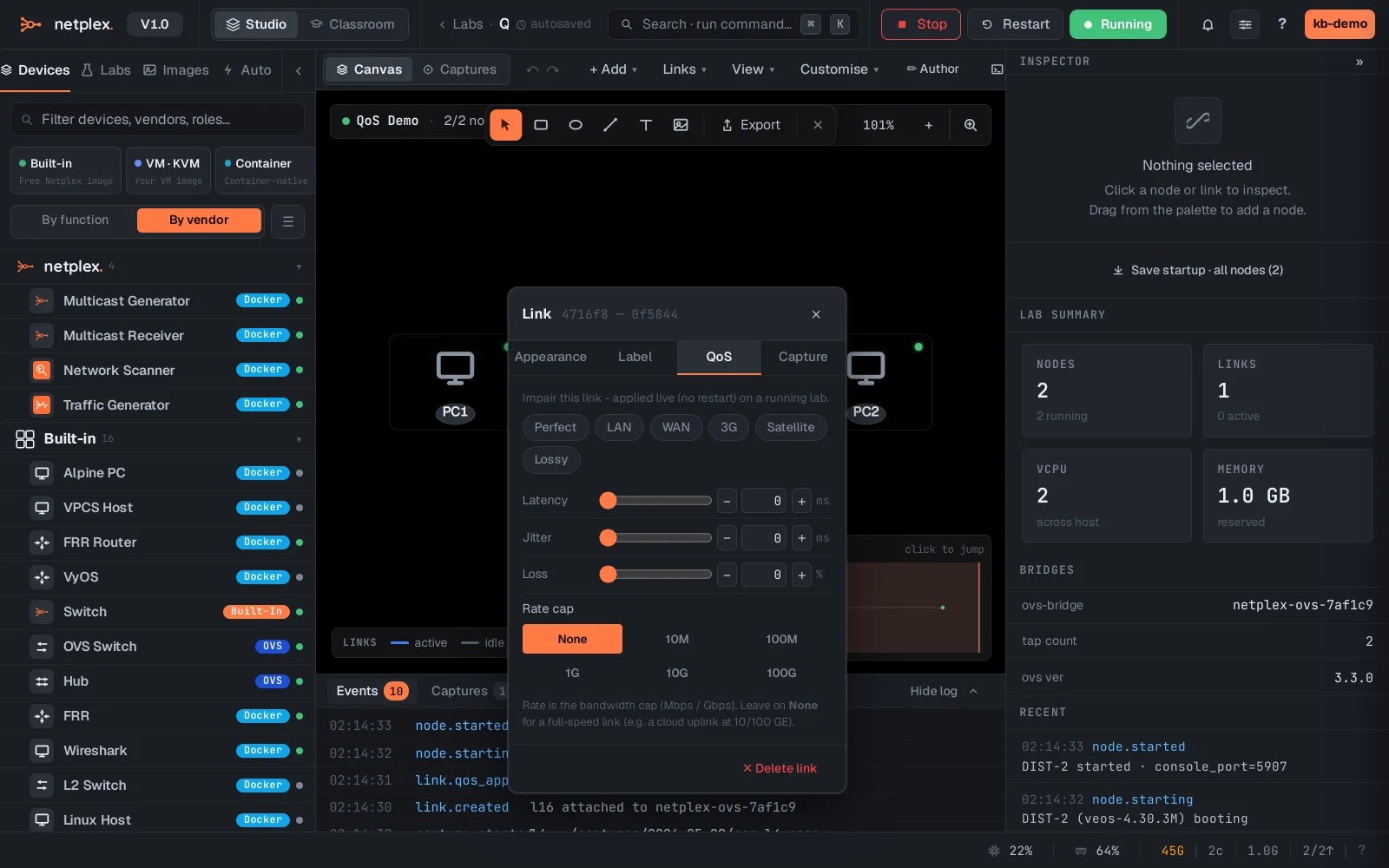
Right-click the link and open the QoS tab. Set delay, jitter, loss and a bandwidth cap by hand - or grab a preset: LAN, WAN, 3G, Satellite, Lossy.
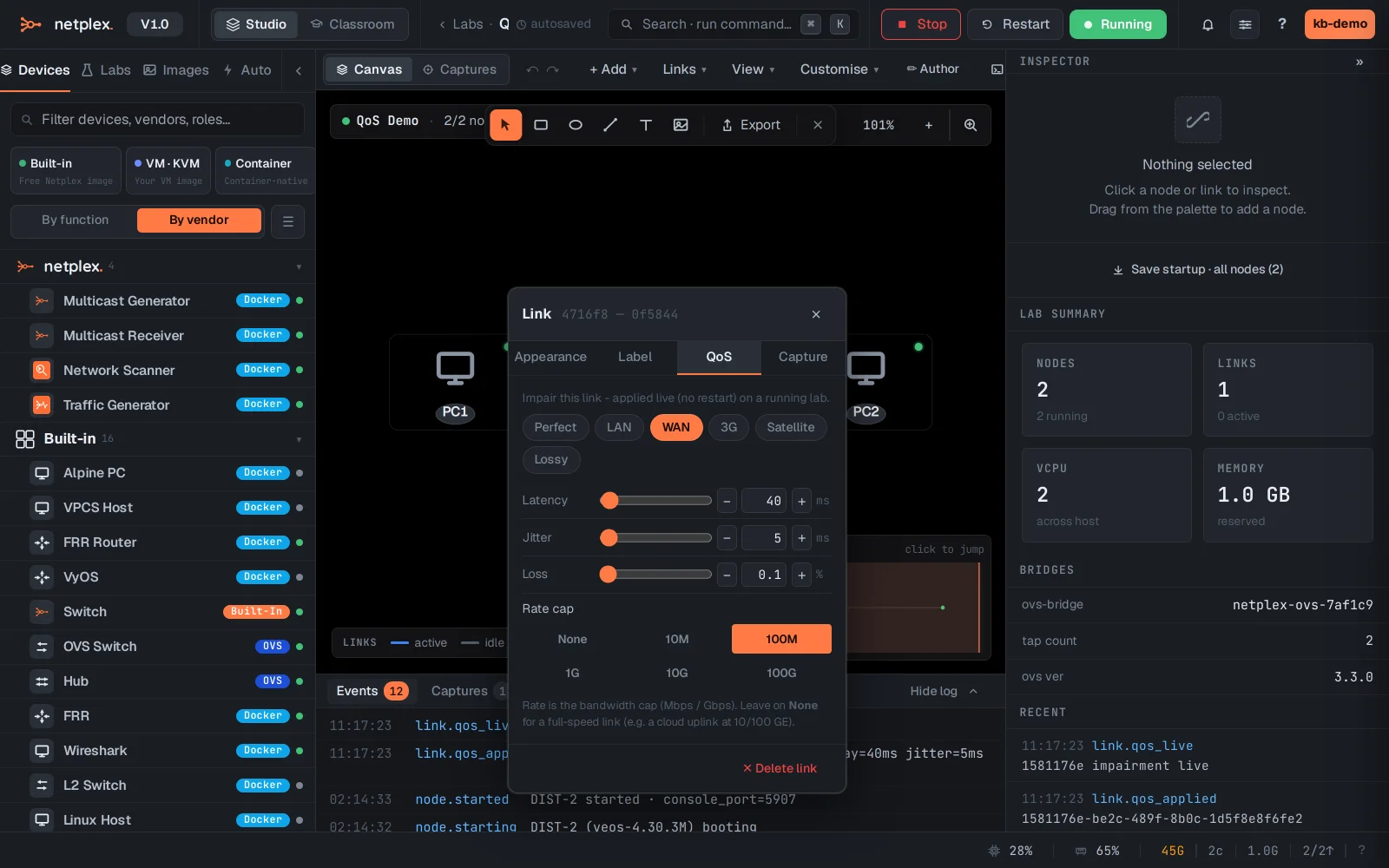
Click WAN (40 ms delay, 0.1% loss, 100 Mb/s). It applies to the live wire immediately - ping again and the round-trip jumps from microseconds to ~80 ms. Your protocols now live on a WAN.
Back to a clean wire: apply the Perfect preset. QoS can also be set per direction, and the tier bandwidth cap (Free/Plus) is enforced on top of whatever you configure here.