General preferences: language, accent, text size
The General tab is your quick personalisation: interface language, accent colour, text size and the base theme. These are account-level and follow you everywhere you sign in.
Open Settings - it lands on General. Pick your interface language, a base colour theme, an accent colour, and a comfortable text size. Changes apply instantly and save to your account.
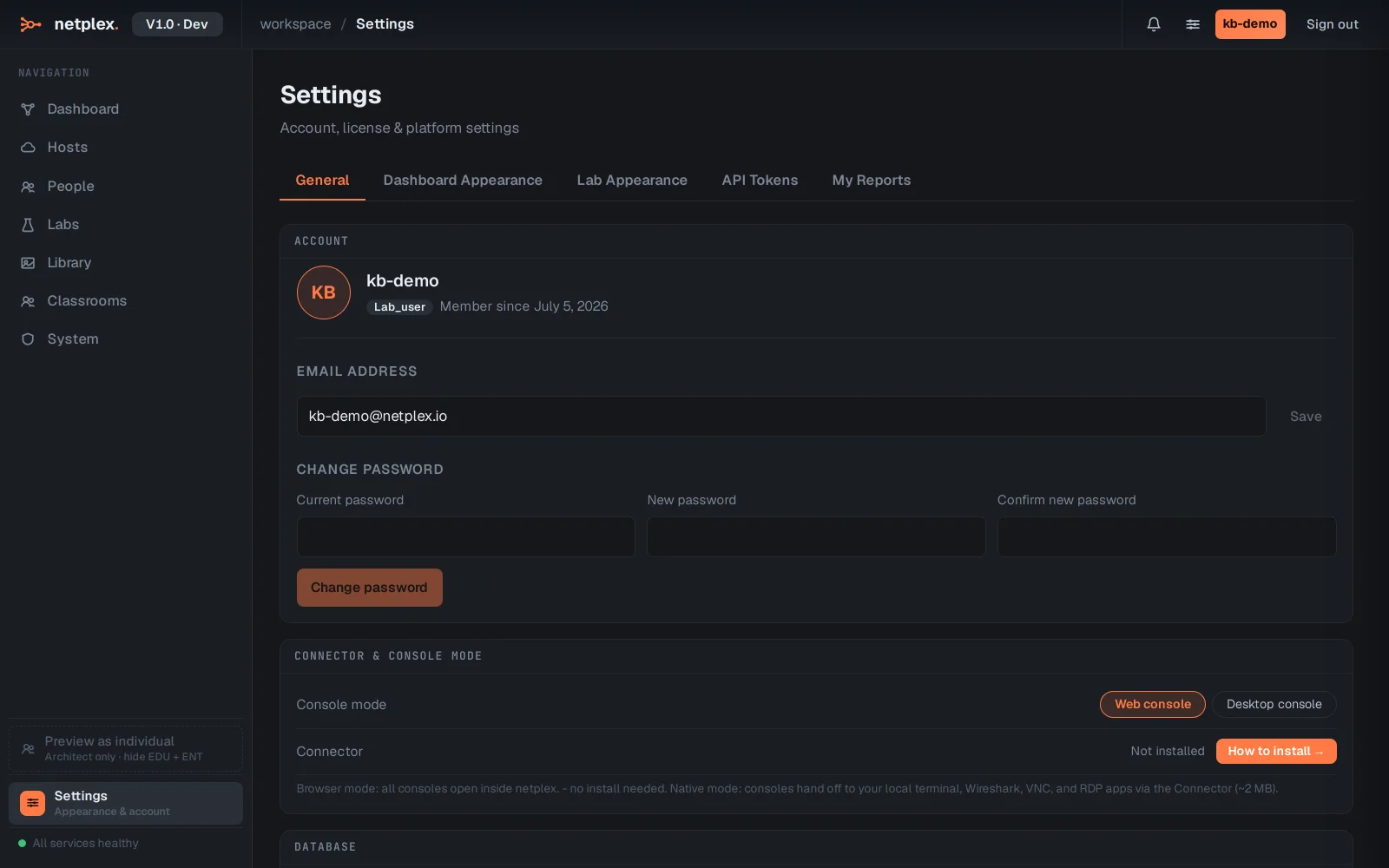
The accent colour threads through the whole UI - buttons, links, the selection ring on the canvas. Pick one and watch it take effect immediately, here and in every lab.
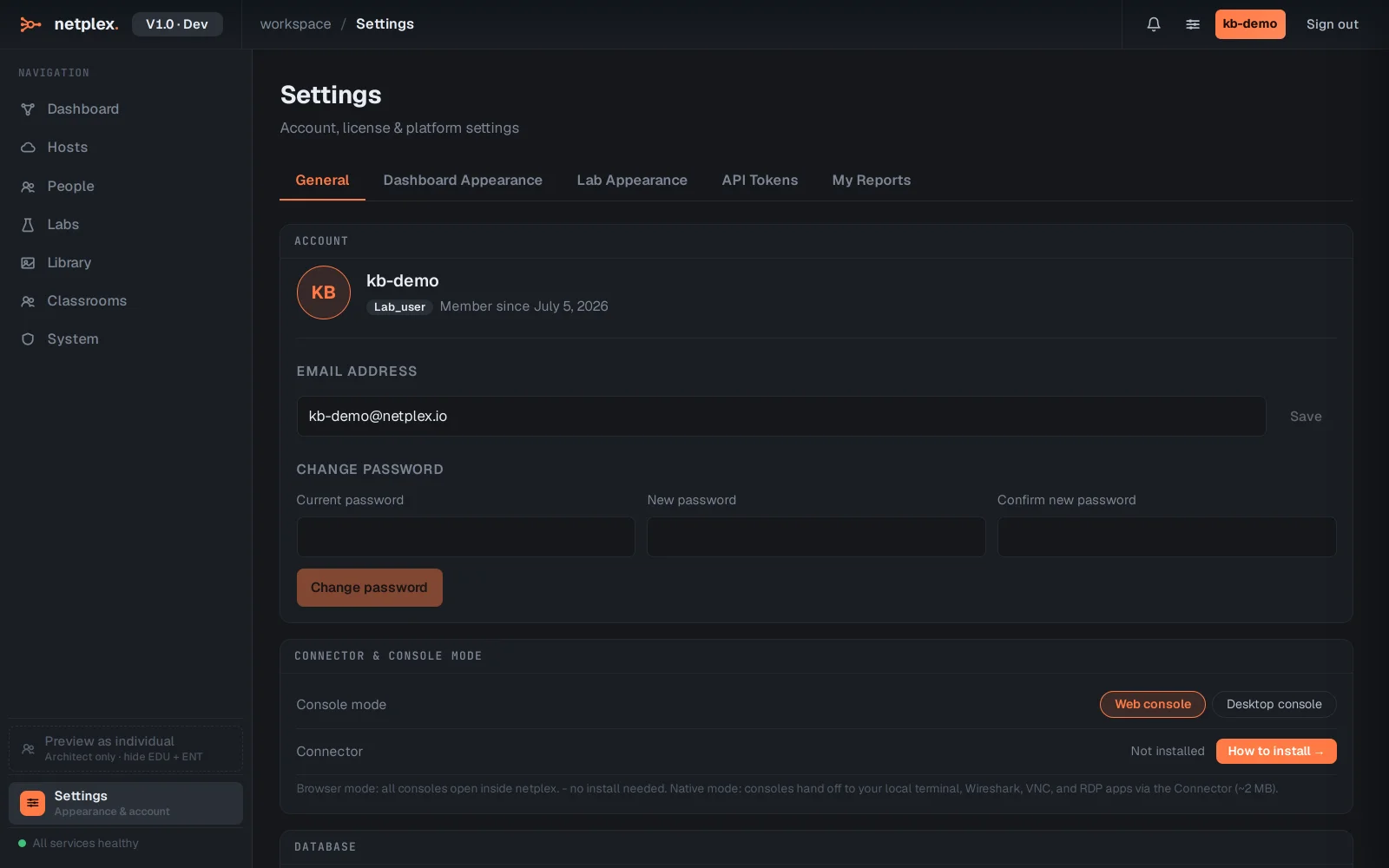
Deeper visual control - canvas background, link style, device icons, terminal colours - lives on the Lab Appearance tab. General is the fast, everyday personalisation.