Browse and change the global settings
Everything personal lives under Settings in the left navigation: general preferences, the appearance system, dashboard styling, API tokens and your reports. Changes save automatically and sync to your account, so they follow you to any browser.
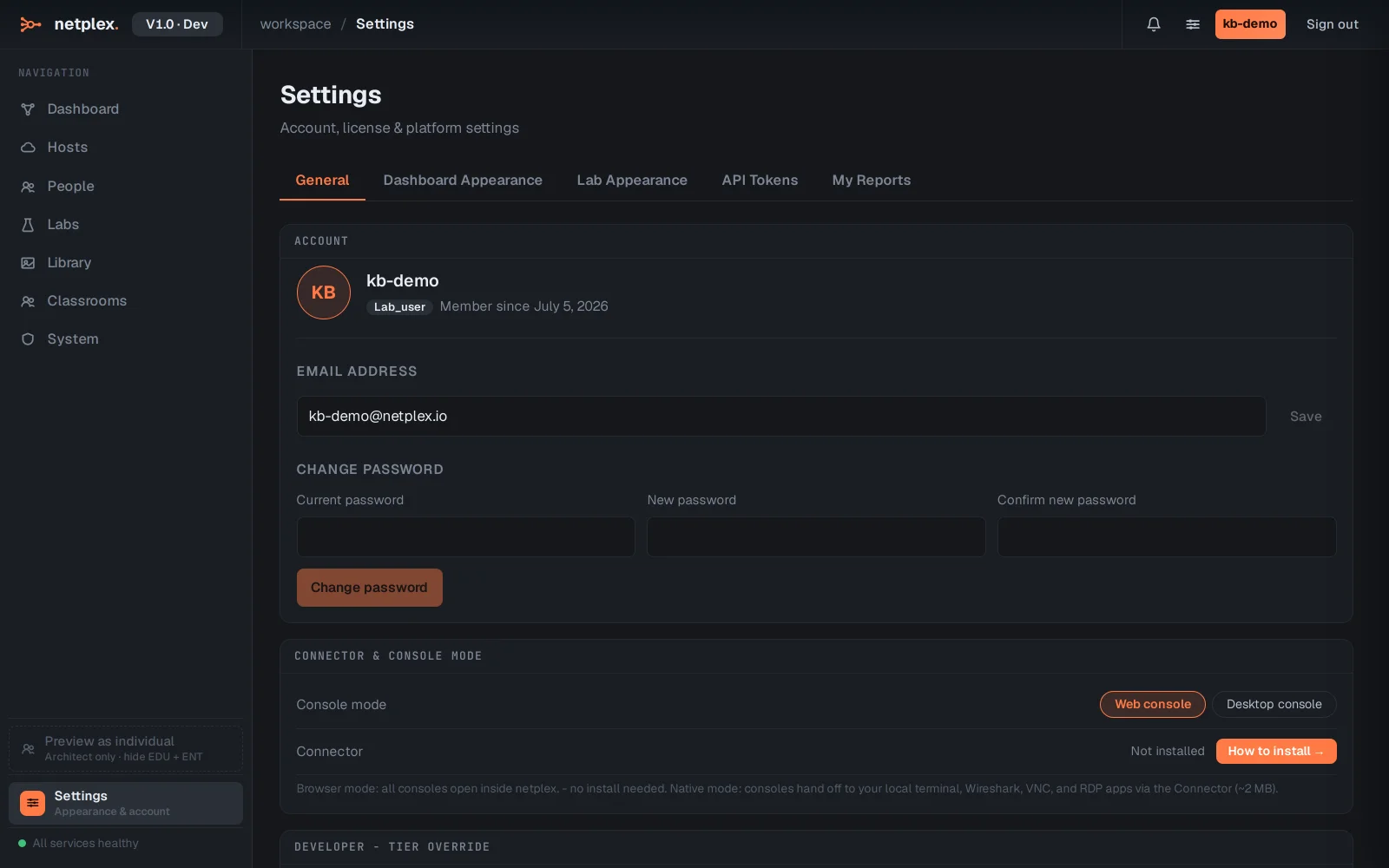
Open Settings from the left navigation. It opens on the General tab: language, behaviour and account basics.
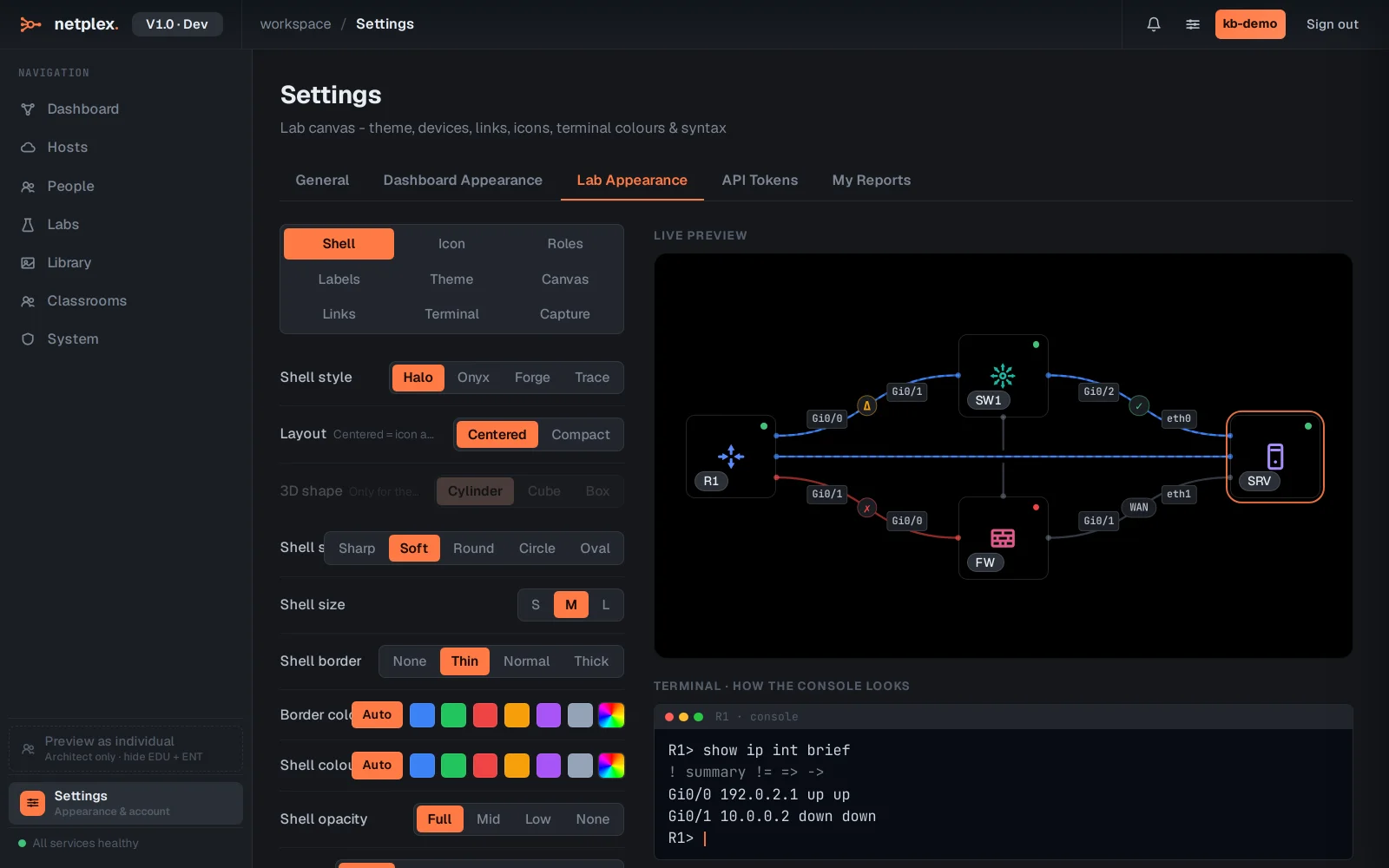
The Lab Appearance tab holds the global appearance system - theme, accent, canvas, links, terminal. Anything you set here is the default every lab starts from (see the inheritance guide for how per-lab overrides work).
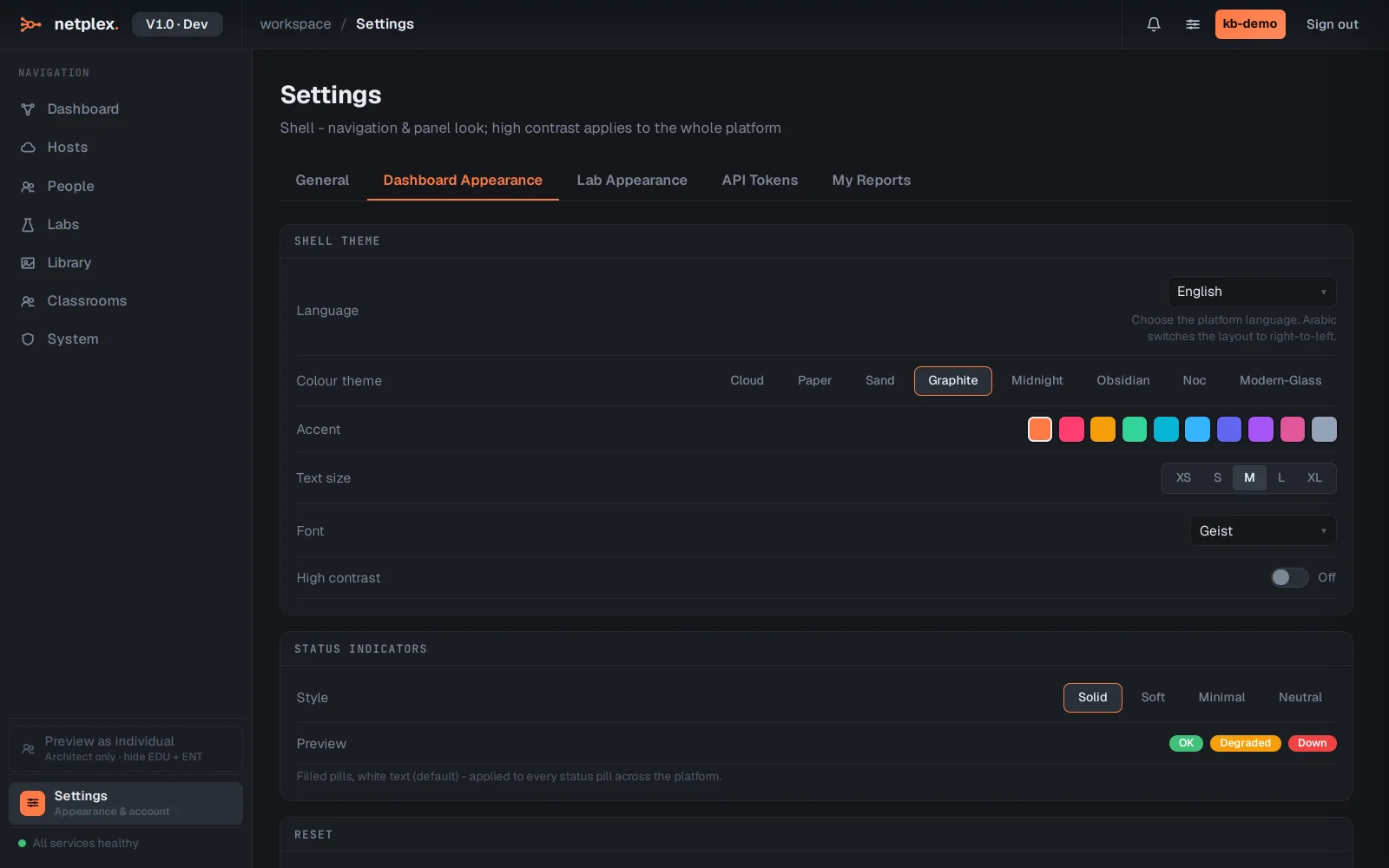
Dashboard Appearance styles the dashboard itself - what tiles show and how they look.
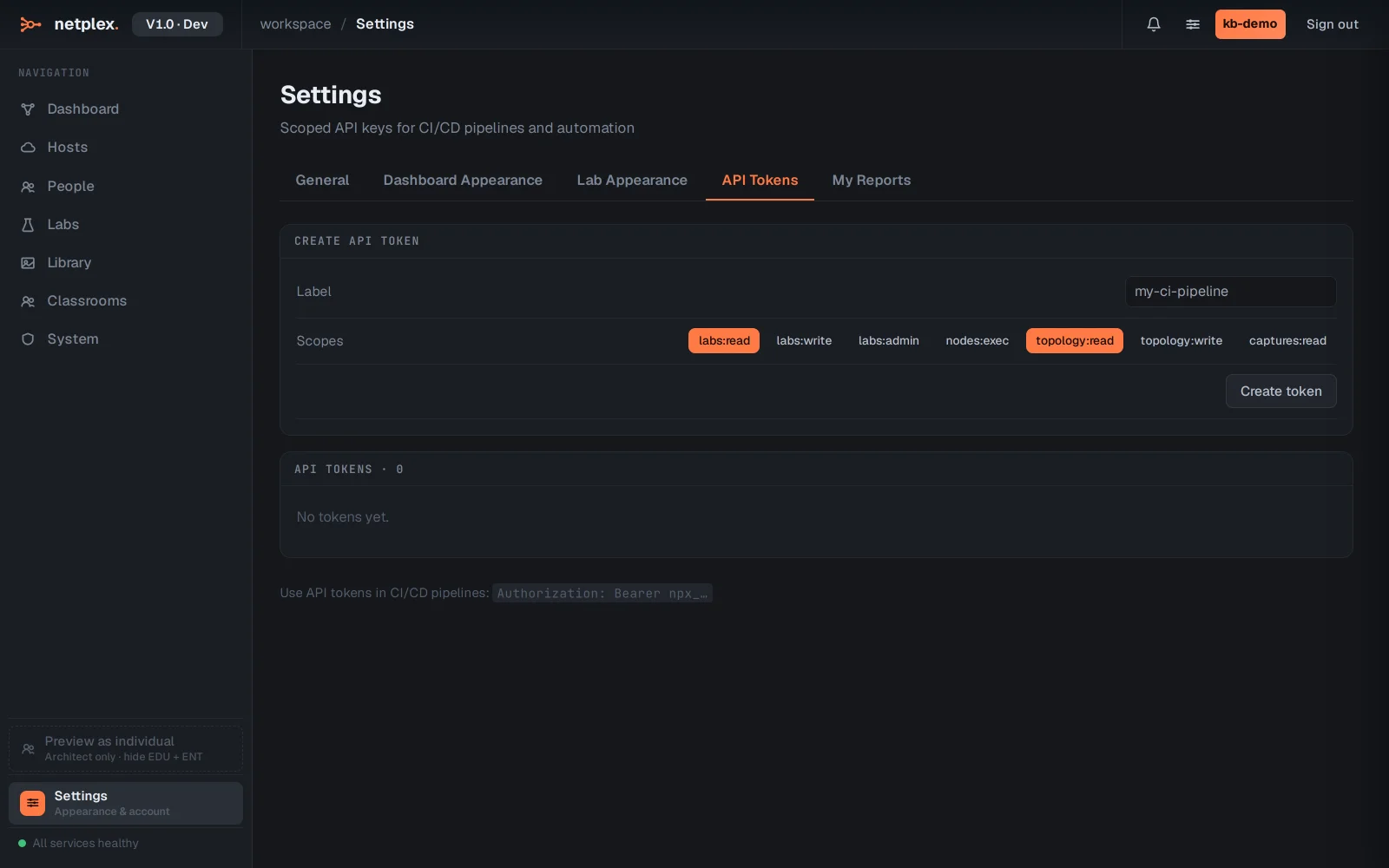
API Tokens creates scoped keys for automation (CLI, Terraform, CI) - and My Reports lists the bug reports and diagnostics you have sent.
Settings are per-user. Platform-wide administration (services, updates, licence) lives under System, which only administrators see.