The command palette (⌘K)
The search box in the top bar is a command palette: press ⌘K (or Ctrl+K) anywhere, type a few letters, and jump to a lab, a node or an action without touching the mouse.
Click Search · run command in the top bar (or press ⌘K). The palette opens over the canvas.
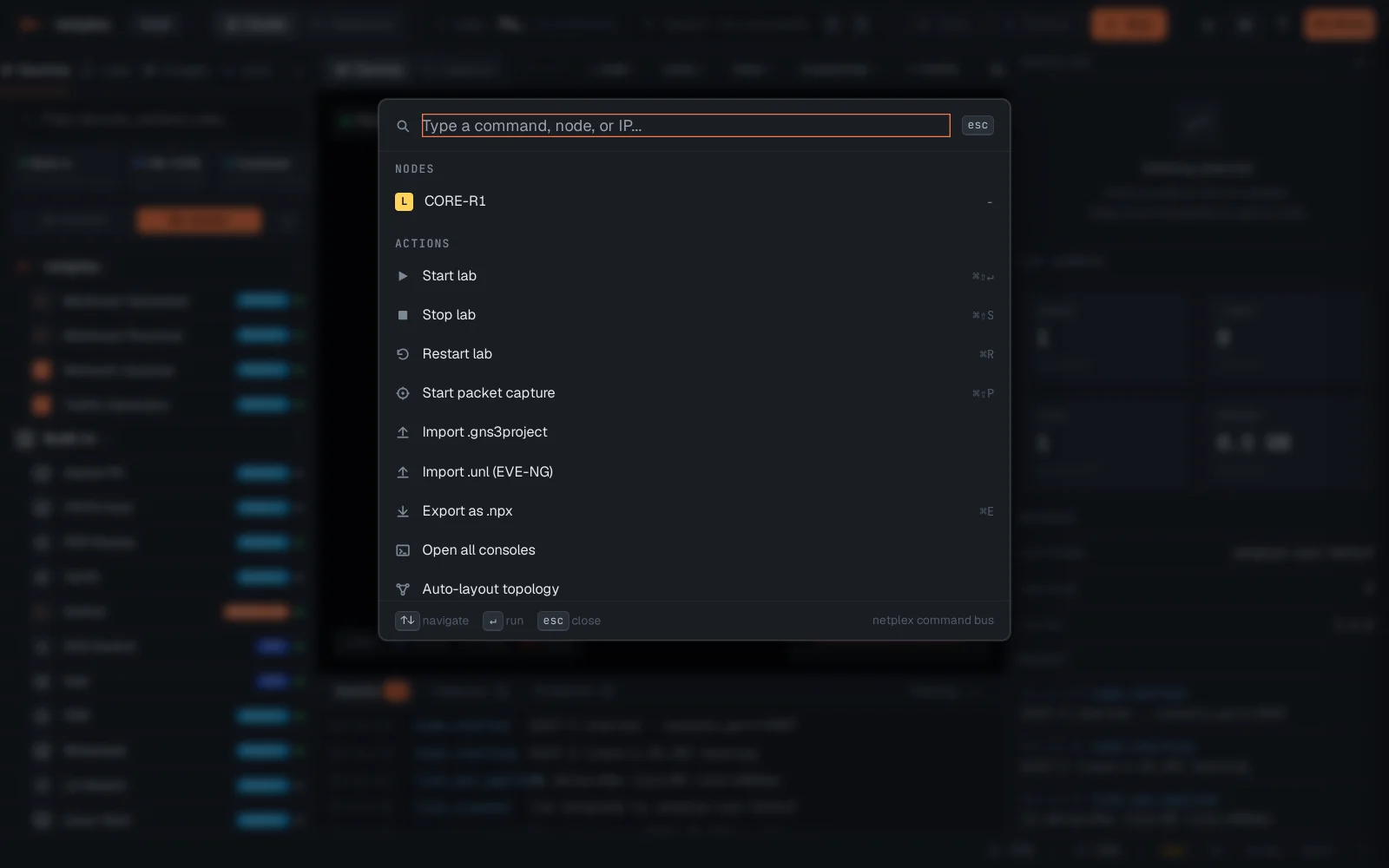
Type to filter - node names, labs and actions all match. Enter runs the highlighted entry; Escape closes.
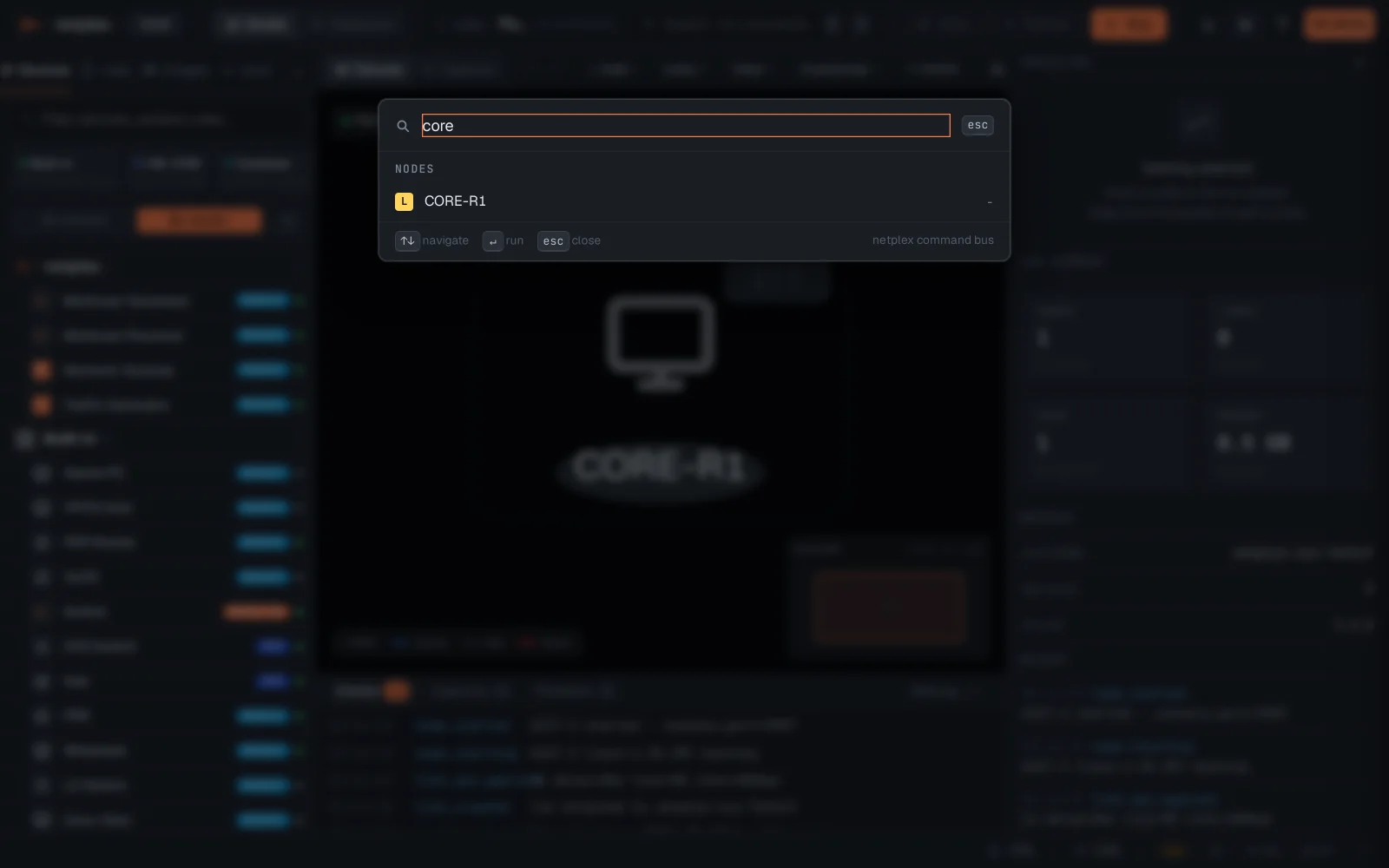
The palette is the fastest way around a big lab - jumping to a node selects and centres it on the canvas.