Working with large topologies
A lab with a handful of nodes reads fine however you drop them. A lab with fifty does not - overlapping cards and crossed links turn the canvas from a diagram into a mess. A few tools keep a big topology readable instead of fighting it.
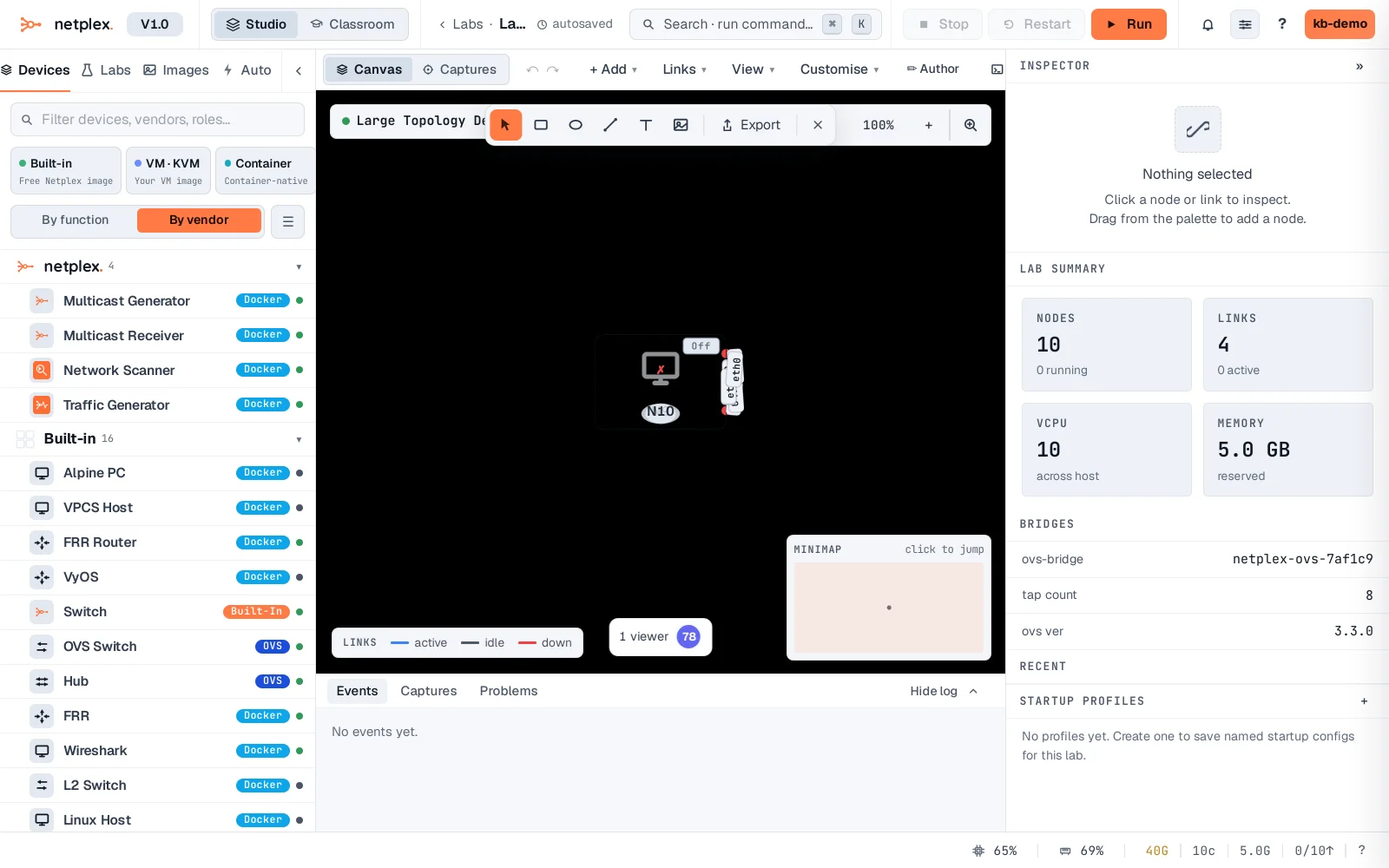
Ten nodes, all stacked on the same point - about as unreadable as a topology gets. This is the honest starting point for what Auto-layout actually fixes, not a cherry-picked before-shot.
Open View → Auto-layout. netplex. runs a force-directed pass and spreads every node out so links stop overlapping - a hub-and-spoke topology like this one resolves into a clean star in one click.
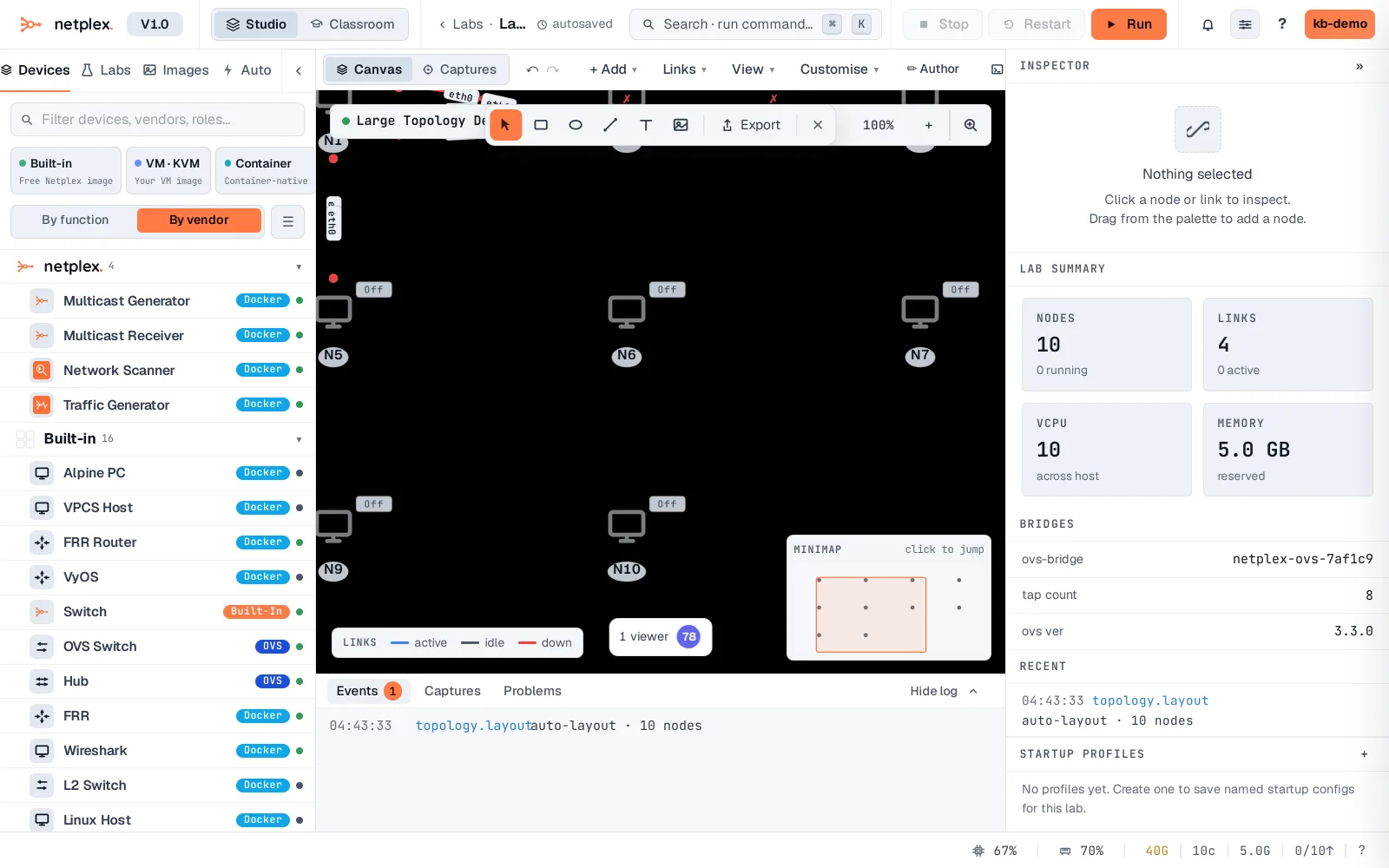
For labs that stay large, a few more habits help: group related devices with a box annotation and a label instead of relying on position alone; use the palette's device filter rather than scrolling a long list; and turn on Mask names/IPs (View menu) when presenting, so density reads as structure rather than clutter. Fit all nodes to screen and the minimap (see "Zoom, fit, minimap and view options") get you back to a readable view fast after zooming into one corner to work.