Pin your favourite devices
The device palette holds everything you can run, which is a lot once your Library fills up. Pin the devices you reach for every day and they stay at the top, so building a lab is drag-drag-drag instead of scroll-search-scroll.
Every device row in the palette has a star that appears on hover. A hollow star (☆) means not pinned.
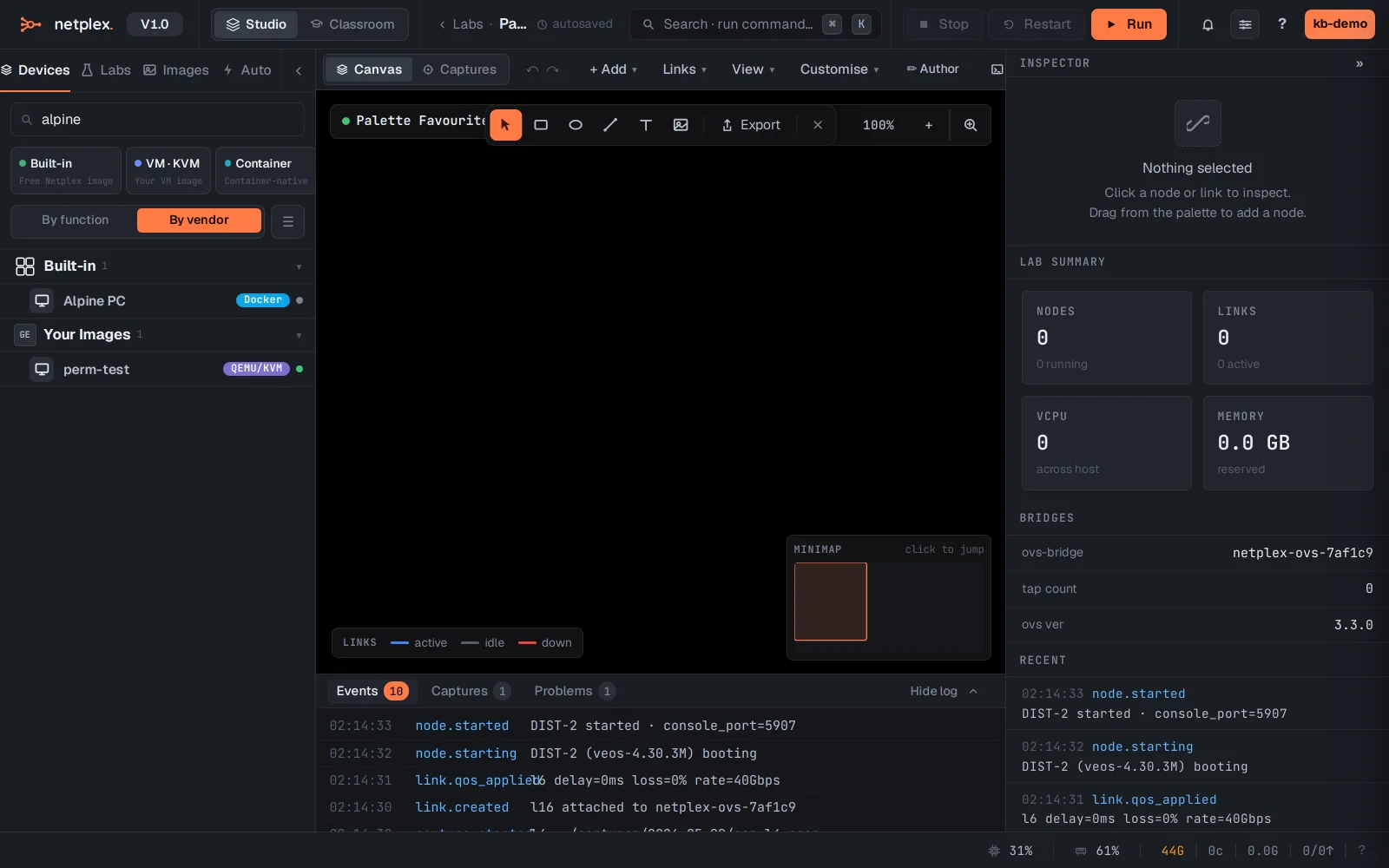
Click the star to pin the device. It turns solid (★) and jumps to a pinned section at the top of the palette - one click away from now on.
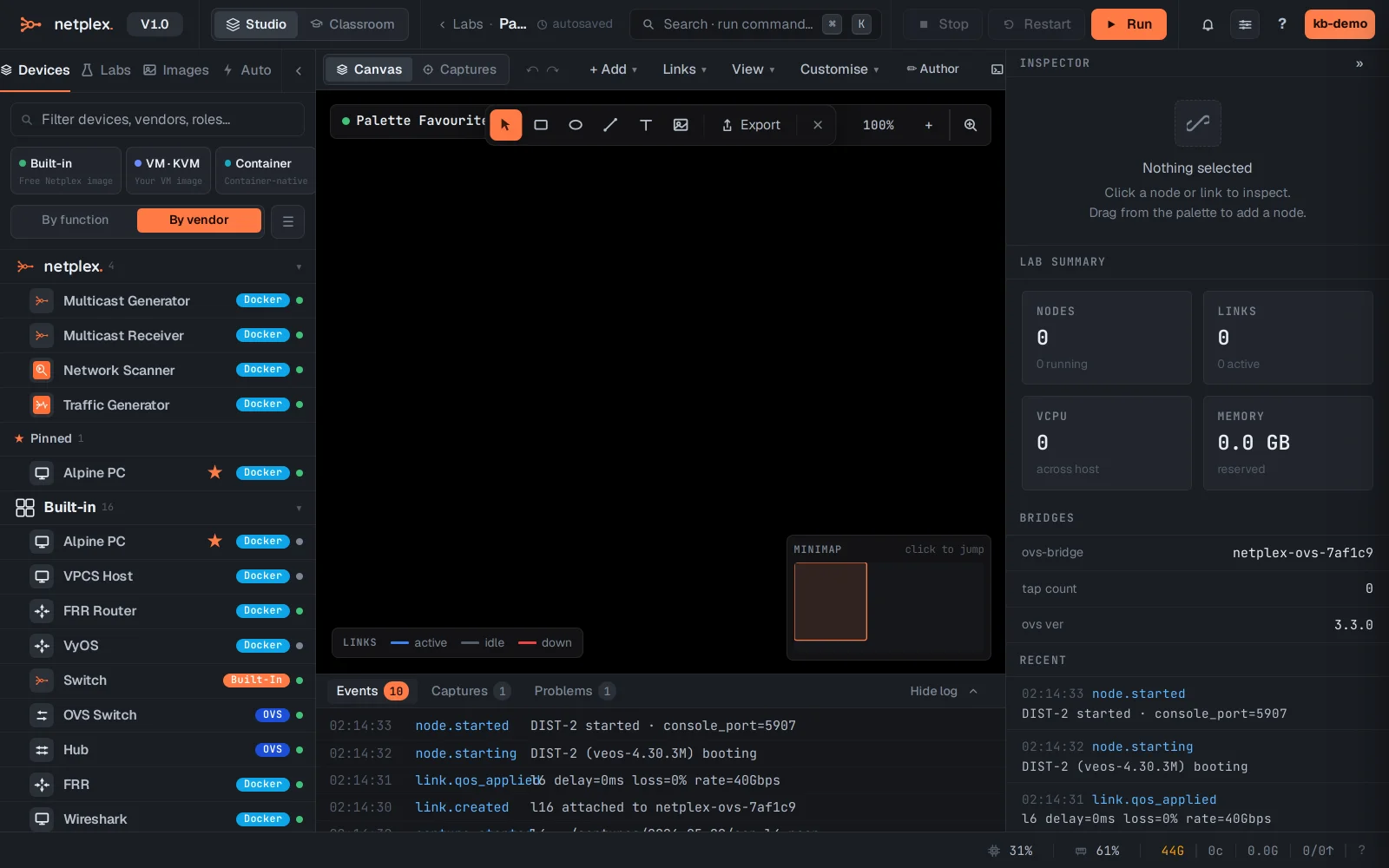
Pins are per-user and persist across sessions and labs. Click the solid star again to unpin. The same star lives on the Library page, so you can curate your favourites from either place.