Select many nodes and undo mistakes
Building a topology is faster when you can act on several devices at once and step back from mistakes freely. The canvas supports marquee selection and full undo/redo, just like a drawing tool.
Drag a box across empty canvas to marquee-select - every device inside is selected together. Now move, align or delete them as one.
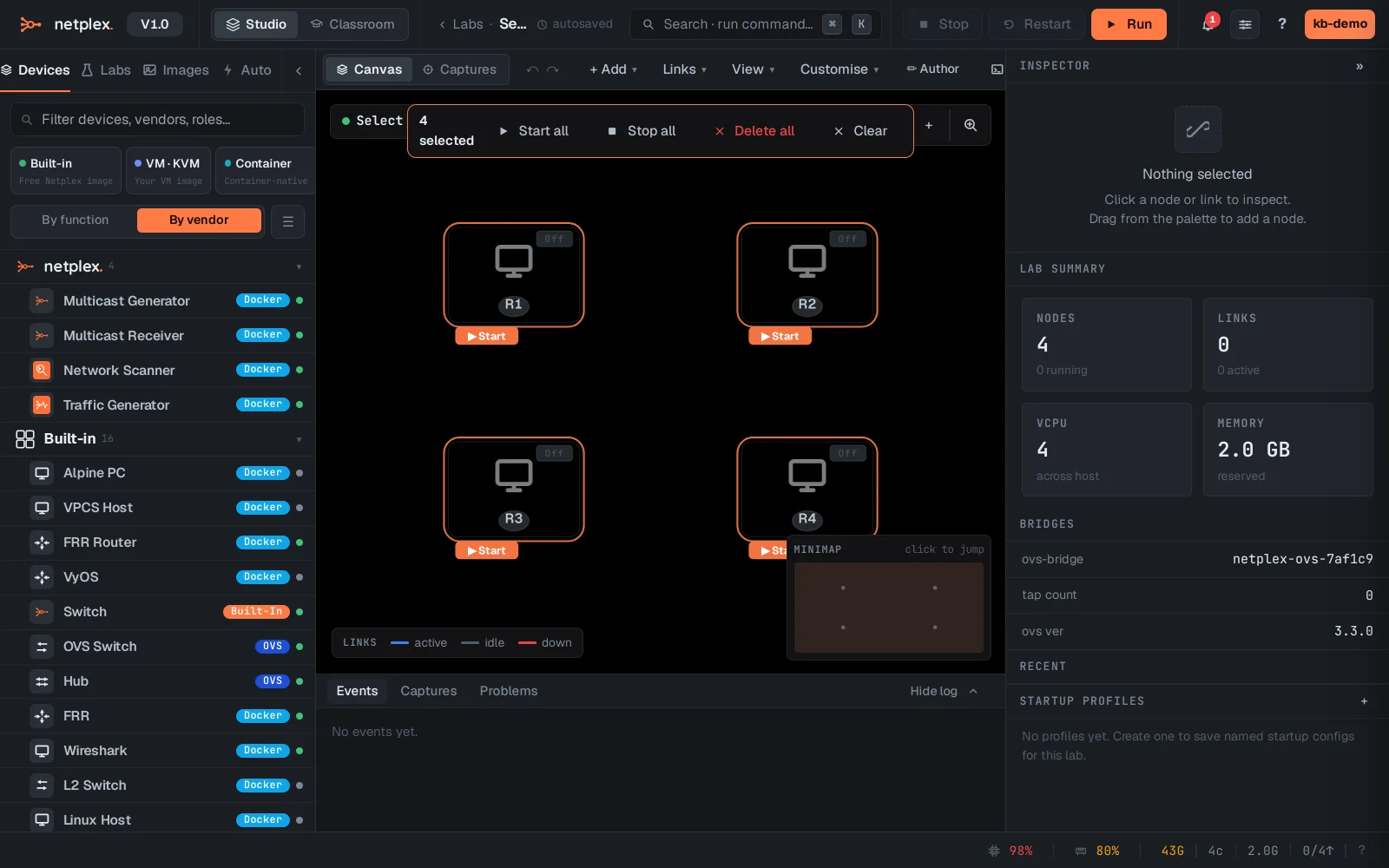
Made a wrong move? Undo (the ↶ button, or ⌘Z) steps back through every change - add, move, delete, restyle - and Redo (↷) steps forward again. Experiment freely; nothing is permanent until you leave it.
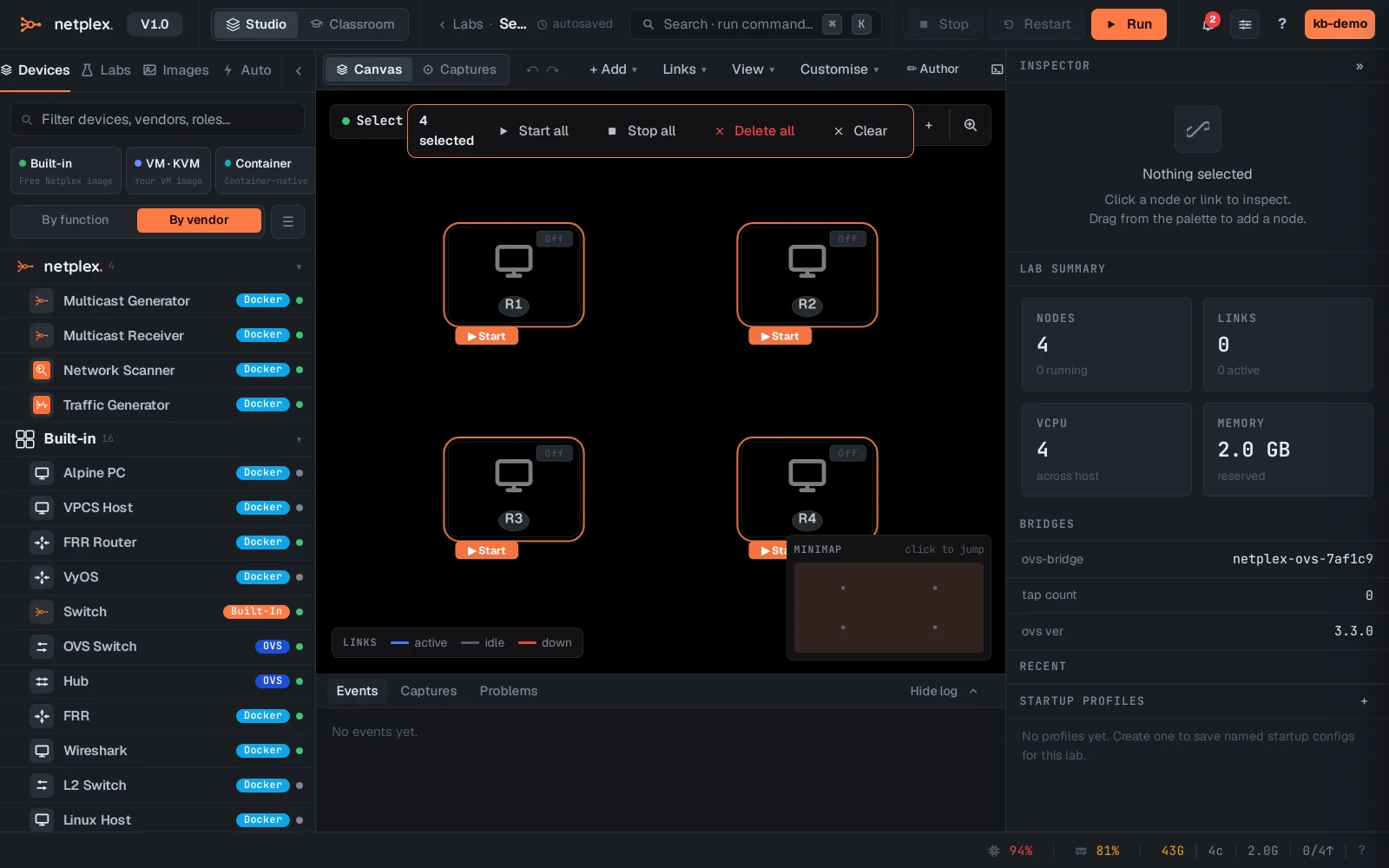
Marquee-select plus alignment is how you tidy a sprawling topology quickly; undo/redo is your safety net while you experiment. Both work on annotations too, not just devices.