The right-click menu
Every node on the canvas has a right-click menu - the fastest way to act on a device without hunting through panels. Power it on or off, open its console, rename it, duplicate it, restyle it or delete it, all from where your cursor already is.
Right-click any node to open its menu. It is context-aware: a running device offers Power off, Restart and Open console; a stopped one offers Power on. Every node has Rename, Configure… (opens the Inspector) and Add link.
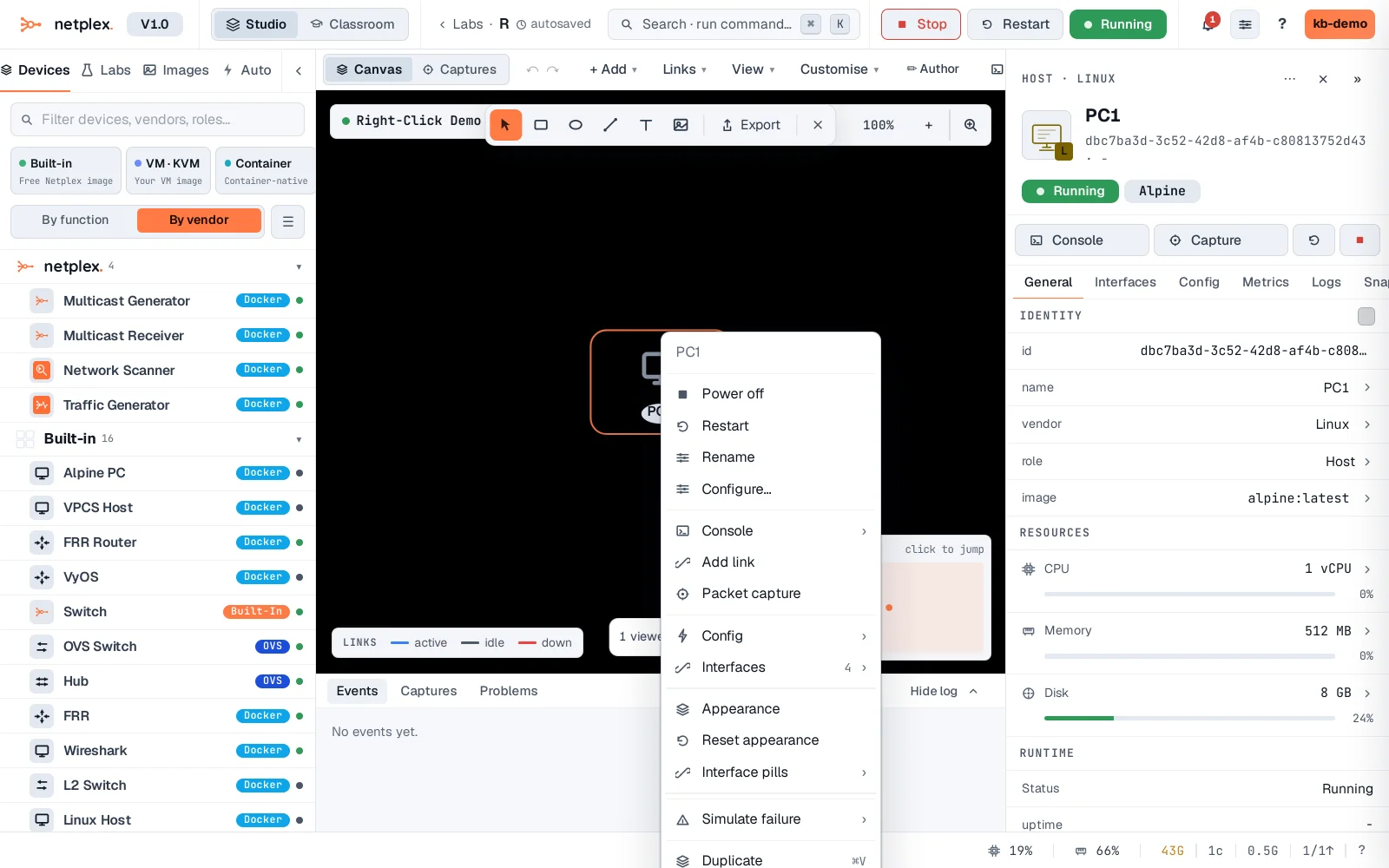
Lower in the menu: Appearance (recolour or restyle just this node), Duplicate (⌘V - stamp a copy with the same hardware), and Delete (Del). Selecting several nodes first makes the menu act on all of them at once.
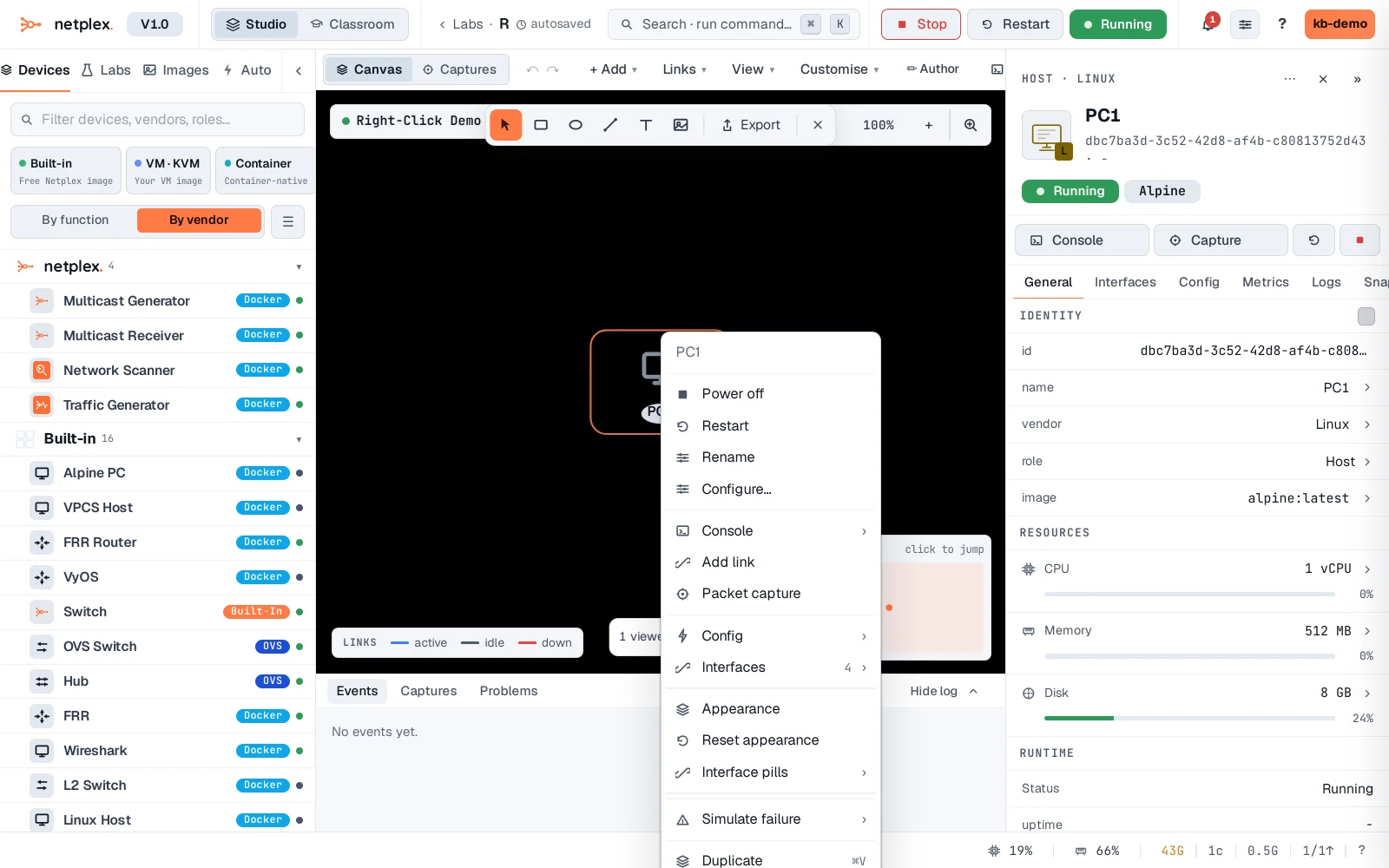
Right-click also works on empty canvas (add a node, paste, tidy layout), on a link (packet capture, QoS shaping, delete), and on an annotation (style, bring to front). The menu always matches what you clicked - so right-click is usually quicker than the toolbar.