Roll back a node to its saved startup config
"Save a device configuration" goes one direction - running config becomes the new startup config. Rollback goes the other way: it pushes the already-saved startup config back onto the live, running device, discarding whatever changes were made on the box since. Use it to undo a live change that has not been saved, without restarting the node.
The Config tab on a running node - before any rollback, this is just the device's baseline. A startup config was saved separately (via the API in this walkthrough) and has not been pushed to the live device yet.
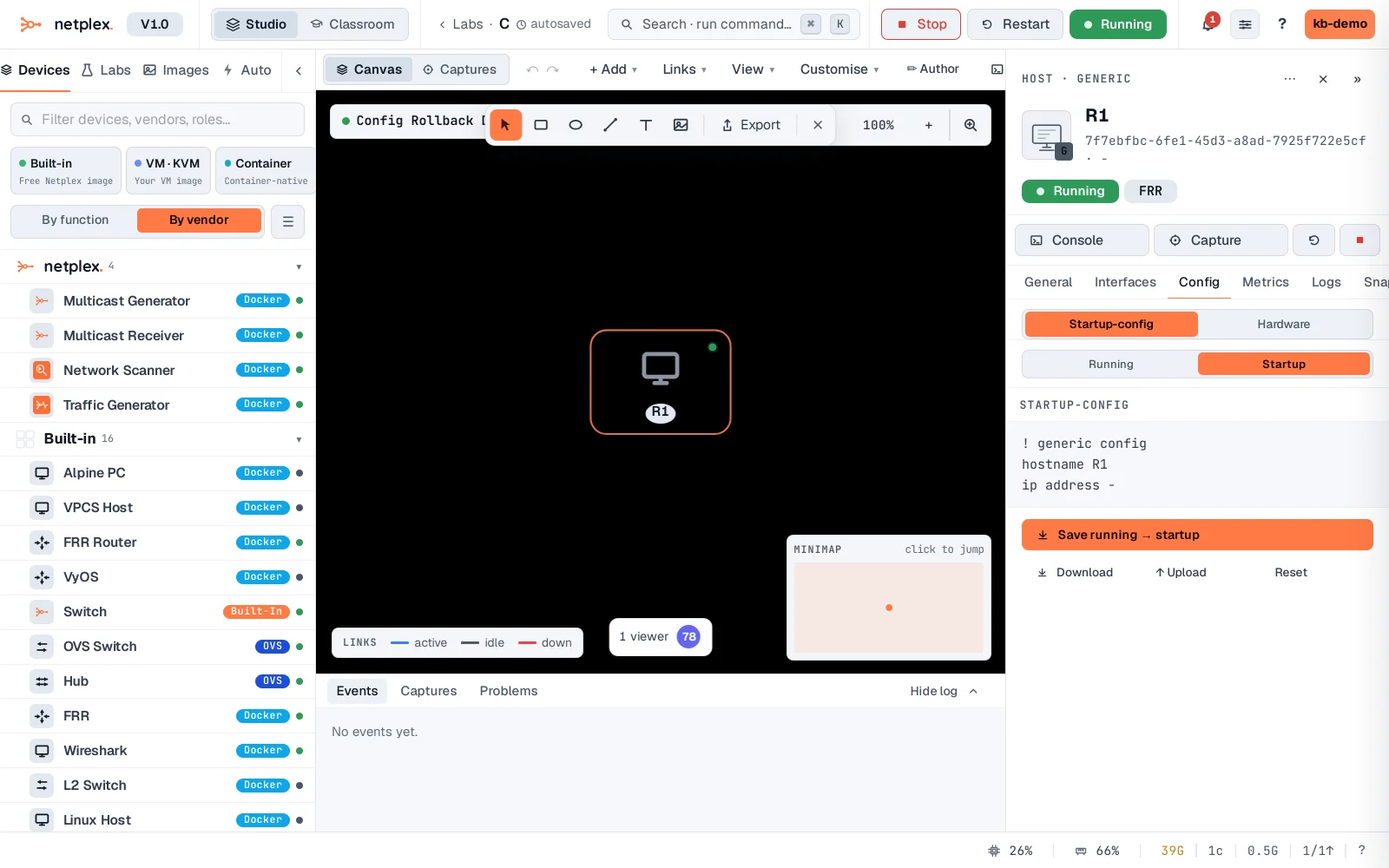
Right-click the node → Config → Rollback to startup. netplex. pushes the saved config onto the running device immediately - no restart, no rebuild. (The action is called here the same way the menu item calls it - the truth-gate below confirms the live device really changed, not just a UI toast.)
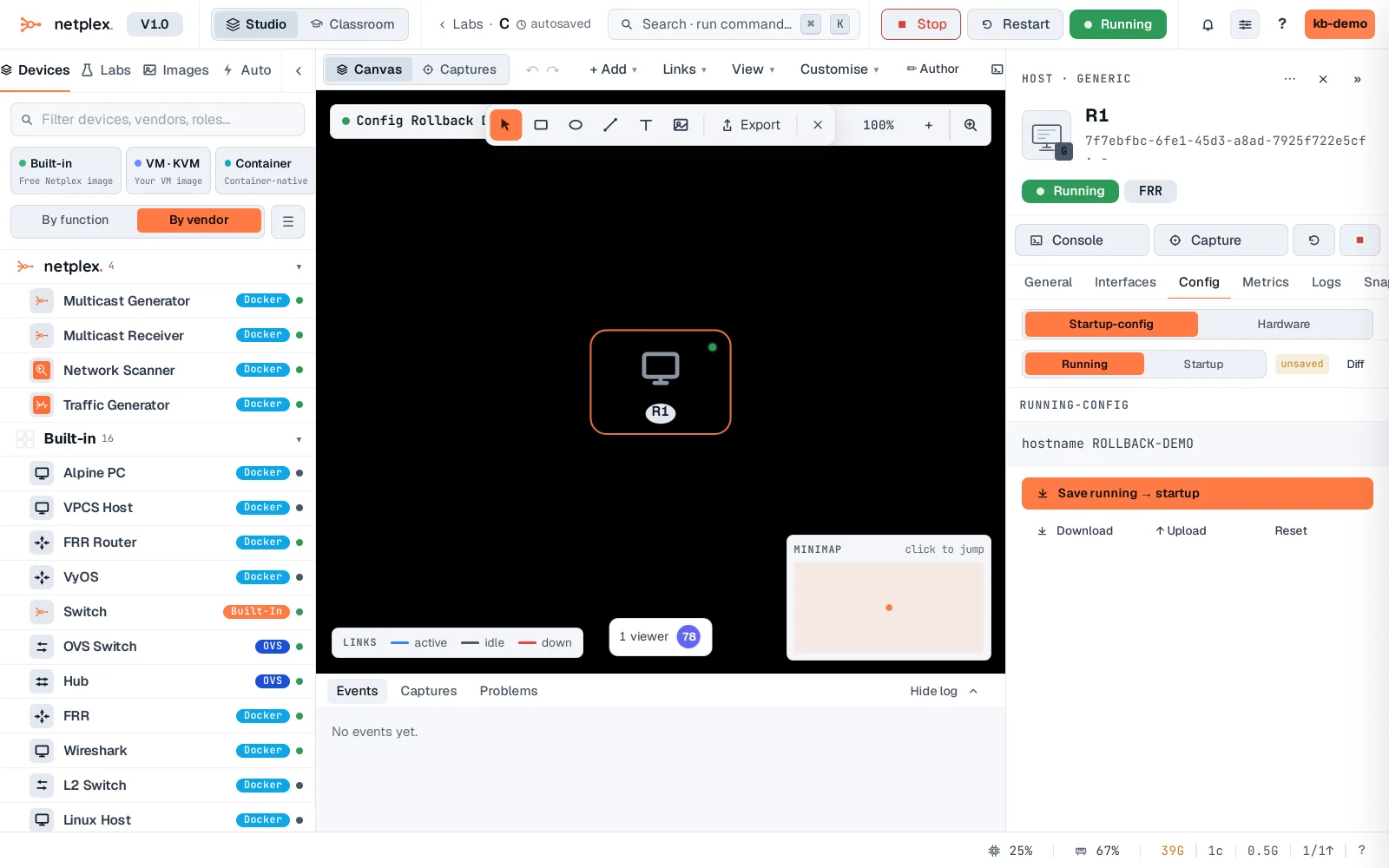
Rollback and "Save running → startup" are opposite ends of the same pair: save captures what is running right now, rollback restores what was last captured. Neither one touches the topology or links - only the device's own configuration.