How to import a Cisco IOL / IOU image
Cisco IOL (IOS-on-Linux, also known as IOU, IOS-on-Unix) is the fastest way to run lots of Cisco IOS nodes - it runs IOS as a lightweight Linux process instead of a full VM, so it boots in seconds and sips RAM. This guide shows how to import an IOL/IOU image (.bin) into netplex. so it appears in your lab palette, ready to drag onto the canvas.
You will need your own licensed IOL image file - netplex. does not ship Cisco images. Once you have the .bin, import takes under a minute.
Open the Library from the left navigation and select the IOL tab. This is where every IOS-on-Linux image lives. Already-imported IOL images (the i86bi-linux-* files) show here with their Cisco badge.
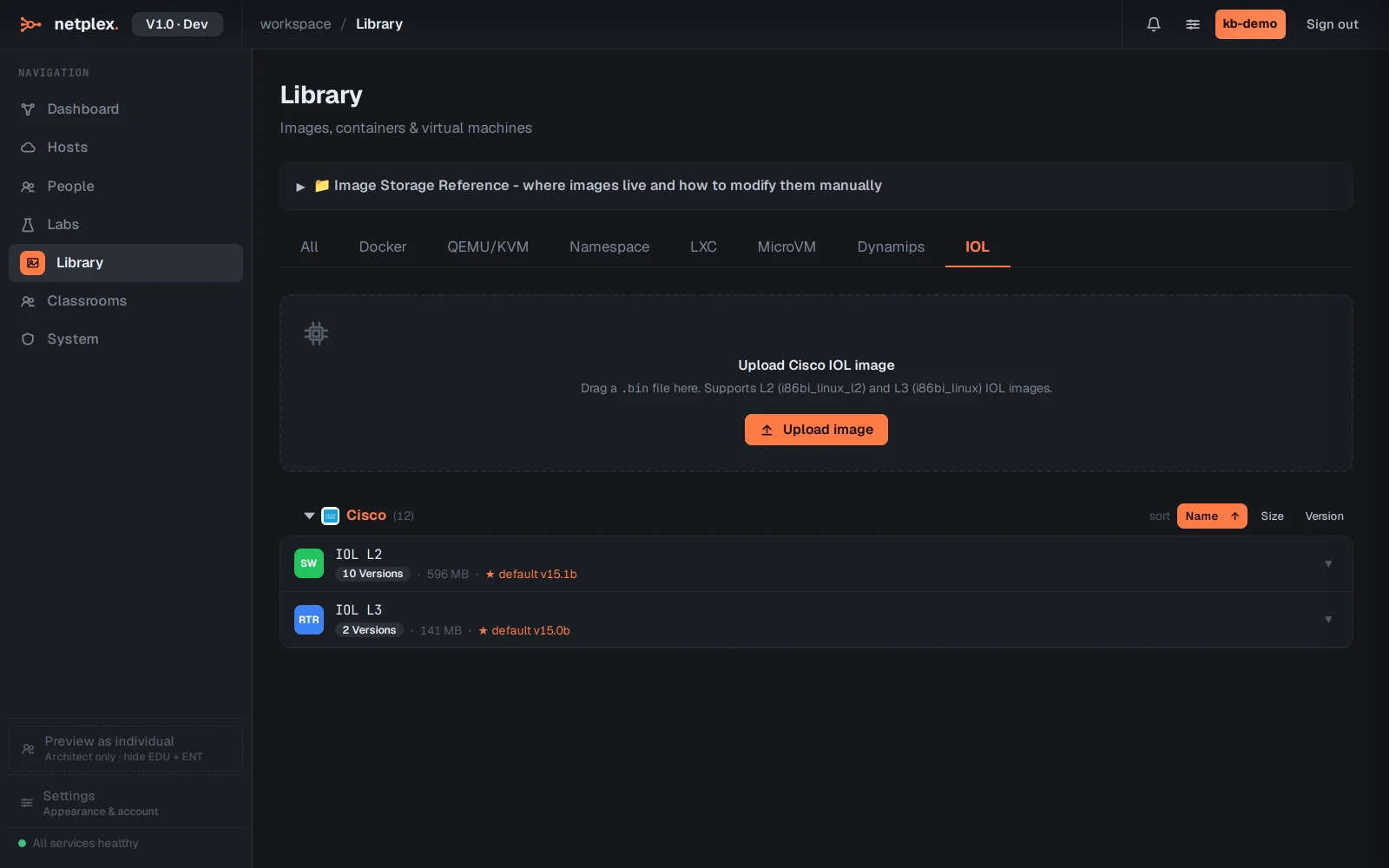
Click Upload image and choose your IOL .bin file (both the L2 switch images, i86bi-linux-l2-*, and L3 router images, i86bi-linux-l3-*, are supported). netplex. registers it, detects it as IOL, and applies the execute permission the image needs to run - no manual chmod +x.
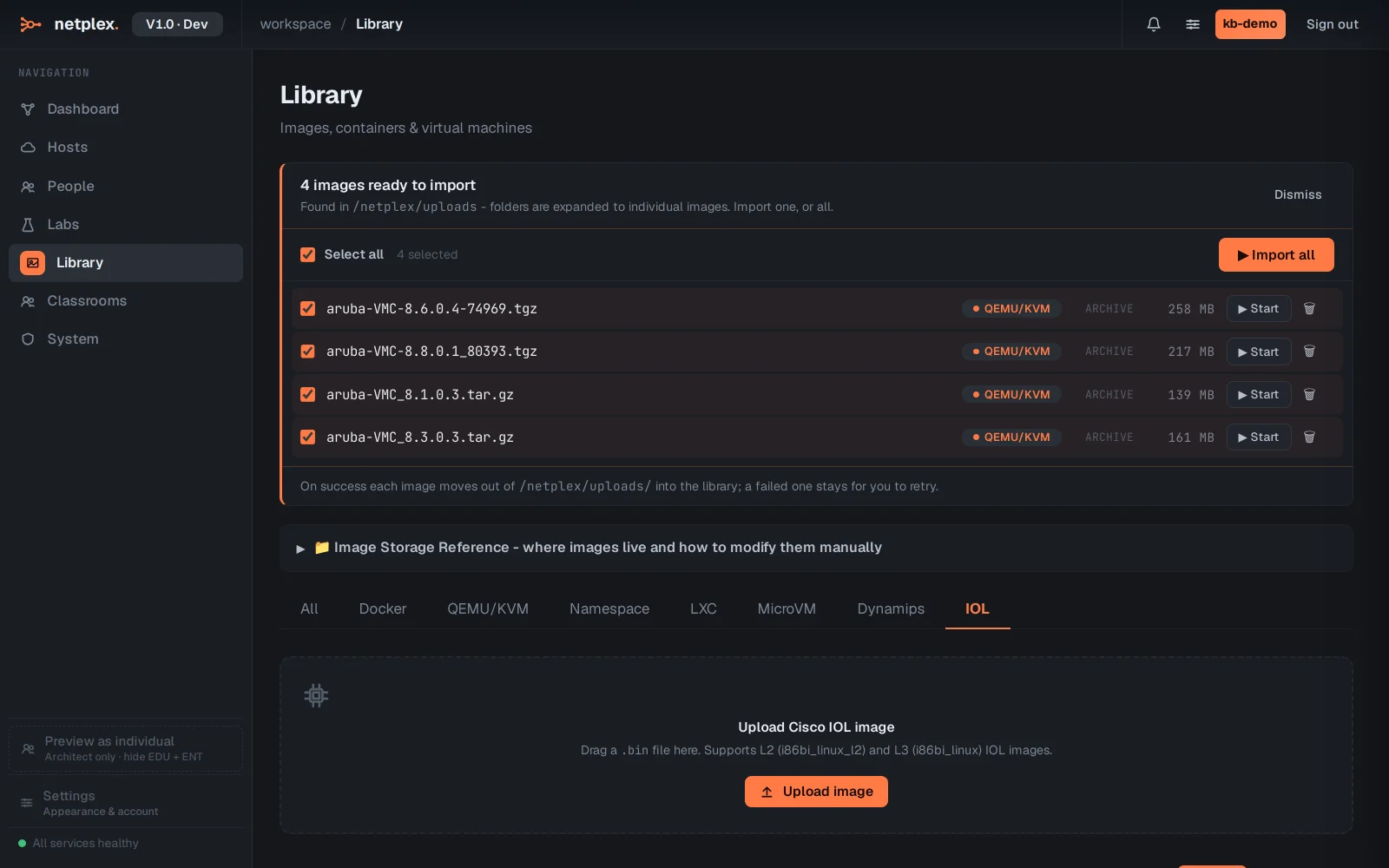
Once imported, the IOL image appears in the lab palette with its Cisco badge and IOL runtime. Drag it onto the canvas, power it on, and its console boots straight to the IOS CLI in seconds - ideal for large CCNA/CCNP switching and routing topologies where a full VM per node would exhaust the host.
IOL and IOU are the same family - IOU (IOS-on-Unix) is the older name, IOL (IOS-on-Linux) the current one; the same .bin import flow covers both. For images IOL does not implement (some data-plane features), import a full VM image (vIOS/qcow2) instead and mix them in the same lab. See the related guides for importing Cisco IOS (Dynamips) and QEMU/qcow2 images.