Import an image from a URL
Vendor VM images are big - multi-gigabyte .qcow2 and .ova files. Uploading one from your laptop over a slow link is painful. Import from URL skips your machine entirely: netplex. fetches the image straight onto the server, so a 5 GB vSRX or CSR image kept on a NAS or a signed download link lands on the platform at server speed. This guide shows how.
Open the Library and select the QEMU/KVM tab (URL import is for VM disks). Alongside Upload image you will find Import URL - this is the server-side fetch.
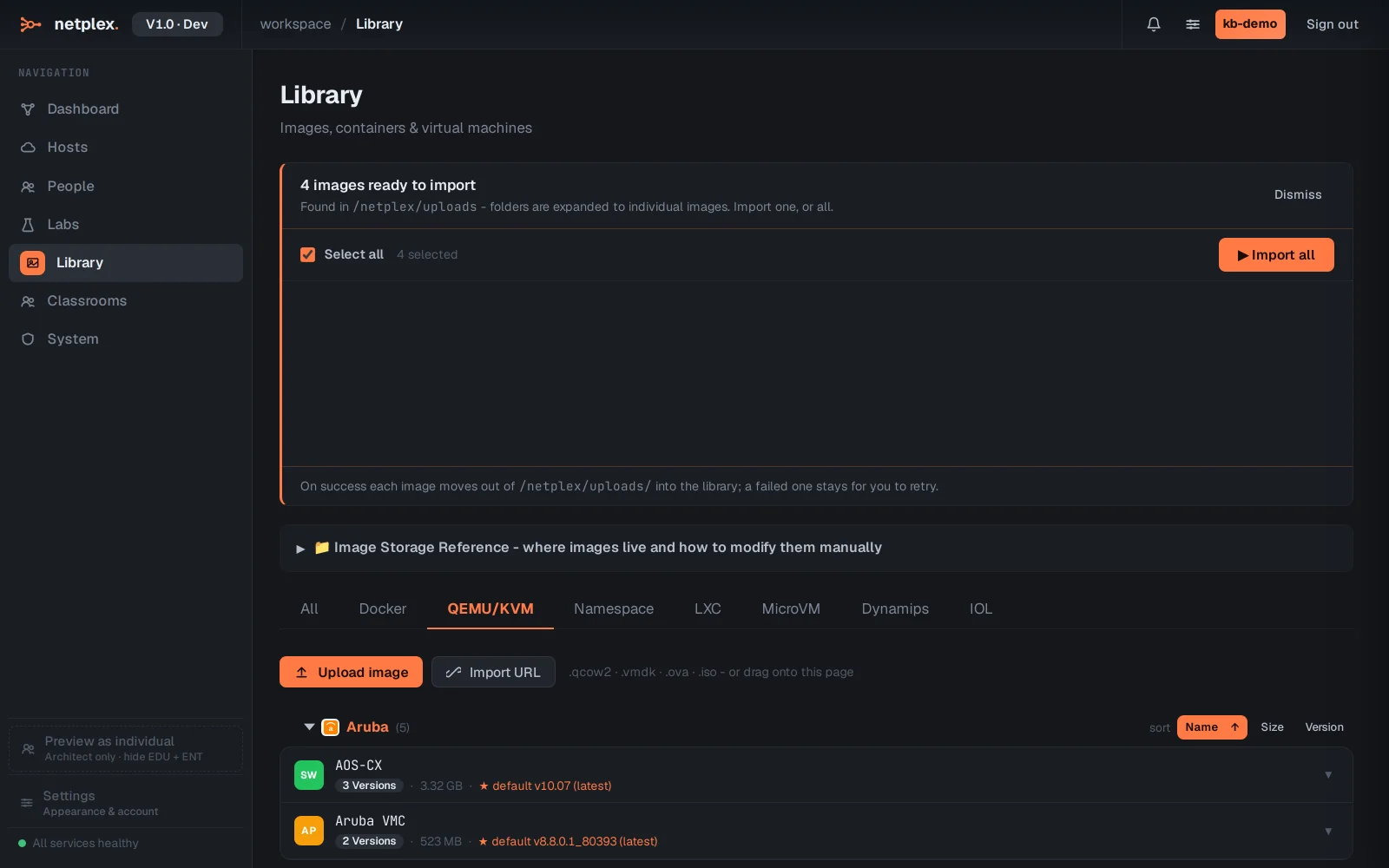
Click Import URL and paste the direct link to your image - .qcow2, .vmdk, .ova or .iso. netplex. downloads it on the server, classifies the vendor and runtime, and registers it - no round-trip through your browser. A progress bar tracks the fetch so you can leave it running.
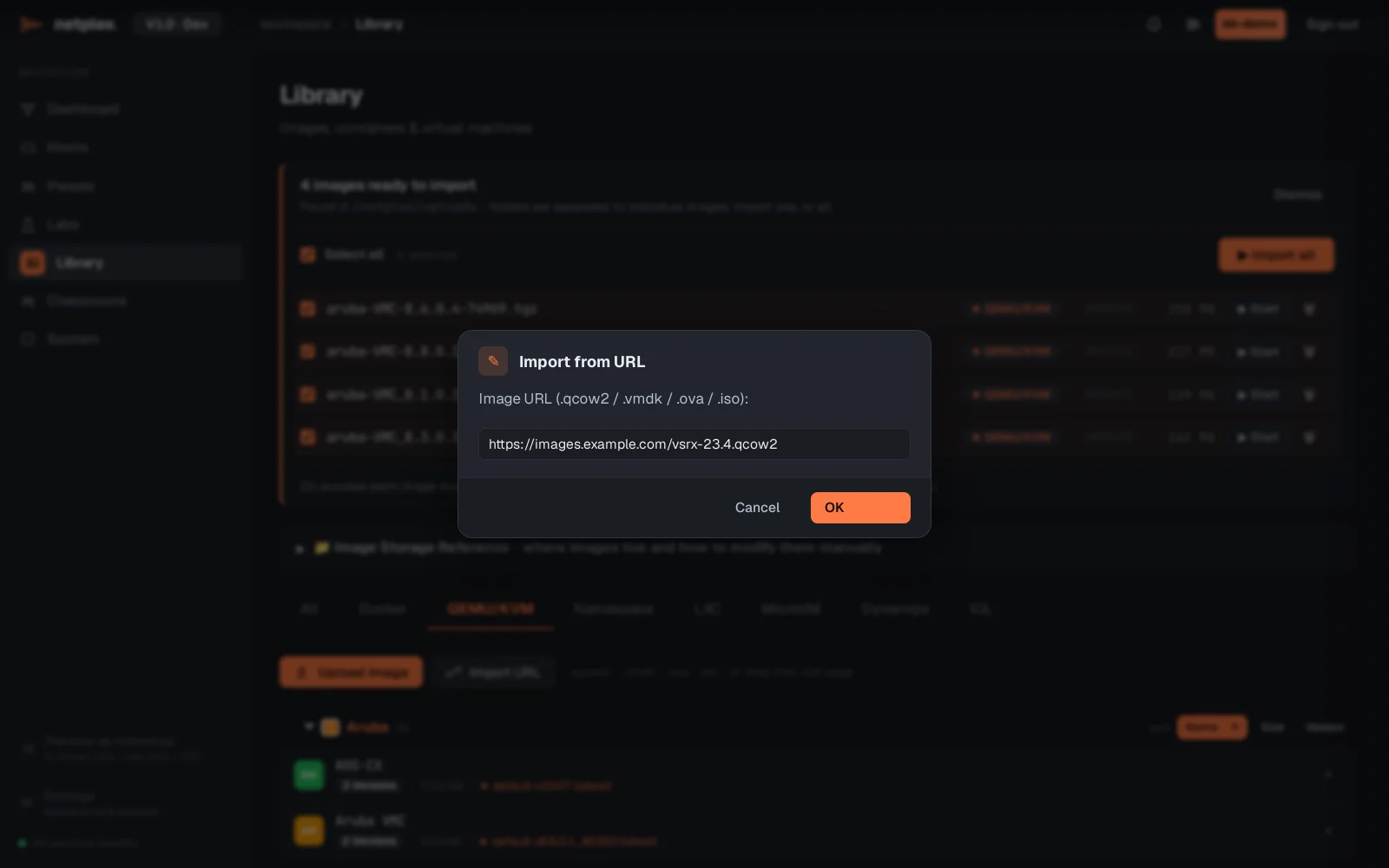
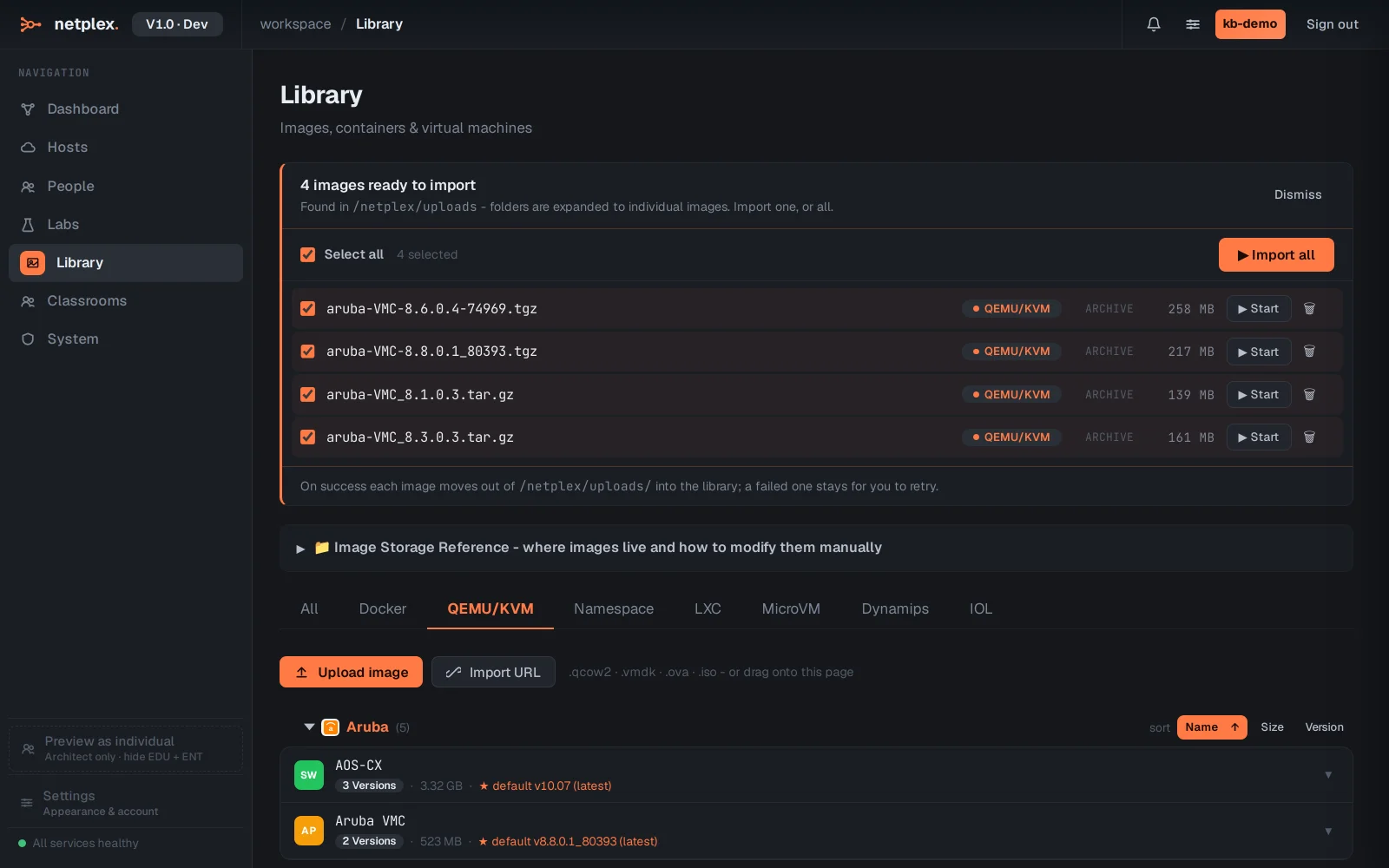
When the download completes the image joins the Library and the lab palette exactly like an uploaded one, with the vendor badge and hardware defaults applied. Cancel any time before you submit - nothing is fetched until you confirm the URL.
URL import is the right tool for big vendor images and for reproducible setups - a documented download link means anyone rebuilding the lab pulls the exact same image. For small container images, the Docker pull box is faster; for files already on your machine, use Upload. All three land in the same Library. See the related guides for pulling a Docker image and importing QEMU/qcow2 VMs.