How to import a Nokia SR OS (VSR) image
Nokia's SR OS - the OS behind the 7750 SR and 7250 IXR service-provider routers - ships as a virtual machine image (VSR, the virtualised Service Router) that runs under QEMU/KVM. It is the platform to reach for when you are studying Nokia SRA / NRS certification or building MPLS, segment-routing and EVPN service-provider labs. This guide shows how to import a Nokia SR OS image into netplex.
You supply your own licensed VSR image; netplex. detects the vendor and applies the recommended hardware so the router boots correctly.
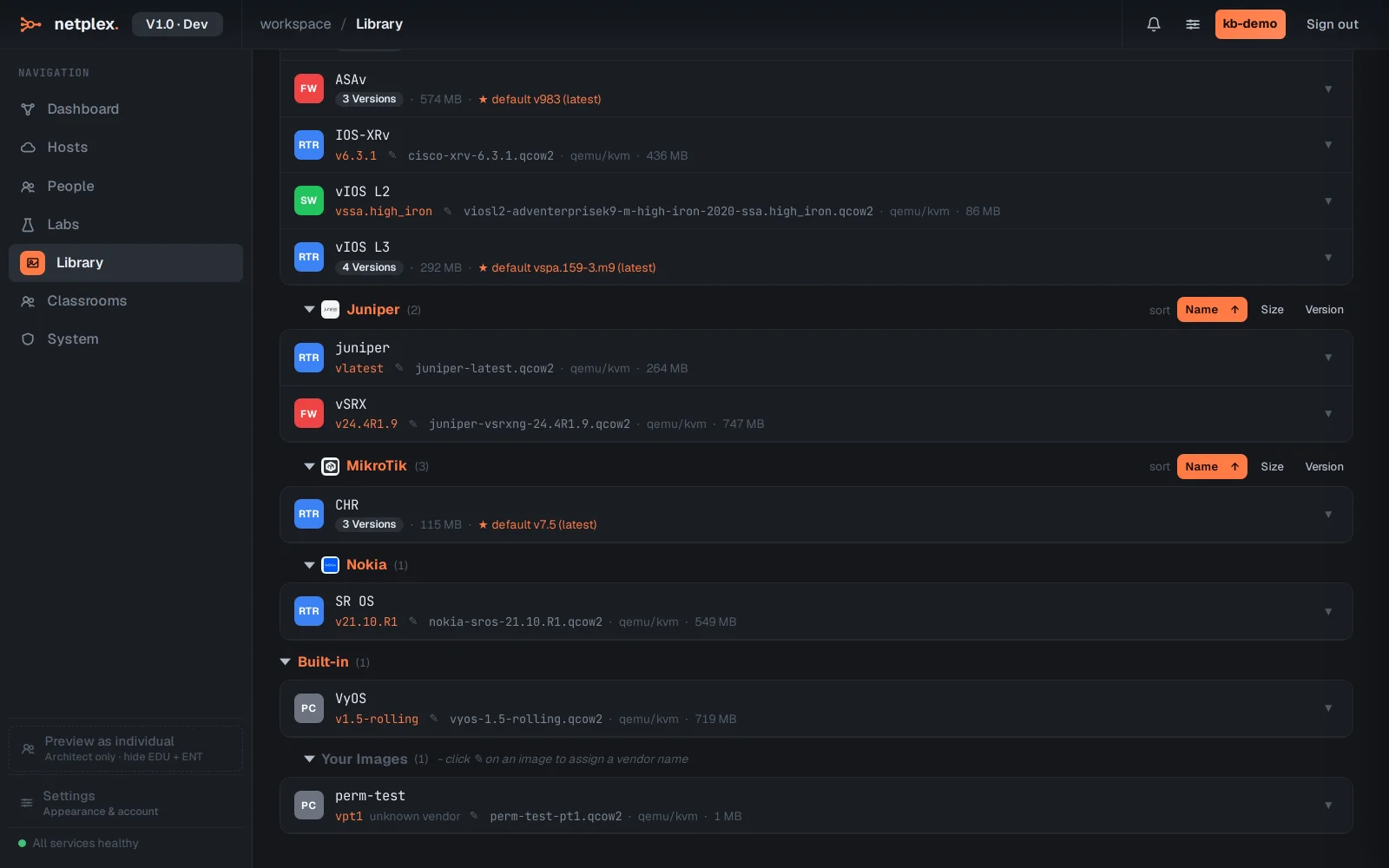
Open the Library and select the QEMU/KVM tab - Nokia VSR is a full VM, so it sits here with the other vendor VMs. Imported Nokia images group under the Nokia badge.
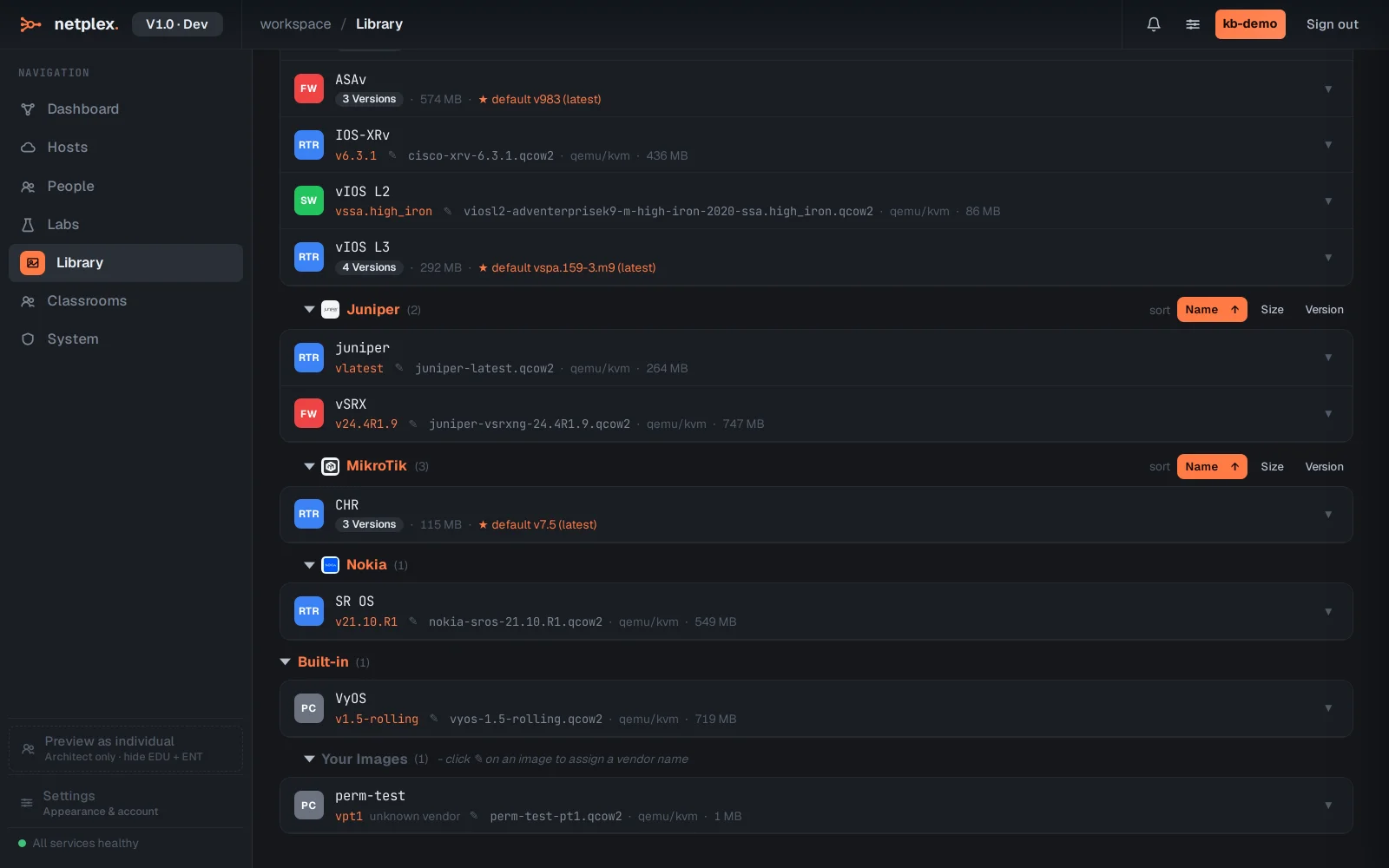
To add a new one, click Upload image and pick your VSR .qcow2 file (or Import from URL for a large image on a NAS). netplex. classifies it as Nokia and sets the recommended vCPU / RAM and NIC type - SR OS is picky about its virtual hardware, so this saves a lot of trial and error.
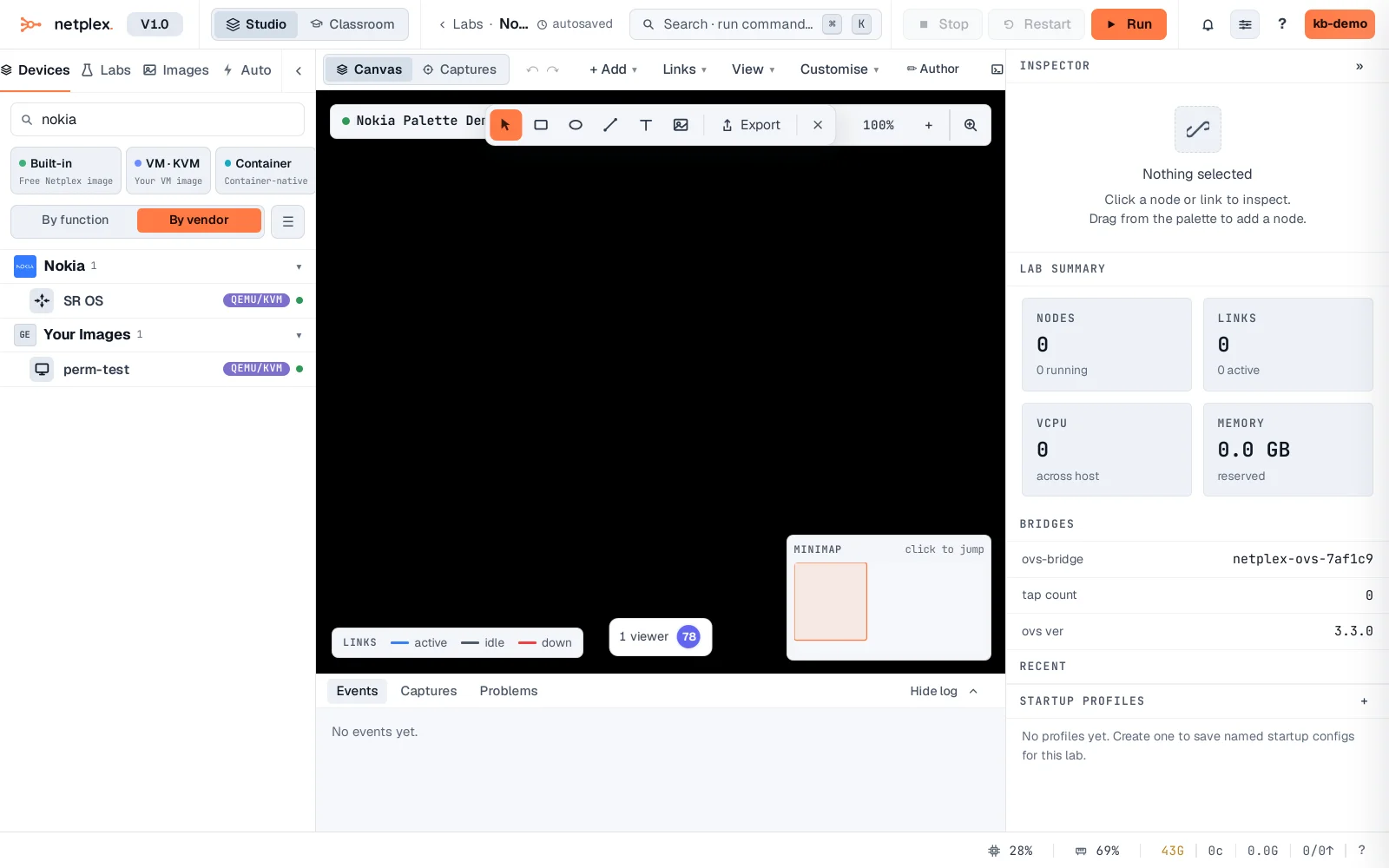
Open any lab and the Nokia image is in the device palette on the left - filter for nokia to find it. Drag it onto the canvas, wire it up and power on: the genuine SR OS CLI boots to its console under KVM. Nokia routers separate the CPM (control) and IOM (line-card) roles; the VSR presents the SR OS management CLI you would meet on real 7750 hardware.
Nokia VSR is heavier than IOL or a container, so budget its RAM and run it where you specifically need SR OS fidelity - MPLS, segment routing, EVPN, subscriber management. Mix it with lighter nodes for the rest of the topology. All import through the same Library. See the related guides for importing Juniper vSRX and generic QEMU/qcow2 images.