How to run VyOS in netplex
VyOS is a free, open-source network OS - a full router and firewall with a Juniper-style CLI, BGP, OSPF, VRRP, IPsec and WireGuard. Because it is open source you can run it without a licence, which makes it the perfect first "real router" for a home lab and a popular GNS3 / EVE-NG alternative workload. This guide shows the two ways to run VyOS in netplex.: as a lightweight Docker container, or as a full QEMU VM.
Either way it lands in your palette with the VyOS badge and drops straight onto the canvas.
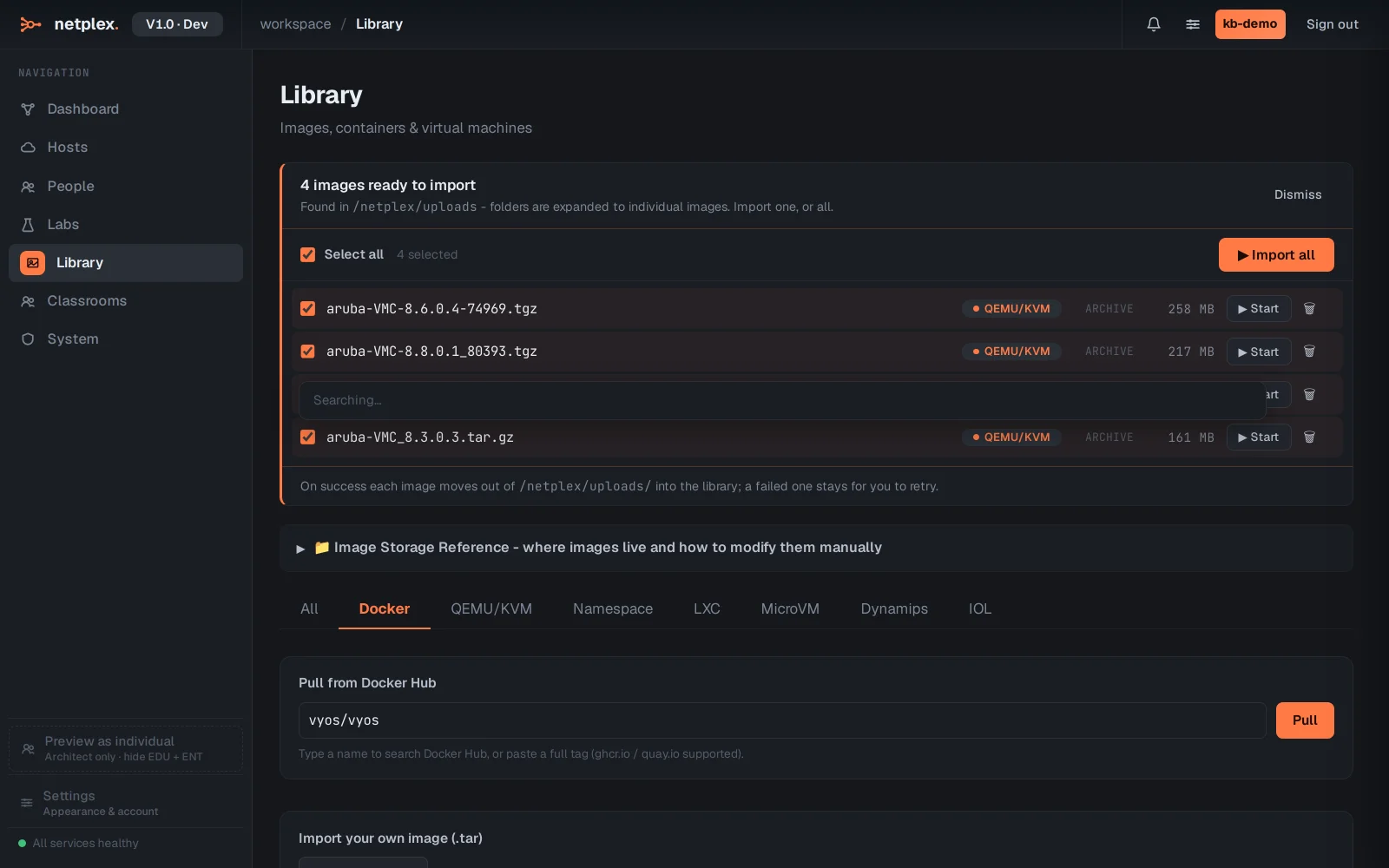
The quickest path is the Docker tab: type vyos/vyos in the pull box and netplex. downloads the official container image. Container VyOS boots in seconds and sips RAM, so you can run many routers on one host - ideal for BGP/OSPF topologies.
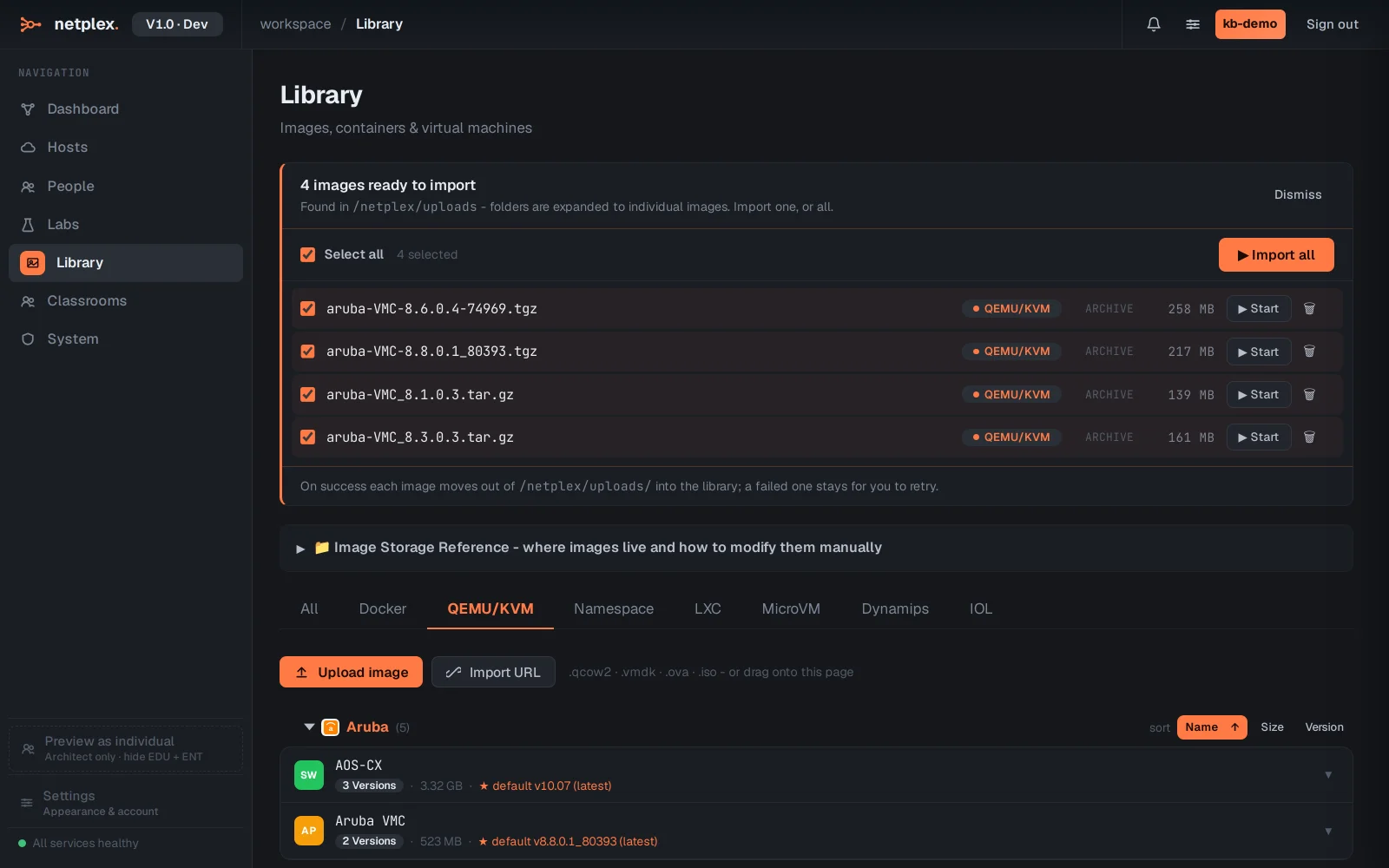
For features that need a full kernel (some dataplane and hardware-offload behaviour), use the VM build instead: on the QEMU/KVM tab, Upload image takes the VyOS .qcow2 release image. netplex. detects VyOS and applies sensible router defaults (1 vCPU, 1 GB, virtio NICs).
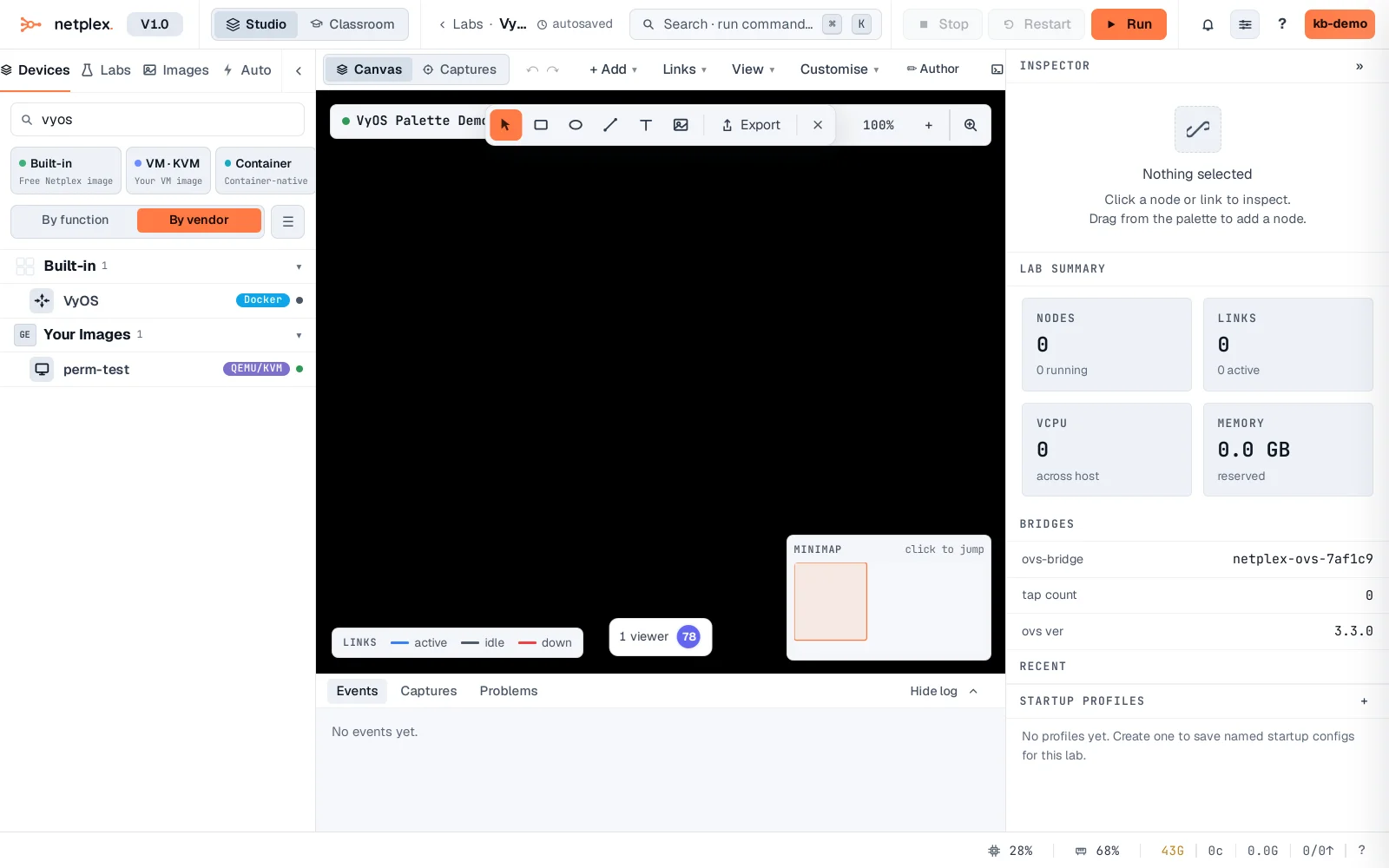
However you brought it in, VyOS appears in the device palette on the left - filter for vyos to find it. Drag it onto the canvas, wire it to your other nodes, and power on: you get the full VyOS CLI (configure, set, commit) over the browser console, no licence and nothing to install on your machine.
VyOS is the best free way to learn real routing - it speaks BGP, OSPF, IS-IS and MPLS, and its config style maps neatly onto Junos. Run the container build for scale (dozens of routers) and the VM build for full-kernel fidelity; mix VyOS with vendor images (Cisco, Juniper, Nokia) in the same lab. See the related guides for pulling a Docker image and importing QEMU/qcow2 VMs.