How to pull a Docker image into netplex
The fastest way to add a Linux host, a routing daemon or a containerised tool is to pull a Docker image straight from a registry - no file to upload, no disk to convert. netplex. runs container nodes with network_mode=none by default, so a pulled image starts isolated and only gets the links you draw. This guide shows how to pull one and where it appears afterwards.
Open the Library from the left navigation and select the Docker tab. This is the registry side of the library - anything already downloaded is listed, and the pull box at the top is where new images come in.
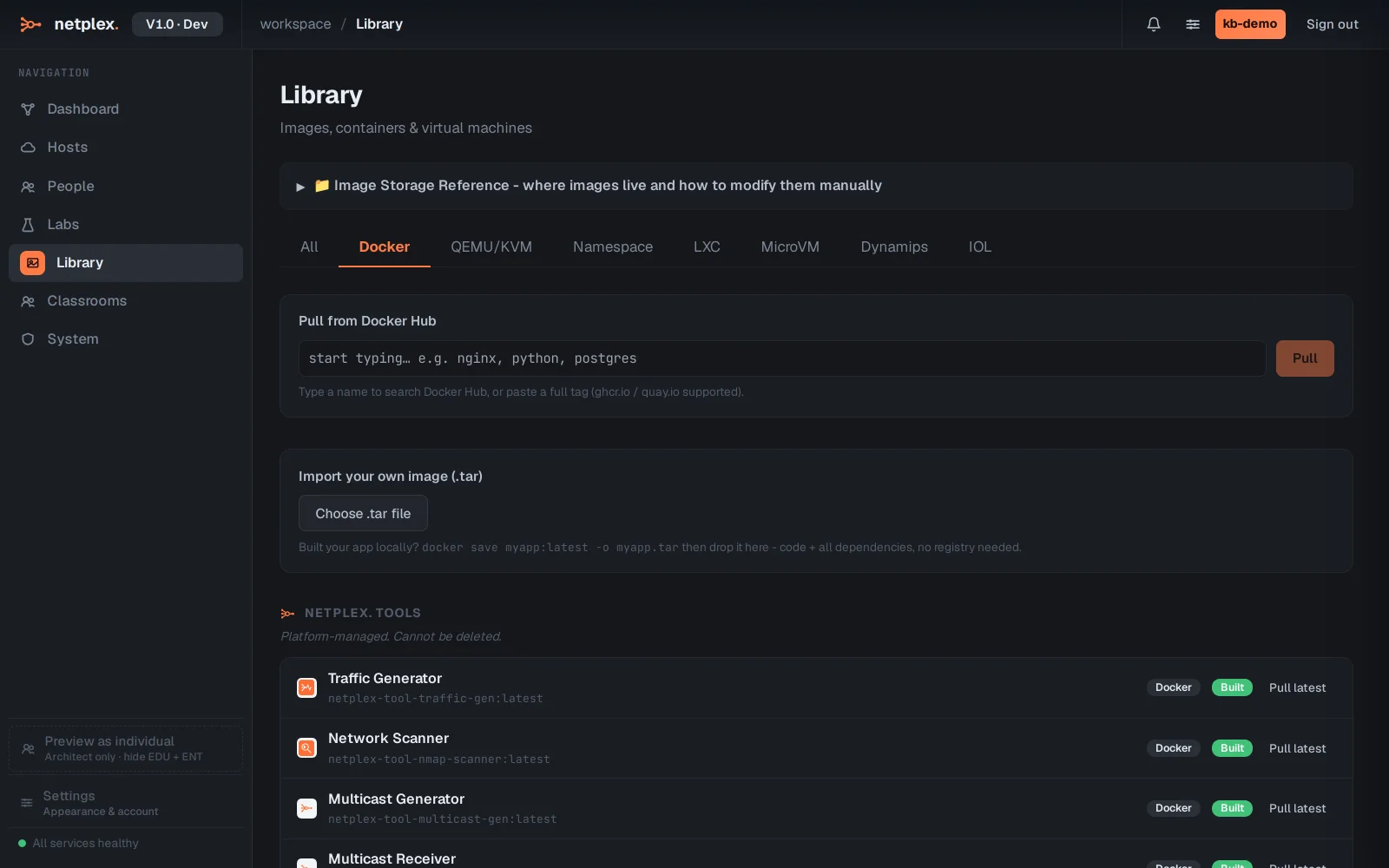
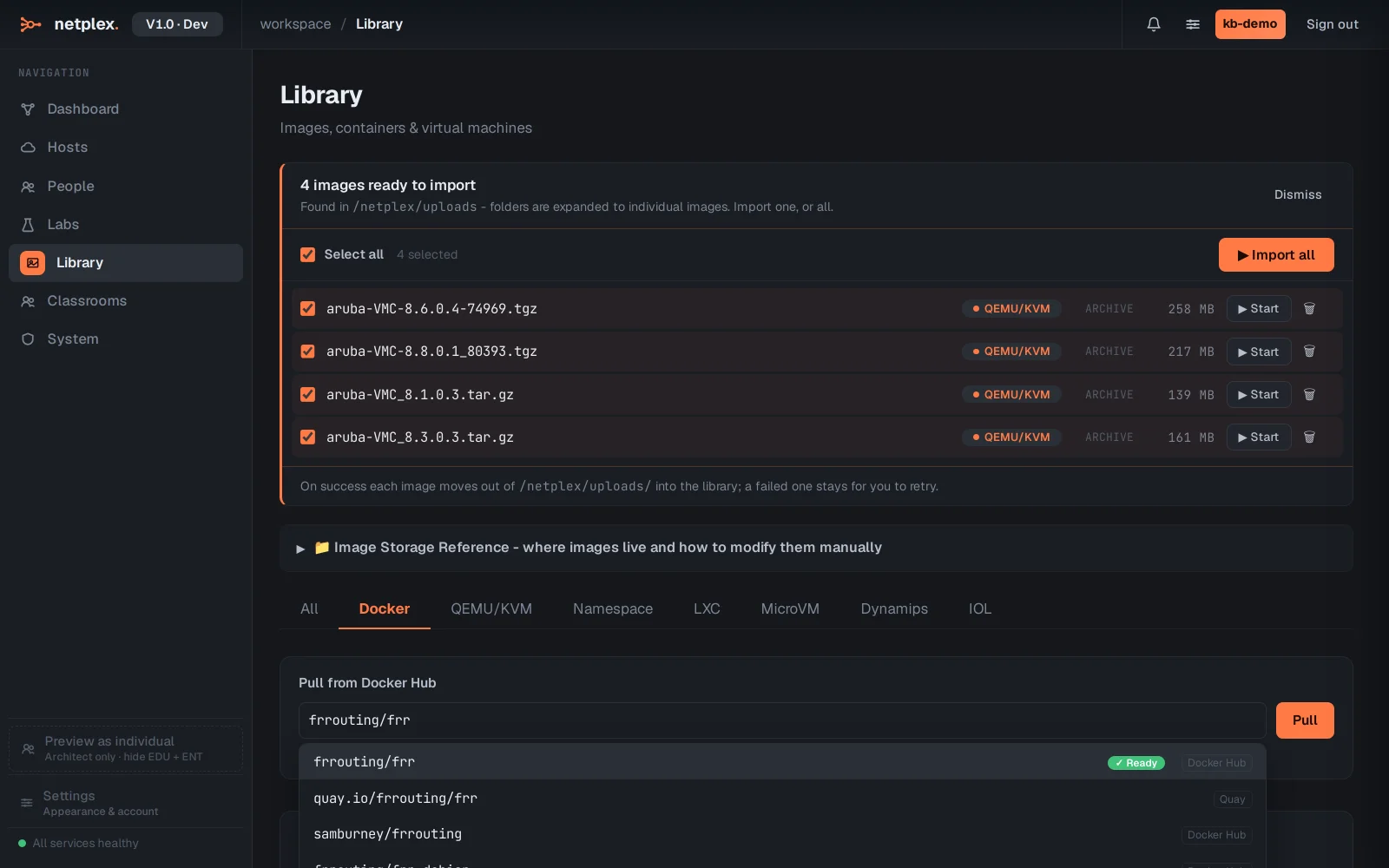
Start typing an image name - alpine, nginx, frrouting/frr, vyos/vyos - and netplex. pulls it from the registry. You can pin a tag (nginx:1.27) or take :latest. Popular network images (FRR, VyOS, Alpine, host tools) pull in seconds.
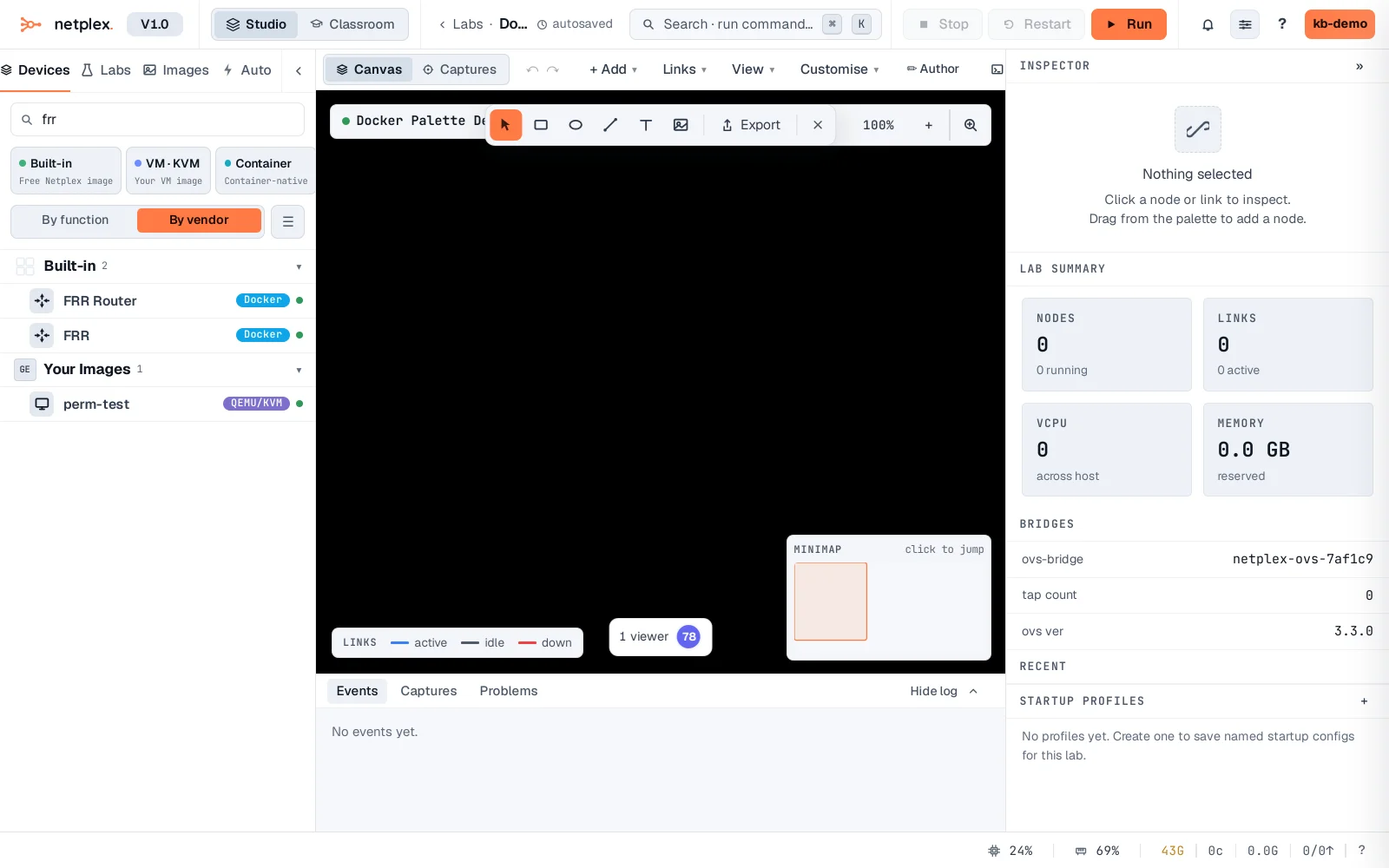
Once the pull finishes the image appears in the device palette automatically, with its Container badge - here filtered to frr. Drag it onto the canvas and power on: the container boots in seconds, isolated, ready for the links you draw.
Container nodes are the cheapest way to add scale - dozens of hosts or routers on one machine. For a school or air-gapped deployment, netplex. can pre-pull every required image so labs work fully offline. For full vendor firmware (real Cisco/Juniper OSes) use a QEMU VM image instead. See the related guides for importing QEMU/qcow2 VMs and Cisco IOL images.