Autosave: nothing to save, nothing to lose
There is no Save button in the Studio canvas - every change (a node placed, a link drawn, a rename) writes through immediately. The autosaved indicator in the top bar is not decoration; it is a promise that closing the tab, a crash, or a lost connection never costs you the last few minutes of work.
The autosaved label sits next to the lab name in the top bar, always. There is nothing to click - every change on the canvas writes through as you make it.
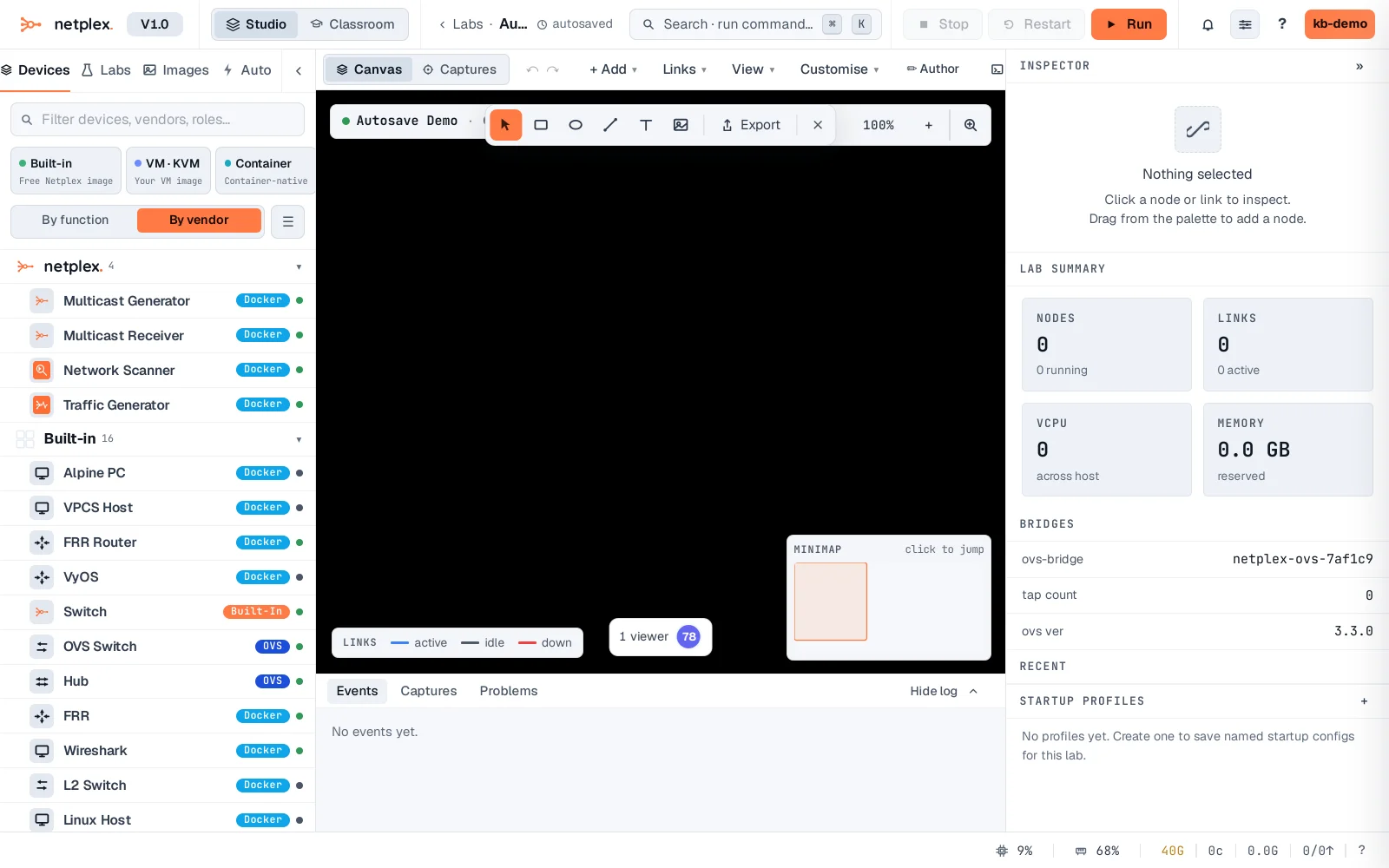
Add a node - no save step, nothing to confirm. Reload the browser tab right now (as if the connection dropped) and the node is exactly where it was. That is the whole feature: the canvas state you see is already durable.
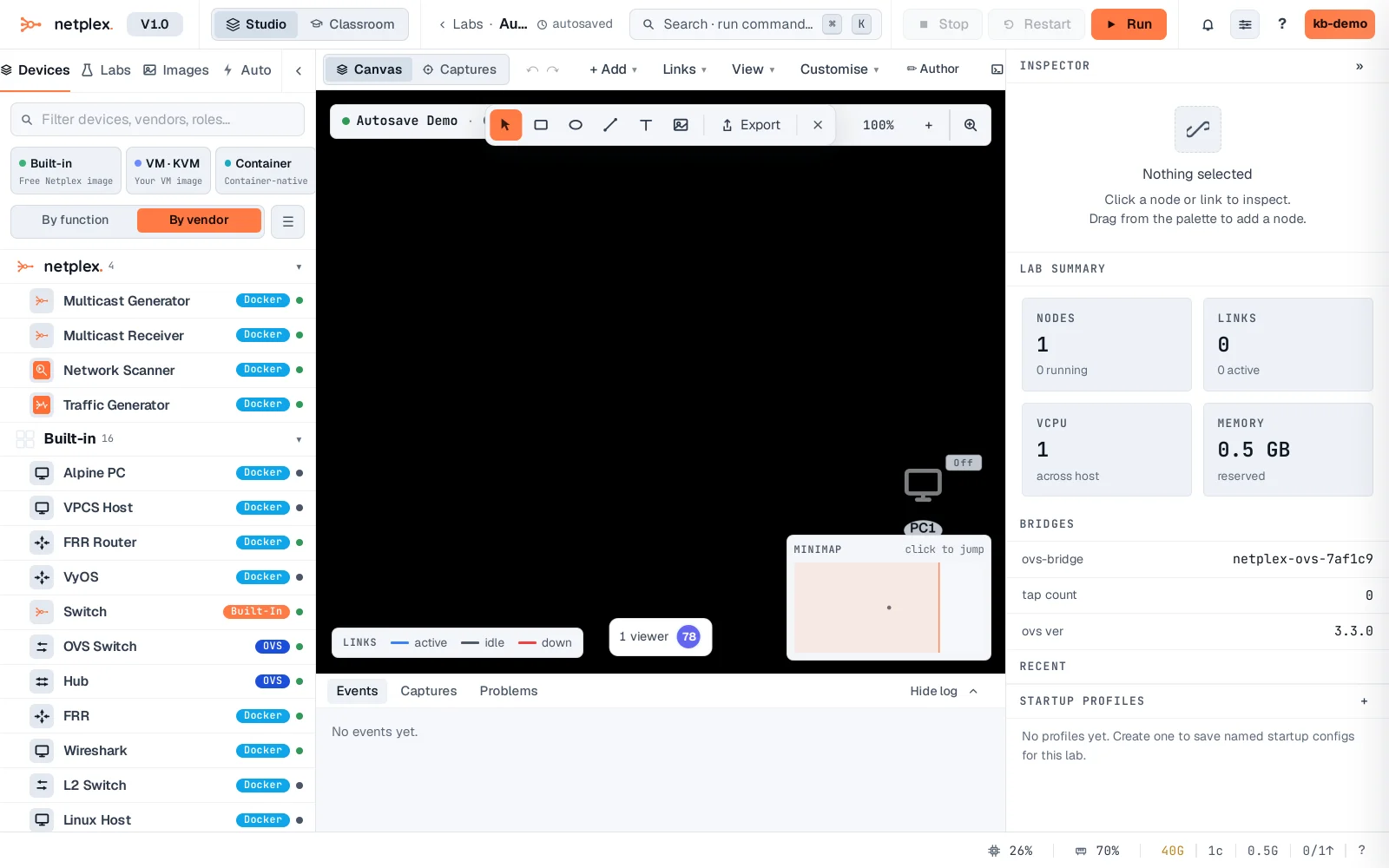
Layout, zoom and pan are part of the same persisted state - come back to a lab days later and the canvas is exactly where you left it, not reset to a default view. For point-in-time restore (undo a mistake from an hour ago, not just the last few seconds), see per-lab git history and node snapshots.