IPv6 in labs
IPv6 is first-class in netplex. - there is no "enable IPv6" switch to find. Address your nodes with v6, ping6 across the same links you already drew, and run dual-stack. The per-link bridge stays IPv6-silent itself (part of the zero-injection guarantee - it adds no router advertisements or MLD of its own), but it forwards your nodes' IPv6 exactly like any other frame.
This guide gives two hosts ULA addresses and pings between them over v6.
Nothing special on the canvas - two Linux hosts and one link, the same as an IPv4 lab. IPv6 is not a mode; it rides the wires you already have. Here both hosts have a ULA address on eth1 (fd00::1 and fd00::2).
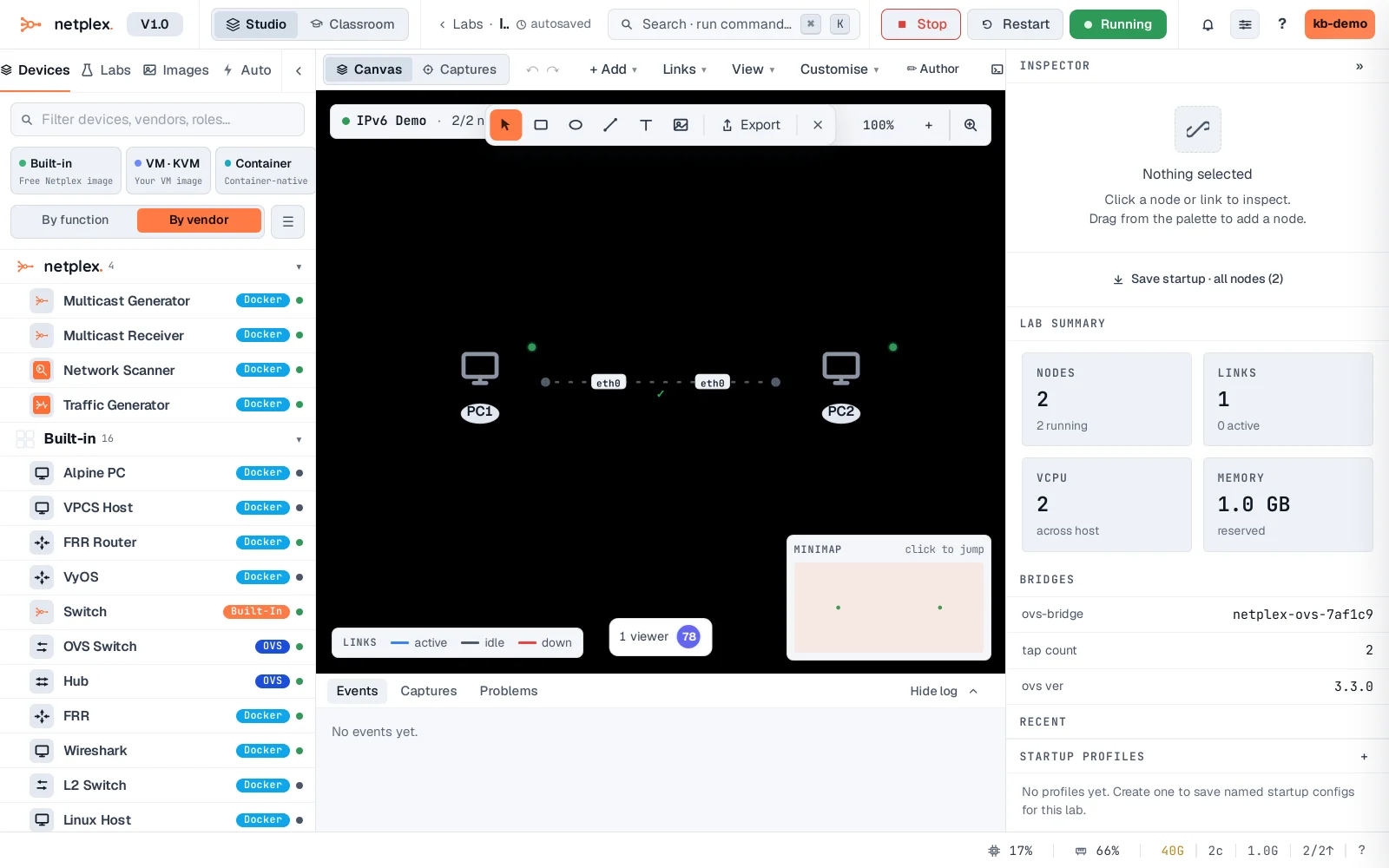
Open PC1's console and ping -6 fd00::2. Replies come straight back - genuine ICMPv6 across the link, neighbour discovery and all. Assign addresses by hand like this, run SLAAC/DHCPv6 from a router node, or go dual-stack; the platform does not care which.
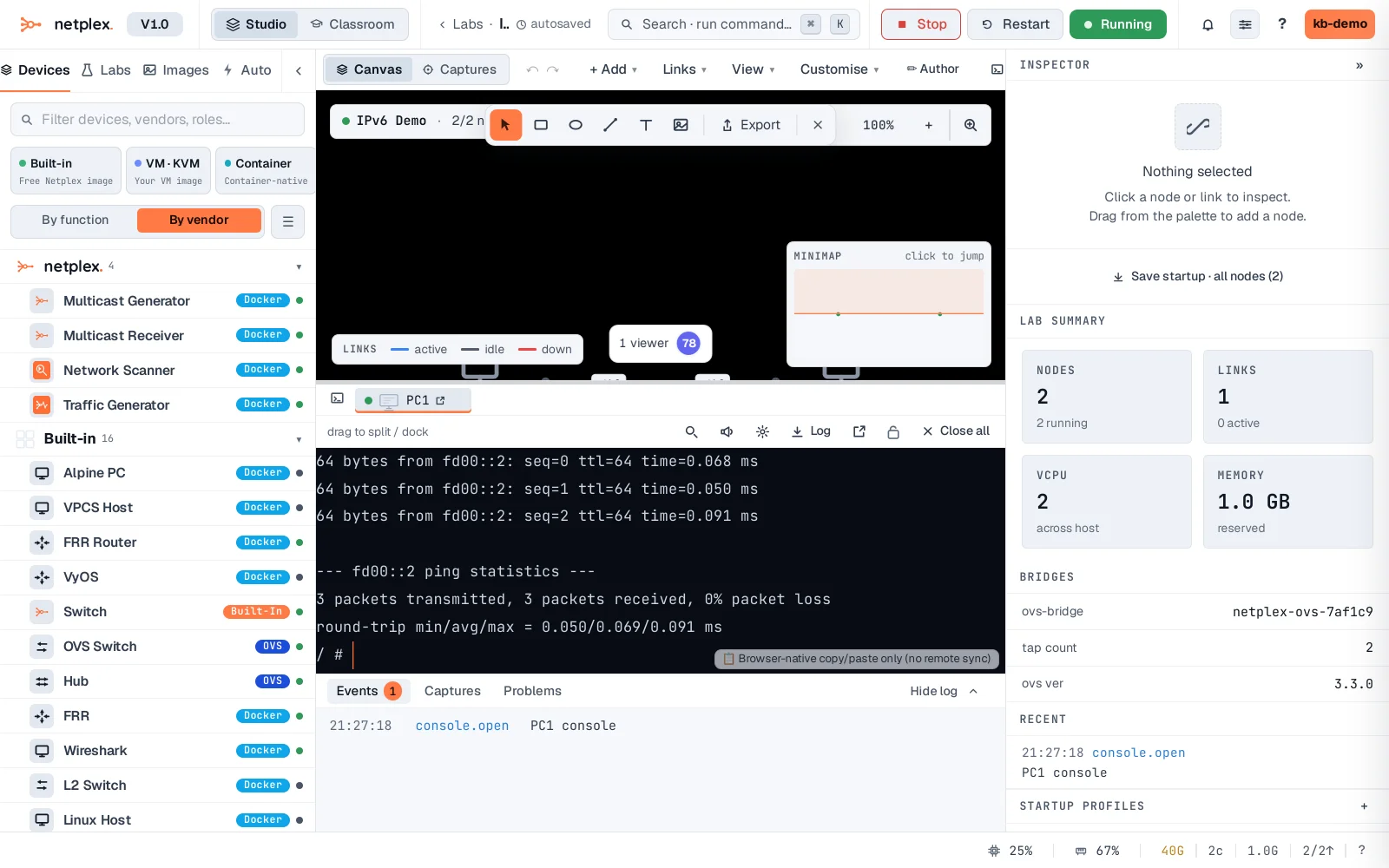
Because IPv6 is native, everything else works over it too: QoS shapes v6 the same as v4, a packet capture shows the ICMPv6 and ND frames, and a Cloud gateway can hand out v6 upstream. netplex. deliberately does not strip a node's own IPv6 - only the fabric stays silent. For routed v6, drop in an FRR or VyOS node and enable OSPFv3 or BGP.