The node Interfaces tab
Every node has an Interfaces tab in the Inspector - the list of its network ports, what each is wired to, and the controls to rename a port, add another, or set an IPv6 address. It is where you check "which interface did that link land on?" without opening a console.
Select a node and open the Interfaces tab. Each port lists its name (eth0, eth1…) and whether it is connected. A node starts with the ports its device profile recommends; links you draw attach to the next free one.
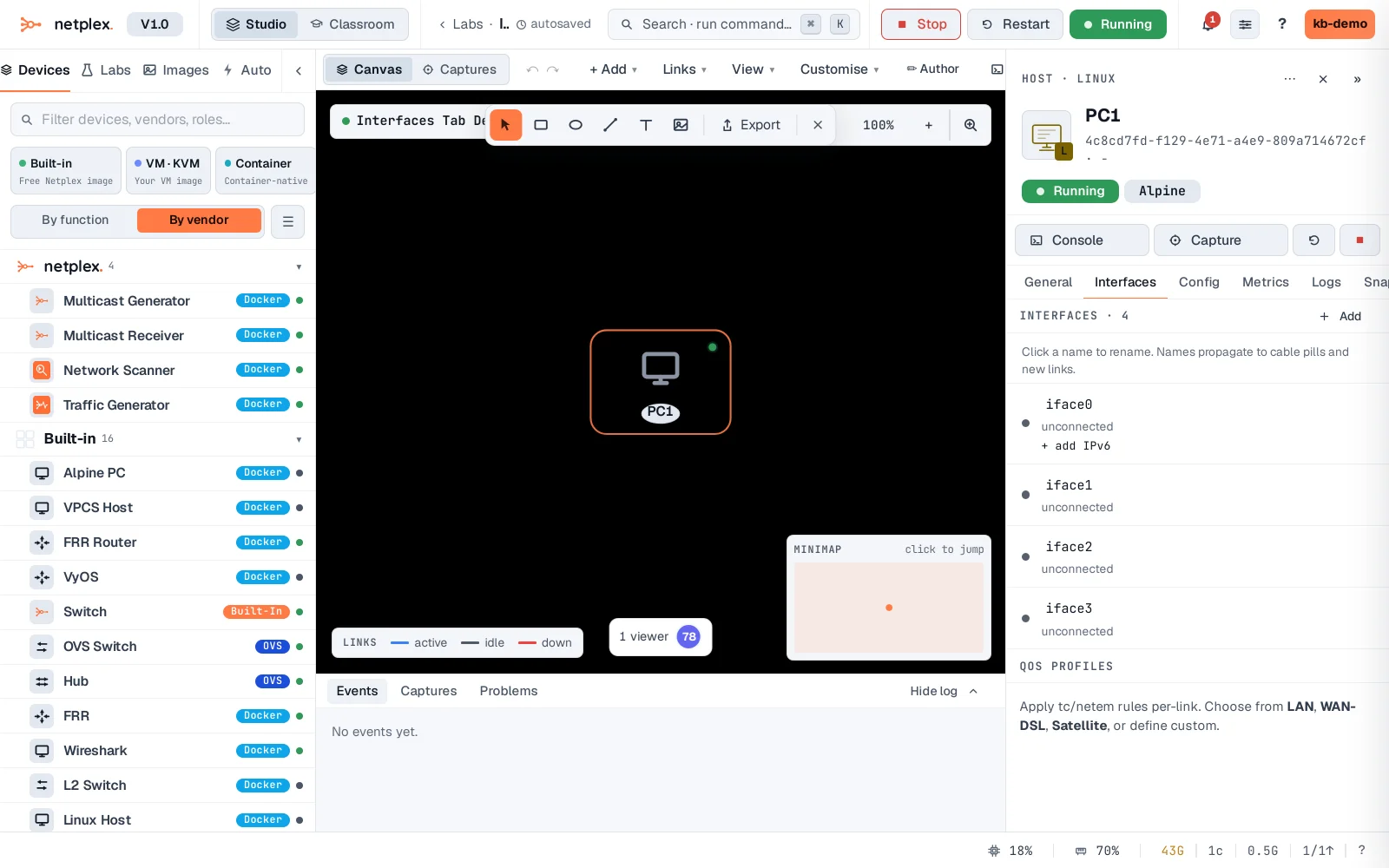
From here you can rename a port to something meaningful (uplink, wan), add another interface when a device needs more ports than it started with, and set a static IPv6 address. Renames and additions apply to the real node - a link then targets your named port by name.
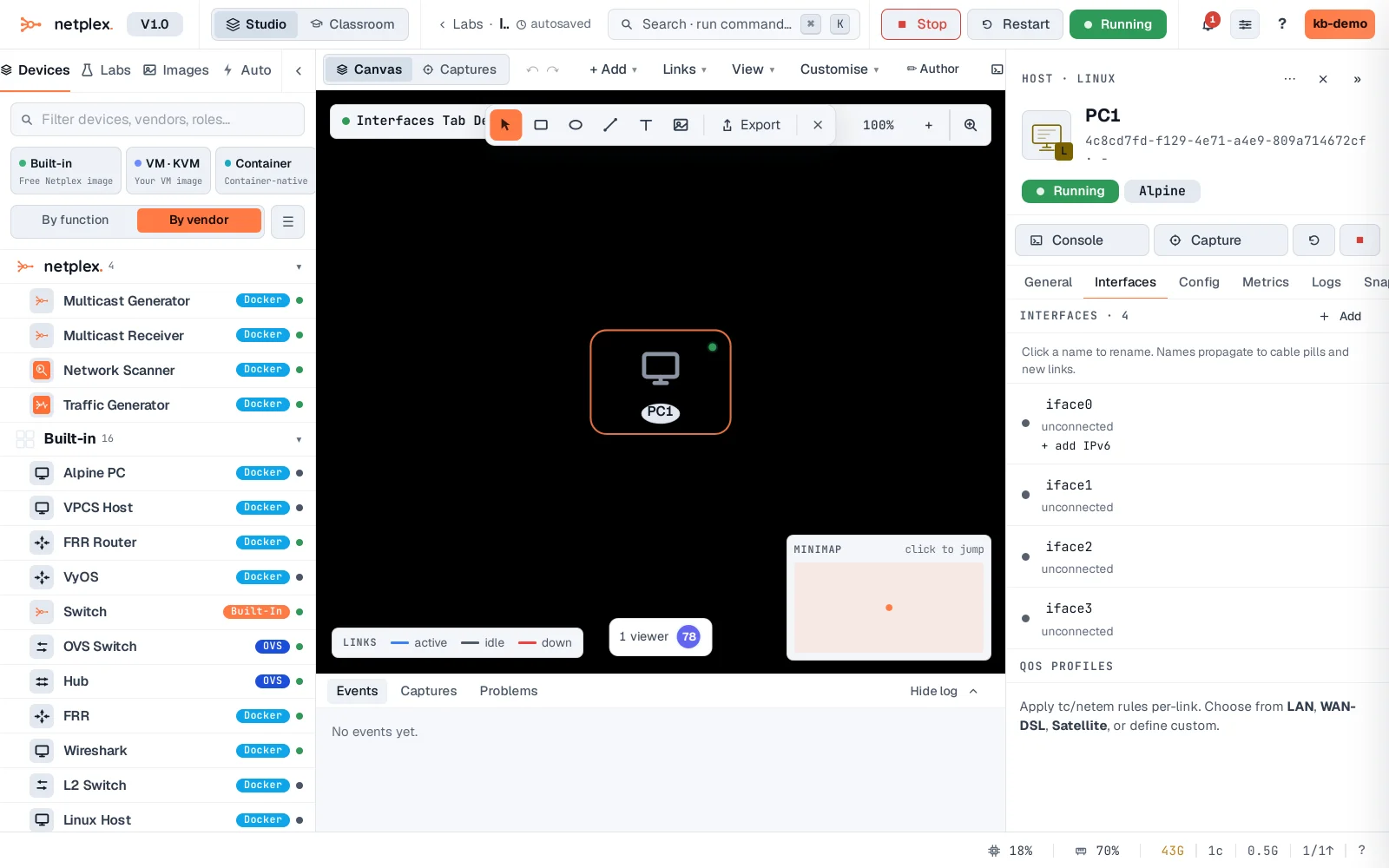
The Interfaces tab pairs with the canvas: draw a link and it shows up here on the port it used; rename a port here and the link relabels on the canvas. For CPU/RAM/disk, use the General tab (see "Configure node hardware"); for addresses inside the OS, use the console or a startup config.