Snapshots and save-as-image
Two ways to keep a node's state. Snapshots freeze a VM node's disk at a moment you choose - take one before a risky change, restore it later and the device is exactly as it was. Save as image turns a container node's current state into a reusable Library image - configure once, stamp out copies forever.
Select a node and open the Snapshots tab in the Inspector. Name the snapshot something you will recognise later - working-baseline beats test1.
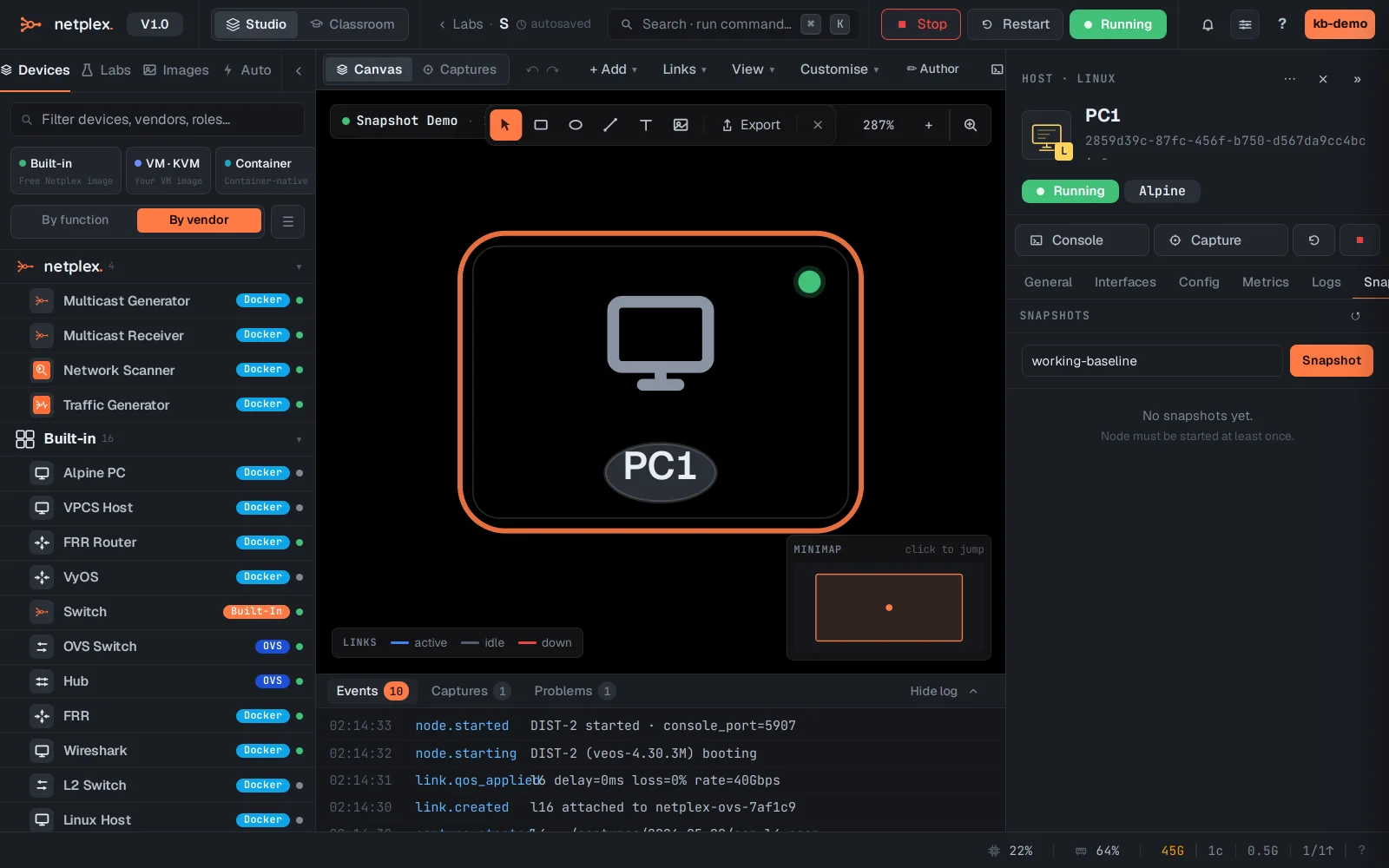
Snapshots are disk-based, so they apply to VM (QEMU) nodes - routers, firewalls, appliances booted from a disk image. Each snapshot lists with its size and age; Restore reverts the node after a confirmation, and old snapshots delete from the same list.
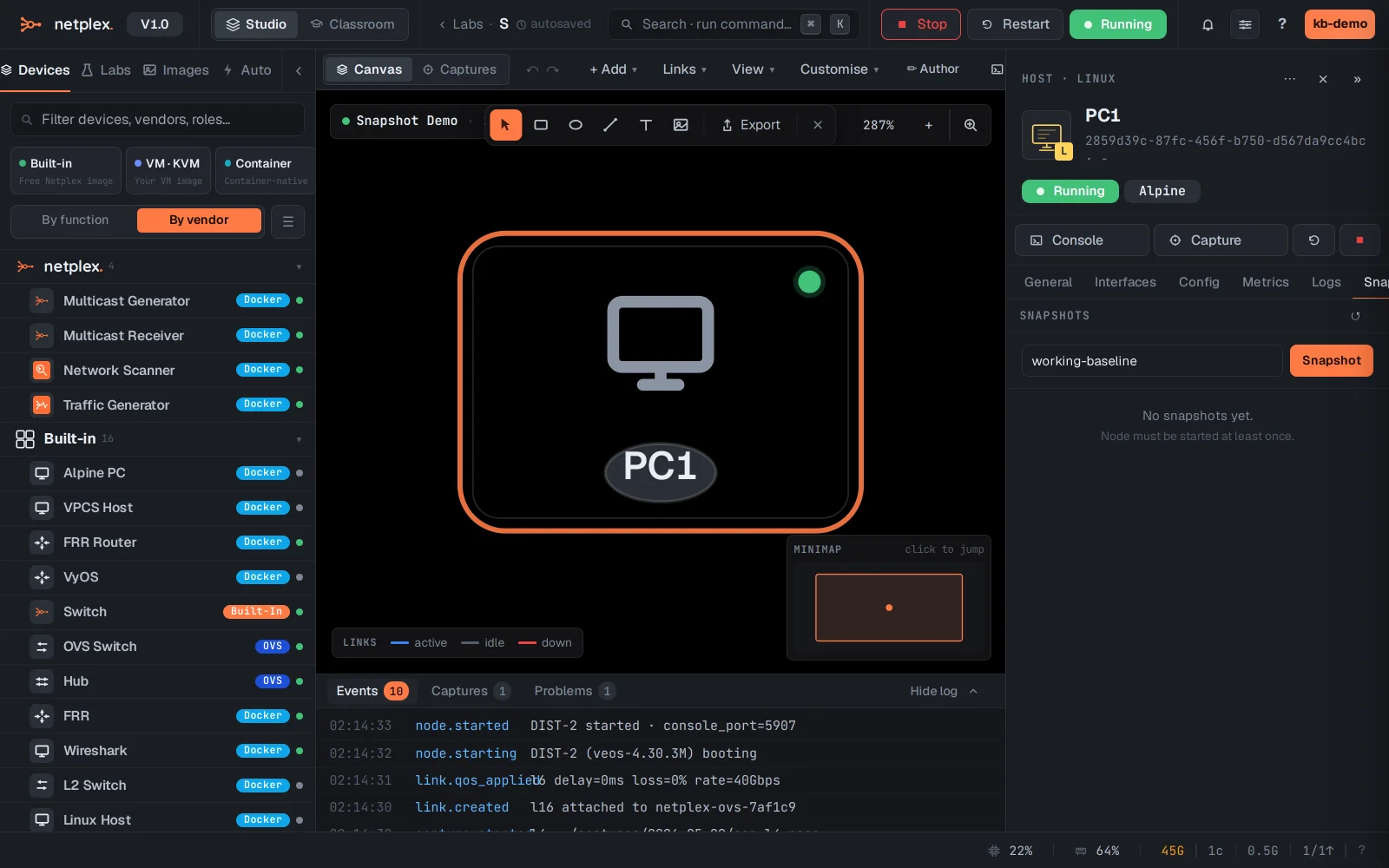
For container nodes (like this Alpine PC), the equivalent is Save as image on the General tab: it commits the node's current filesystem into a new Library image, ready to drag into any lab - your golden config becomes a device.
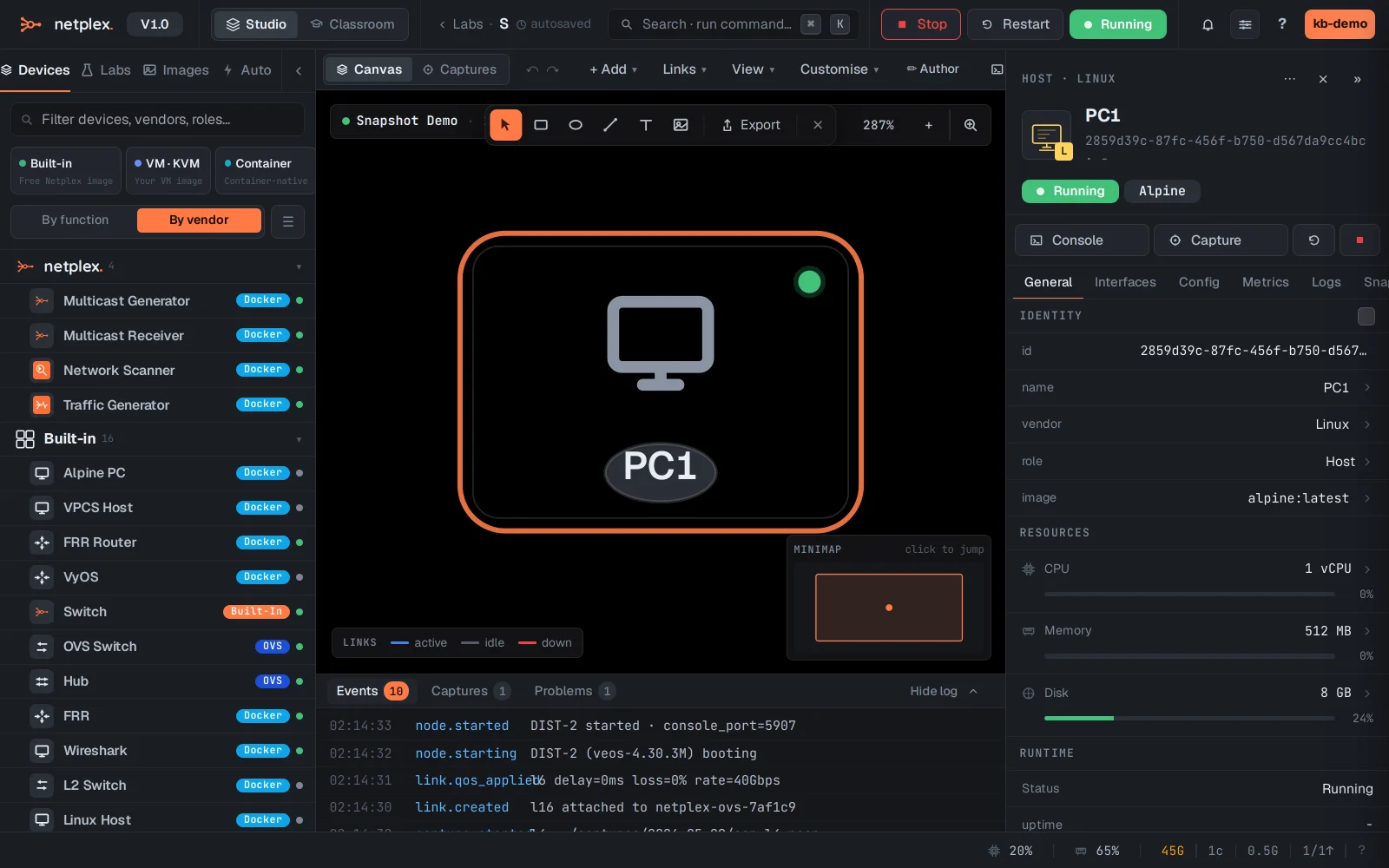
Neither touches the wires - topology and links stay as drawn. For a whole-lab save, export the lab (.npx) or use the per-lab backup timeline.