Run a Cisco IOL switch (fast Cisco labs)
When you want lots of Cisco nodes without lots of RAM, IOL (IOS-on-Linux) is the answer. It runs IOS as a lightweight Linux process instead of a full VM, so it boots in seconds and you can fit many on one host - ideal for large switching and routing labs.
The Cisco IOL device on the canvas looks and behaves like any other node, but it is far lighter than a full VM - dozens can run where a handful of VMs would exhaust the host.
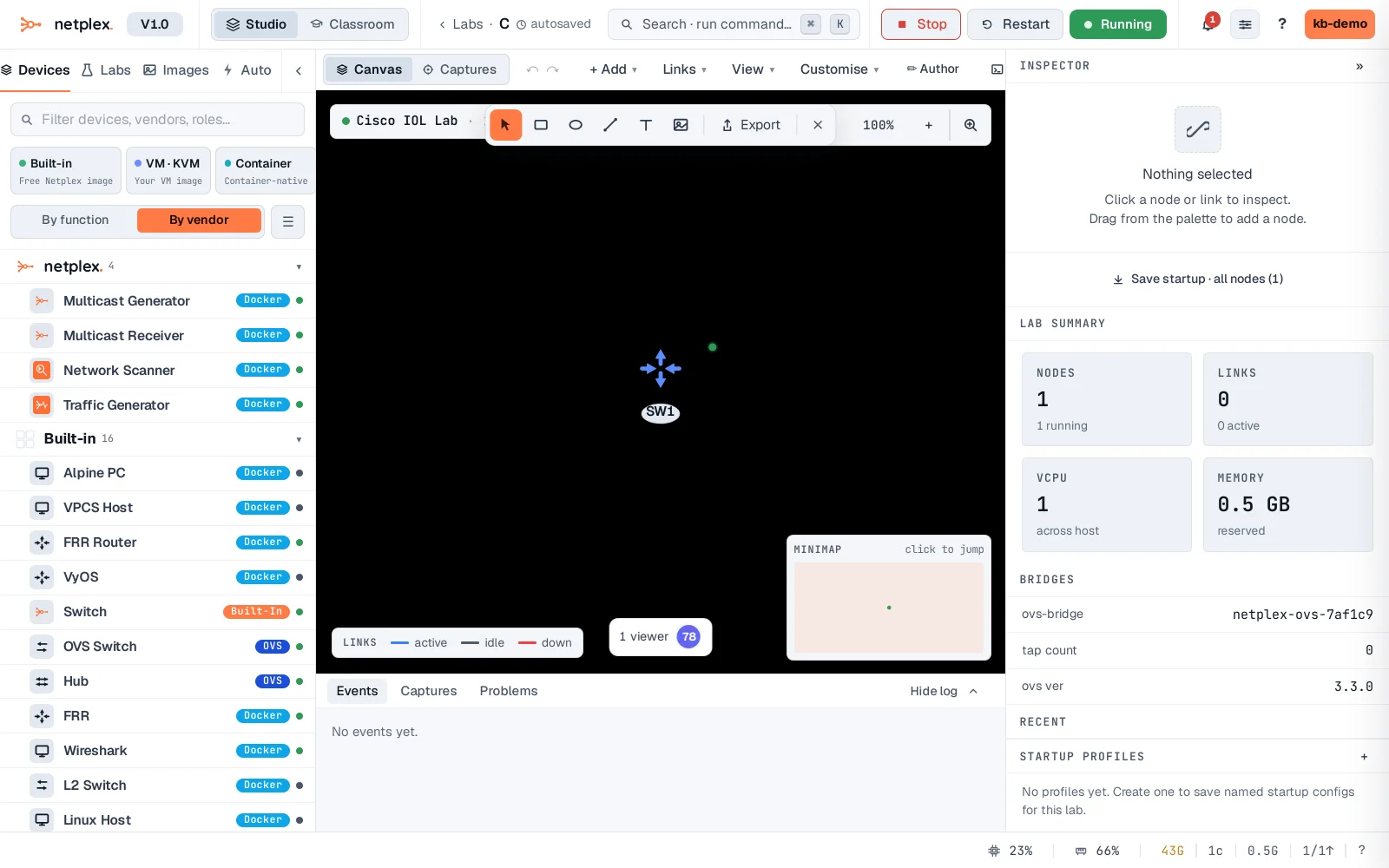
Double-click to open its console. IOL boots in seconds straight to the IOS CLI - the same commands, the same behaviour, a fraction of the resources. Perfect for CCNA/CCNP-scale topologies.
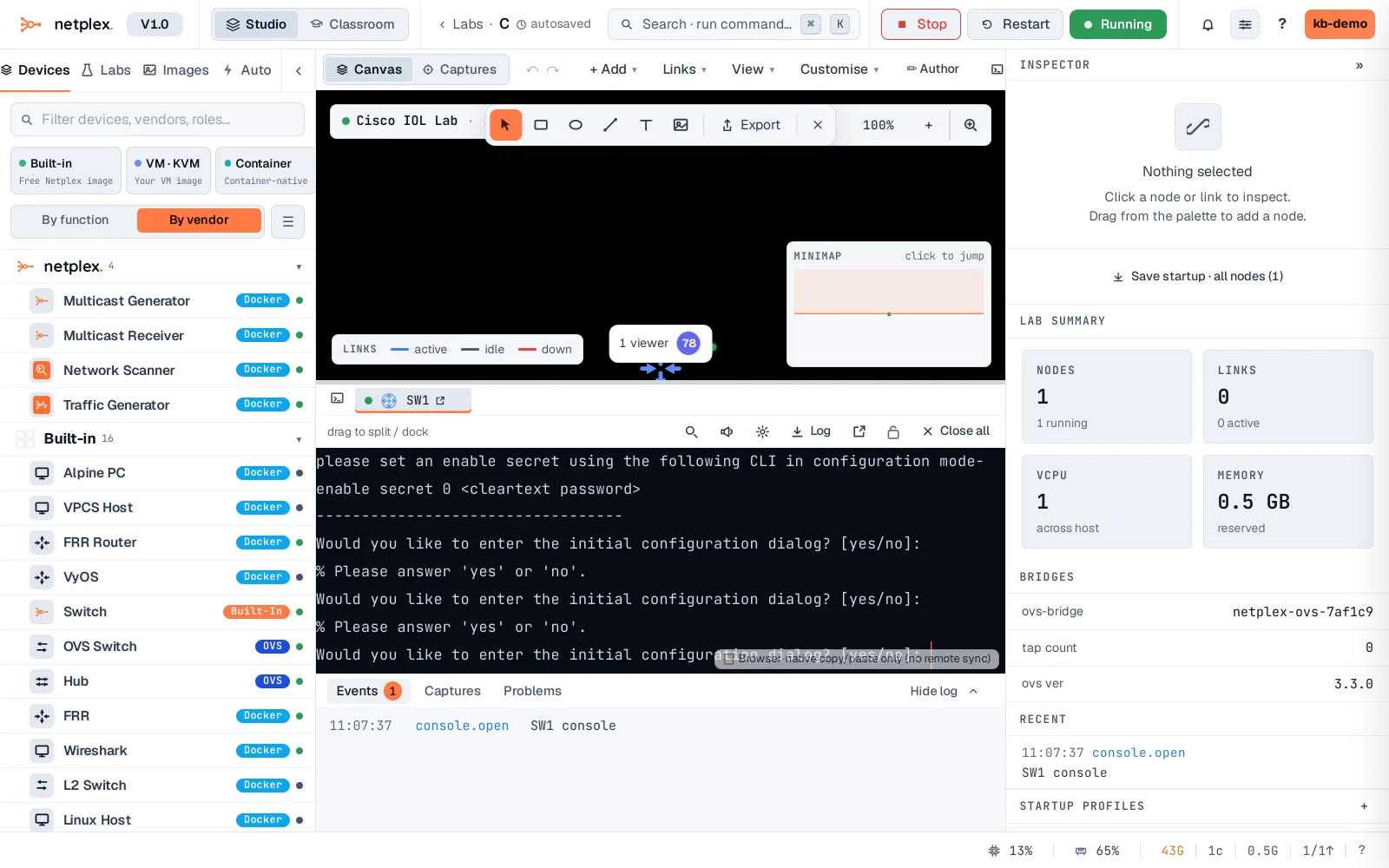
IOL is the workhorse for big Cisco labs - light enough to run a full campus topology on a modest host. For features IOL does not cover (some data-plane specifics), use vIOS or a full VM image; mix and match in the same lab.