Run a real Cisco IOS router
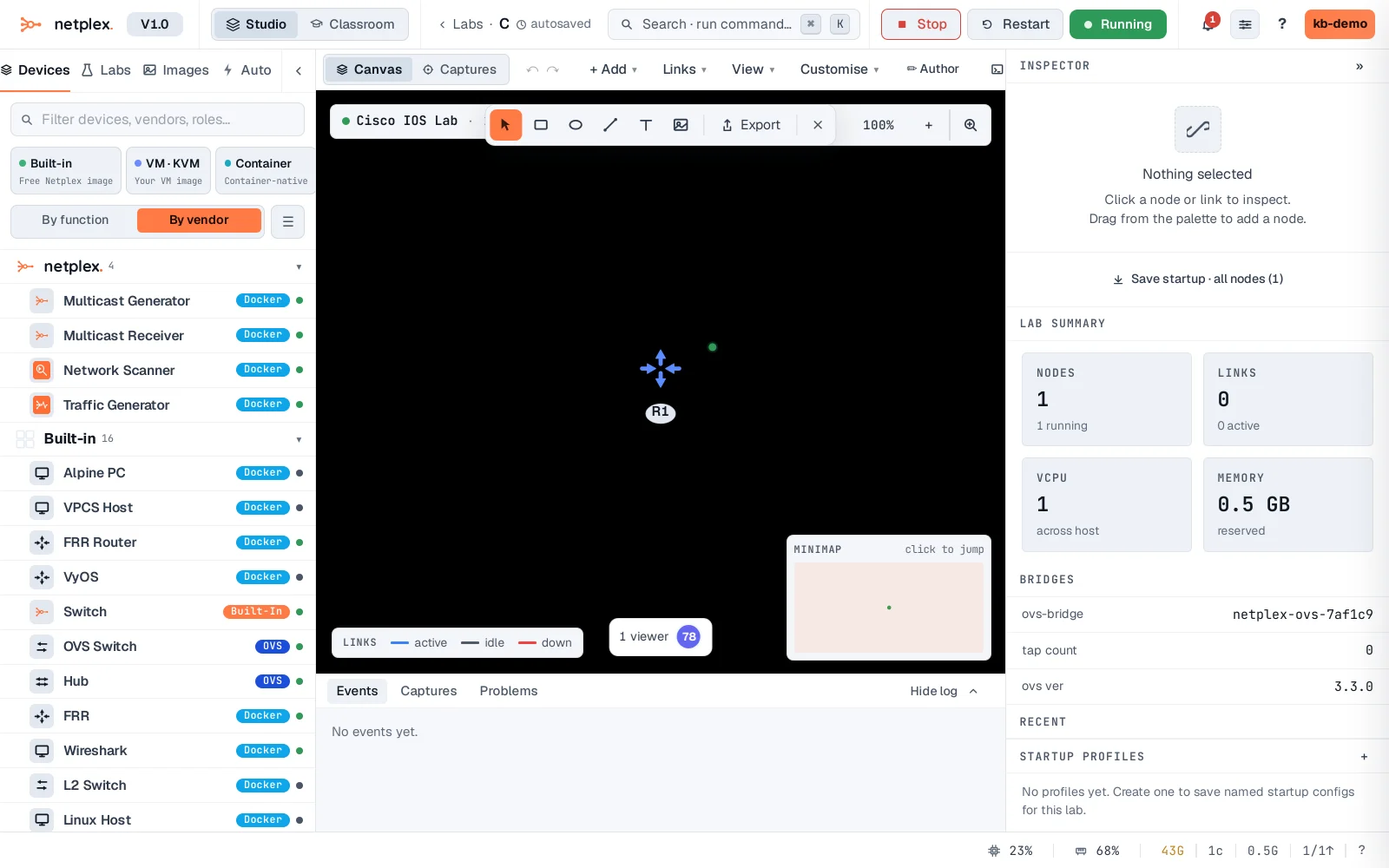
netplex. runs the genuine vendor network OSes as virtual machines - this is real Cisco IOS, not a simulation. Import the image once (here Cisco vIOS is already in the Library), drop it on the canvas, and boot it under KVM. Its console is the same IOS CLI you would meet on real hardware.
The Cisco vIOS sits on the canvas with its Cisco badge - a full IOS router, running as a KVM virtual machine. It boots the real firmware, so it behaves exactly like the device it emulates.
Double-click it to open the console. After IOS finishes booting you land at the real CLI - here the classic first-boot prompt, "Would you like to enter the initial configuration dialog?". From here it is IOS: enable, configure terminal, the lot.
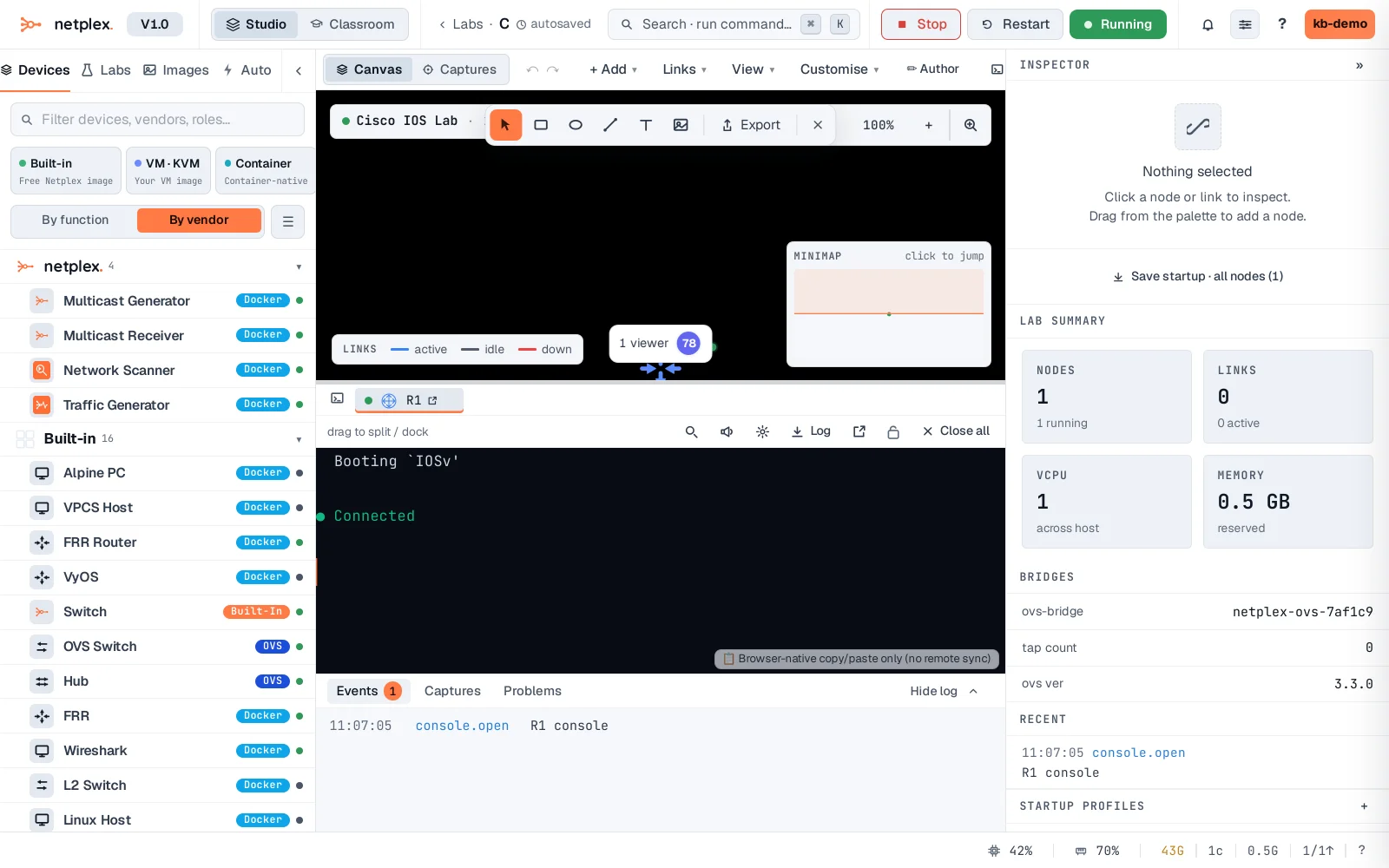
Every vendor image works this way: import it, drag it on, boot it, open the console. Wire it to other devices and its interfaces come up as real IOS interfaces you configure normally. The same flow runs Juniper, Arista, Nokia, Palo Alto and more - whatever images you have licensed and imported.