Track your bug reports (My Reports)
When you report a bug or a crash from inside netplex., it does not vanish into a black hole. Every report becomes a tracked ticket, and Settings → My Reports is where you follow it - from *open*, to *fixed*, to *released in a version you can install*. This closes the loop most tools leave open: you find out when your bug is actually gone.
Open Settings and pick the My Reports tab. It lists the reports tied to your account, each with a status pill (here none have been filed yet). The list is yours alone - reports are owner-scoped. Sent a crash report without signing in? The Look up an anonymous report box finds it by the claim code you were given.
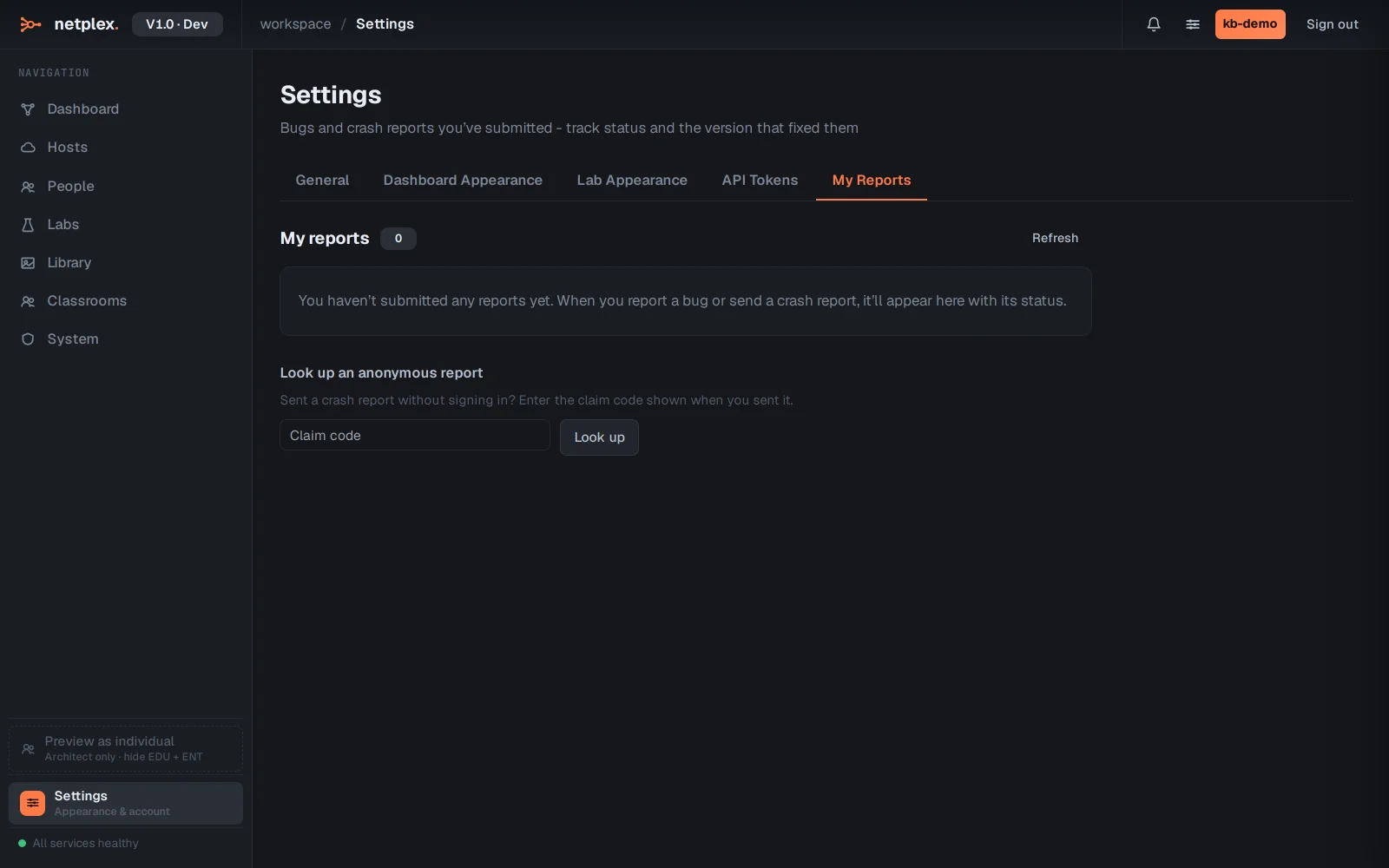
Status tells the story: open (received), then fixed (a fix is built), then released (shipped in an update you can install - the version is shown). When one of yours reaches fixed or released, netplex. pops a notification so you do not have to keep checking back. To file a new one, use the in-app support / diagnostics flow; it attaches the context automatically.
The report → ticket → fix → release loop is the same pipeline that drives netplex.'s incremental updates, so a fix you are waiting on and a platform update you install are two ends of one system. To gather the diagnostics that go with a report, see "Get support and diagnostics".